BigMarker News & Updates
Editor Field Uploader
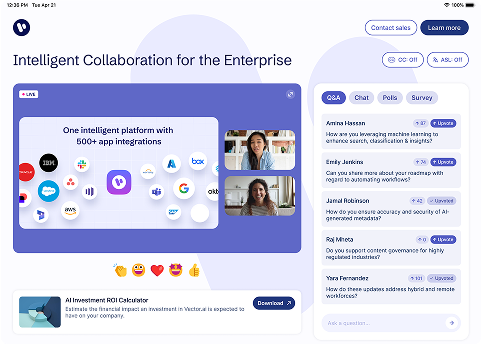
Key Benefits
You can now upload and update your custom page editor fields using a CSV file, making it faster and easier to manage large volumes of data within your event pages.
Instead of manually editing each field, you can import updates in bulk, keeping your custom content perfectly aligned across events, sessions, and templates.
Use Cases
- Edit your pages quickly - Once you have the template, you can update each field in your table then immediately upload it to the page, avoiding the work of navigating to each field individually
- Localize your page effortlessly - In one CSV file you can add text for each one of the languages used on the page, making localizing your landing page that much easier
How to Use It
- From your Custom Page Editor, download the CSV template for your editor fields.
- Add or update your field values within the CSV file.
- Re-upload your CSV to instantly apply those updates across your page.
FAQ
What fields can I update with the CSV upload?
The CSV uploader supports all editor fields except for the image uploader field.
Which BigMarker plans support filtered editor field uploads?
This feature is currently available for and plan that has a custom landing page.
For detailed setup instructions and formatting guidance: Read the full Editor Field Uploader guide.
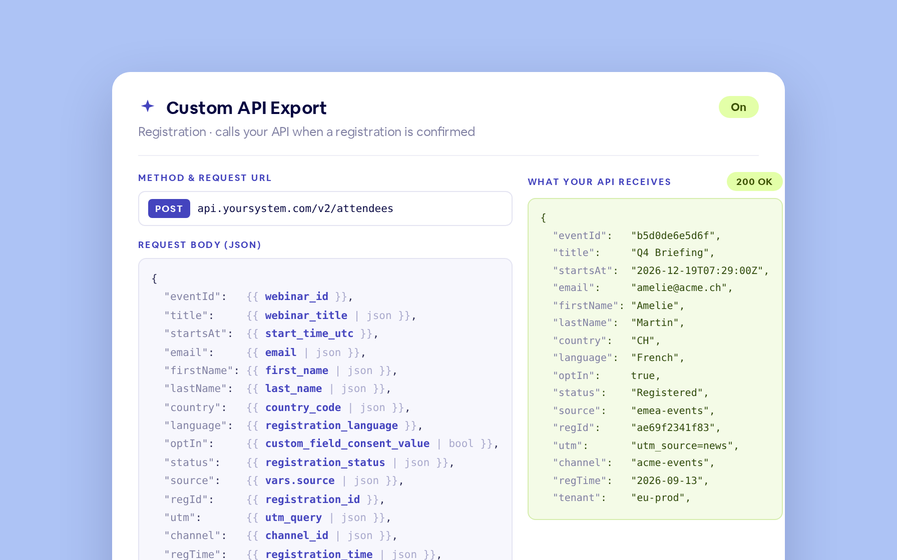
Export to Any System
No connector needed — point a session at your endpoint, write the JSON body, and BigMarker calls it as people register, attend and watch.
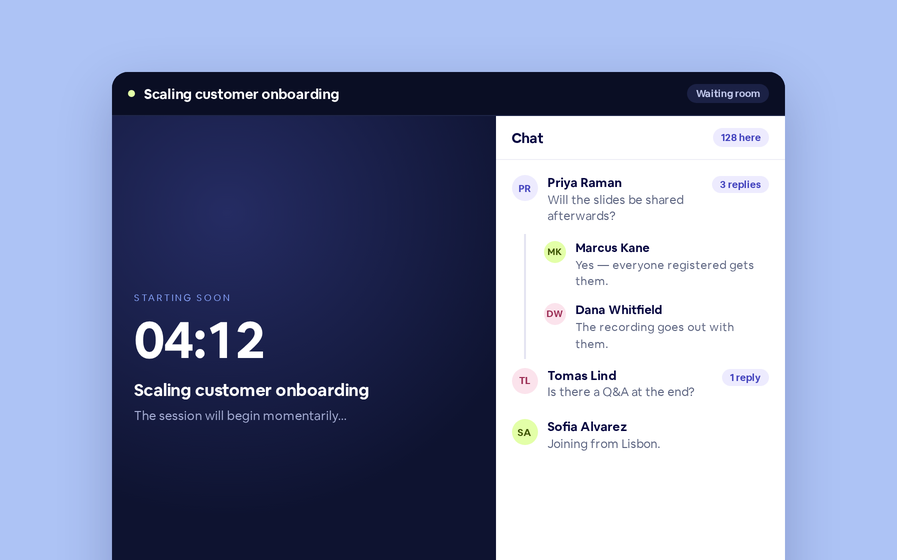
Threaded chat in waiting room
Replies now sit in a thread under the message they answer, so the pre-show conversation stays readable.
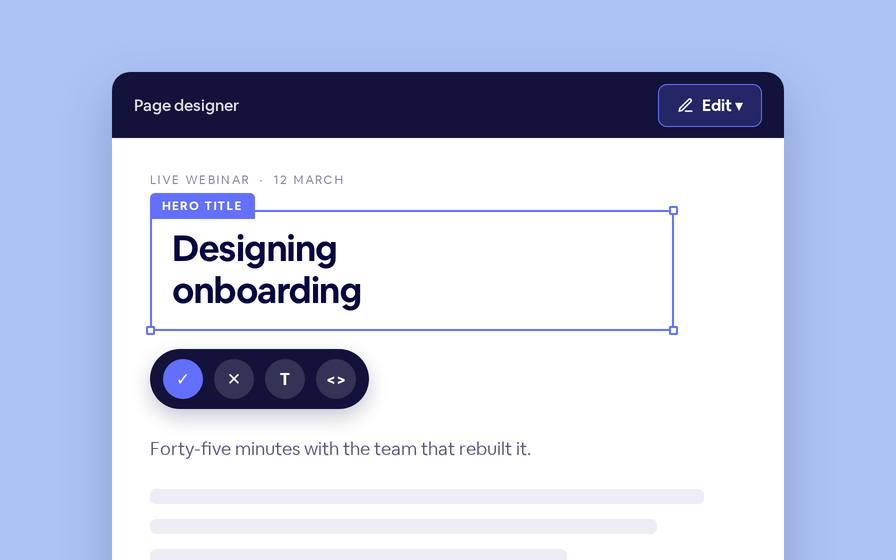
Inline Page Editing
Click any headline, image or block on your landing page and change it right there — no hunting through editor panels.
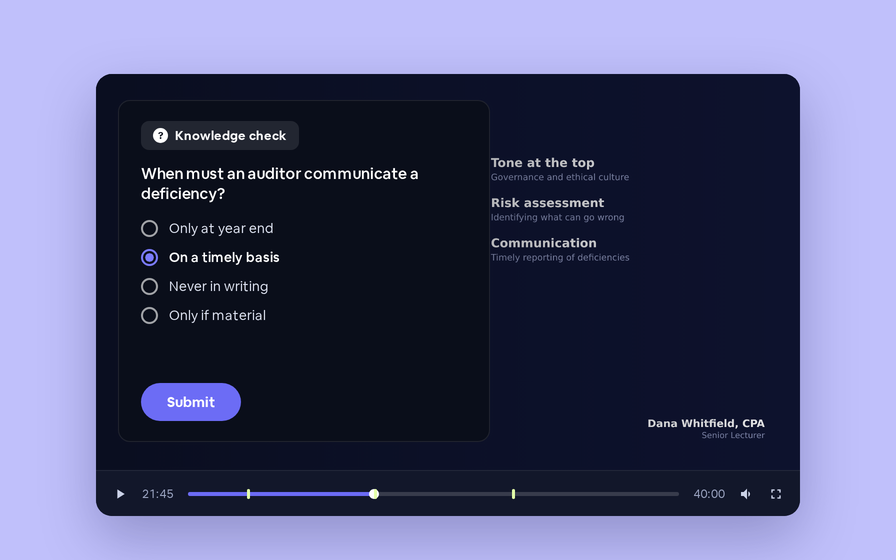
Quizes in On Demand Video
Ask questions inside your recordings and see who actually understood, not just who pressed play.
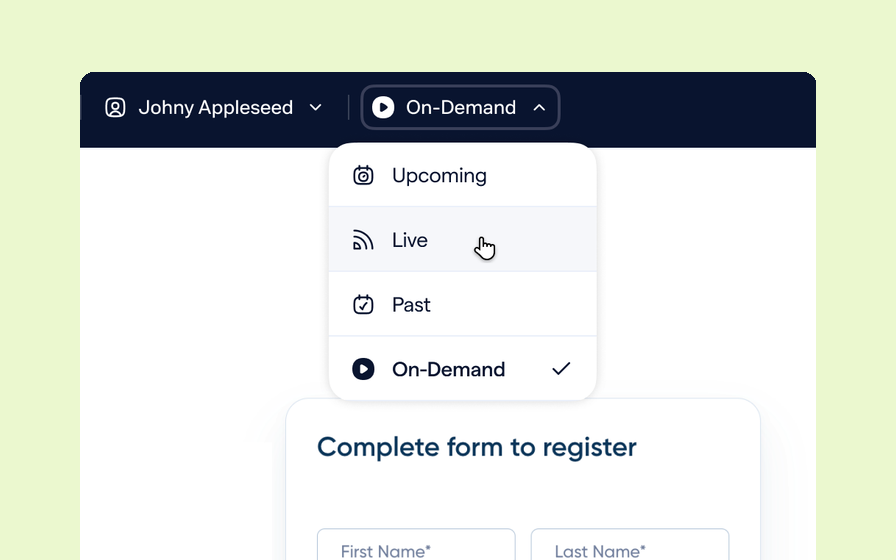
Preview Custom Page States
Preview any custom page as a registered viewer, an unregistered visitor or a real registrant, at any point in the event's life.
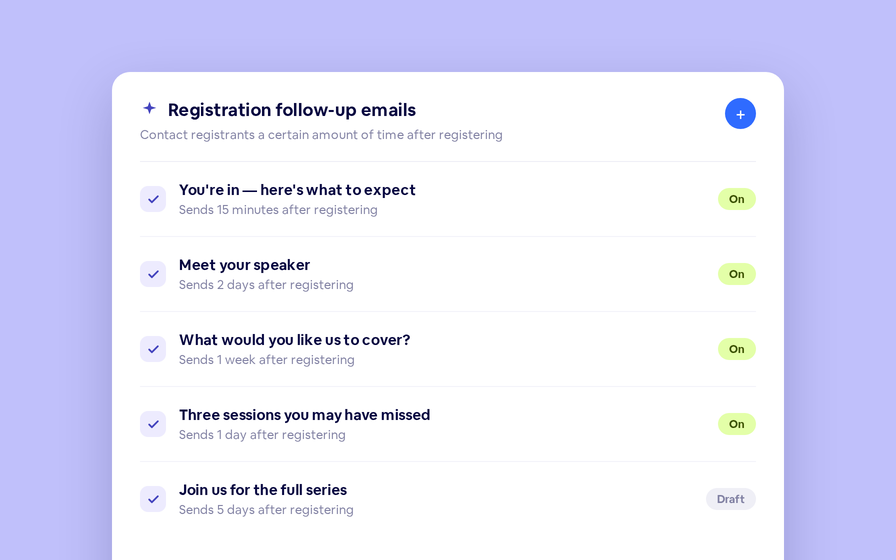
Follow Up Emails
Keep in touch with your registrants immediately after they register.
Introducing BigMarker AI
Leverage generative AI to automate chaptering, generate short-form social-ready video clips, and create derivative content such as blogs, eBooks, and more.
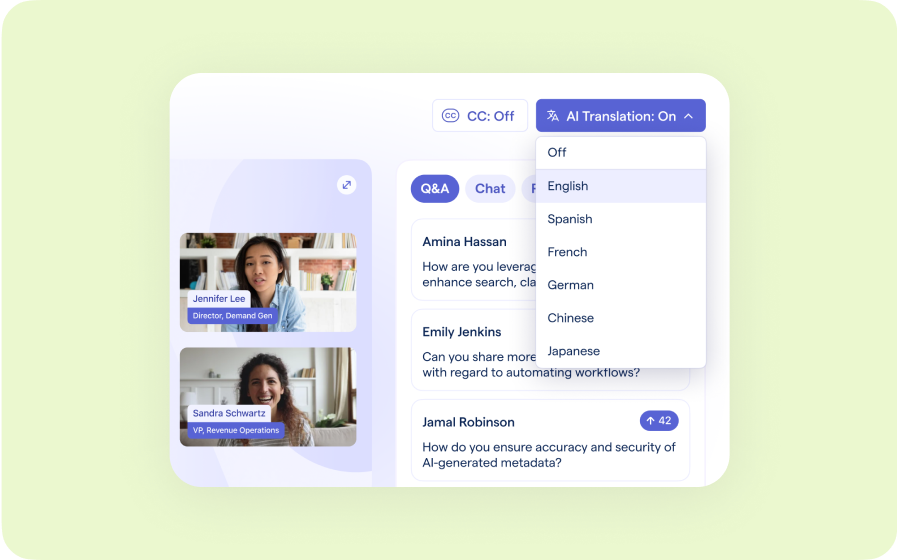
AI Audio Translations
Presenters speak in their language while attendees listen in theirs, removing barriers and opening content to participants everywhere.
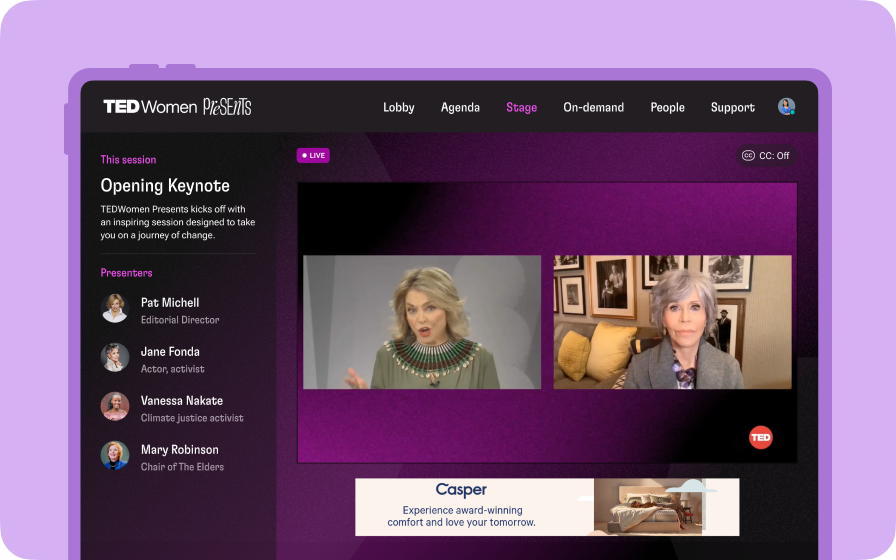
Custom Audience Experiences
Get complete control over your webinar and event interfaces so every session looks, feels, and performs exactly the way you want.
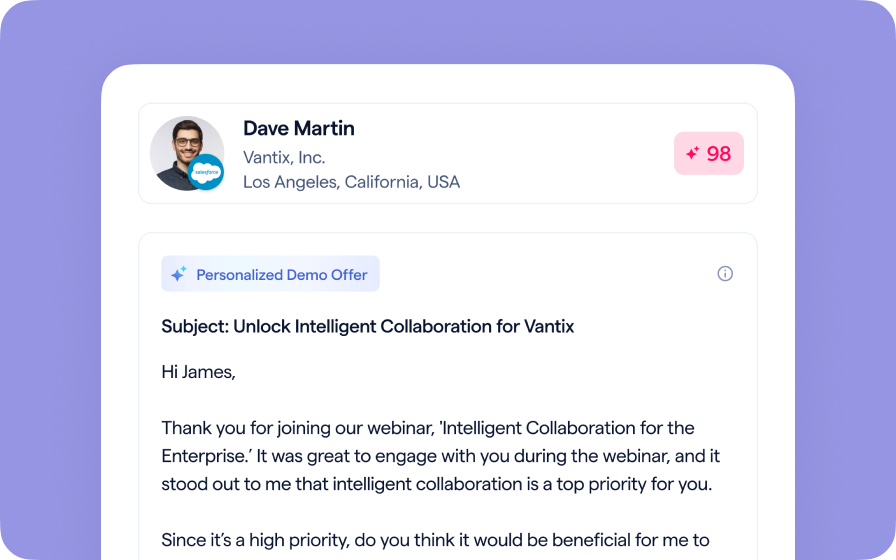
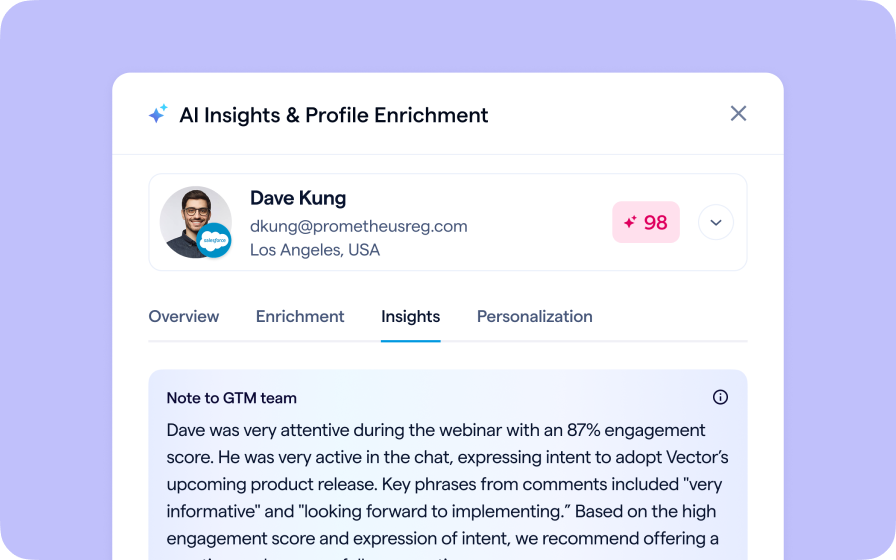
AI Email Personalization
Every attendee gets a message crafted just for them based on their engagement, interests, and lead score.
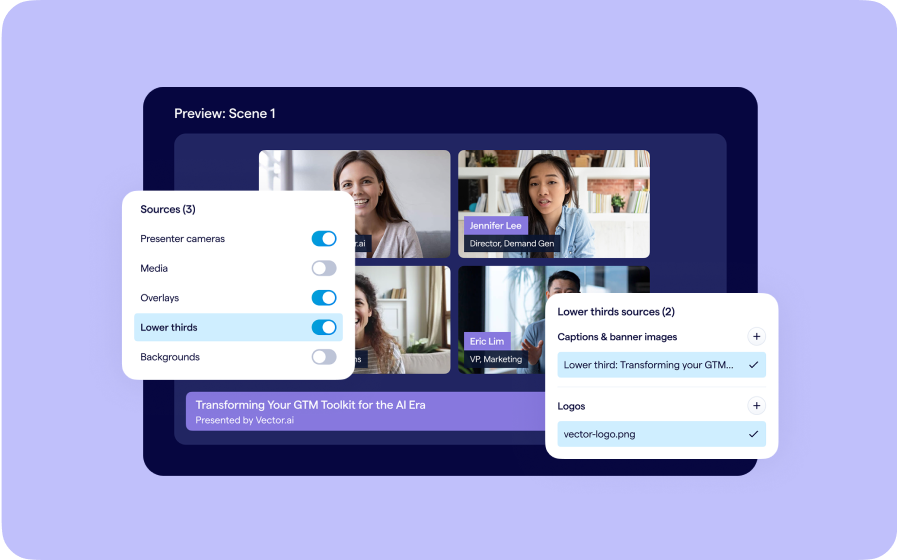
Studio Scenes
Give your events the look, feel, and professionalism of a live broadcast, without the complexity or cost of a production crew.
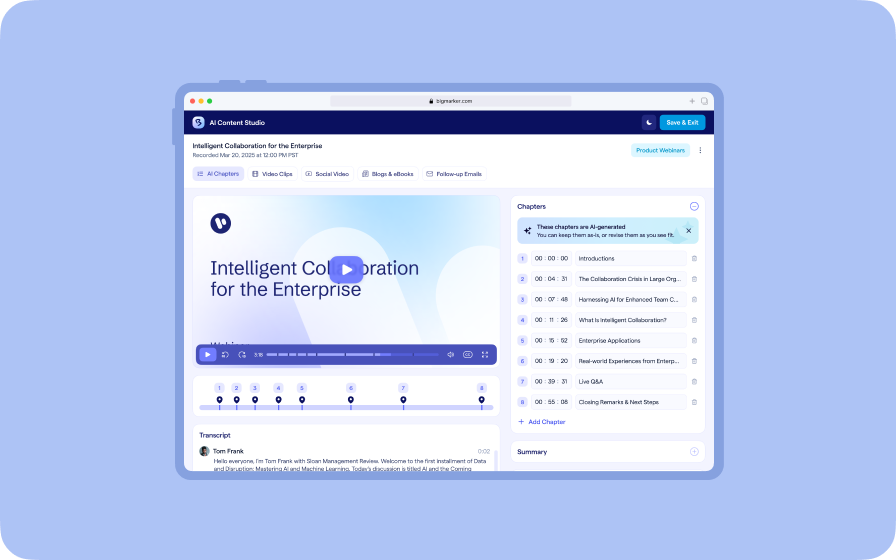
AI Content Studio
Leverage generative AI to automate chaptering, generate short-form video clips, and create blogs, eBooks, and other derivative content.
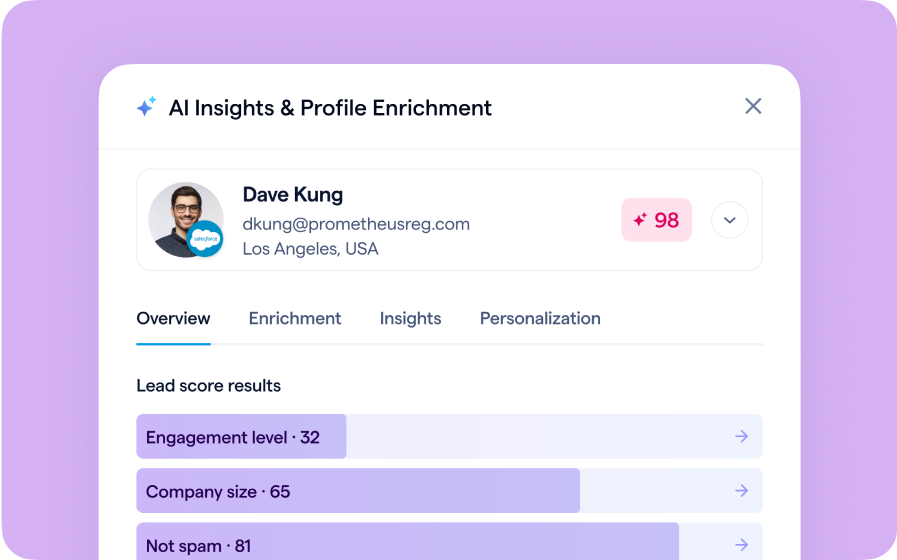
AI Lead Scoring
Instantly transform registration and attendee data into customized actionable sales insights.
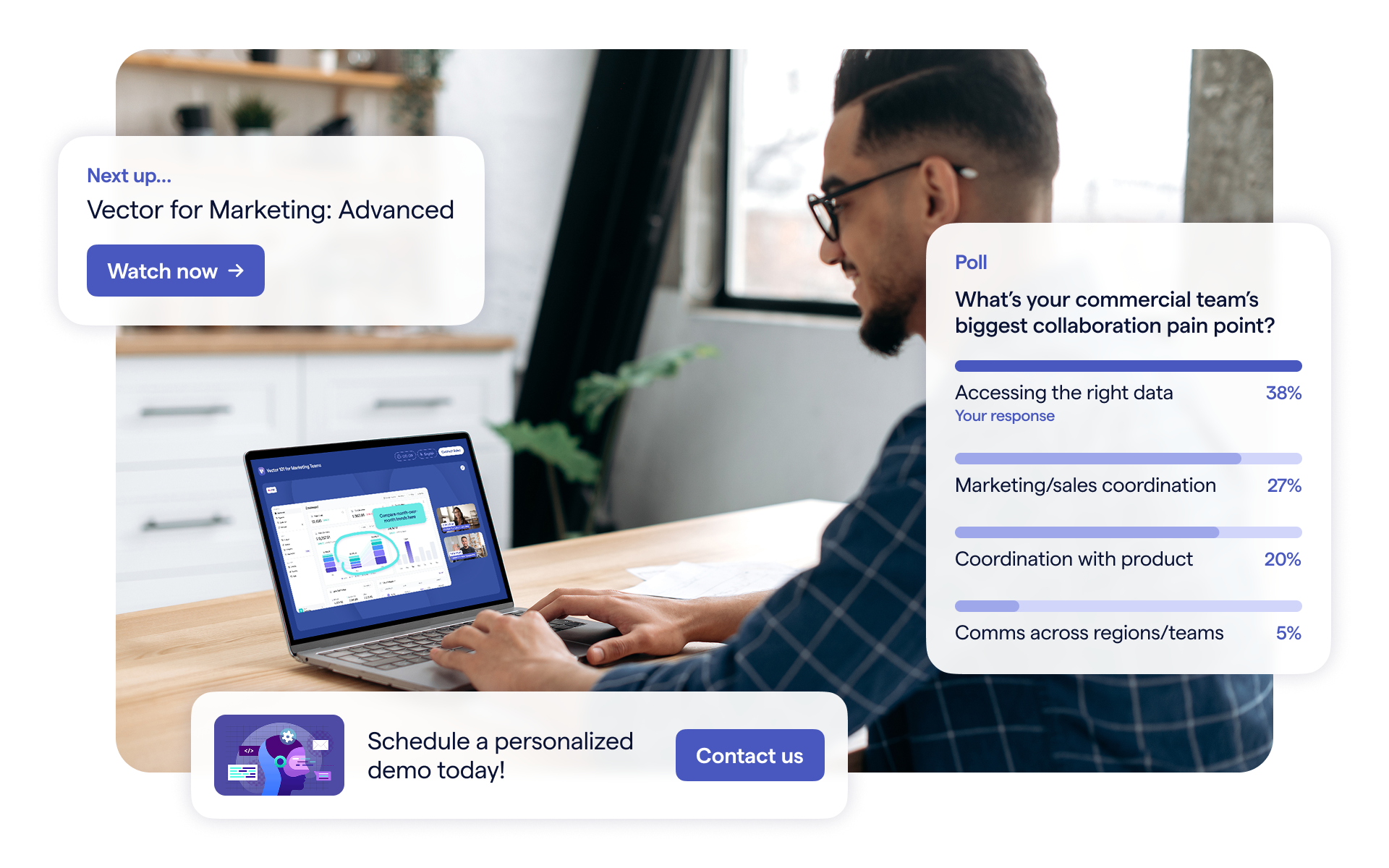
BigMarker Webinar Series
Our weekly product update webinar series offers a closer look at what’s new in BigMarker, with live demos, practical tips, and Q&A to help you put the latest features to work. Join live or catch the recording on demand.