BigMarker News & Updates Share Custom Reports

Share Custom Reports Externally

June 1, 2025
Share custom reports by email or secure link, making it easier to distribute analytics to stakeholders.
Categories
Marketing
Share

Key Benefits

You can now share custom reports directly by email or through secure shareable links, making it easier than ever to distribute analytics to team members, clients, or stakeholders, without requiring BigMarker access.

This enhancement streamlines collaboration across teams, enabling faster insights, easier reporting workflows, and more flexible data sharing for recurring or one-time reports.

Use cases

  • Share outside of BigMarker - Curate your data using BigMarker's robust report builder, and share the results with users who don't have admin access to your channel
  • Open up integration possibilities - Send reports to your CRM to use in automated workflows

How to Use It

  1. From your Custom Reports page, open the settings for the report you’d like to share.
  2. To send the report by email:
    • Enable Send via Email and add your subject, message, and recipient list.
    • Reports will automatically send on the schedule you set, or immediately, if triggered manually.
  3. To share externally:
    • In Share Links, click + Generate New Link to create a public report link.

FAQ

What data can I use to build my custom reports?
In your custom reports you can include session information, all registration fields, attendance data, engagement data and more.

How can I manage the different ways I can share the report?
You can set the schedule of the sending of the report to start and end at a certain date, and you can enable and disable any existing links at will.

Which BigMarker plans support custom report sharing?
This feature is currently available for Events and Enterprise plan holders.

For step-by-step setup and best practices: Read the Custom Reports guide.
Related updates
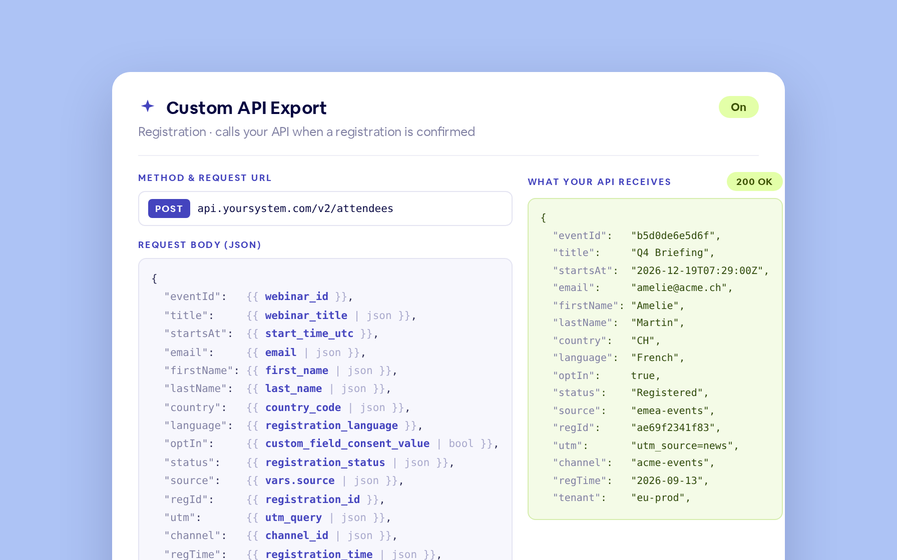
Export to Any System
No connector needed — point a session at your endpoint, write the JSON body, and BigMarker calls it as people register, attend and watch.
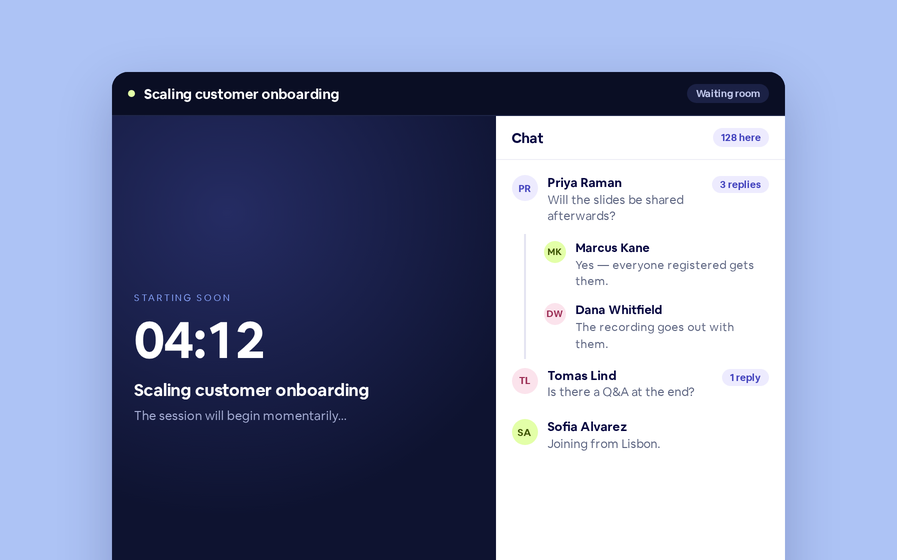
Threaded chat in waiting room
Replies now sit in a thread under the message they answer, so the pre-show conversation stays readable.
 Inline Page Editing
Inline Page Editing
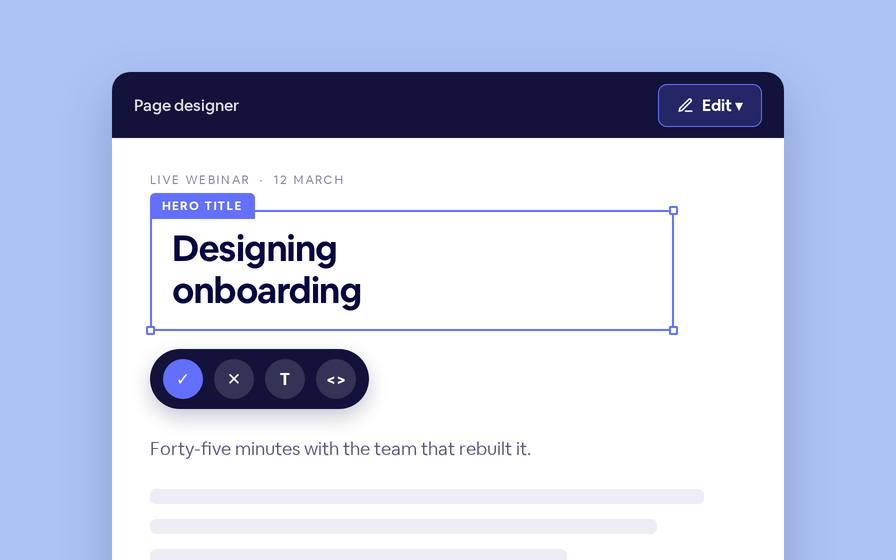
Click any headline, image or block on your landing page and change it right there — no hunting through editor panels.
Preview Custom Page States
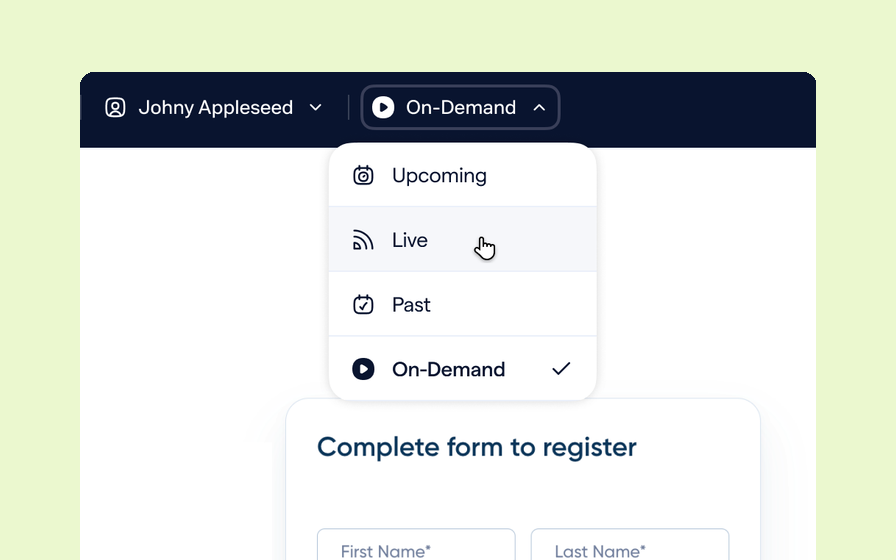
Preview any custom page as a registered viewer, an unregistered visitor or a real registrant, at any point in the event's life.
Quizes in On Demand Video
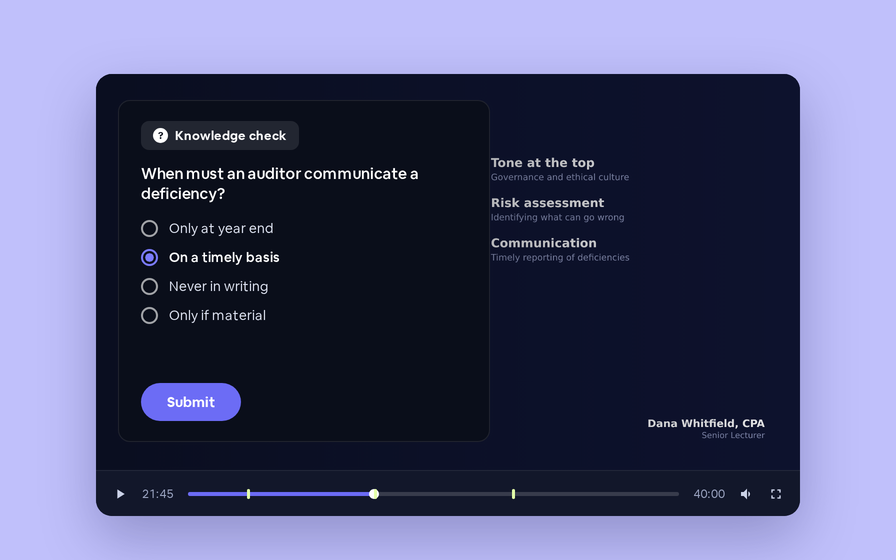
Ask questions inside your recordings and see who actually understood, not just who pressed play.
Follow Up Emails
Follow Up Emails
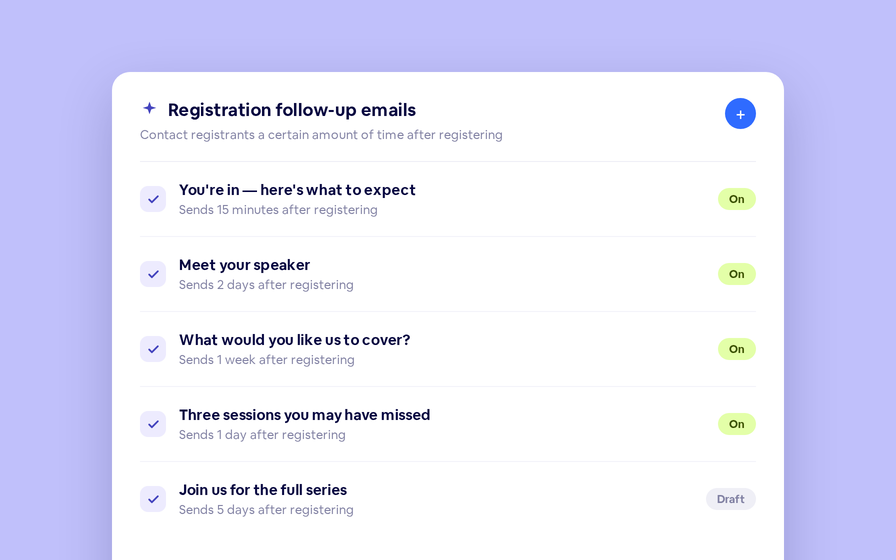
Keep in touch with your registrants immediately after they register.
Introducing BigMarker AI
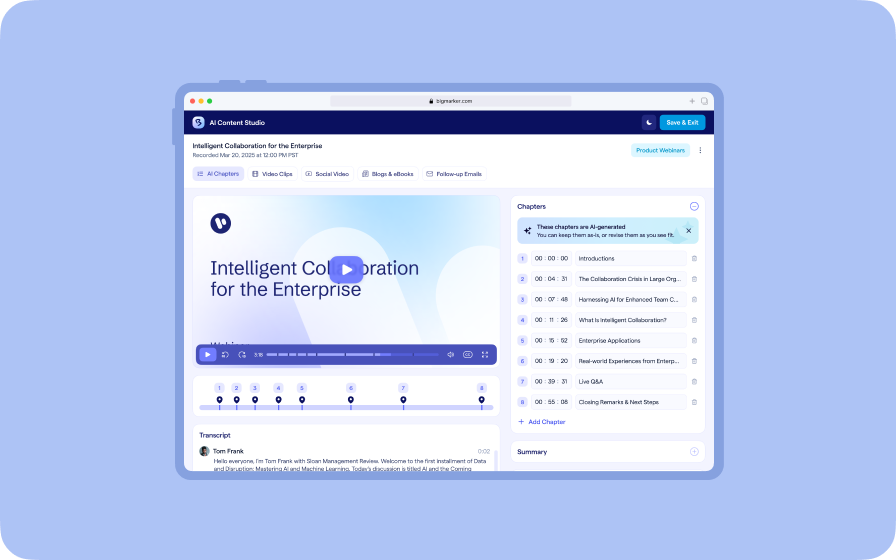
Leverage generative AI to automate chaptering, generate short-form social-ready video clips, and create derivative content such as blogs, eBooks, and more.
AI  Audio Translations
AI Audio Translations
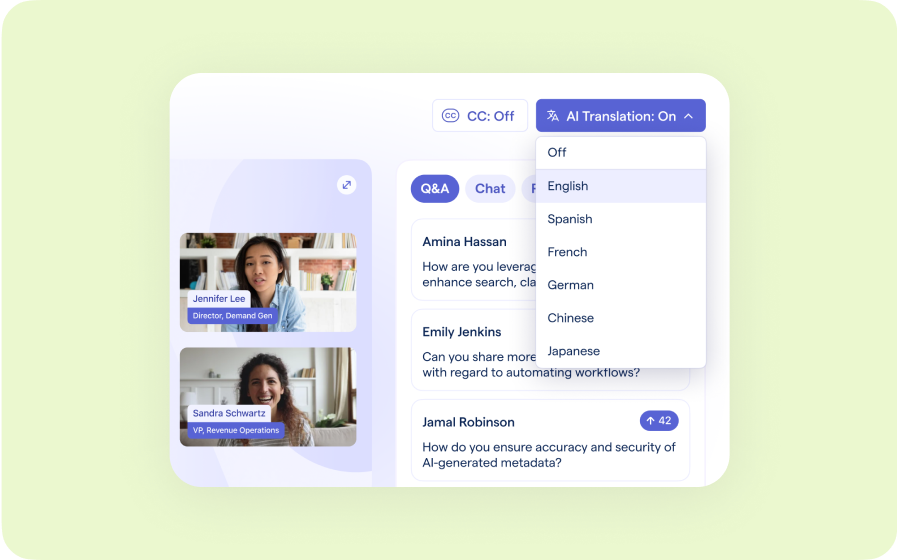
Presenters speak in their language while attendees listen in theirs, removing barriers and opening content to participants everywhere.
Custom Audience Experiences
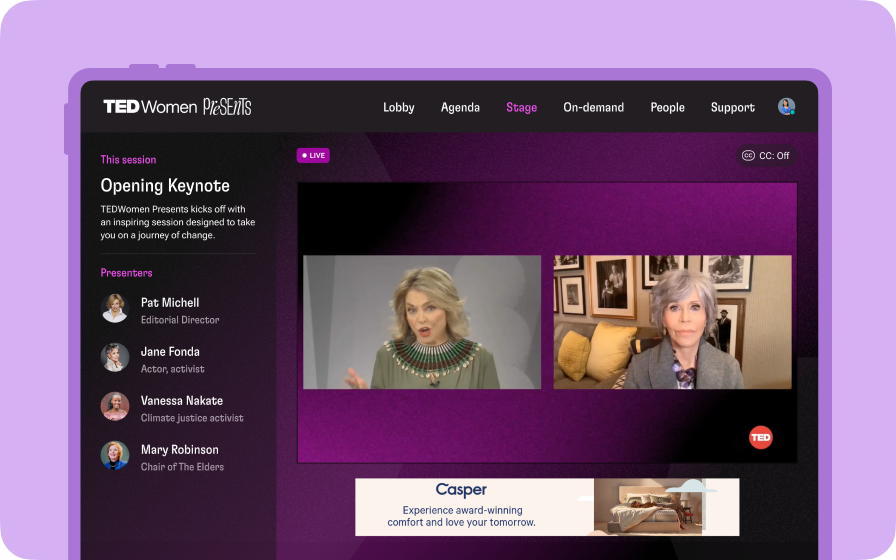
Get complete control over your webinar and event interfaces so every session looks, feels, and performs exactly the way you want.
AI Email Personalization
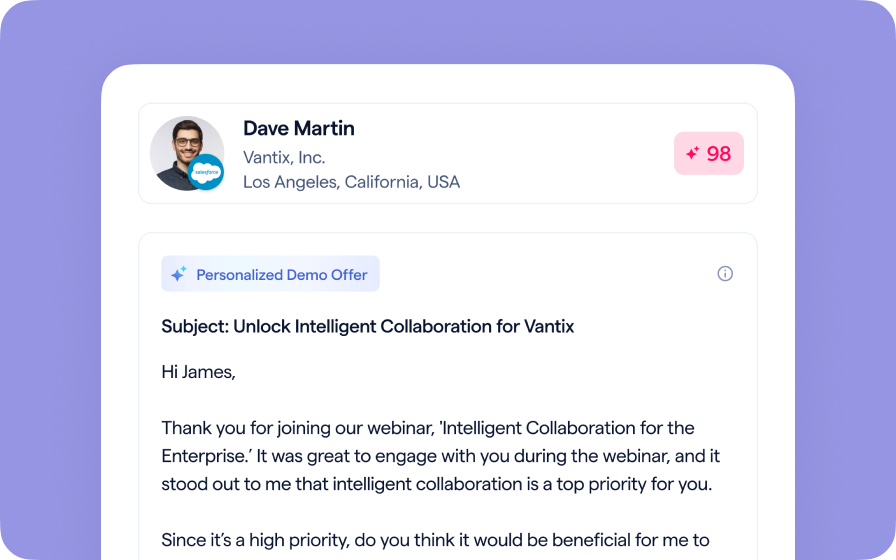
Every attendee gets a message crafted just for them based on their engagement, interests, and lead score.
Studio Scenes
Studio Scenes
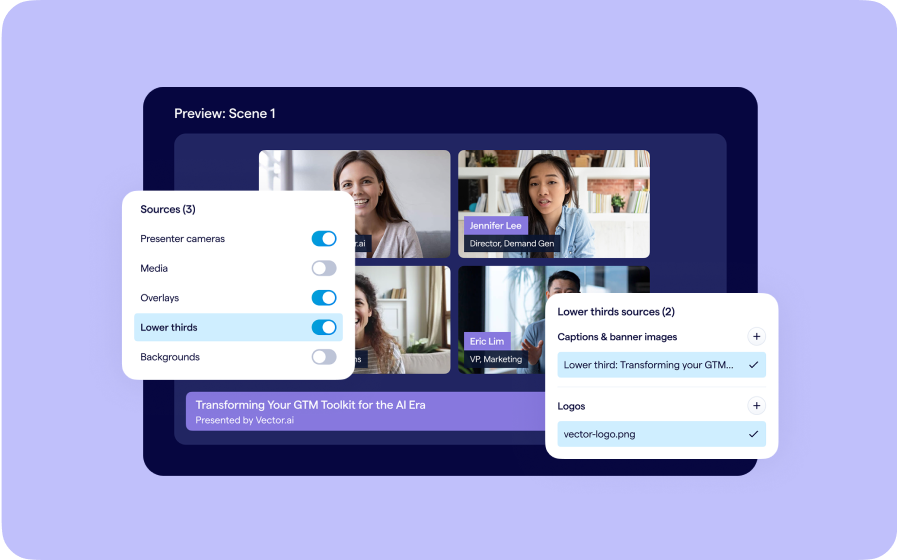
Give your events the look, feel, and professionalism of a live broadcast, without the complexity or cost of a production crew.
AI Content Studio
AI Content Studio
Leverage generative AI to automate chaptering, generate short-form video clips, and create blogs, eBooks, and other derivative content.
AI Lead Scoring
AI Lead Scoring
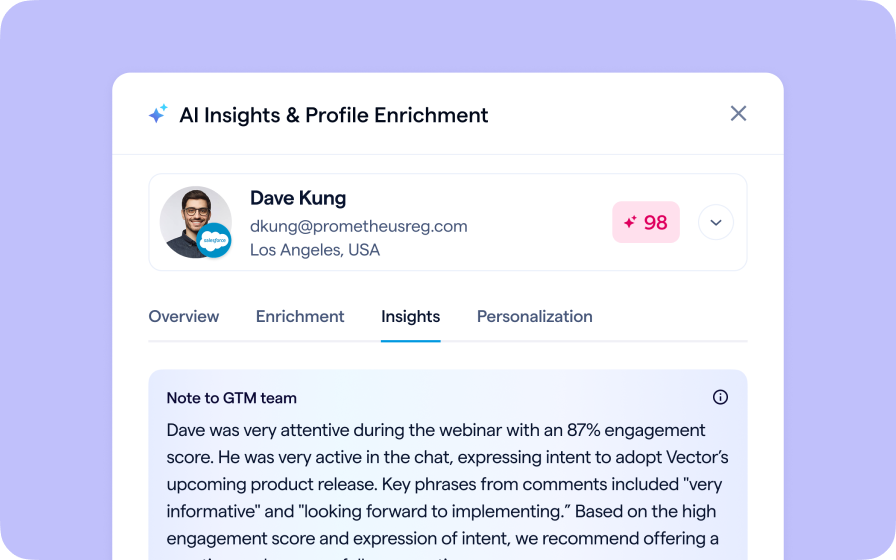
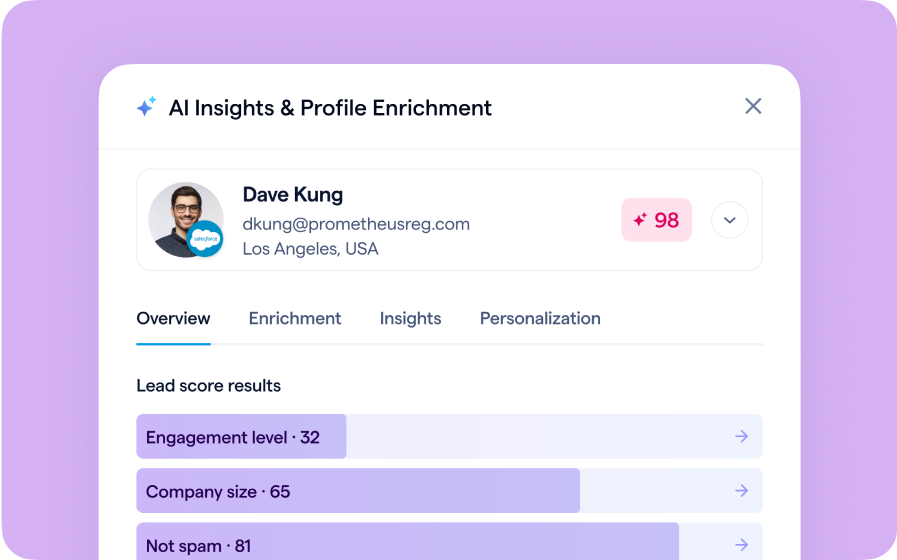
Instantly transform registration and attendee data into customized actionable sales insights.
Join the waitlist
By clicking “Submit”, I acknowledge that BigMarker may contact me related to my participation in this Beta offering.
You’re all set!
You’ve successfully registered for the waitlist!
If you have any questions, please contact your CSM.
Share Custom Reports Externally