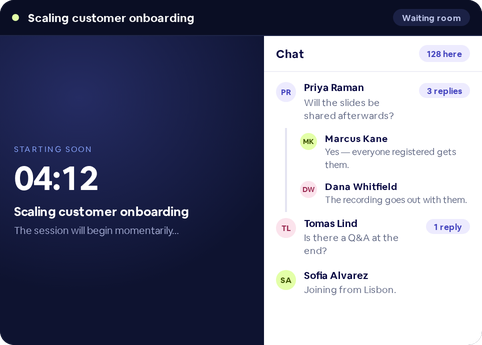
The waiting room is where your audience gathers before the session starts, and where the same three questions get asked in five different ways. Threaded replies keep each answer attached to the message it answers, so the main chat stays readable while the detail lives one tap away.
Two conversations, one chat box
Before a session opens, the waiting room fills with the same handful of questions — will this be recorded, are slides shared, is there a Q&A. In a flat chat, every answer scrolls away from the question that prompted it, so the next arrival asks it again.
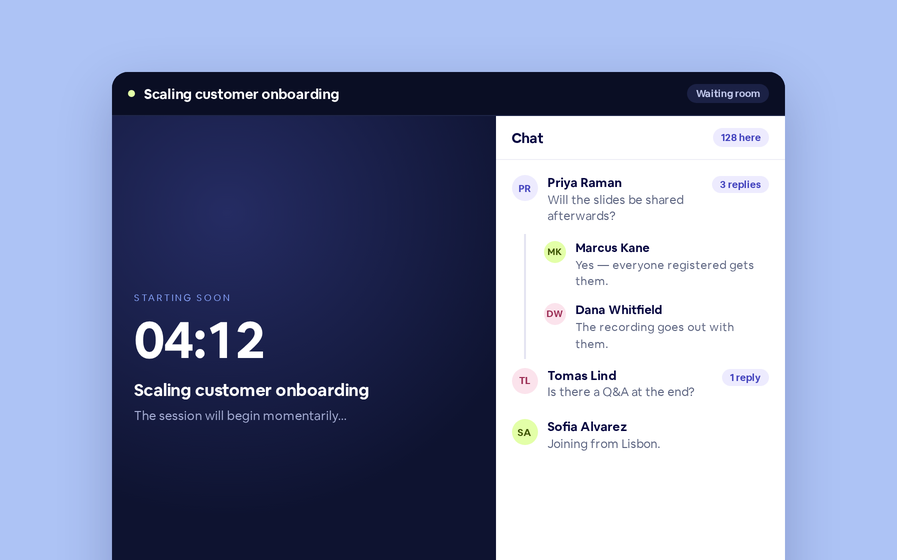
A reply now attaches to its message. The main chat shows the question once, with a reply count beside it.
Scaling customer onboarding
The session will begin momentarily…
The main chat holds one line per question, with a reply count beside it.
Reply, read, return
Reply to any message and the conversation opens as a thread. Read it, add to it, and go back to the main chat when you are done. The reply count on the original message tells everyone else there is more to read — 1 reply, or 4 replies.
Scaling customer onboarding
The session will begin momentarily…
Open the thread to read it in full, then head back to the main chat.
Everyone’s messages stay their own
Attendees can delete what they wrote and nothing else. The rule holds inside threads as well as the main chat, and it is enforced when the action runs rather than only when the menu is drawn — so someone whose role changes mid-session cannot act on a button that was rendered a moment earlier.
Converting a message to Q&A, pinning it as a sticky note and banning a participant remain host actions. They are not offered in the waiting room chat.
Threads follow your audience
| Where | Threaded replies |
|---|---|
| Waiting room chat | Reply, open a thread, return to the main chat |
| Presenter chat | Threaded replies alongside quote-to-chat and Q&A actions |
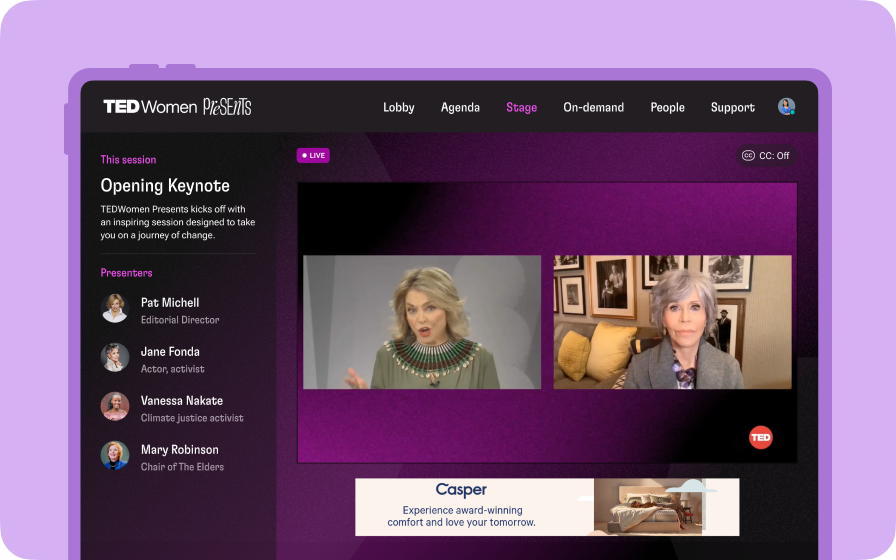
| Custom audience experience | The same threading in your branded live room |
Nothing to switch on: wherever the waiting room chat already appears, replies thread.