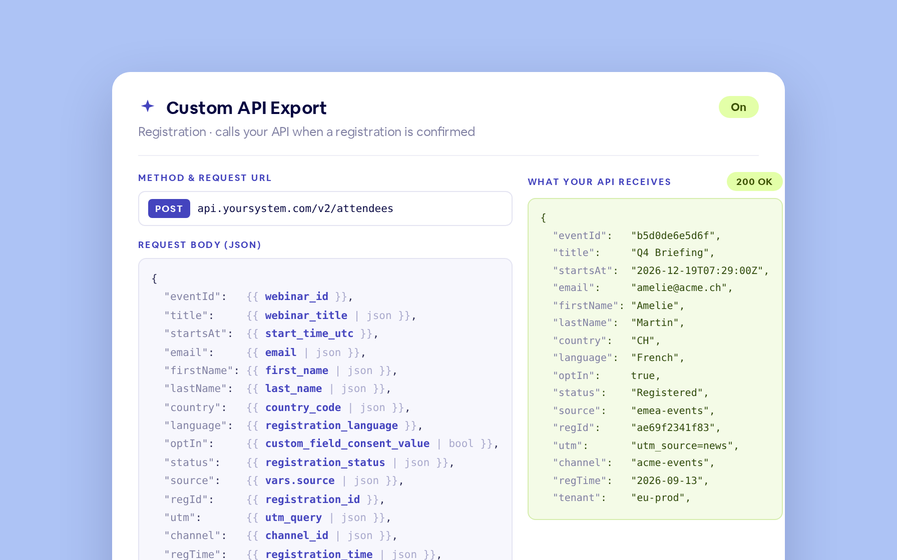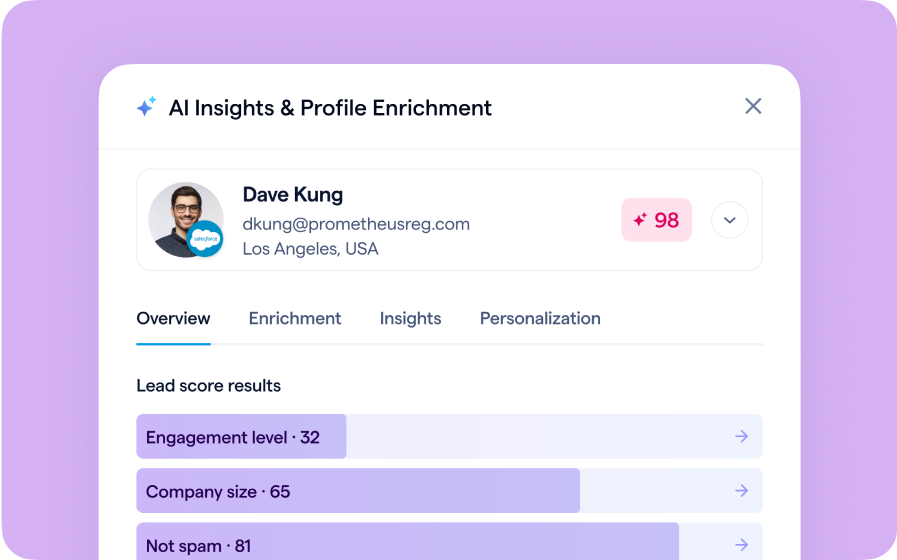
If you connect BigMarker to Salesforce, the two systems keep your people in sync: BigMarker can push webinar registrants and attendees into Salesforce as leads and contacts and add them to a campaign, and it can also pull people who already belong to a Salesforce campaign and register them for your webinar. Every person is tracked as a campaign member with a status that reflects how they engaged — registered, attended, and so on.
This latest update builds on that foundation, giving you tighter, more automated control over how that data flows. You decide how often imports run, keep reporting honest by flagging people who registered but never showed up, and map campaigns at the individual session level for recurring webinars — in both directions.
First, a quick refresher on how Salesforce syncing works
When BigMarker is connected to Salesforce, people flow in two directions. Exporting sends your BigMarker registrants and attendees out to Salesforce, where they're created or updated as leads and contacts and linked to a Salesforce campaign. Within that campaign, each person becomes a campaign member with a status label — like Registered or Attended — that captures how they engaged. Importing works the other way: it reads the members of a Salesforce campaign and registers those people for your webinar, so an audience you've already built in Salesforce can be pulled straight into BigMarker. The updates below make each part of that flow more flexible and more accurate.
What's new
Set how often imports run
Because importing pulls campaign members from Salesforce into your webinar on a recurring basis, the speed of that sync matters. You can now choose your own import cadence with a single setting: imports can run every 1, 5, 10, or 15 minutes (15 minutes is the default), and each cycle pulls only the newly changed campaign members rather than re-reading everyone. Shorter intervals keep your registrant data fresher; longer intervals keep API usage lighter.
Why it matters: Different campaigns move at different speeds. A last-minute promotion may need registrants flowing in by the minute, while an evergreen campaign runs perfectly well on a relaxed schedule. Putting the interval in your hands means you can balance data freshness against your Salesforce API limits — instead of settling for a one-size-fits-all sync.
Pass a No-Show status back to Salesforce
Every exported registrant already gets a campaign-member status in Salesforce, but until now there was no clean way to distinguish the people who signed up from the people who actually showed up. This update closes that gap: after a live webinar ends, BigMarker writes a no-show status back to your Salesforce campaign members. Registrants who never attended are flagged with the status you choose, and if you've set a minimum watch-time requirement, attendees who fall short of that threshold are marked as no-shows too. You decide the exact status label, and it's added to your campaign automatically if it doesn't already exist — so nothing slips through the cracks.
Why it matters: Signing up and actually showing up are very different signals, but most reporting blurs them together. Writing a real no-show status back to Salesforce gives your marketing and sales teams an honest view of engagement — so follow-up, lead scoring, and attendance metrics reflect who truly turned up, not just who registered.
Per-session campaigns for exports and imports
A recurring webinar is a single series made up of many individual sessions on different dates. Previously, the whole series shared one Salesforce campaign in each direction; now each session can map to its own. Export each session's leads and contacts to its own campaign, or keep them all in one — and apply the same session-level control to imports. A simple per-session table maps every BigMarker session in the recurring series to its matching Salesforce campaign, so registrants pulled in land in the right session automatically. Lead exports, contact exports, and imports each have their own independent mapping, all managed from one place.
Why it matters: Your data flow finally mirrors how you actually run programs. Attribute each session's leads and contacts to the right campaign for accurate reporting and ROI, while keeping imports mapped separately — giving you precise, end-to-end control over how registrant and attendance data moves between BigMarker and Salesforce in both directions.