Key Benefits
BigMarker’s Salesforce integration now supports Export Conditions, giving you more control over which registrants are synced to your CRM. This enhancement lets teams define precise rules, like only exporting contacts who meet specific registration criteria, so your Salesforce campaigns stay organized, relevant, and clean.
This update helps marketing and sales teams focus on qualified leads while maintaining better data hygiene across events and campaigns.
- Only export what matters - Narrow down your large registrant lists to just the exact audience that you want to export to Salesforce
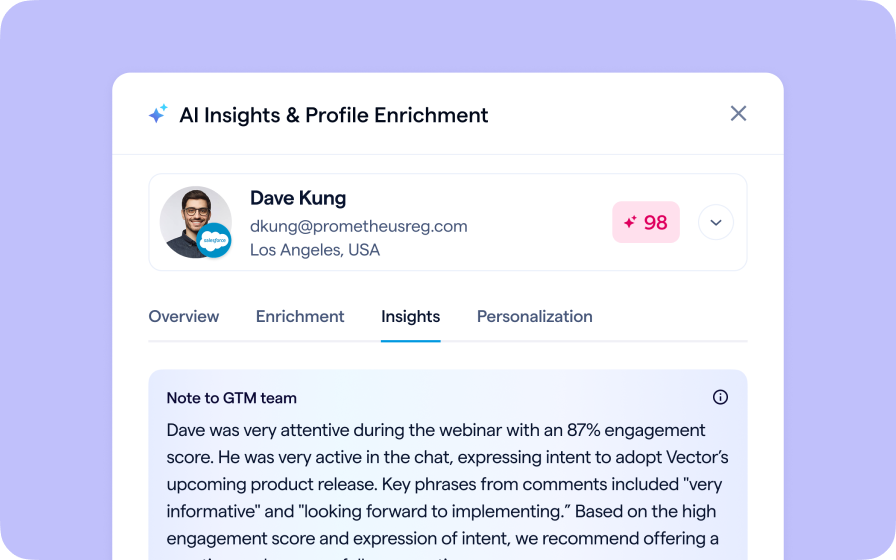
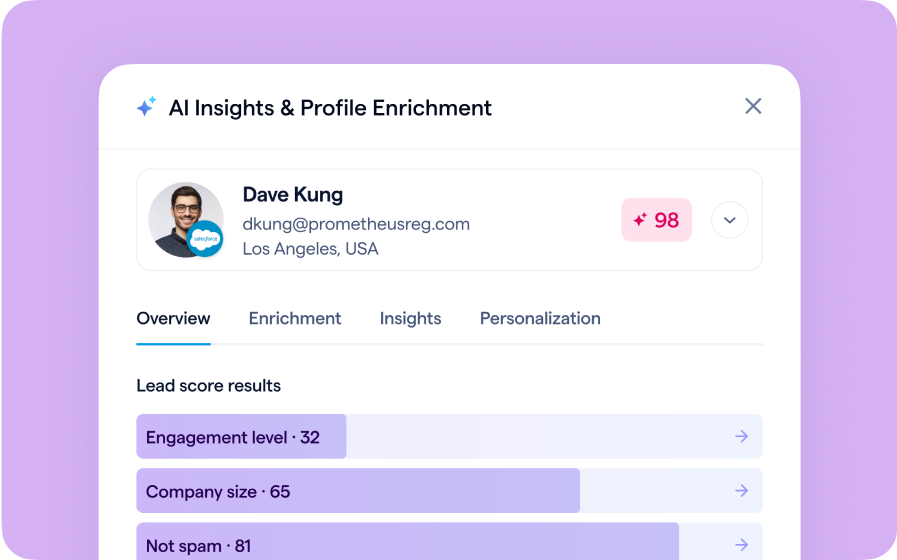
- Leverage all of your data - Whether it's how engaged someone was, whether they completed the survey, or anything else from BigMarker, you can use it as an export condition
Use cases
- Custom sales criteria alignment - Match export rules to sales definitions of a qualified lead instead of using one-size-fits-all attendance data.
- Behavior-driven lead routing - Use engagement metrics to trigger ownership assignment or follow-up workflows in Salesforce.
How to Use It
- In your Salesforce Integration Settings, open Export Lead Settings and select the campaign that will receive your attendee and registrant data.
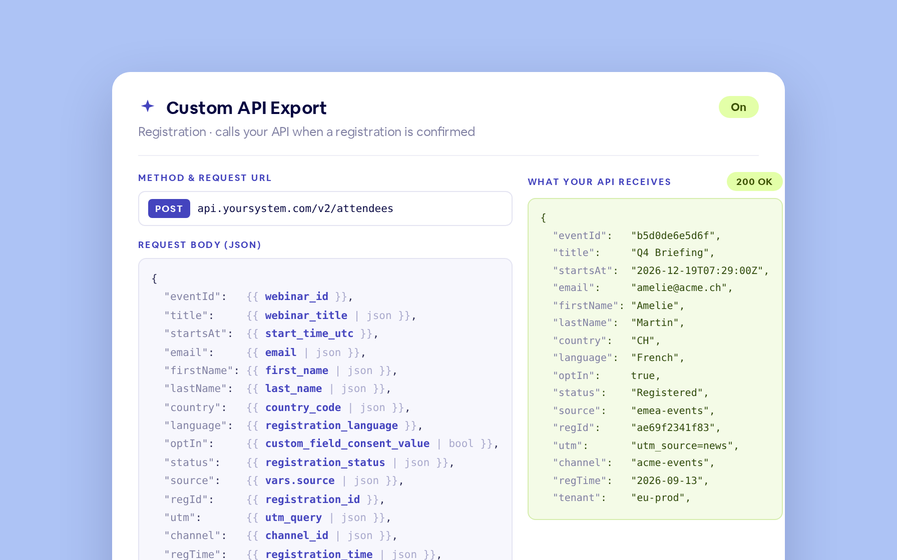
- Under Map Data Fields, choose how BigMarker fields (like webinar name or engagement metrics) correspond to your Salesforce fields.
- To filter exports, scroll to Export Conditions and define the field values that must be met for a record to sync.
FAQ
What can I use to create an export condition?
Any registration field can be used to create an export condition, which includes calculated fields and AI fields on the platform
Which BigMarker plans support Salesforce export conditions?
This feature for the Salesforce integration is currently available for Events and Enterprise plan holders
For full setup instructions and mapping examples: Read the Salesforce integration guide.