Key Benefits
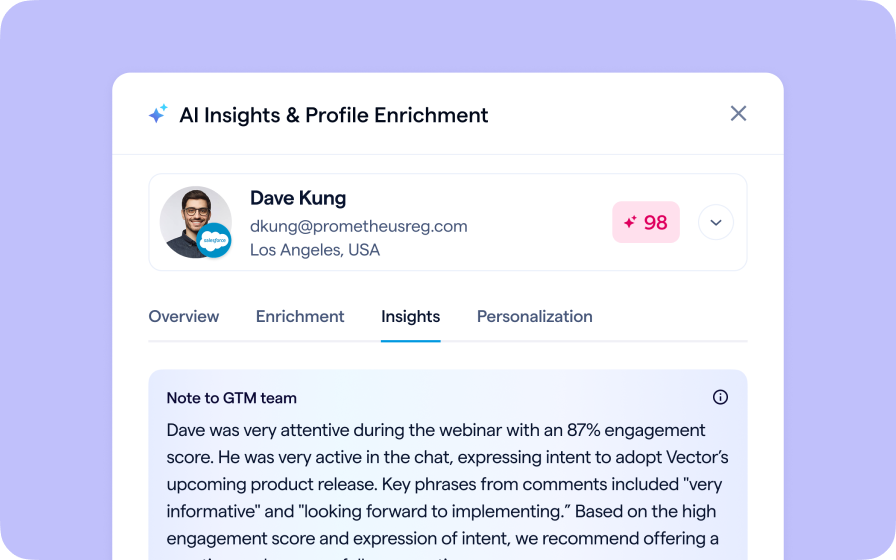
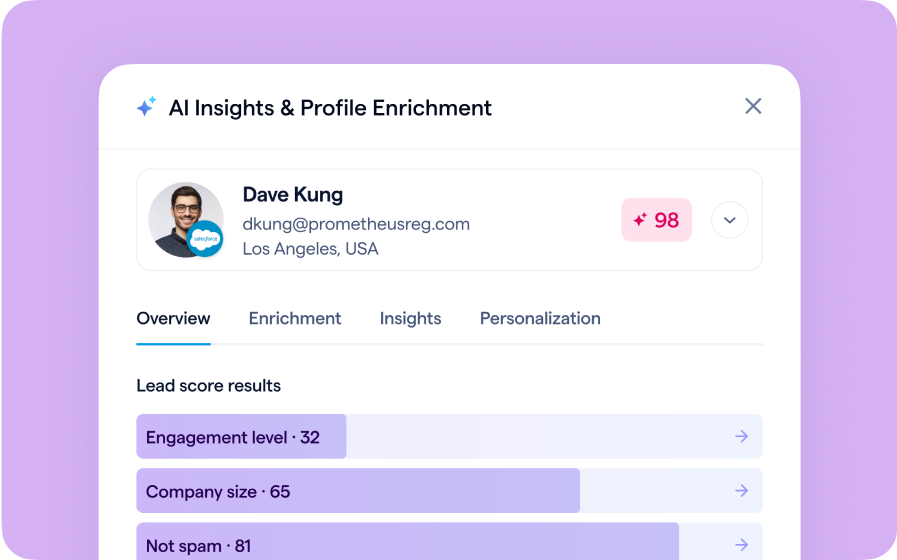
BigMarker’s Salesforce integration now supports Data Enrichment, allowing you to automatically import or update registrant data in BigMarker from existing Salesforce records.
With Data Enrichment enabled, BigMarker can recognize registrants by their email address and fill in key details directly from Salesforce. This ensures every form submission is complete and ready for segmentation or reporting.
Use Cases
Keep your data centralized - Use Salesforce as the source of truth for their data and simply copy existing information to BigMarker
Simplify your registration - Keep your registration form on BigMarker light, streamlining the process for your registrants while still having access to your data
How to Use It
- In your Salesforce Integration Settings, enable Data Enrichment.
- Map your BigMarker registration fields to the corresponding Salesforce fields you’d like to populate.
- When a registrant’s email matches a record in Salesforce, their information will be automatically enriched on BigMarker after registration.
FAQ
When is the data imported into BigMarker?
Salesforce enrichment data will be imported to BigMarker immediately after each registration
Which BigMarker plans support Salesforce Data Enrichment?
This feature for the Salesforce integration is currently available for Events and Enterprise plan holders.
For setup instructions and field mapping examples: Read the Salesforce Integration guide.