BigMarker News & Updates Quizzes in On-Demand Video

Turn a recording people watch into one they answer

Drop questions into an on-demand video at the moments that matter. Viewers answer as they watch, and every response lands in your reports.
Categories
Share

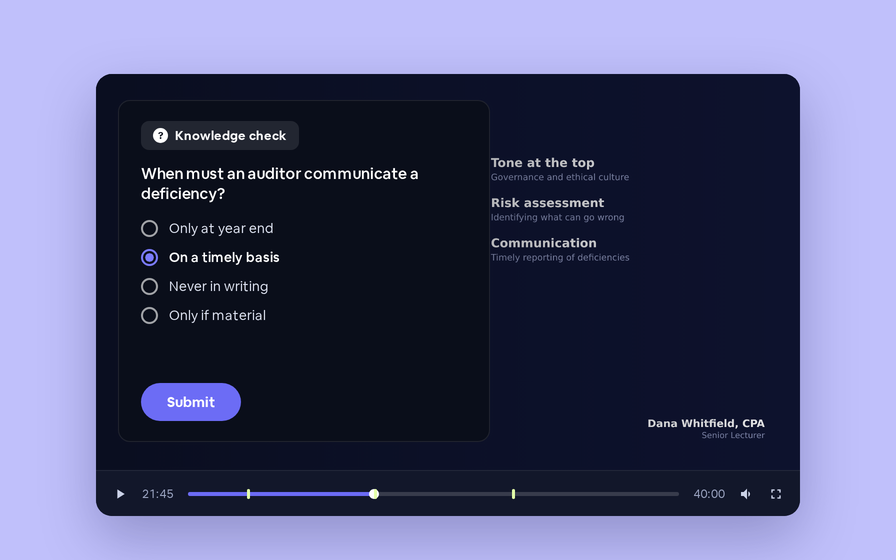
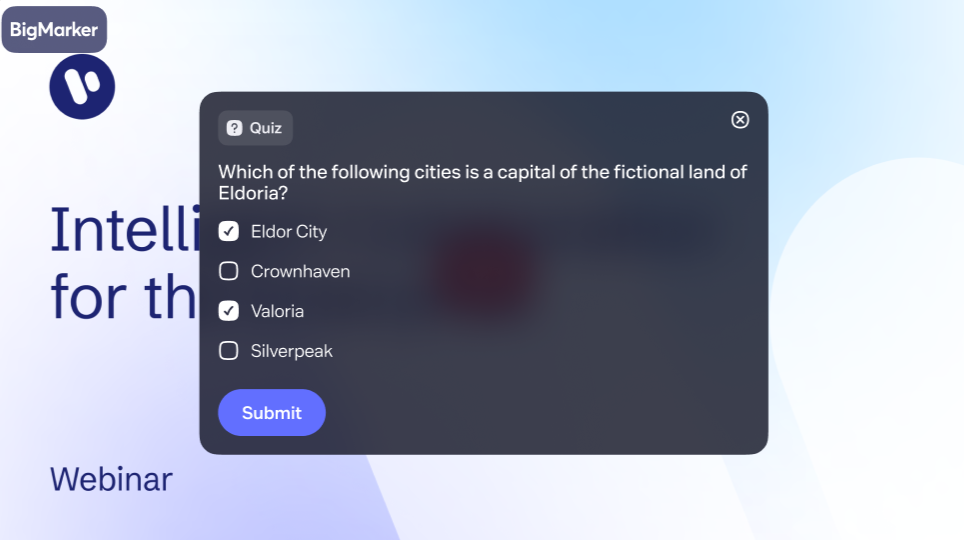
Quizzes place a question inside an on-demand recording at a timestamp you choose. It appears while the viewer is watching, they answer once, and the result — including whether they got it right — flows into your reporting alongside everything else you know about them.

Watching is not the same as learning

An on-demand recording tells you someone pressed play, and how far they got. It cannot tell you whether any of it landed. For compliance, certification and training audiences that gap matters — watch time is not evidence of understanding.

A quiz closes it. Questions appear inside the video at the timestamps you choose, so comprehension is checked at the moment the material is fresh rather than in a survey afterwards.

How it works

Open a recording in the video player editor, switch Quiz on, and add questions. Each one gets its own timestamp, its own answer choices, and its own correct answer.

✦ Quiz

Questions appear in the recording at the times you set

+
00:04:30
What is the primary purpose of a control environment?3 answer choices
Live
00:12:00
Which of these qualify as substantive procedures?Multiple selections
Live
00:21:45
When must an auditor communicate a deficiency?4 answer choices
Live

Three questions on one recording, each pinned to its own moment in the video.

SettingWhat it does
TimestampThe hour, minute and second at which the question appears.
Answer choicesMark the correct one, or allow multiple selections.
DismissableWhether the viewer may close the question and keep watching.
MessagesYour own wording for the correct and incorrect responses.

One answer, and only one

A question is asked once. Once someone has answered it, it never appears for them again — so a viewer who rewatches a section is not re-tested, and a second attempt cannot quietly overwrite the first.

Skipping is deliberate too. If a viewer drags the progress bar past a question, that question is passed over rather than held back for later. The quiz follows the video; it never blocks it.

Results where you already look

Quiz responses are a reporting source in their own right, joined to the member who gave them. For each viewer you get what they answered and whether it was correct, so accuracy sits beside attendance, watch time and registration data in the same report rather than in a separate export.

Only registered viewers are asked

Questions are served to people with a registration on the session, which is what keeps a response attributable to a named viewer rather than an anonymous one.
Find out what your audience actually took in
Add your first quiz to an on-demand recording in the video player editor.
Related updates
Export to Any System
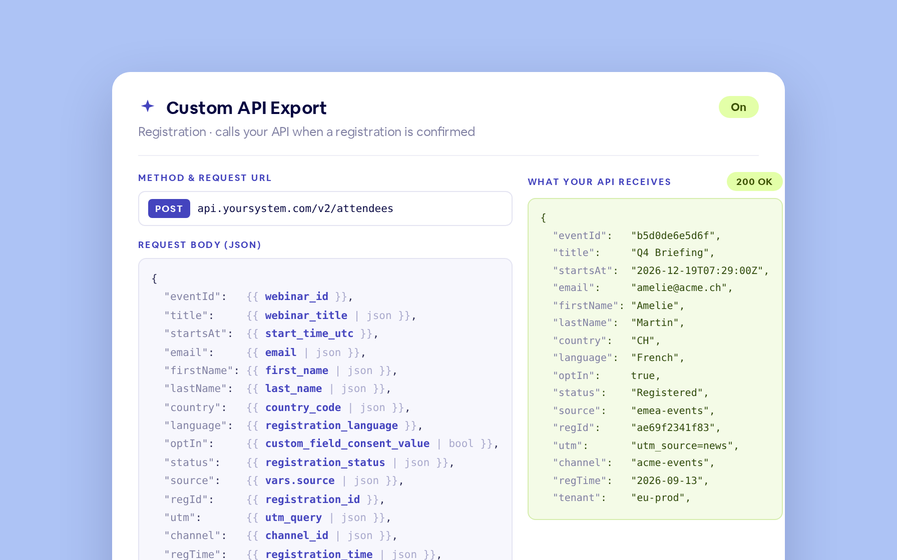
No connector needed — point a session at your endpoint, write the JSON body, and BigMarker calls it as people register, attend and watch.
Threaded chat in waiting room
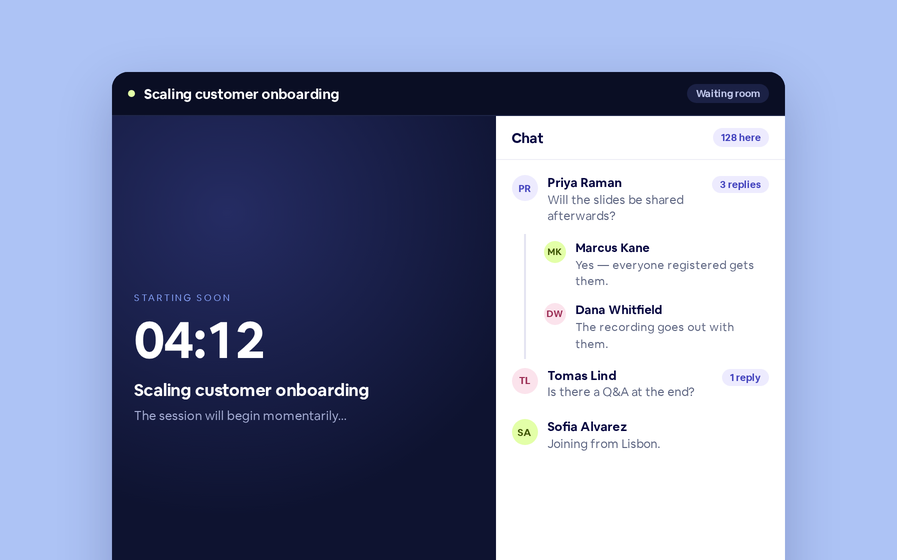
Replies now sit in a thread under the message they answer, so the pre-show conversation stays readable.
 Inline Page Editing
Inline Page Editing
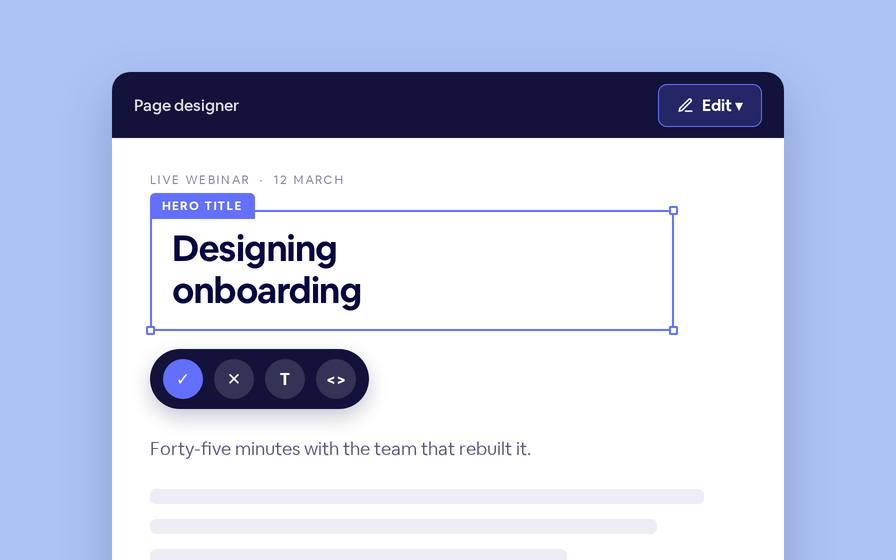
Click any headline, image or block on your landing page and change it right there — no hunting through editor panels.
Preview Custom Page States
Preview any custom page as a registered viewer, an unregistered visitor or a real registrant, at any point in the event's life.
Quizes in On Demand Video
Ask questions inside your recordings and see who actually understood, not just who pressed play.
Follow Up Emails
Follow Up Emails
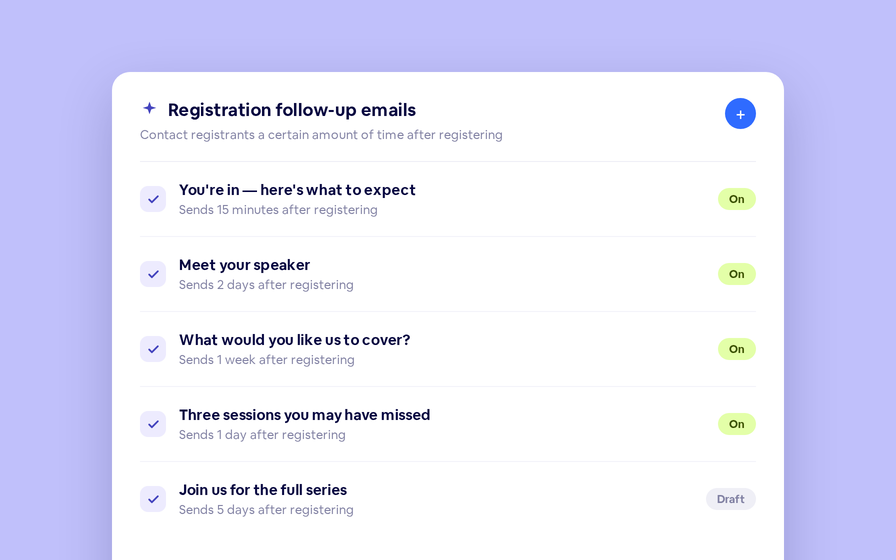
Keep in touch with your registrants immediately after they register.
Introducing BigMarker AI
Leverage generative AI to automate chaptering, generate short-form social-ready video clips, and create derivative content such as blogs, eBooks, and more.
AI  Audio Translations
AI Audio Translations
Presenters speak in their language while attendees listen in theirs, removing barriers and opening content to participants everywhere.
Custom Audience Experiences
Get complete control over your webinar and event interfaces so every session looks, feels, and performs exactly the way you want.
AI Email Personalization
Every attendee gets a message crafted just for them based on their engagement, interests, and lead score.
Studio Scenes
Studio Scenes
Give your events the look, feel, and professionalism of a live broadcast, without the complexity or cost of a production crew.
AI Content Studio
AI Content Studio
Leverage generative AI to automate chaptering, generate short-form video clips, and create blogs, eBooks, and other derivative content.
AI Lead Scoring
AI Lead Scoring
Instantly transform registration and attendee data into customized actionable sales insights.
Join the waitlist
By clicking “Submit”, I acknowledge that BigMarker may contact me related to my participation in this Beta offering.
You’re all set!
You’ve successfully registered for the waitlist!
If you have any questions, please contact your CSM.
Quizzes in On Demand Video