What’s New
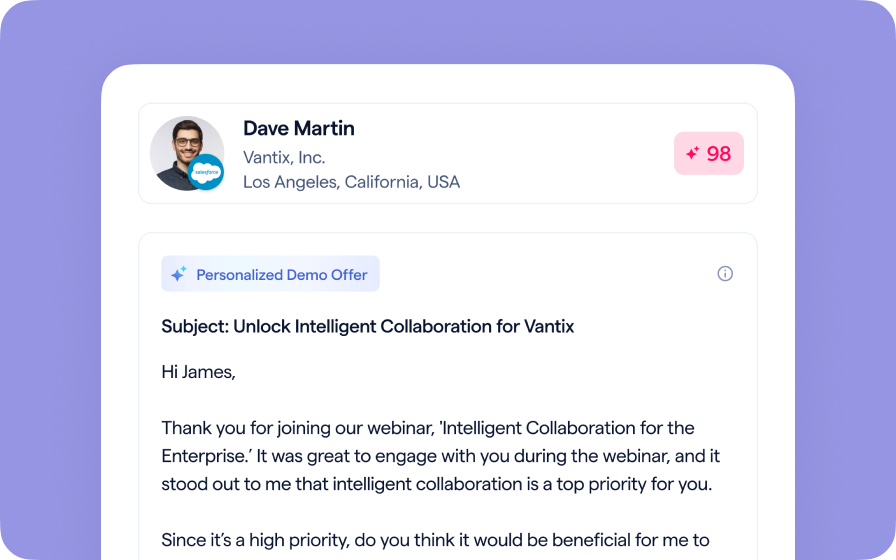
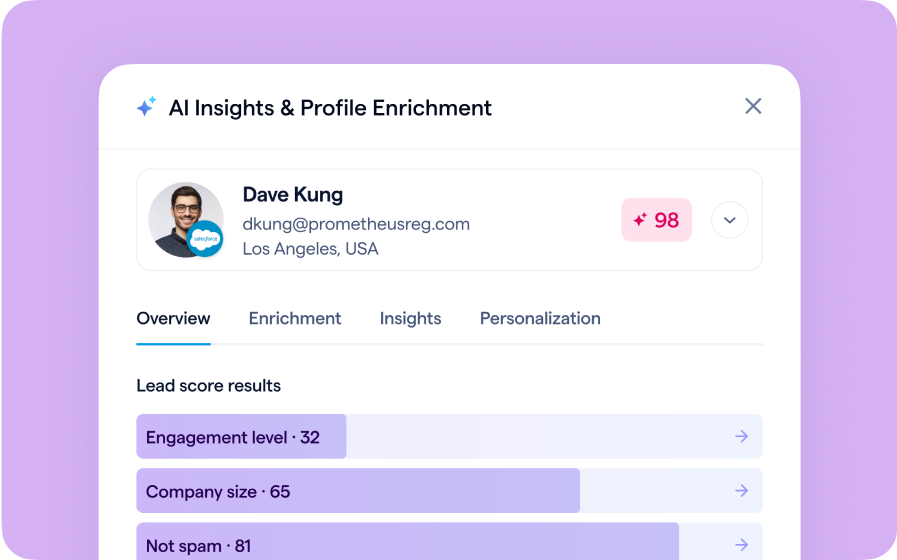
When customizing event emails, you can now preview messages as a specific registrant to see exactly how personalized tokens will appear. This enhancement makes it easy to confirm that names, event details, and other dynamic fields render correctly before you send.
By previewing as a registrant, teams can catch formatting errors, confirm personalization accuracy, and deliver a more polished, branded email experience.
How to Use It
- In the Email Editor, customize your message and review the Email Tokens listed at the bottom. These tokens automatically insert event or registrant details (e.g., {first-name}).
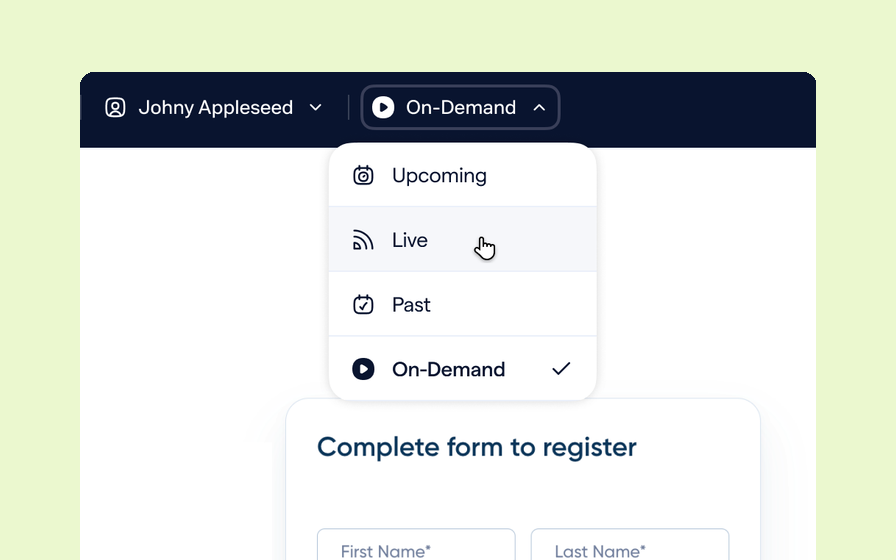
- At the top of the Preview screen, use the dropdown menu to select a specific registrant.
- The preview will instantly update, replacing each token with that registrant’s actual data.
- Review and test as needed before sending your final email.
FAQ
Will any AI fields I have work in this preview?
Yes, any token used in the email will adjust based on the registrant you select to preview. This includes any registration field such as AI personalization fields or calculated fields.
Which BigMarker plans support email preview?
This feature is available for all BigMarker Plans.
For a complete overview of BigMarker’s email customization and personalization tools: Read the full Emails & Invitations guide.