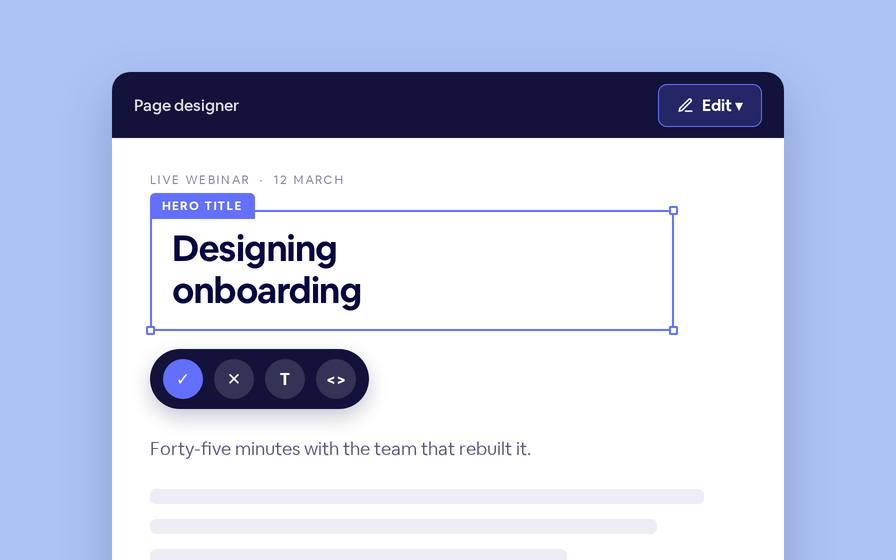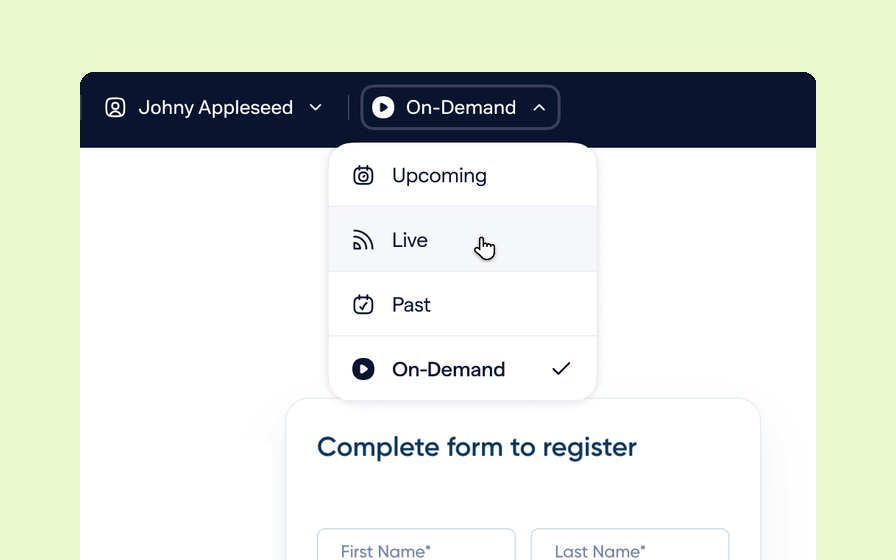
A landing page rarely looks the same to two people. It changes when someone registers, again when the session goes live, and again once the recording is up. The page designer now lets you switch between all of those views from the header, without registering a test account or waiting for the event.
One page, many audiences
Your landing page hides the registration form once someone signs up, swaps the countdown for a join button when you go live, and turns into a replay page afterwards. Every one of those is a different page to the person looking at it.
Checking them used to mean registering a throwaway account, or waiting for the event to start. The designer header now switches between them directly.
| Control | Options | What it answers |
|---|---|---|
| Viewport | Desktop, Laptop, Tablet or Mobile | See the responsive layout without resizing your browser |
| View as | Your own visit, Generic registered or unregistered, or a named registrant | Check what each audience actually sees |
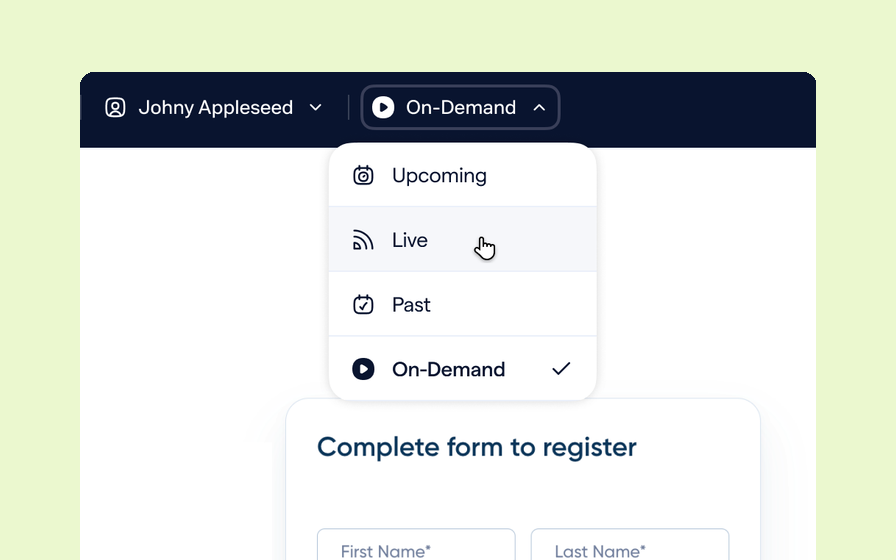
| State | Upcoming, Live, Past or On-Demand — plus Waiting Room on custom live rooms | Move the page through the event lifecycle |
| Date | Any date from today onward | Test date-gated content before the day arrives |
View as a real person, not a placeholder
Generic Registered shows the registered layout with personal tokens left blank. Pick a named registrant instead and the page renders with their actual details, so you can confirm a token resolves before an email goes out with it.
By default the designer shows the page as your own visit — what you would see if you opened the link yourself.
Move through the event lifecycle
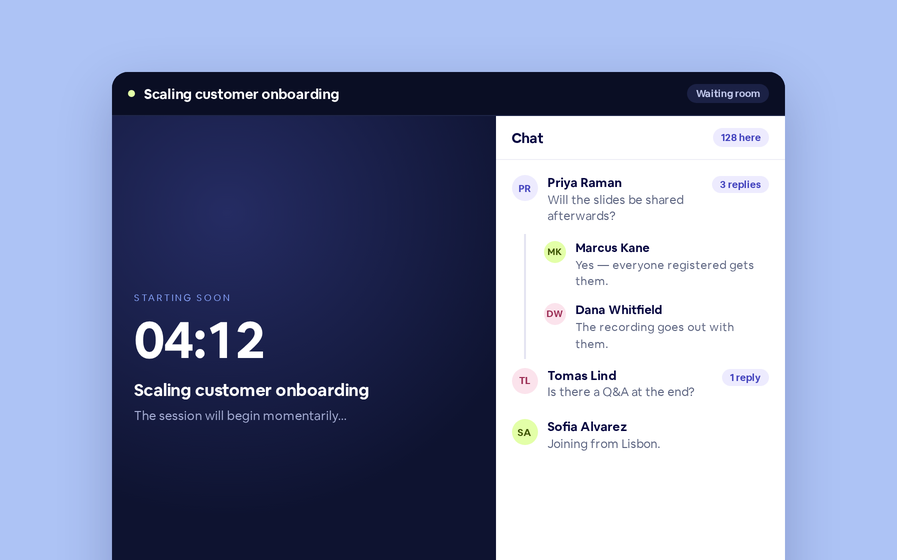
The State control walks the page from Upcoming to Live to Past to On-Demand, and custom live rooms add Waiting Room. The Date control does the same for time: choose any date from today onward and date-gated content renders as it will on that day.
Preview never touches what visitors see
A preview render is deliberately kept out of the shared page cache, so switching identity or state can never leak into the page a real visitor is served.
Previewing as a specific registrant renders that person’s real details, so it is limited to people who can manage the session. The generic options bind no one and are open to anyone who can open the designer.