Key Benefits
You can now download event analytics with your custom filters applied, making it easier to export exactly the subset of data you want. Whether you're isolating VIPs, paid ticket holders, first-time attendees, or any other defined group, your downloaded report will now reflect those filtered views automatically.
This enhancement streamlines reporting workflows, so no more exporting full datasets and manually filtering after the fact.
What's new
- Use existing registration and attendance data to create filtered views of your registrant list
- Take these filtered views and generate downloadable reports
- Decide which columns to include in the dashboard and downloaded reports
Use cases
- Find the exact audience - Use filters to find specific groups of registrants from your event
- Share results organization-wide - All users with access to the event admin can get reports on these filtered groups any time
How to Use It
- In your event’s Analytics tab, apply any combination of filters (e.g., ticket type, attendance status, registration field values).
- Once your filtered view is displayed, click Download Report.
- Your exported file will include only the records that match your selected filters.
FAQ
What can I filter my registrant list by?
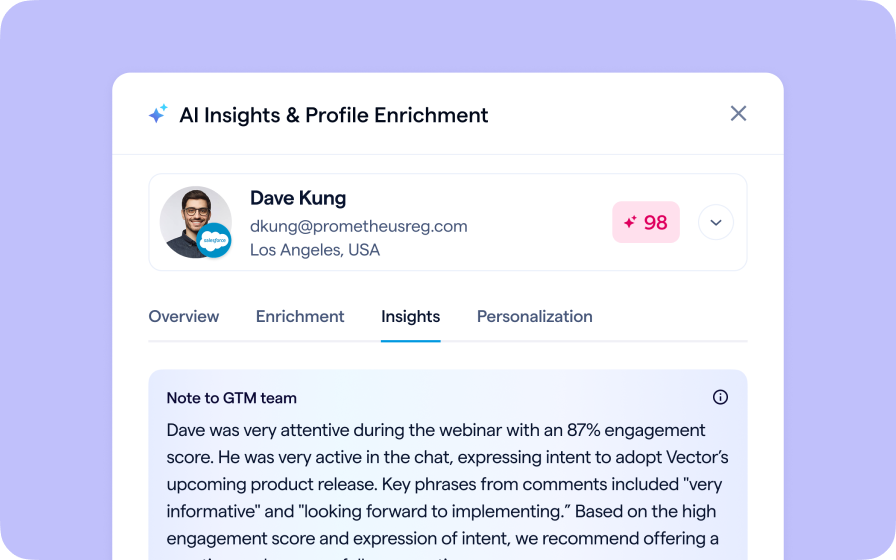
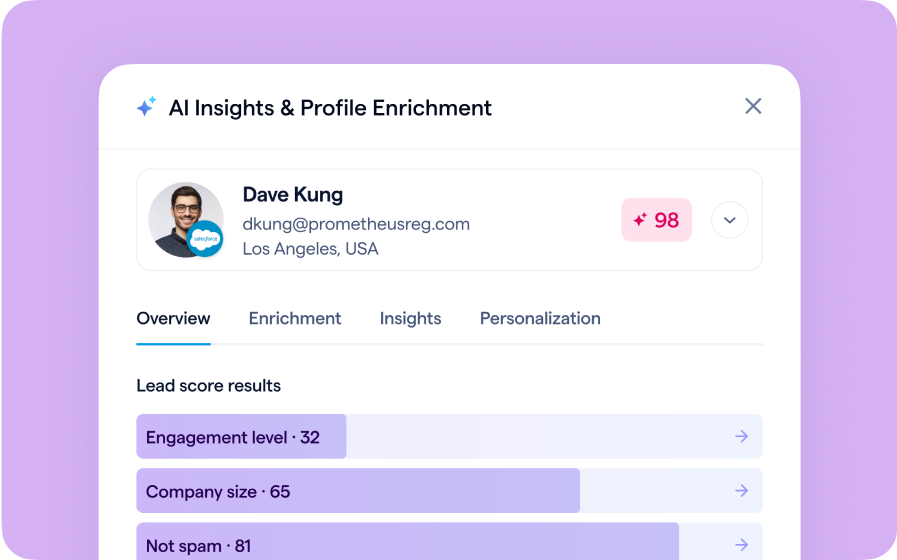
Any registration field can be used to filter your registrant list, which includes calculated fields and AI fields on the platform
Which BigMarker plans support filtered analytics?
This feature is currently available for Events plan holders.
For more details on event analytics and filtering options: Read the Event Analytics guide.