Key Benefits
With our new Braze integration, you can seamlessly export registration data from BigMarker into Braze user profiles, turning every webinar, series, or event into a rich touchpoint for personalized communication and segmentation.
Whether you’re scaling enterprise webinars, conferences, or multi-session series, this integration ensures your event data serves not just analytics, but your broader marketing engine.
- Immediate Action, Zero Latency Don't wait for manual CSV uploads. New registrants sync to Braze in real-time, allowing you to trigger instant confirmation emails, SMS reminders, or welcome sequences immediately after signup.
- Hyper-Personalized Messaging Move beyond generic "Thanks for attending." We automatically map custom registration fields (e.g., Job Role, Industry, Buying Intent) to Braze attributes, enabling you to send content that actually converts based on who the attendee is.
- 360-Degree Customer View Unify your event data with your broader marketing strategy. Whether it’s a webinar, hybrid event, or multi-session series, your Braze user profiles update automatically, ensuring your sales and marketing teams always have the latest context.
What's New
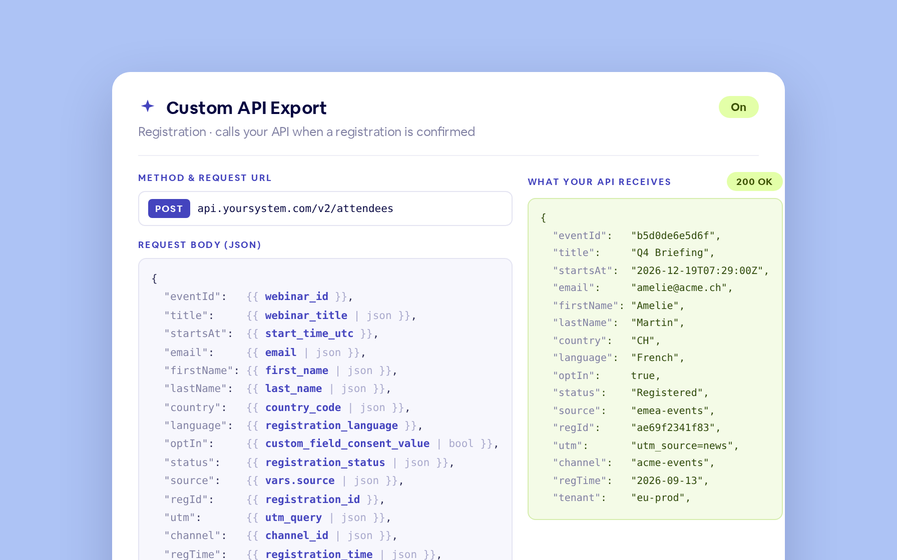
- Export of standard event fields (email, webinar ID, webinar name, start time) into Braze user attributes.
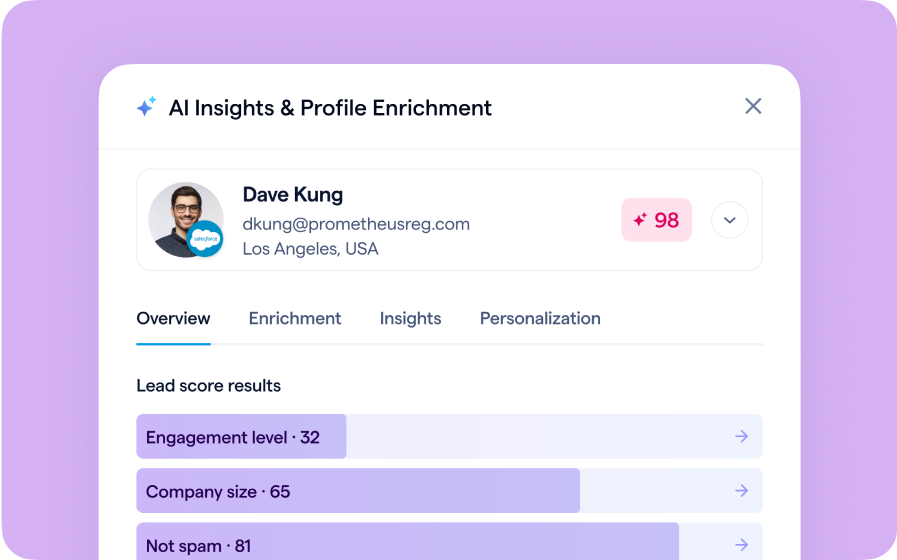
- Export of custom registration fields in BigMarker into Braze user profiles, enabling advanced segmentation.
- Instant “Export Now” option along with ongoing real-time export of new registrants.
Use Cases
- Real-Time Nurture Activation: A registrant signs up for your webinar, and instantly their profile in Braze is updated, triggering a post-event drip campaign without any manual steps.
- Behavior-Based Messaging: Use registration answers (e.g., job role or industry) exported via BigMarker to tailor follow-up emails.
- Cross-Channel Campaign Sync: Your event audience becomes part of your ongoing multi-channel strategy in Braze, making events a seamless part of your customer lifecycle.
How to Use It
- In your webinar, series, or event dashboard under Integrations, find the Braze settings and enable the connection.
- Enter your Braze REST API endpoint and API key.
- Enable User Export using the two-column mapper in BigMarker to specify how each BigMarker field maps to Braze attributes.
- Configure custom registration fields to be exported.
FAQ
Does the BigMarker Braze integration support custom fields?
Yes. Custom registration fields are exported to Braze within the bigmarker_webinar_registration_data user attribute array, allowing for detailed segmentation based on specific user answers.
Is the data sync real-time?
Yes. Once enabled, new registrants are exported to Braze in real-time. There is also an "Export Now" feature for syncing existing registrants retroactively.
Which BigMarker plans support the Braze integration?
This integration is currently available for Events and Enterprise plan holders.
Learn More
For the full integration guide, setup details and FAQs, visit: Integrate Braze with BigMarker