BigMarker News & Updates The BigMarker Self-Service Kit + Onsite App

Eliminate Registration Lines with Instant Badge Printing

We are thrilled to introduce the complete BigMarker Self-Service Badge Printing Kit—a streamlined, professional hardware and software solution designed to eliminate check-in lines and manual name tags forever.
Categories
Events
Share

The End of the Check-In Bottleneck

Nothing kills event momentum faster than a massive line at the registration desk. Searching through spreadsheets, dealing with complex IT setups, and alphabetizing hundreds of pre-printed name tags is a logistical nightmare that leaves your attendees frustrated before the opening keynote even begins.

Make your event’s first impression flawless. The BigMarker Self-Service Badge Printing Kit is a complete, plug-and-play hardware and software solution designed to eliminate check-in lines and manual name tags forever.

How It Works: Seamless from Start to Finish

Everything You Need, Ready to Go


Say goodbye to complex IT setups. Your kit arrives completely pre-configured and ready to deploy in minutes. Just plug it in, and your registration desk is open for business.

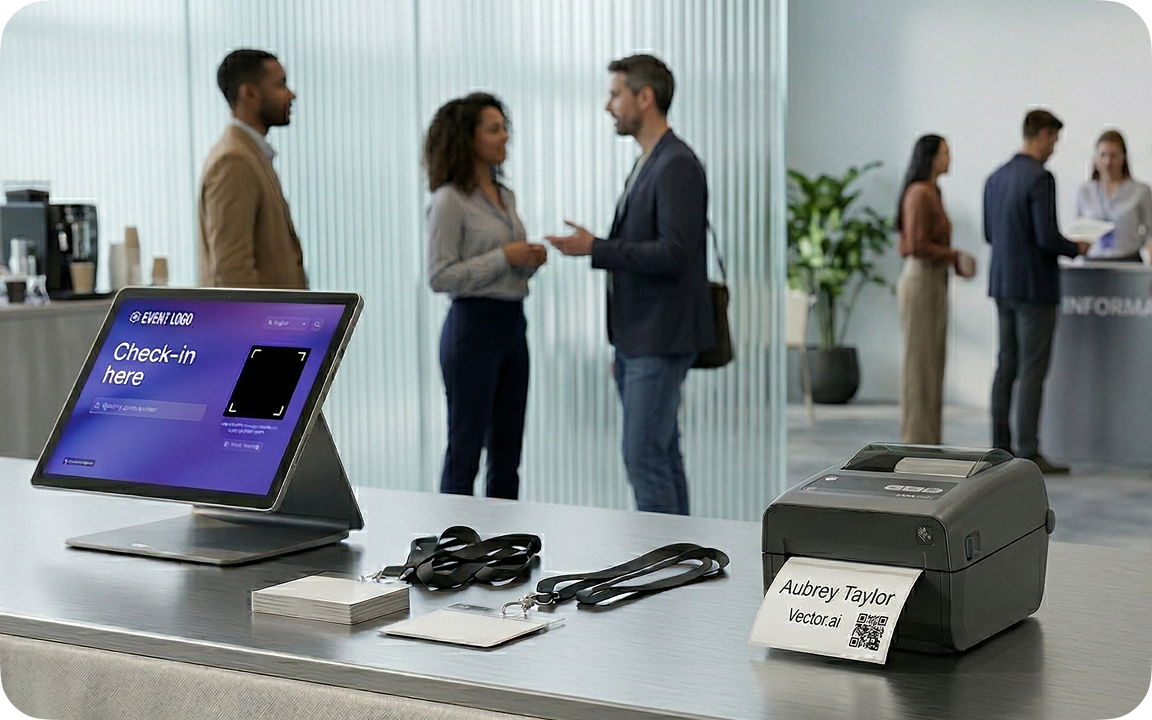
  • Instant Badge Printing: High quality on demand printing, instant badge printing the moment an attendee checks in.
  • Sleek iPad Kiosks: Includes high-performance iPads with professional aluminum stands, creating a modern, self-guided experience for your attendees.
  • Plug-and-Play Simplicity: The hardware comes pre-loaded with the BigMarker Onsite App. No downloading or manual pairing required.

A Fully Branded, Frictionless Experience

Your event, your branding. The BigMarker Onsite App turns the iPads into beautiful, custom-branded check-in kiosks

  • Custom Interfaces: Add your event logo, brand colors, and custom messaging to the check-in screen.
  • Lightning-Fast Check-in: Attendees can instantly scan their unique QR codes using the iPad's front-facing camera
  • Manual Search: Forgot the QR code? Attendees can easily search by their name or email address directly on the screen.

Powered by Real-Time Data

The moment an attendee prints their badge, the data syncs perfectly with your BigMarker dashboard.

  • Watch your check-in numbers update live.
  • Know exactly who has arrived and who is still expected.
  • Ensure your post-event reporting and CRM syncing are 100% accurate the second your event concludes.

Frequently Asked Questions

Do I need an IT team to set this up on-site? Not at all. We designed this kit specifically for event organizers, not IT professionals. The hardware arrives pre-paired and the iPads come pre-loaded with the BigMarker app. Simply unpack, plug into power, and follow the simple 3-step instruction card.

Can I use my own iPads and printers? While the BigMarker Onsite App is available to download on your own Apple devices, we highly recommend using our pre-configured kits. We guarantee the hardware compatibility and connection stability so you don't have to worry about troubleshooting on the morning of your event.

How far in advance do I need to order the kit? To ensure availability and allow time for shipping, we recommend requesting your kit at least 3 to 4 weeks prior to your event's start date.
Ready for a flawless event?
Transform your next in-person gathering with frictionless check-in and beautiful, instant badges.
Related updates
Export to Any System
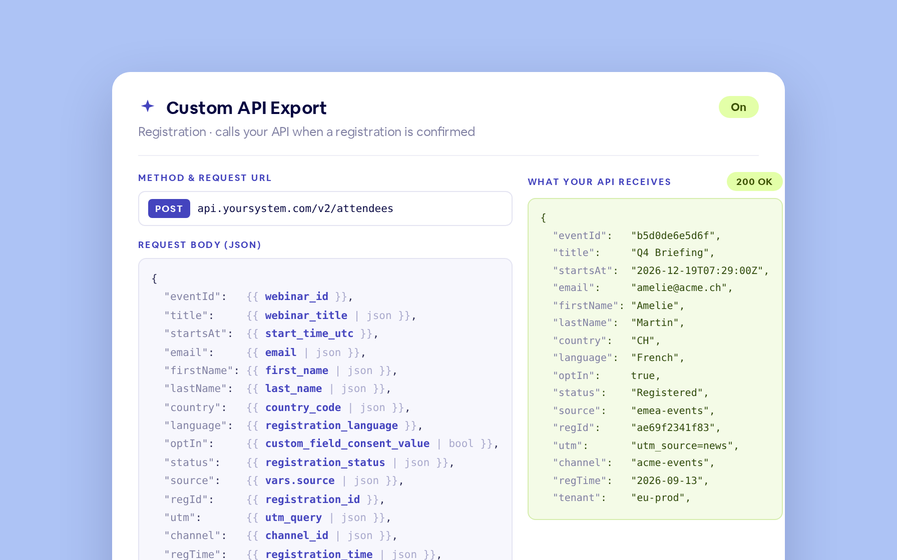
No connector needed — point a session at your endpoint, write the JSON body, and BigMarker calls it as people register, attend and watch.
Threaded chat in waiting room
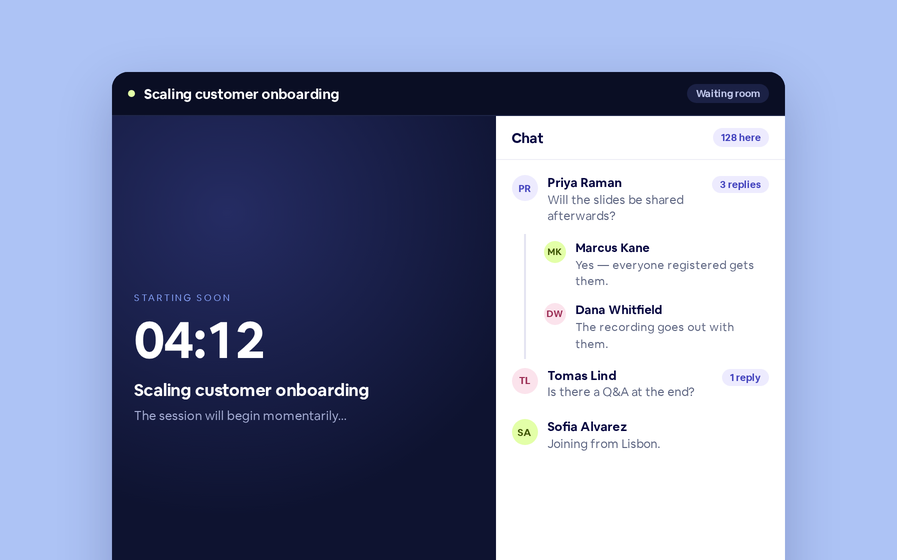
Replies now sit in a thread under the message they answer, so the pre-show conversation stays readable.
 Inline Page Editing
Inline Page Editing
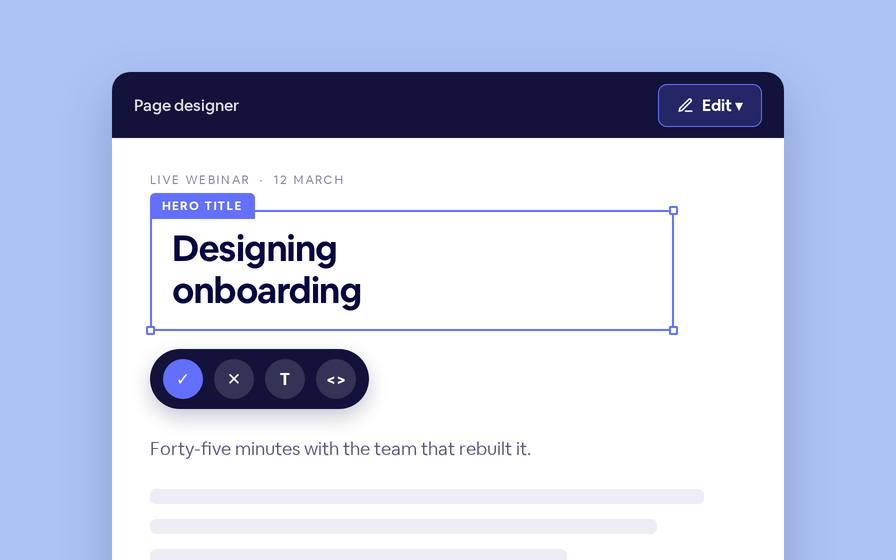
Click any headline, image or block on your landing page and change it right there — no hunting through editor panels.
Preview Custom Page States
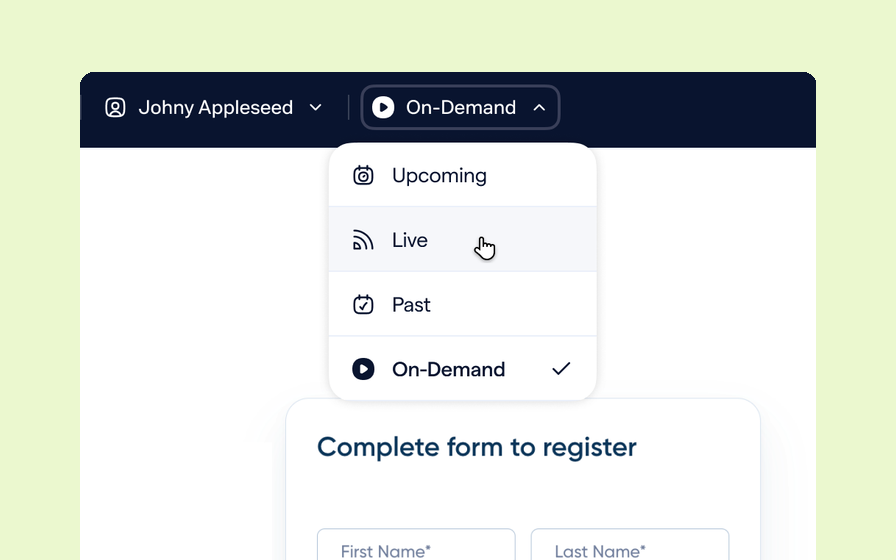
Preview any custom page as a registered viewer, an unregistered visitor or a real registrant, at any point in the event's life.
Quizes in On Demand Video
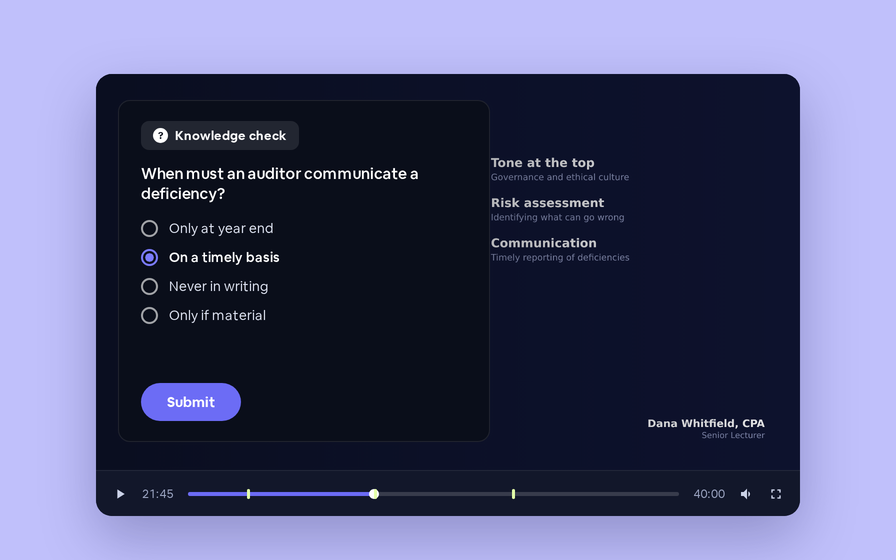
Ask questions inside your recordings and see who actually understood, not just who pressed play.
Follow Up Emails
Follow Up Emails
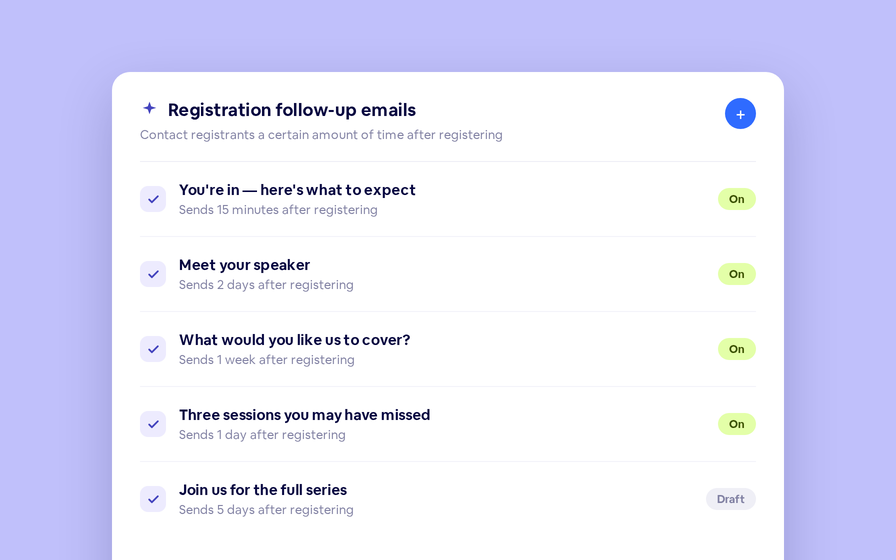
Keep in touch with your registrants immediately after they register.
Introducing BigMarker AI
Leverage generative AI to automate chaptering, generate short-form social-ready video clips, and create derivative content such as blogs, eBooks, and more.
AI  Audio Translations
AI Audio Translations
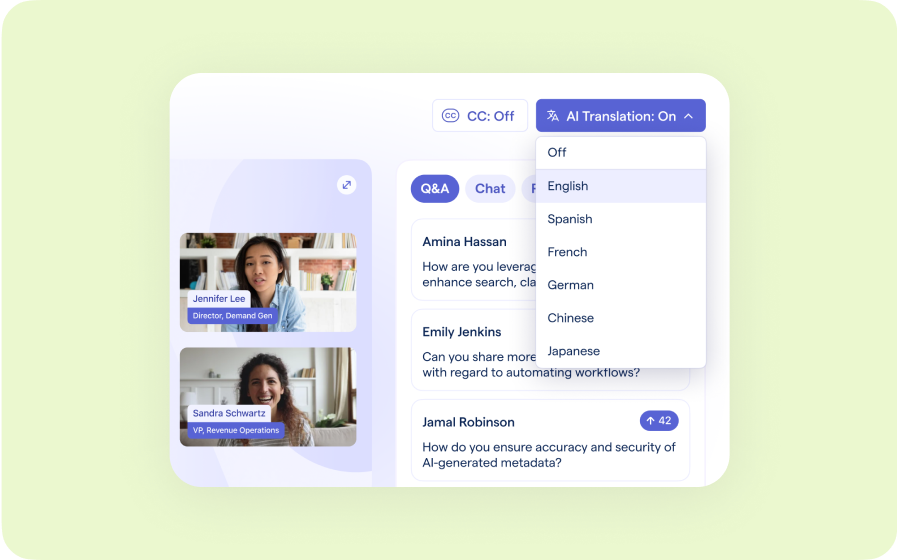
Presenters speak in their language while attendees listen in theirs, removing barriers and opening content to participants everywhere.
Custom Audience Experiences
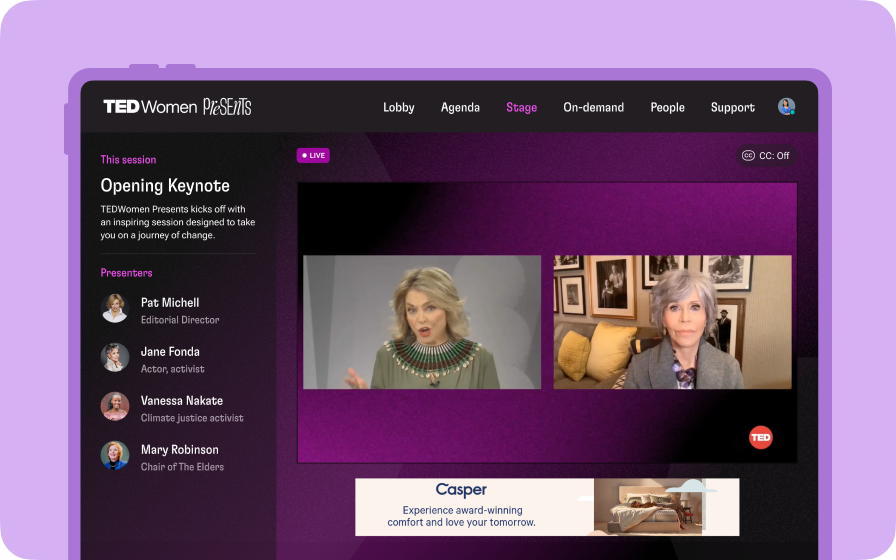
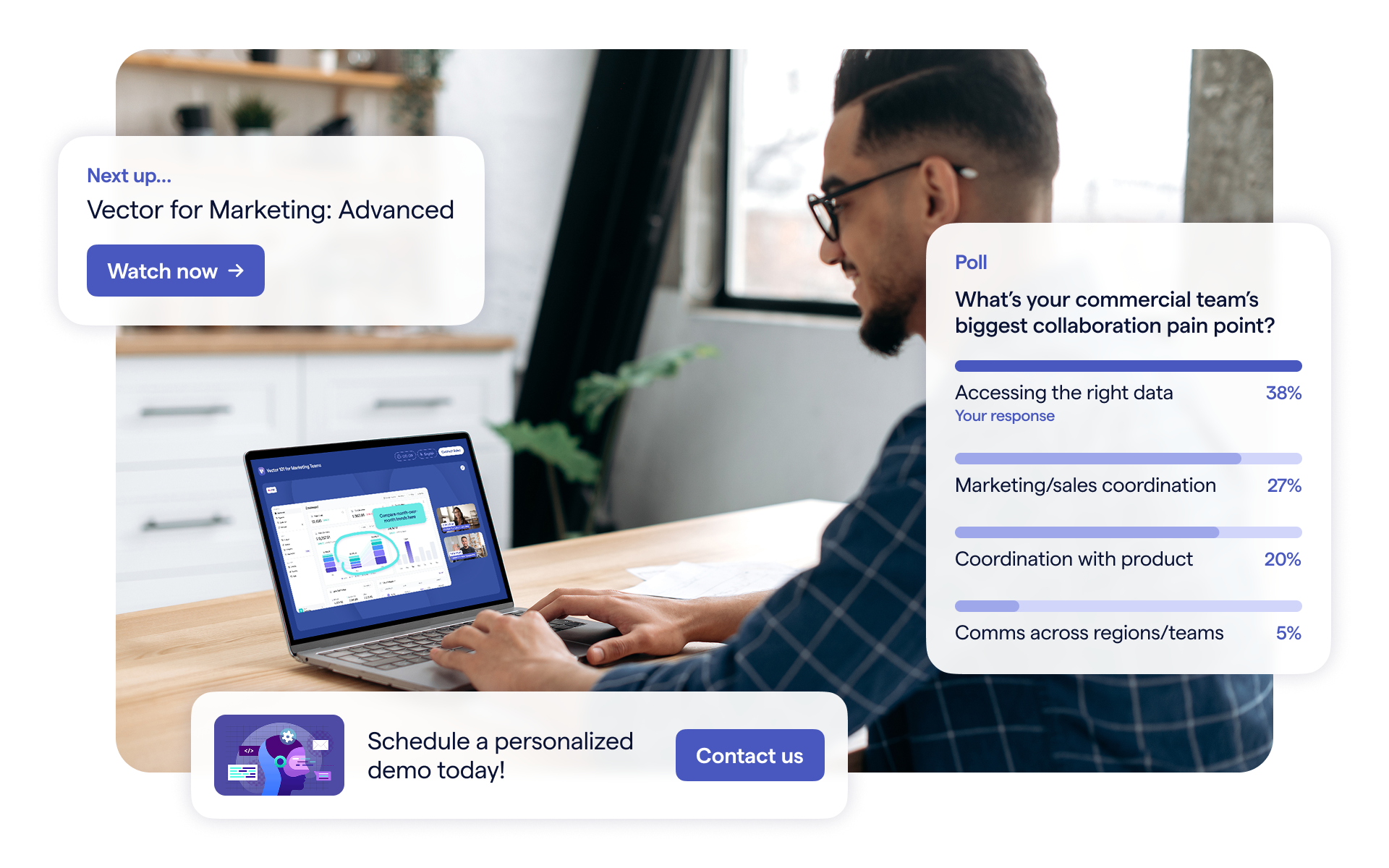
Get complete control over your webinar and event interfaces so every session looks, feels, and performs exactly the way you want.
AI Email Personalization
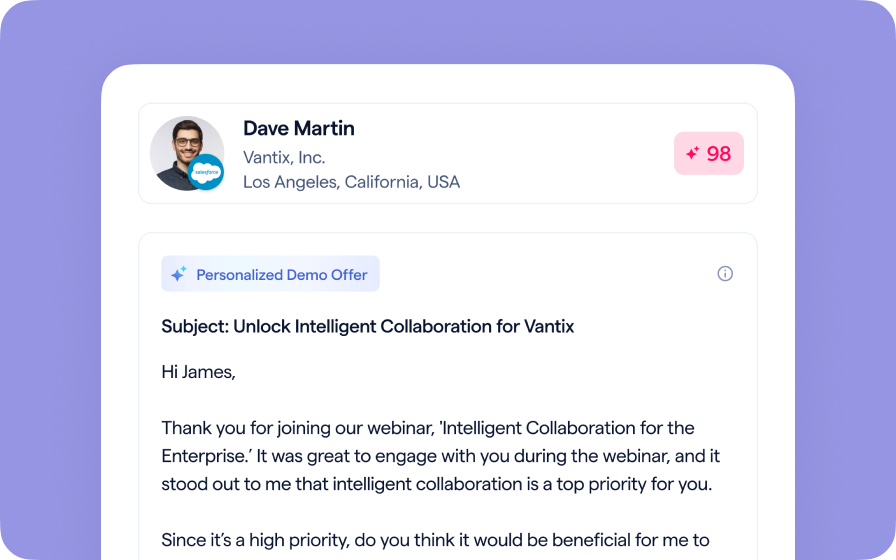
Every attendee gets a message crafted just for them based on their engagement, interests, and lead score.
Studio Scenes
Studio Scenes
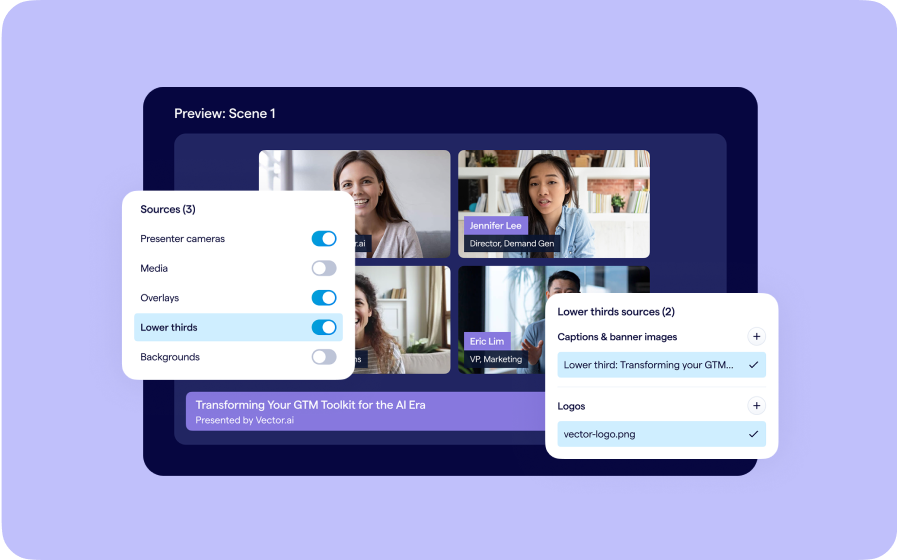
Give your events the look, feel, and professionalism of a live broadcast, without the complexity or cost of a production crew.
AI Content Studio
AI Content Studio
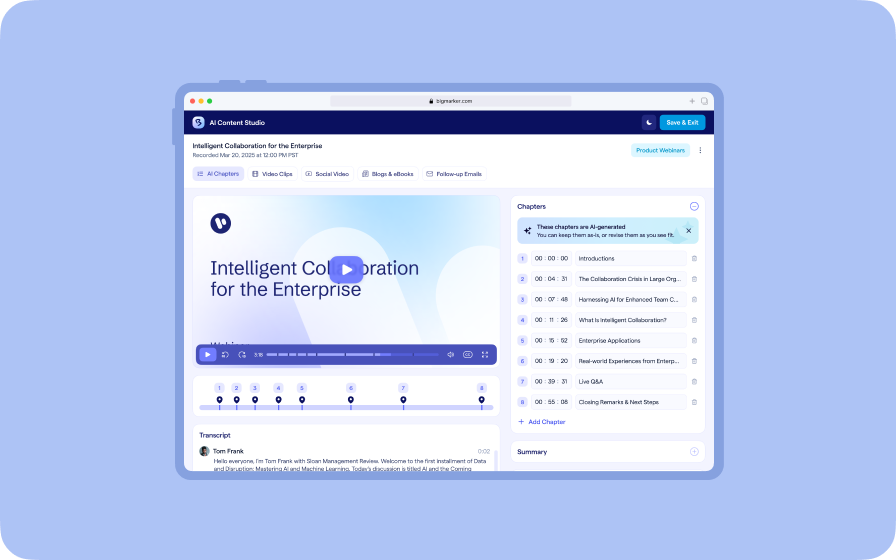
Leverage generative AI to automate chaptering, generate short-form video clips, and create blogs, eBooks, and other derivative content.
AI Lead Scoring
AI Lead Scoring
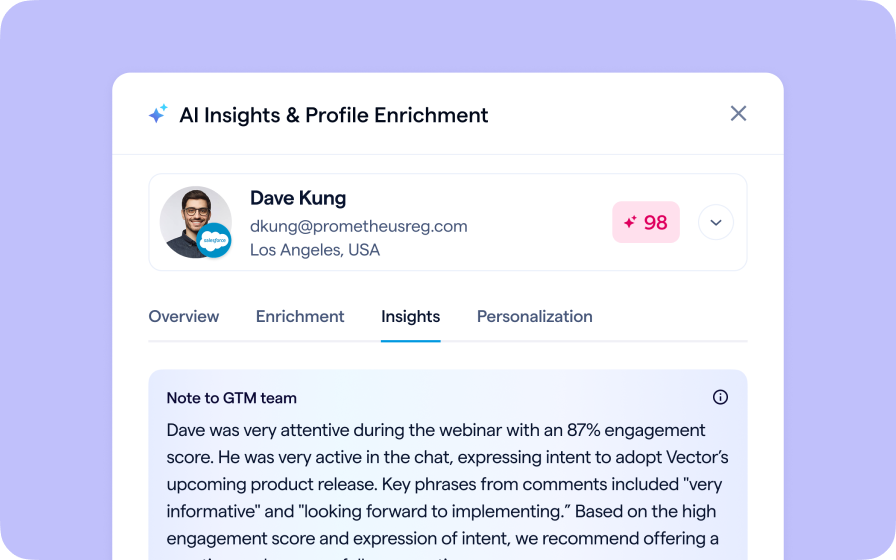
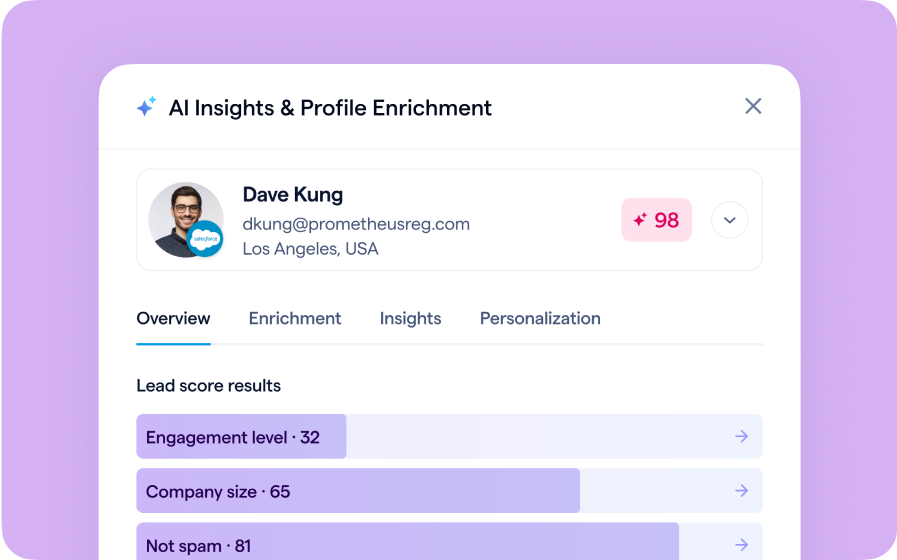
Instantly transform registration and attendee data into customized actionable sales insights.
Join the waitlist
By clicking “Submit”, I acknowledge that BigMarker may contact me related to my participation in this Beta offering.
You’re all set!
You’ve successfully registered for the waitlist!
If you have any questions, please contact your CSM.
BigMarker Self-Service Event Kit.