BigMarker News & Updates Sync Registrants to Braze User Profiles

Sync Registrants to Braze User Profiles

November 7, 2025
Your webinar registrants sync to their Braze user profiles, with an entry for each webinar you connect.
Categories
Share

BigMarker already connects to the CRM and marketing tools your team uses, and Braze is now one of them. Each registrant gets a Braze user profile with their email and name, and each webinar you connect is saved on that profile with the details you choose.

Your registrants, on their Braze profiles

The Braze integration sends the people who register for your webinar to Braze. Each one gets a user profile with their email, first name and last name, and the webinar is saved on that profile under bigmarker_webinar_registrations, with the details you map: its title, its start time, when they registered and their answers to your registration questions.
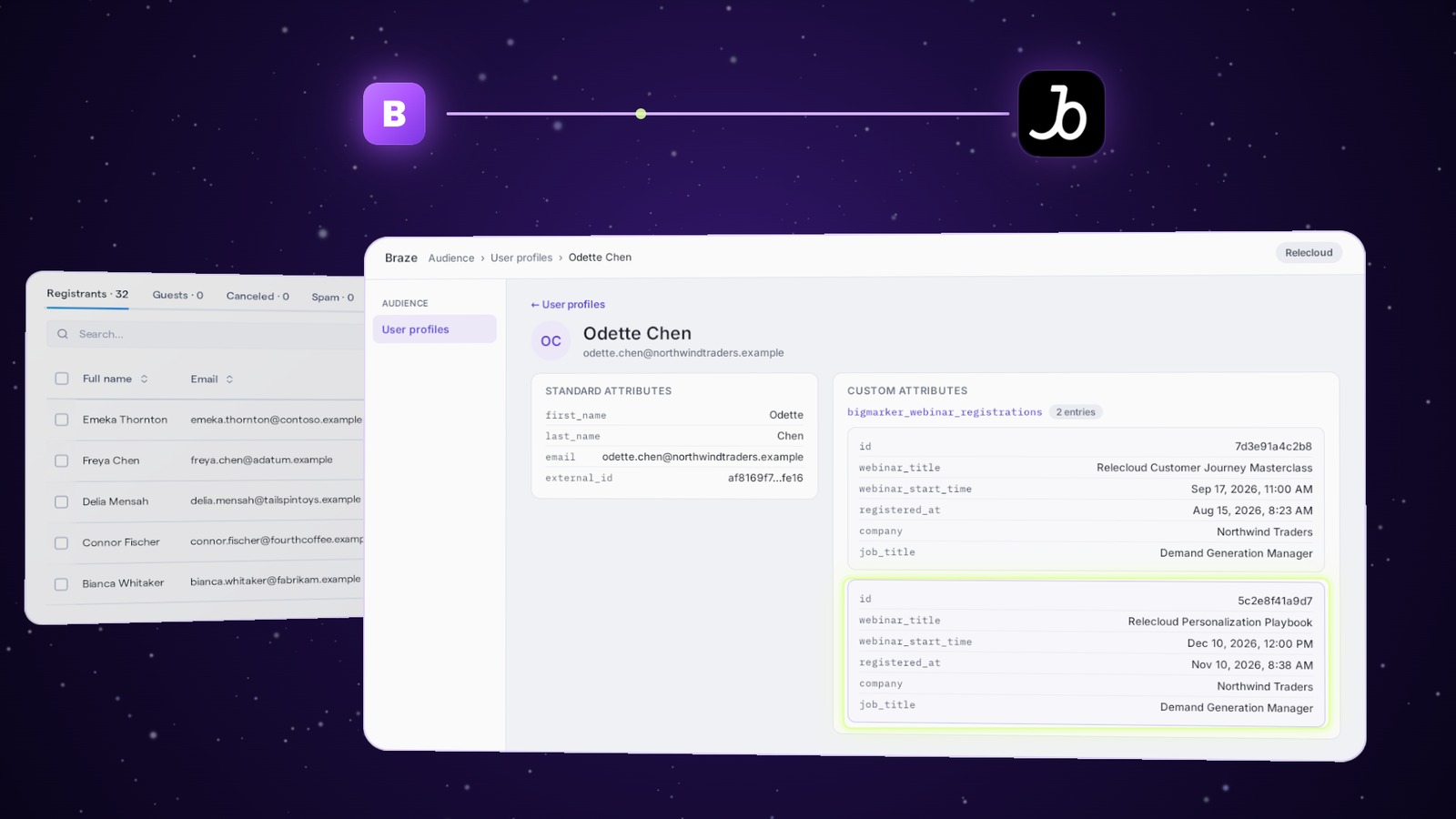
BigMarker connected to Braze: the webinar's registrant list beside a Braze user profile for Odette Chen, whose bigmarker_webinar_registrations holds an earlier webinar and the new one, Relecloud Personalization Playbook.
Illustration

Link your Braze account

Open your webinar and choose Integrations, then Braze.

1
Enter your account detailsUnder Braze Account, enter your Rest Endpoint and your API Key Identifier. Create the key in Braze with the permissions listed under Required Permissions: users.track, users.export.ids and users.identify.
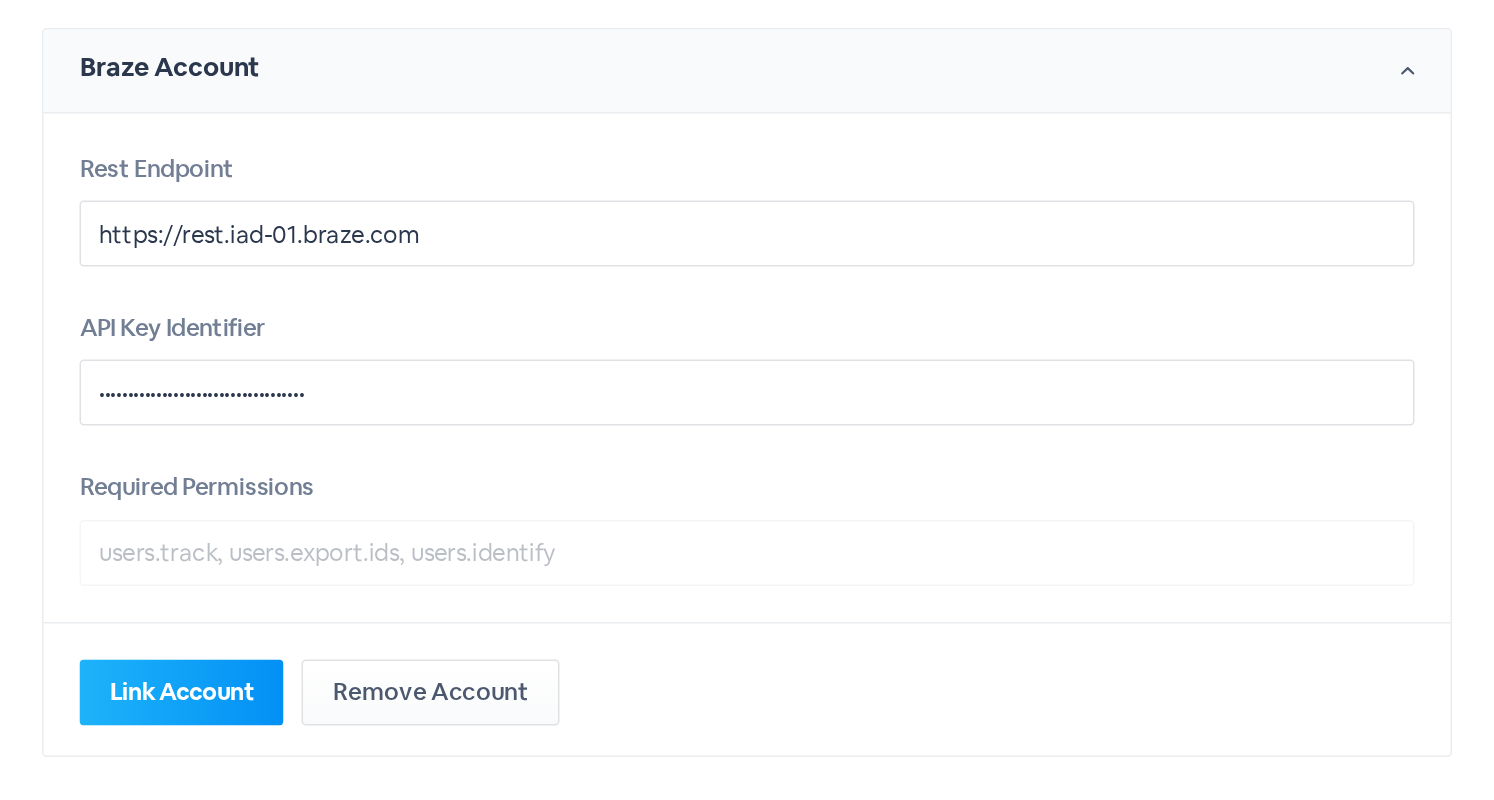
The Braze Account section with the Rest Endpoint https://rest.iad-01.braze.com, a hidden API Key Identifier, Required Permissions users.track, users.export.ids, users.identify, and the Link Account and Remove Account buttons.
2
Click Link AccountBigMarker saves your account and shows Success! above Braze Account.

Choose what goes on each profile

1
Turn on the exportUnder Export Settings, check Enable User Export.
Export Settings with Enable User Export checked: when enabled, registrant information is synchronized with Braze user profiles upon registration.
2
Name the attributesEmail, First Name and Last Name go to the matching fields on the Braze user profile. Below them, type an attribute name next to each detail you want in Braze, such as webinar_title or company. A detail you leave blank isn't sent.
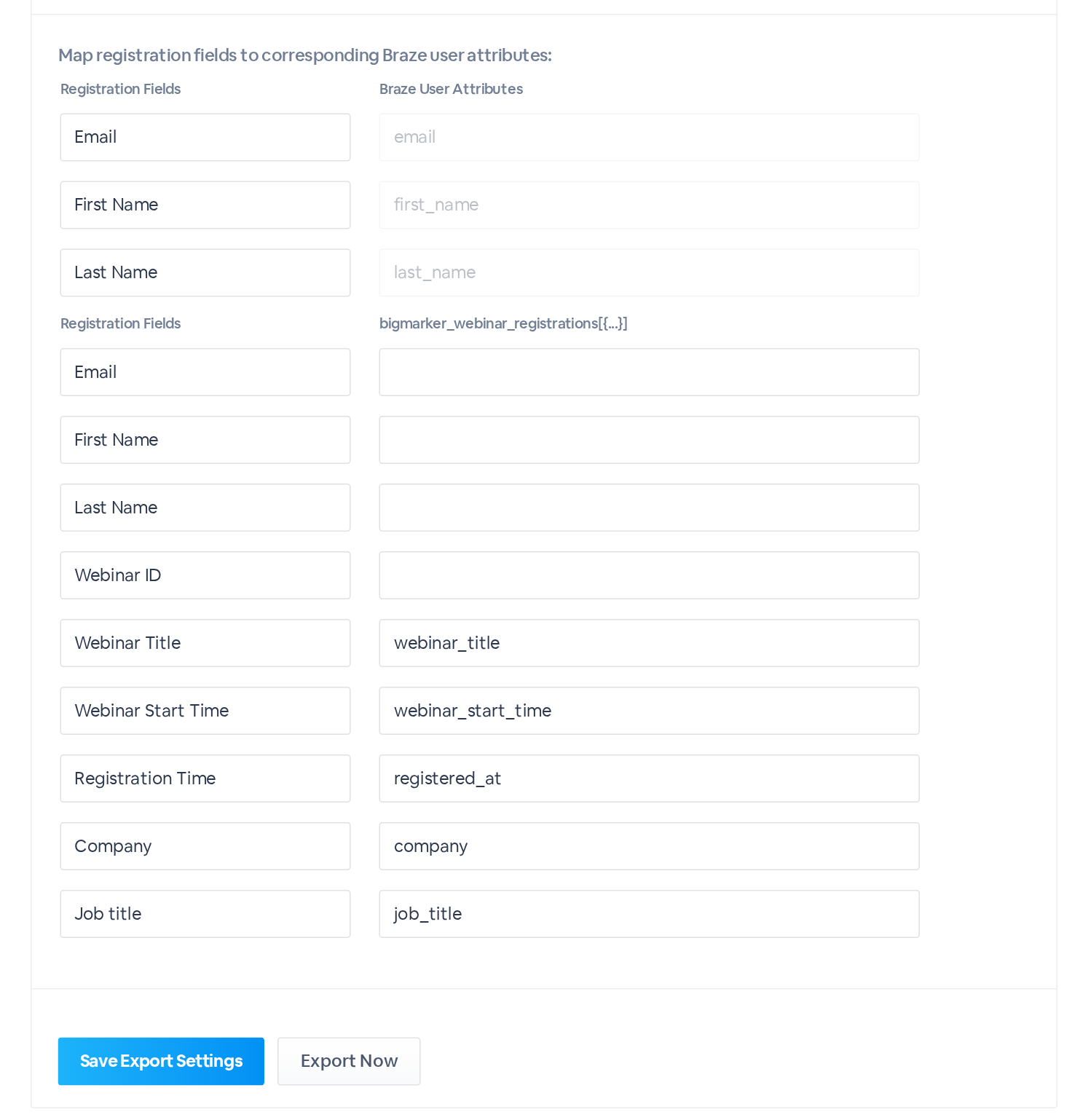
The field mapping: Email, First Name and Last Name fixed to email, first_name and last_name; under bigmarker_webinar_registrations, Webinar Title to webinar_title, Webinar Start Time to webinar_start_time, Registration Time to registered_at, Company to company and Job title to job_title; then the Save Export Settings and Export Now buttons.
3
SaveClick Save Export Settings.

One entry per webinar

Each webinar you connect is one entry in bigmarker_webinar_registrations, with the webinar's ID in id and your attribute names for the rest. Someone who registered for an earlier webinar keeps that entry, and the new one is added next to it. Webinar Start Time and Registration Time are sent as times, not text.

Odette Chenbigmarker_webinar_registrations · 2 entries
id7d3e91a4c2b8
webinar_titleRelecloud Customer Journey Masterclass
webinar_start_timeSep 17, 2026, 11:00 AM
registered_atAug 15, 2026, 8:23 AM
companyNorthwind Traders
job_titleDemand Generation Manager
id5c2e8f41a9d7
webinar_titleRelecloud Personalization Playbook
webinar_start_timeDec 10, 2026, 12:00 PM
registered_atNov 10, 2026, 8:38 AM
companyNorthwind Traders
job_titleDemand Generation Manager

An example profile from the walkthrough: an earlier webinar's entry, and the new one added beside it. Times shown in Central Time.

Send everyone, then each new registrant

Click Export Now to send everyone who has already registered. BigMarker shows Braze integration export started. and sends them in the background. While Enable User Export is on, each new registrant is sent to Braze when their registration is confirmed. Exporting again updates each person's entry for this webinar instead of adding a second one.

Export NowEveryone already registered
Each new registrationSent when it's confirmed
Export againUpdates the same entry

Good to know

AboutHow it works
Where to find itWebinar › Integrations › Braze
When it sendsWhen someone's registration is confirmed, and when you click Export Now
Matching profilesBigMarker identifies each profile with a BigMarker-generated External ID made from the email address. If Braze already has a profile with that email and no External ID, BigMarker gives it the External ID instead of creating a second profile
Recurring webinars and seriesExport Now on a recurring webinar sends each session's registrants, for up to the 500 sessions with the latest start times. On a series, it sends each session's registrants and the series' own. Each session is its own entry, with that session's ID and start time
Turning it offClear Enable User Export and click Save Export Settings. To disconnect completely, click Remove Account; that also deletes your attribute names
Send your registrants to Braze
Webinar › Integrations › Braze
Related updates
Export to Any System
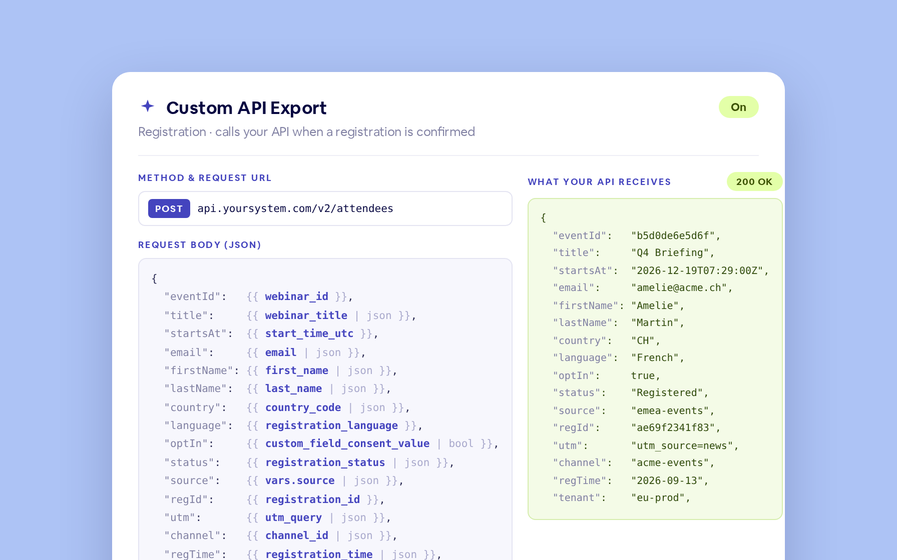
No connector needed — point a session at your endpoint, write the JSON body, and BigMarker calls it as people register, attend and watch.
Threaded chat in waiting room
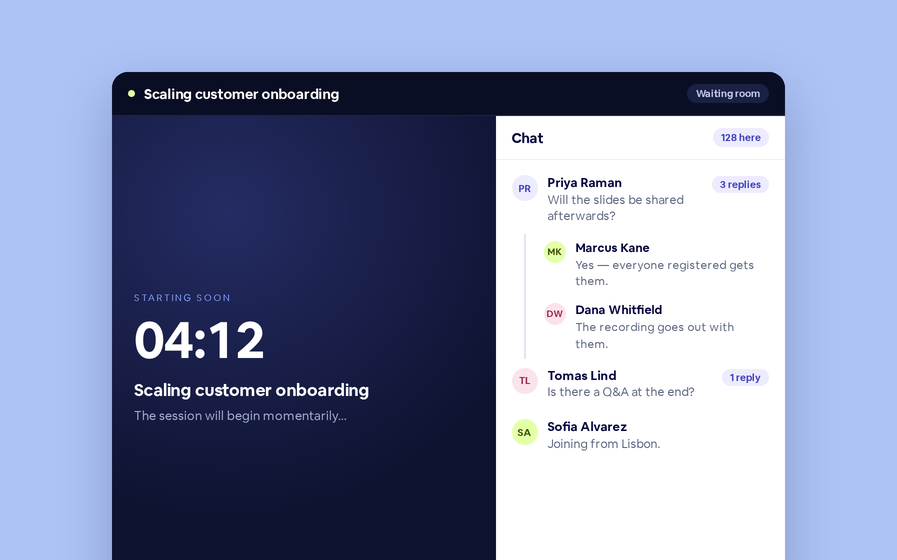
Replies now sit in a thread under the message they answer, so the pre-show conversation stays readable.
 Inline Page Editing
Inline Page Editing
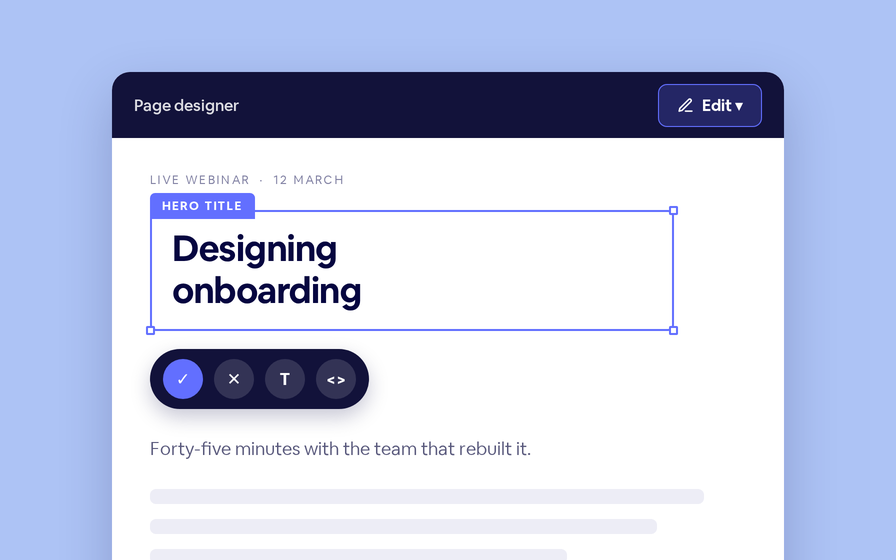
Click any headline, image or block on your landing page and change it right there — no hunting through editor panels.
Quizes in On Demand Video
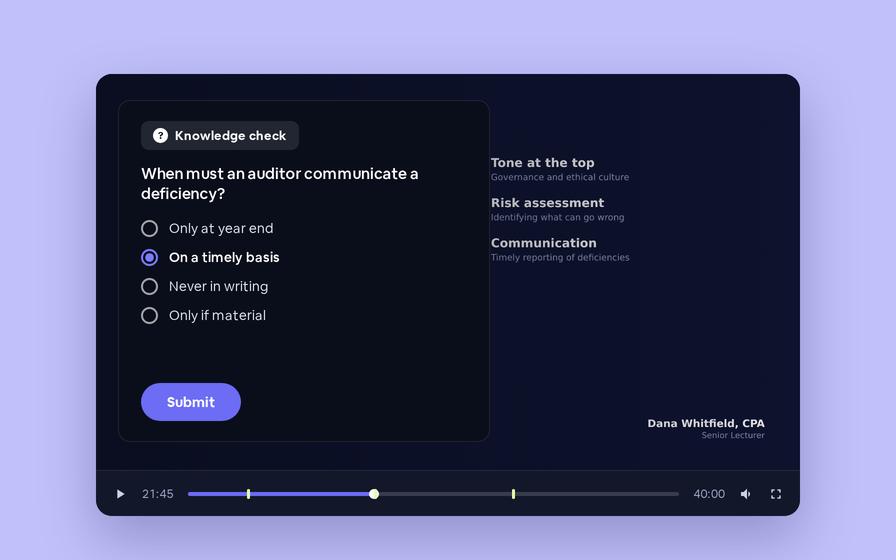
Ask questions inside your recordings and see who actually understood, not just who pressed play.
Preview Custom Page States
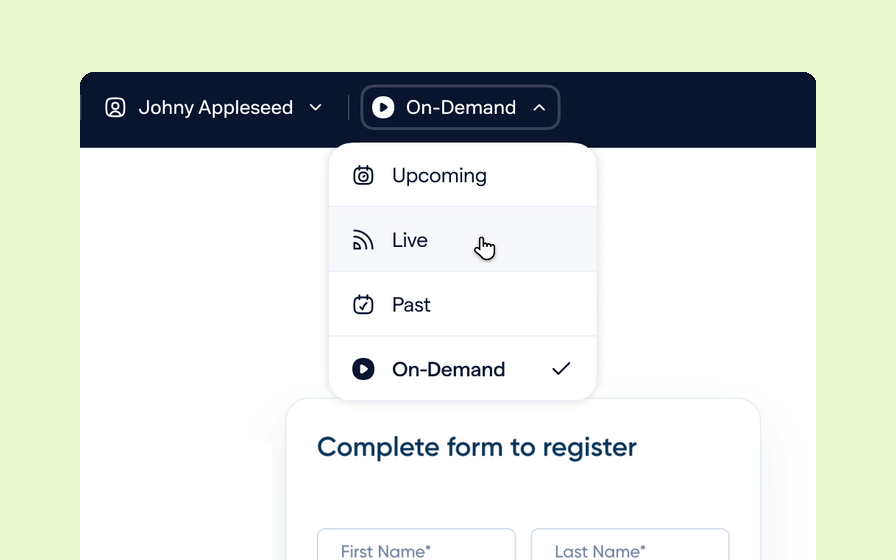
Preview any custom page as a registered viewer, an unregistered visitor or a real registrant, at any point in the event's life.
Follow Up Emails
Follow Up Emails
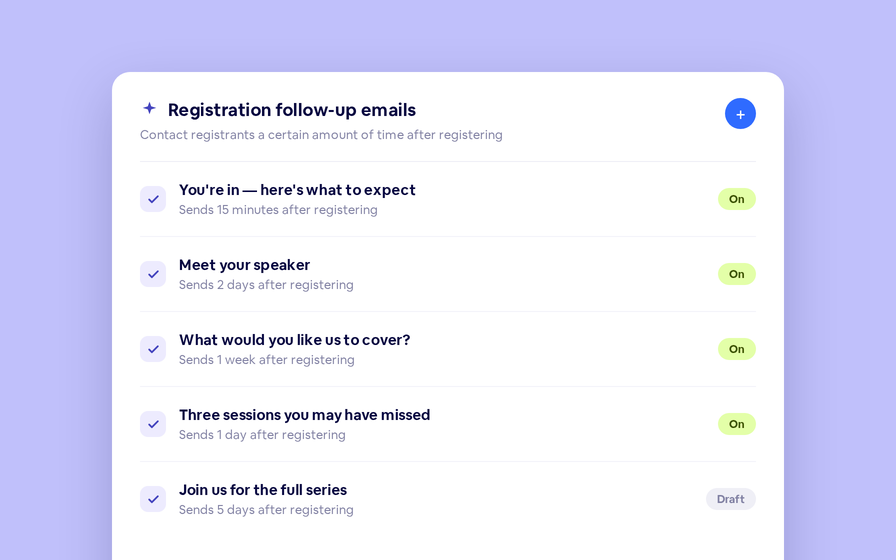
Keep in touch with your registrants immediately after they register.
Introducing BigMarker AI
Leverage generative AI to automate chaptering, generate short-form social-ready video clips, and create derivative content such as blogs, eBooks, and more.
AI  Audio Translations
AI Audio Translations
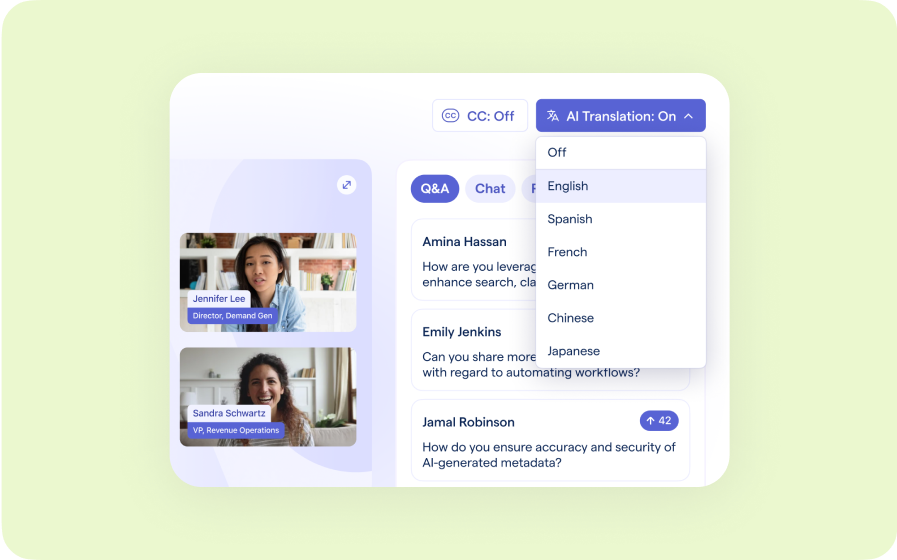
Presenters speak in their language while attendees listen in theirs, removing barriers and opening content to participants everywhere.
Custom Audience Experiences
Get complete control over your webinar and event interfaces so every session looks, feels, and performs exactly the way you want.
AI Email Personalization
Every attendee gets a message crafted just for them based on their engagement, interests, and lead score.
Studio Scenes
Studio Scenes
Give your events the look, feel, and professionalism of a live broadcast, without the complexity or cost of a production crew.
AI Content Studio
AI Content Studio
Leverage generative AI to automate chaptering, generate short-form video clips, and create blogs, eBooks, and other derivative content.
AI Lead Scoring
AI Lead Scoring
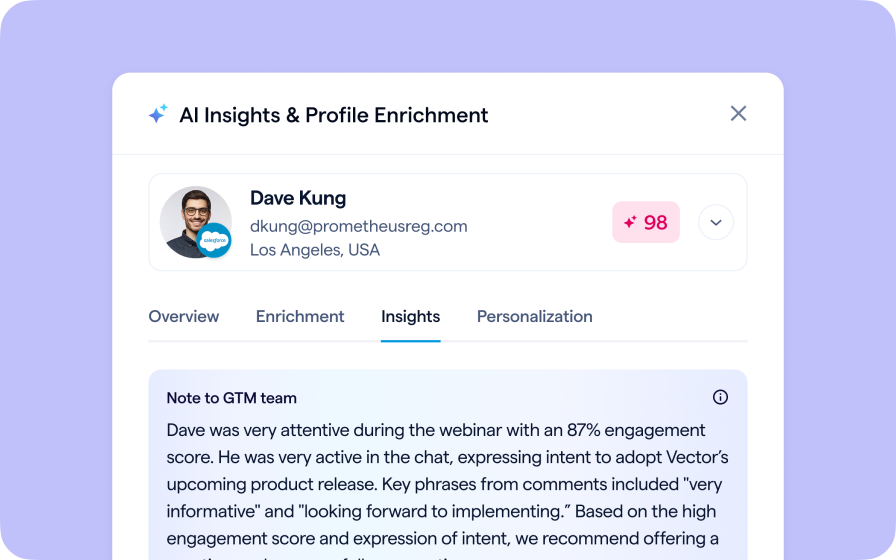
Instantly transform registration and attendee data into customized actionable sales insights.
BigMarker Webinar Series
Our weekly product update webinar series offers a closer look at what’s new in BigMarker, with live demos, practical tips, and Q&A to help you put the latest features to work. Join live or catch the recording on demand.
Join the waitlist
By clicking “Submit”, I acknowledge that BigMarker may contact me related to my participation in this Beta offering.
You’re all set!
You’ve successfully registered for the waitlist!
If you have any questions, please contact your CSM.
Webinar: Sync Registrants to Braze User Profiles by Product Update Hub