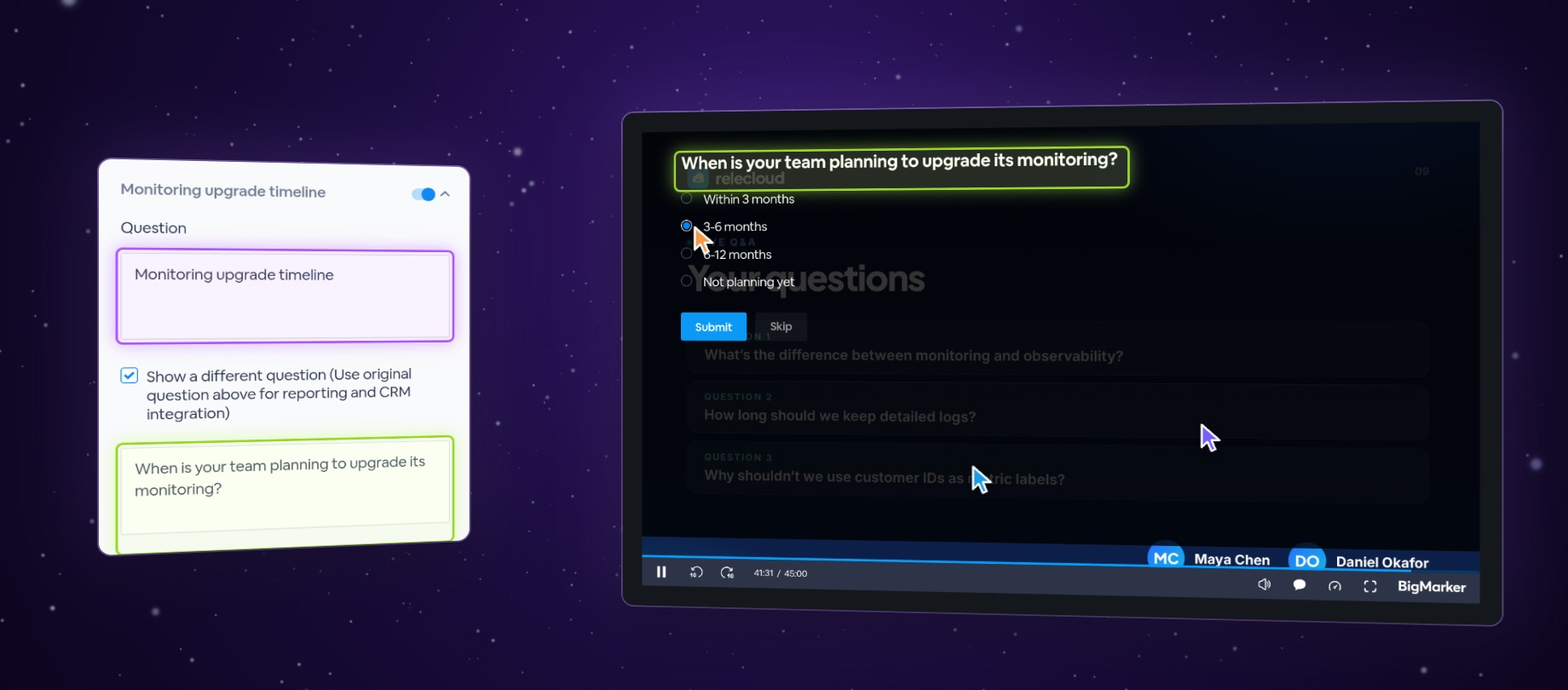
A poll in your live webinar can already show attendees a different question, while your CRM integration keeps the original. Now polls in your recordings can too. Check Show a different question on a poll in Edit Player's legacy editor, and people watching on demand see the question you wrote for them.
One poll, two questions
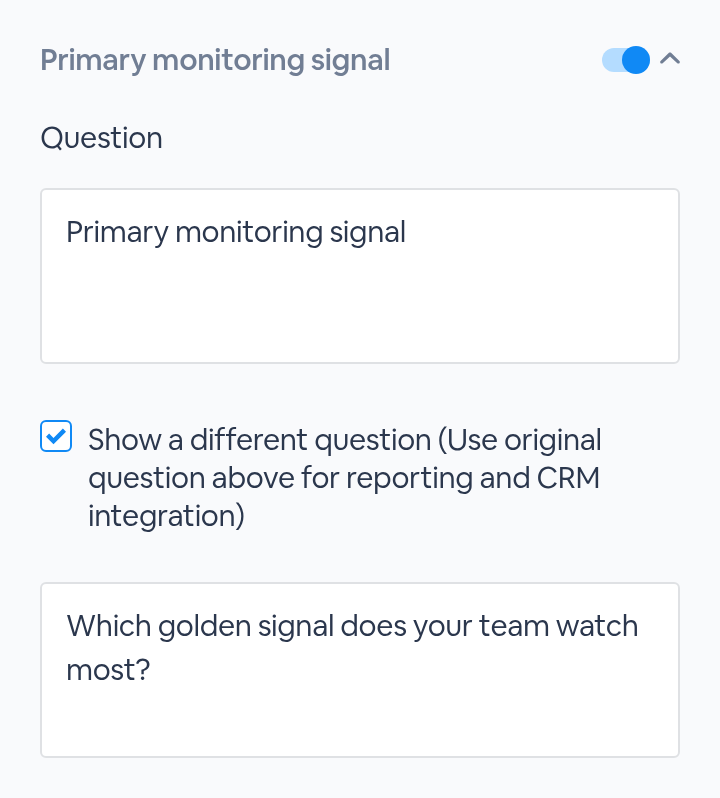
The Question box keeps the poll's original wording, the one your CRM integration receives. Check Show a different question and type a second question under it, and that's the one people see when the poll comes up in your recording.
Set it up in three steps
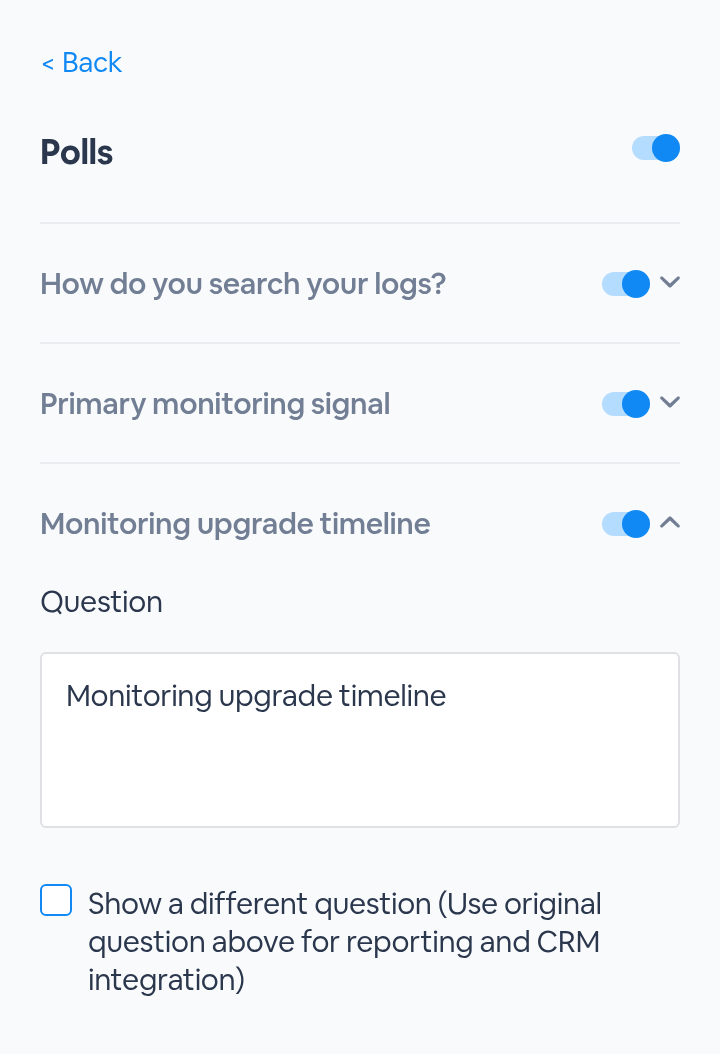
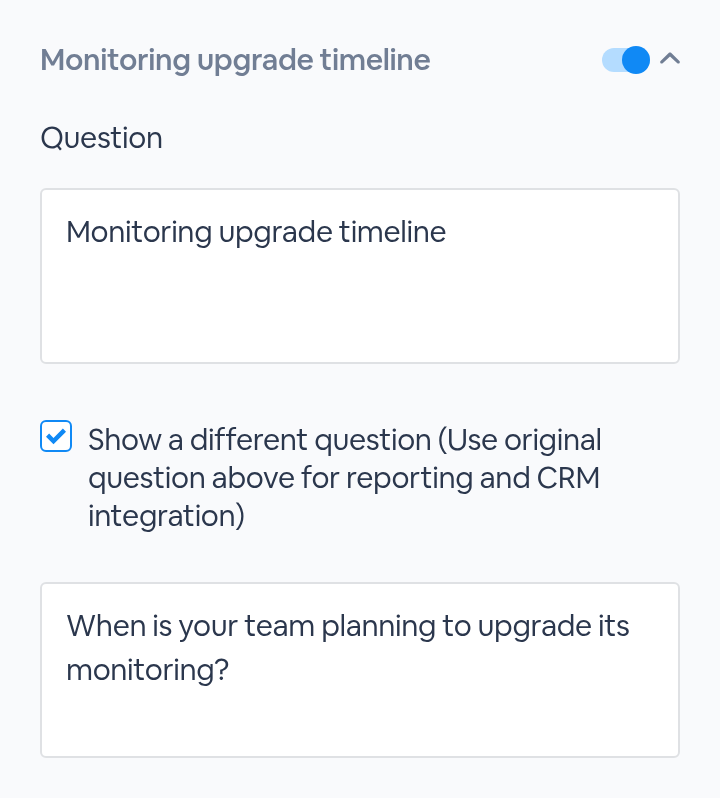
Polls from your live webinar
A multiple-choice poll that showed a different question in your live webinar keeps it. Open it under Polls and you'll find the box already checked and the question filled in. To play it in the recording, turn on the switch beside the poll and check its Start and End times.
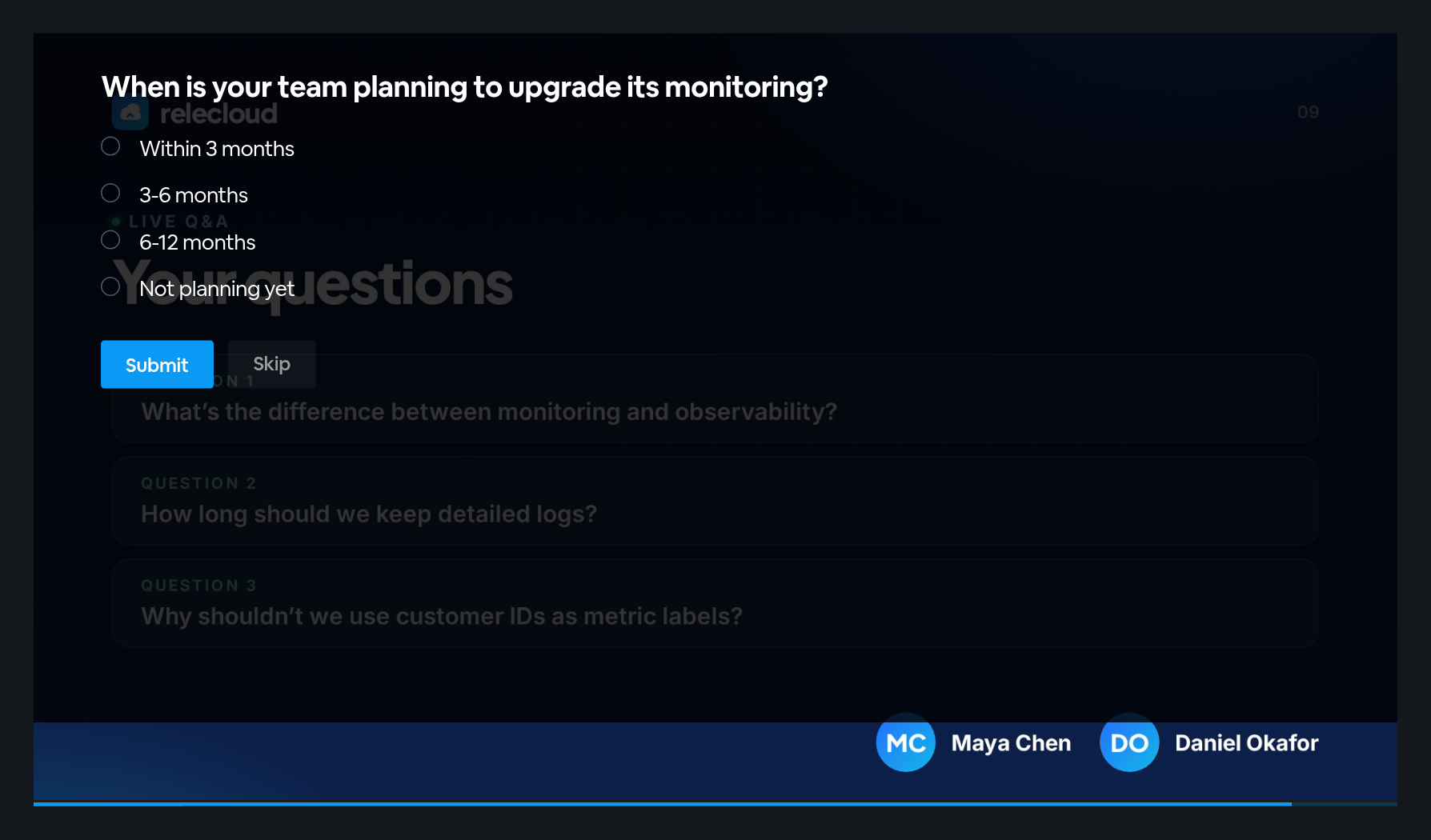
What viewers see
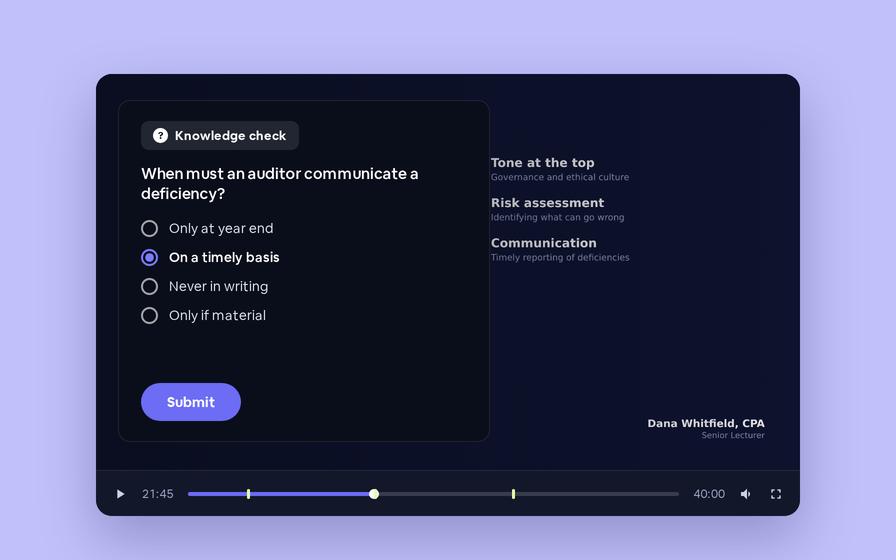
When the recording reaches the poll's start time, the poll appears over the video with the different question. Viewers pick an answer and click Submit, or Skip, right in the player.
Good to know
| When | What happens |
|---|---|
| Box checked, question left blank | Viewers see the original question |
| Box unchecked | Viewers see the original question |
| A new poll | Add Another Poll has the same checkbox |
| Pre-loaded polls | Their poll form in your session admin has the same setting, as a Show a different question switch. When the poll plays in the recording, it shows that question too |
| Edit Player › Automate | Its form for a new poll doesn't have this setting. A pre-loaded poll you time there keeps its different question |
| Length | The different question takes up to 400 characters |