BigMarker News & Updates Shopify Customer Account Sign-In with PKCE

Shopify Customer Account Sign-In with PKCE

July 29, 2026
OAuth2 Login now supports PKCE, so customers of your Shopify store can sign in to your webinars with the account they already have.
Categories
Share

Your Shopify store's customers already have an account with you. With PKCE in OAuth2 Login, they can use it to sign in to your webinars. The Register button takes them to your store's sign-in, and once they're through, they're back on your webinar page, signed in and, if you choose, registered.

Sign in with the store account

On a webinar that uses OAuth2 Login, the Register button takes customers to your Shopify store's own sign-in, where they use the email on their account and the one-time code the store sends them. Then they're back on your webinar page, signed in, with no new password to set up.
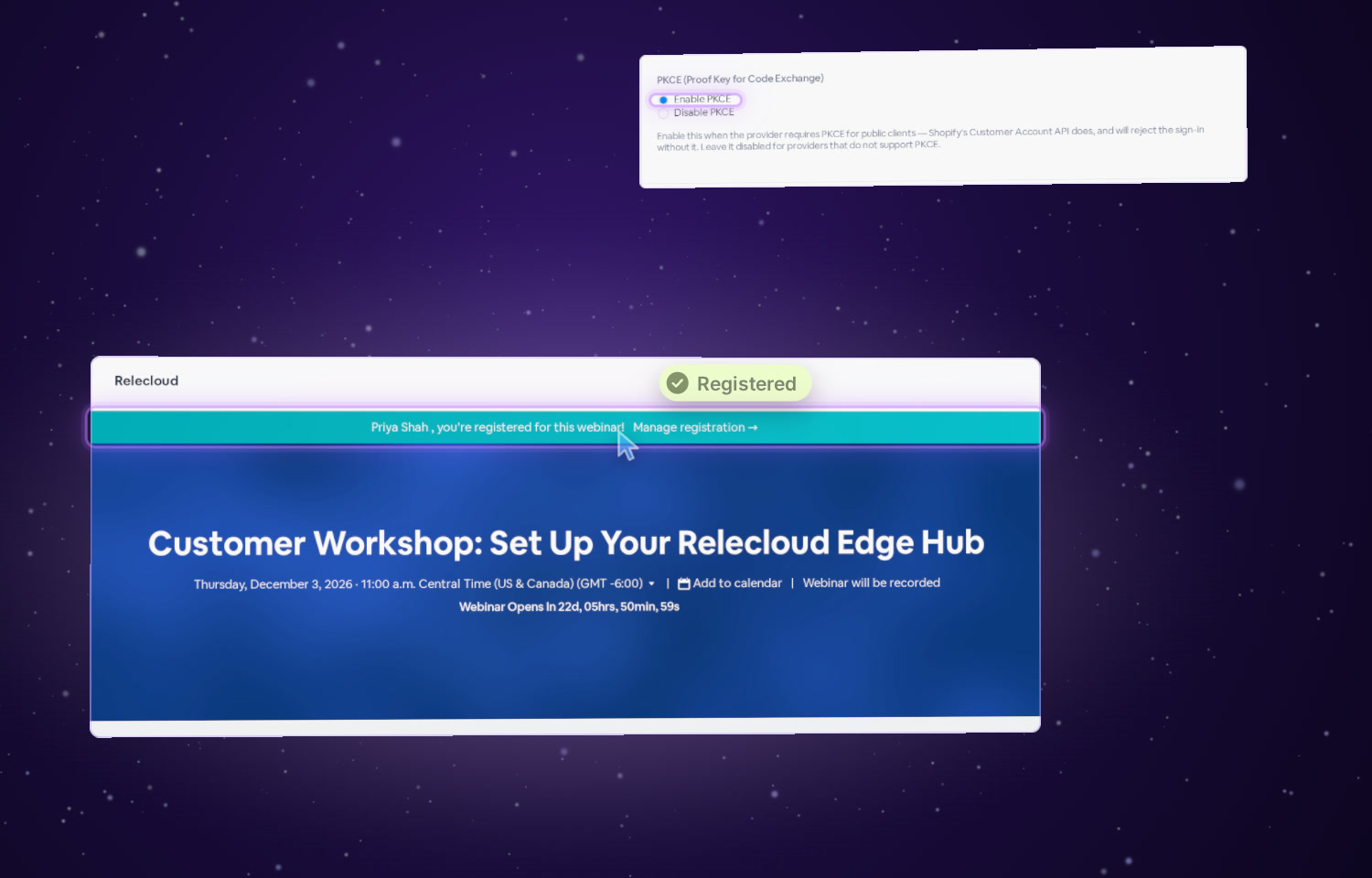
Illustration: the webinar page after sign-in, with the banner saying the customer is registered, and the PKCE setting with Enable PKCE selected.
Illustration

Set it up in three steps

1
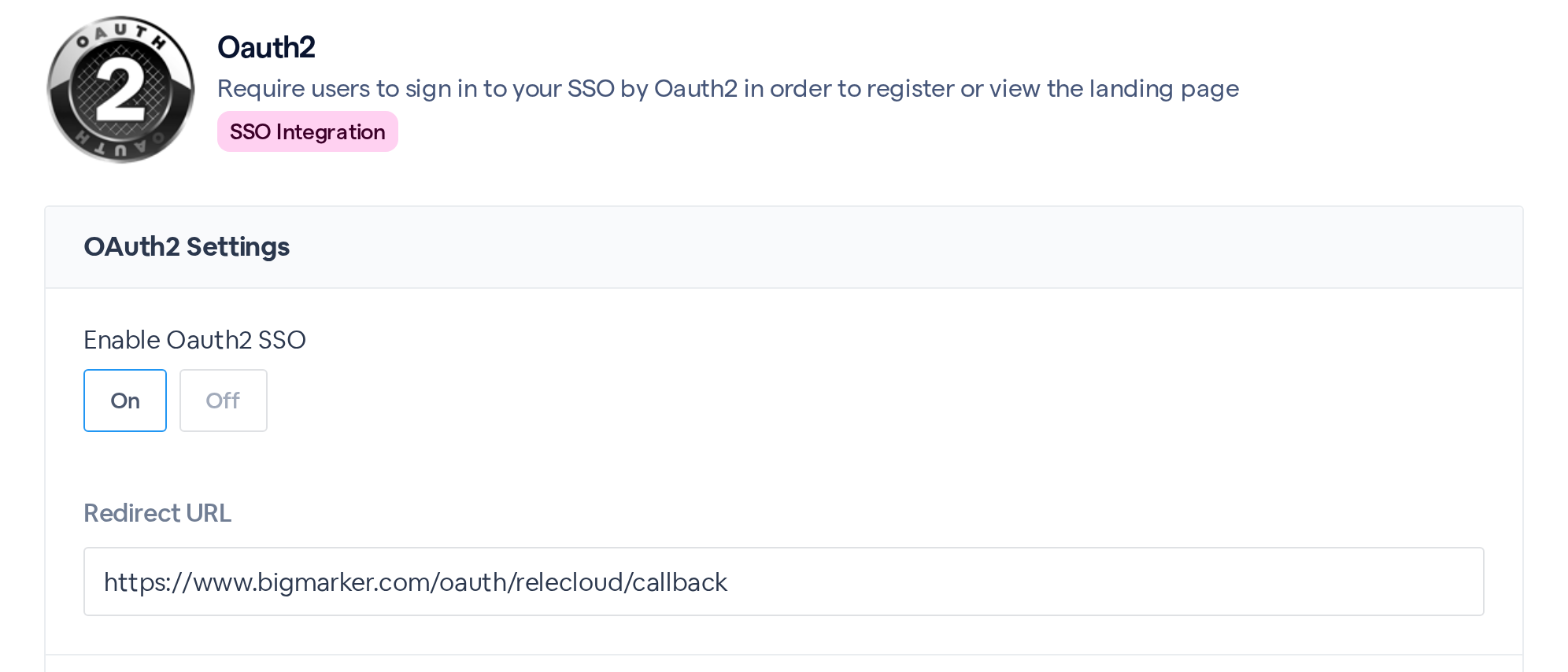
Open Oauth2 and turn it onOpen your webinar, choose Integrations, and pick Oauth2. Set Enable Oauth2 SSO to On, then add the Redirect URL to your Shopify app's callback URLs. BigMarker fills it in for your channel.
The Oauth2 integration: OAuth2 Settings with Enable Oauth2 SSO set to On and the read-only Redirect URL.
2
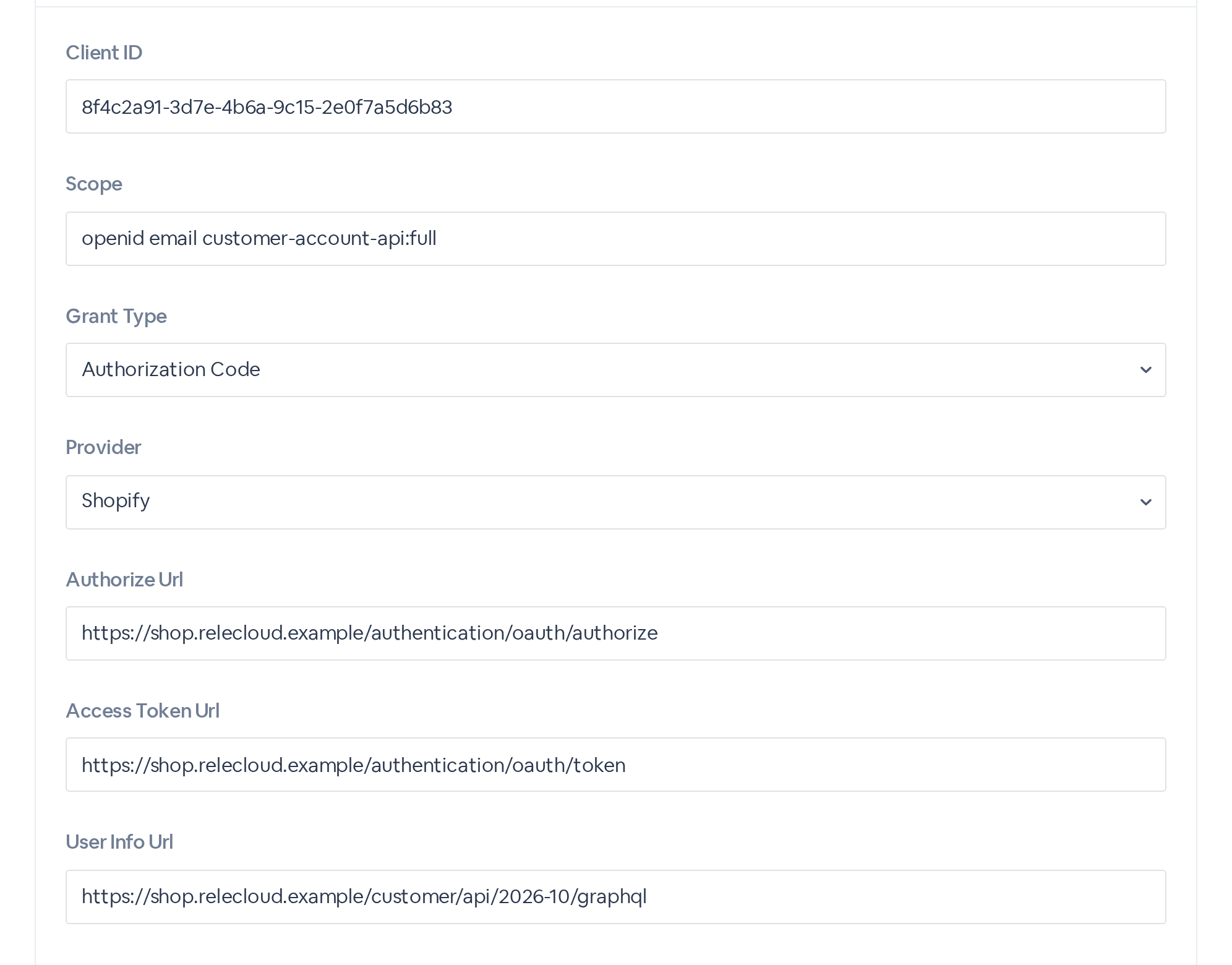
Add your Shopify app's detailsPaste the Client ID from your Shopify app and enter the Scope, for example openid email customer-account-api:full. Grant Type is Authorization Code and Provider is Shopify. For Authorize Url and Access Token Url, use your store's authorization and token addresses from Shopify. For User Info Url, use its Customer Account API GraphQL address, which BigMarker asks for the customer's name and email. Each begins with https://.
Client ID, Scope, Grant Type Authorization Code, Provider Shopify, and the Authorize, Access Token and User Info URLs, filled with example values.
Example values
3
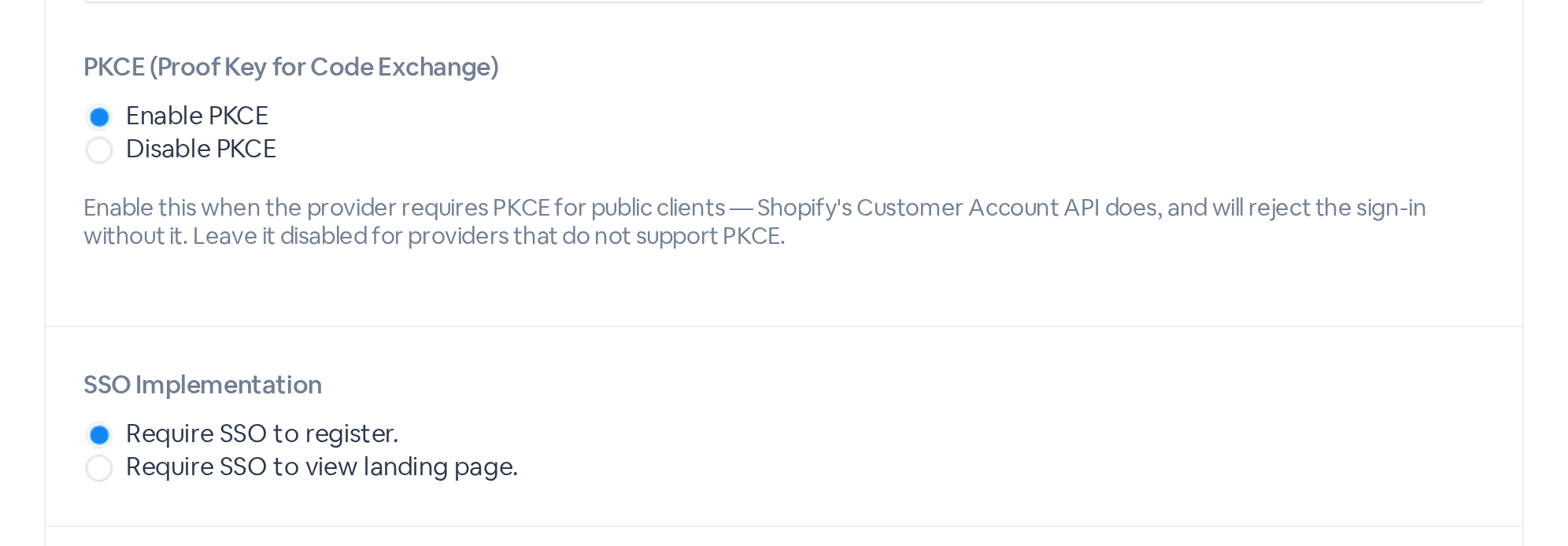
Choose Enable PKCE, then submitUnder PKCE (Proof Key for Code Exchange), choose Enable PKCE: Shopify's Customer Account API requires it and rejects the sign-in without it. Require SSO to register. is already selected, so your landing page stays open and signing in is how people register. Check Auto register after sign in via SSO, then click Submit.
PKCE (Proof Key for Code Exchange) with Enable PKCE selected, and SSO Implementation set to Require SSO to register.

What customers see

A customer clicks Register on your landing page and signs in at your store. BigMarker brings them back to the webinar page signed in, and with Auto register after sign in via SSO checked, they're registered at the same moment.
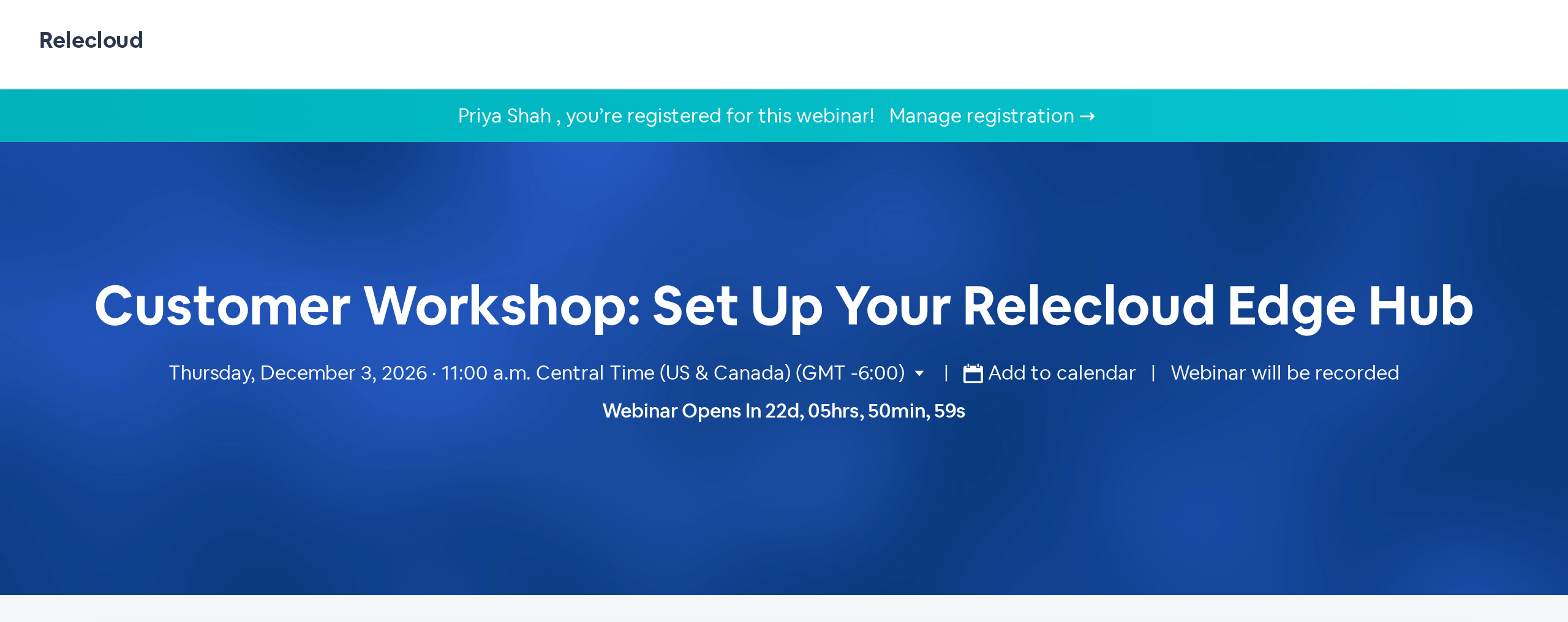
The webinar's landing page after sign-in, with the banner: Priya Shah, you're registered for this webinar!

What PKCE adds

StepWhat happens
Sign-in startsBigMarker creates a one-time secret for this sign-in and sends your store only a scrambled form of it with the sign-in request
At your storeThe customer signs in with their own store account
Back at BigMarkerBigMarker sends the original secret with the sign-in code. Your store checks that they match before it grants access, and only then does BigMarker read the customer's name and email
The resultA sign-in code alone can't finish a sign-in, and BigMarker needs no client secret from your Shopify app

Good to know

WhenWhat happens
PKCE starts offEvery Oauth2 setup starts on Disable PKCE. Choose Enable PKCE for Shopify, and leave it off for a provider that doesn't support PKCE
30 minutes to finishA customer has 30 minutes from leaving your page to finishing at the store. After that the sign-in can't complete, and they start again from Register on your webinar page
One use eachEach sign-in's secret works once, so a finished sign-in can't be replayed
Per webinarOauth2 is set up on each webinar. Repeat it on every webinar that should use store sign-in
A private pageChoose Require SSO to view landing page. to ask for the sign-in before the page shows at all
Staying signed inLogin Session Lifetime sets how long: 1 hour, 6 hours, 12 hours or 3 days
For Shopify customer accounts

BigMarker reads each customer's name and email through Shopify's Customer Account API, so your store needs Shopify's customer accounts rather than legacy customer accounts.
Let customers sign in with their store account
Open your webinar, then Integrations › Oauth2 › PKCE (Proof Key for Code Exchange) › Enable PKCE.
Related updates
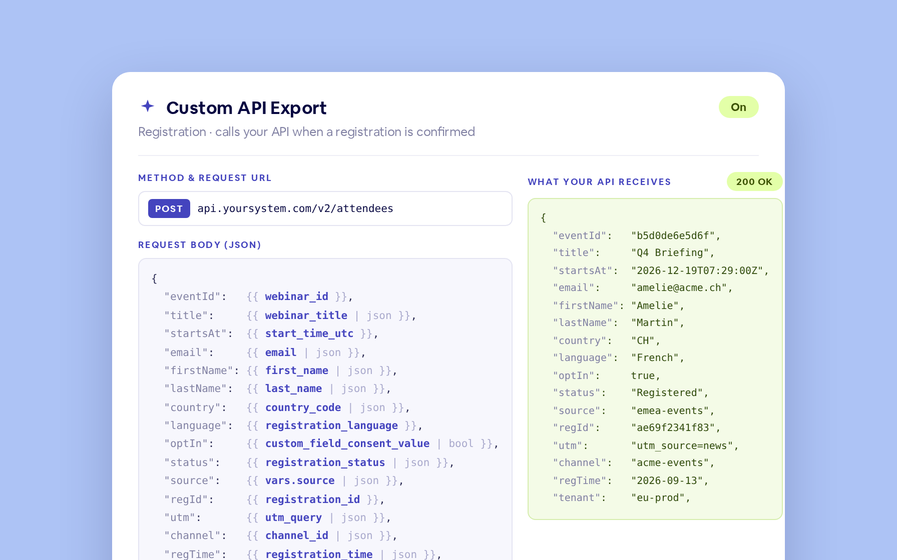
Export to Any System
No connector needed — point a session at your endpoint, write the JSON body, and BigMarker calls it as people register, attend and watch.
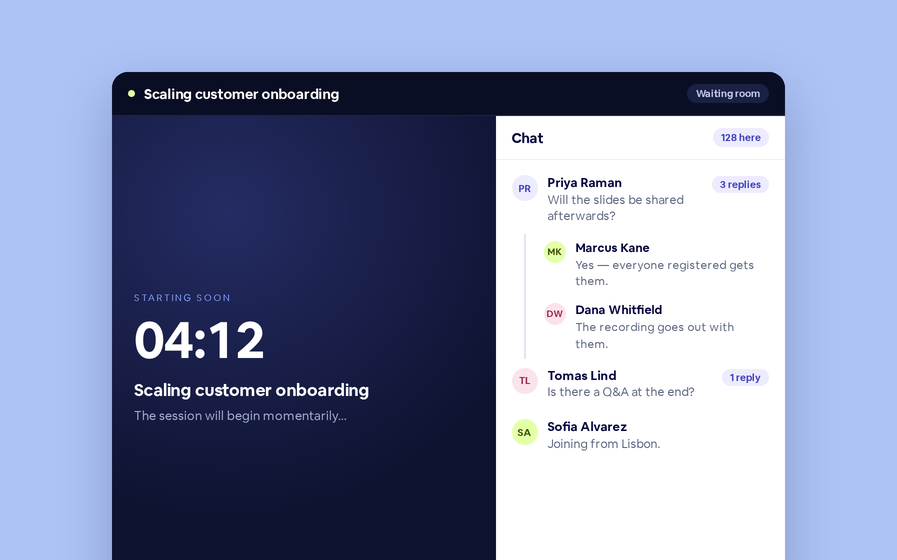
Threaded chat in waiting room
Replies now sit in a thread under the message they answer, so the pre-show conversation stays readable.
 Inline Page Editing
Inline Page Editing
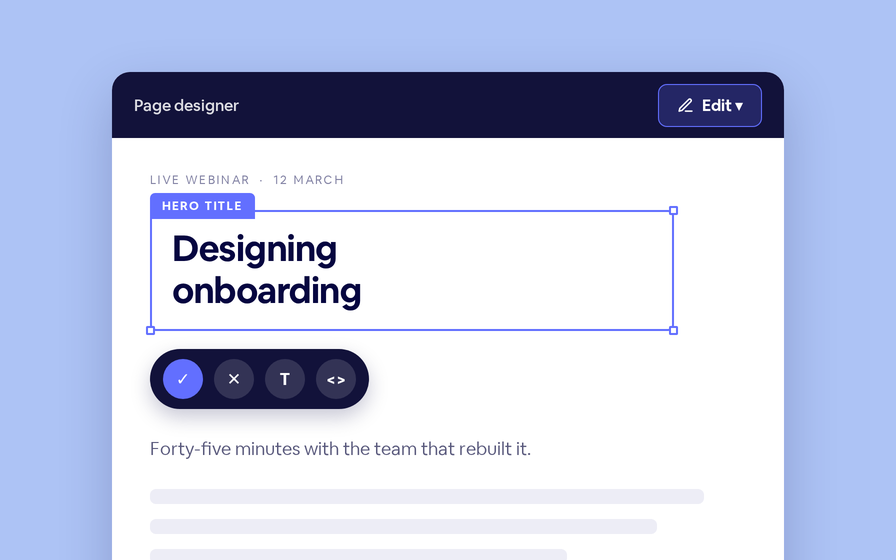
Click any headline, image or block on your landing page and change it right there — no hunting through editor panels.
Quizes in On Demand Video
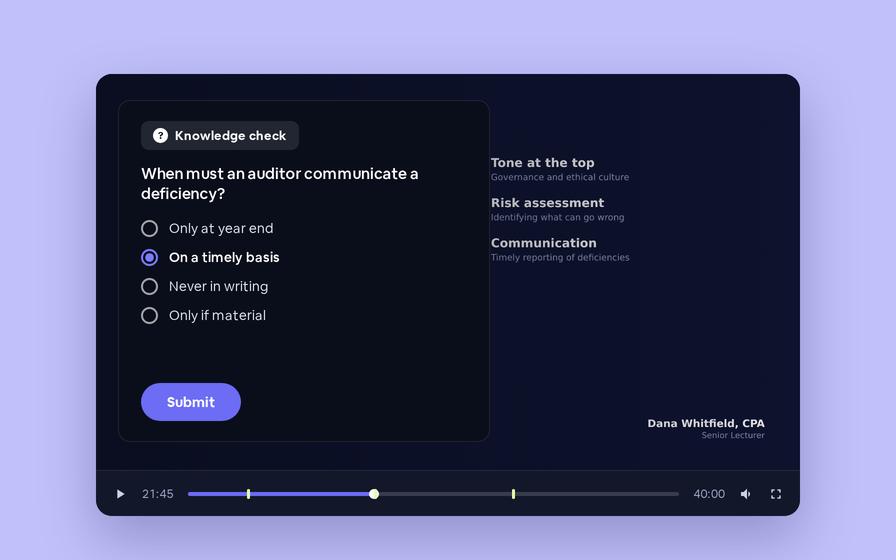
Ask questions inside your recordings and see who actually understood, not just who pressed play.
Preview Custom Page States
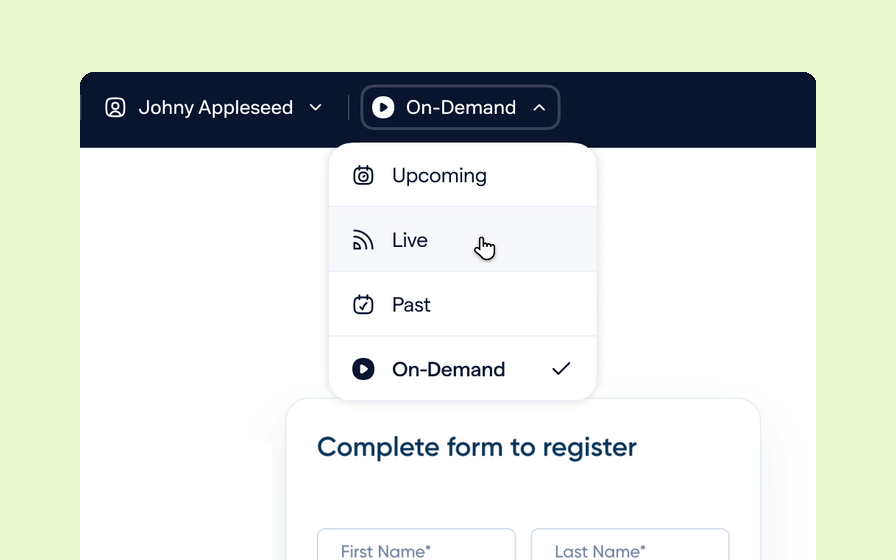
Preview any custom page as a registered viewer, an unregistered visitor or a real registrant, at any point in the event's life.
Follow Up Emails
Follow Up Emails
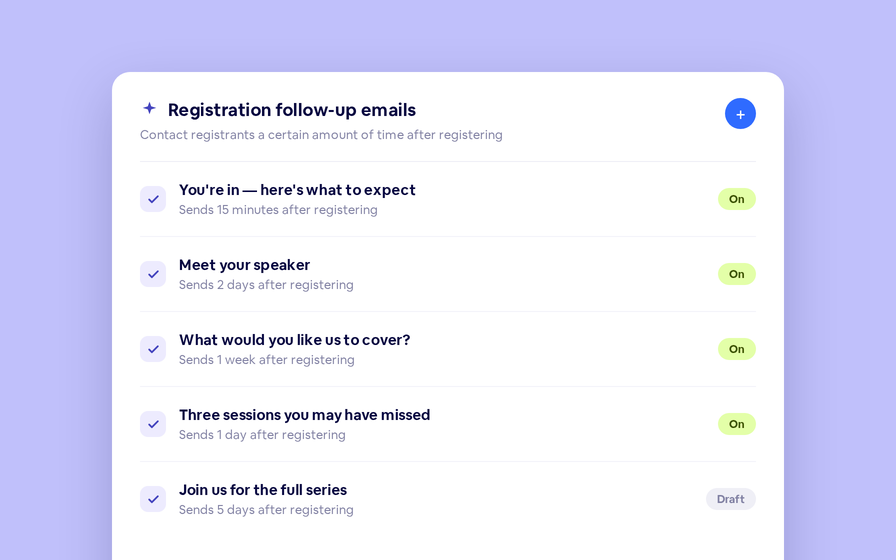
Keep in touch with your registrants immediately after they register.
Introducing BigMarker AI
Leverage generative AI to automate chaptering, generate short-form social-ready video clips, and create derivative content such as blogs, eBooks, and more.
AI  Audio Translations
AI Audio Translations
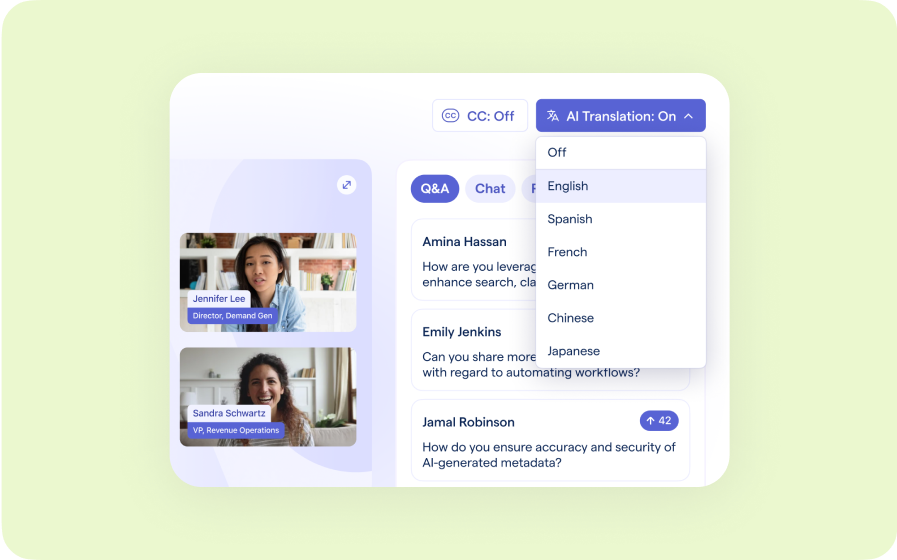
Presenters speak in their language while attendees listen in theirs, removing barriers and opening content to participants everywhere.
Custom Audience Experiences
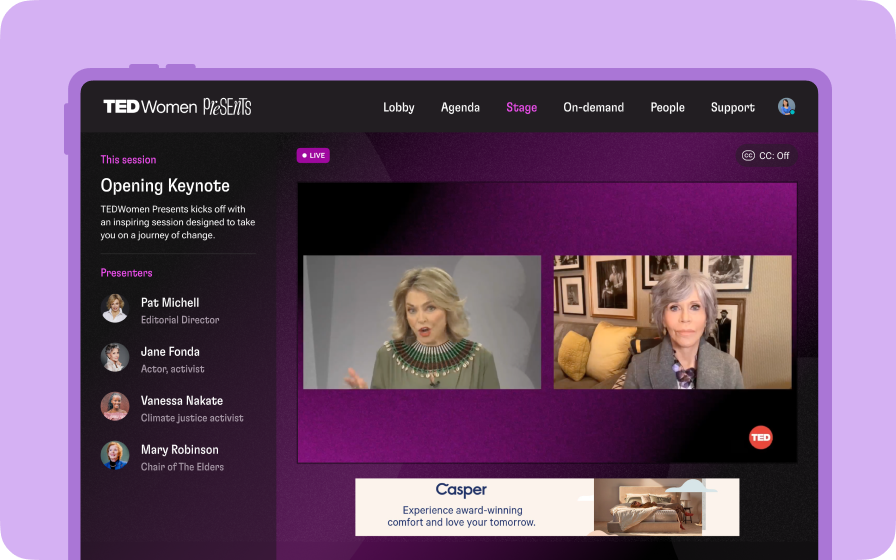
Get complete control over your webinar and event interfaces so every session looks, feels, and performs exactly the way you want.
AI Email Personalization
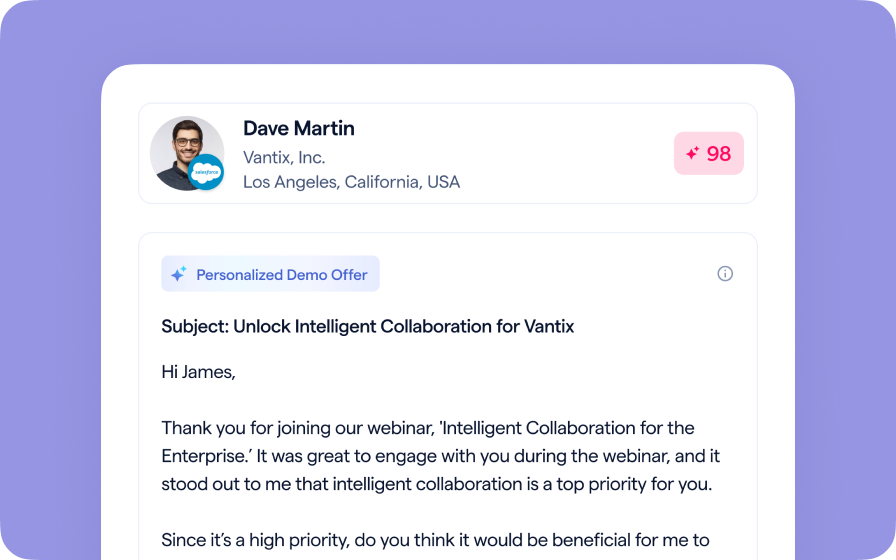
Every attendee gets a message crafted just for them based on their engagement, interests, and lead score.
Studio Scenes
Studio Scenes
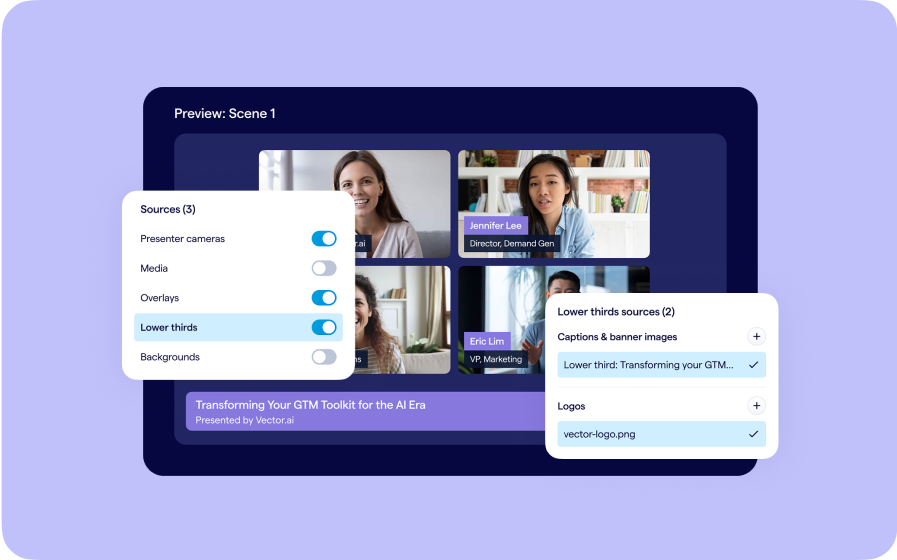
Give your events the look, feel, and professionalism of a live broadcast, without the complexity or cost of a production crew.
AI Content Studio
AI Content Studio
Leverage generative AI to automate chaptering, generate short-form video clips, and create blogs, eBooks, and other derivative content.
AI Lead Scoring
AI Lead Scoring
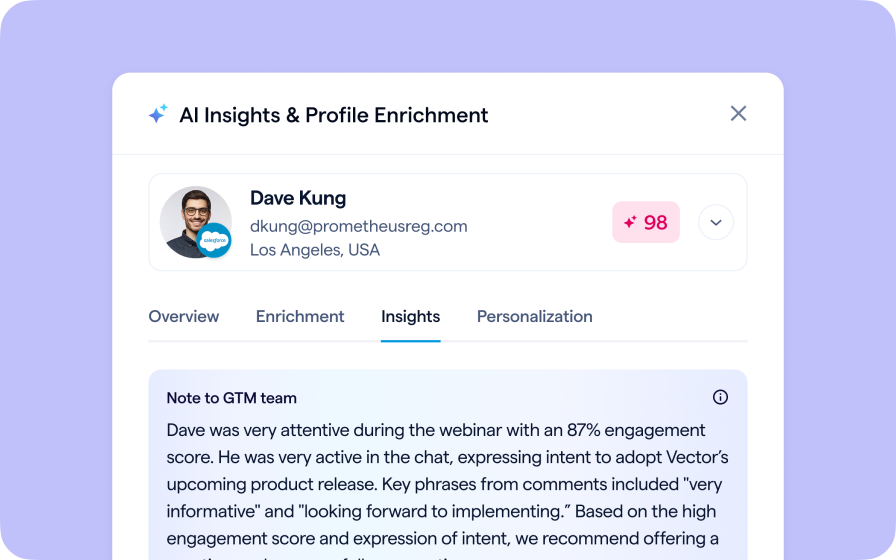
Instantly transform registration and attendee data into customized actionable sales insights.
BigMarker Webinar Series
Our weekly product update webinar series offers a closer look at what’s new in BigMarker, with live demos, practical tips, and Q&A to help you put the latest features to work. Join live or catch the recording on demand.
Join the waitlist
By clicking “Submit”, I acknowledge that BigMarker may contact me related to my participation in this Beta offering.
You’re all set!
You’ve successfully registered for the waitlist!
If you have any questions, please contact your CSM.
Webinar: Shopify Customer Account Sign-In with PKCE by Product Update Hub