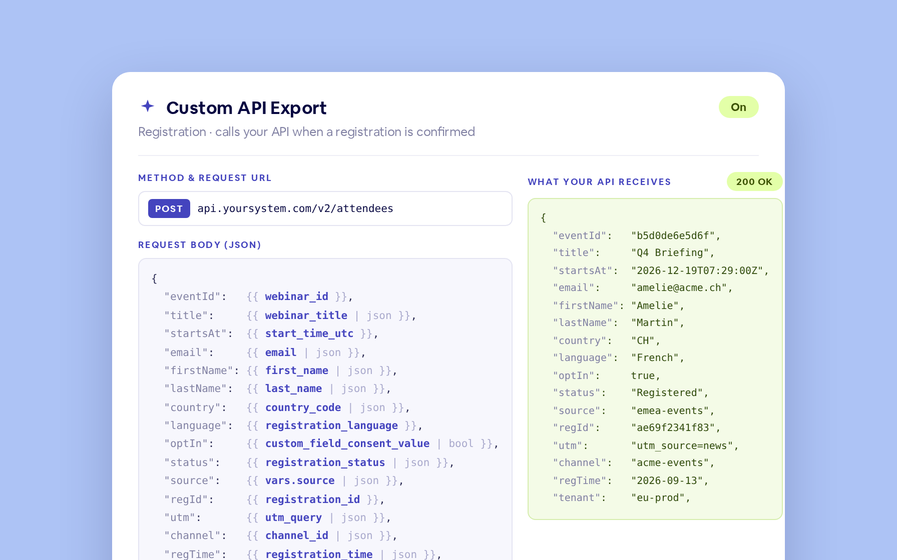
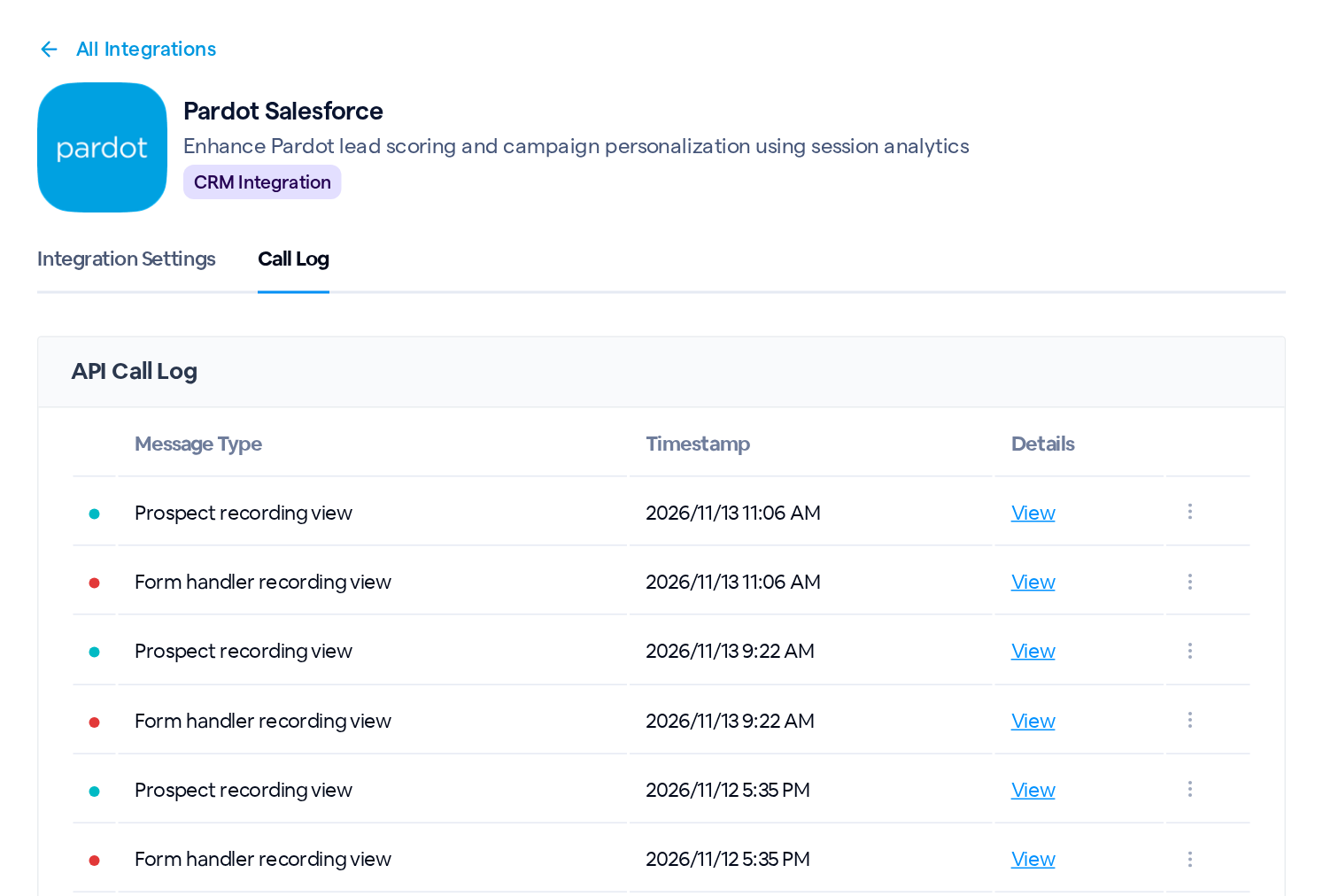
BigMarker already sends your registrants, attendees and recording viewers to Pardot. Now each webinar's Pardot integration has a Call Log, with an entry for every export through the Prospect API or your form handler. Open one to see what it sent, or Pardot's reason for anything it didn't accept.
Every export, in one list
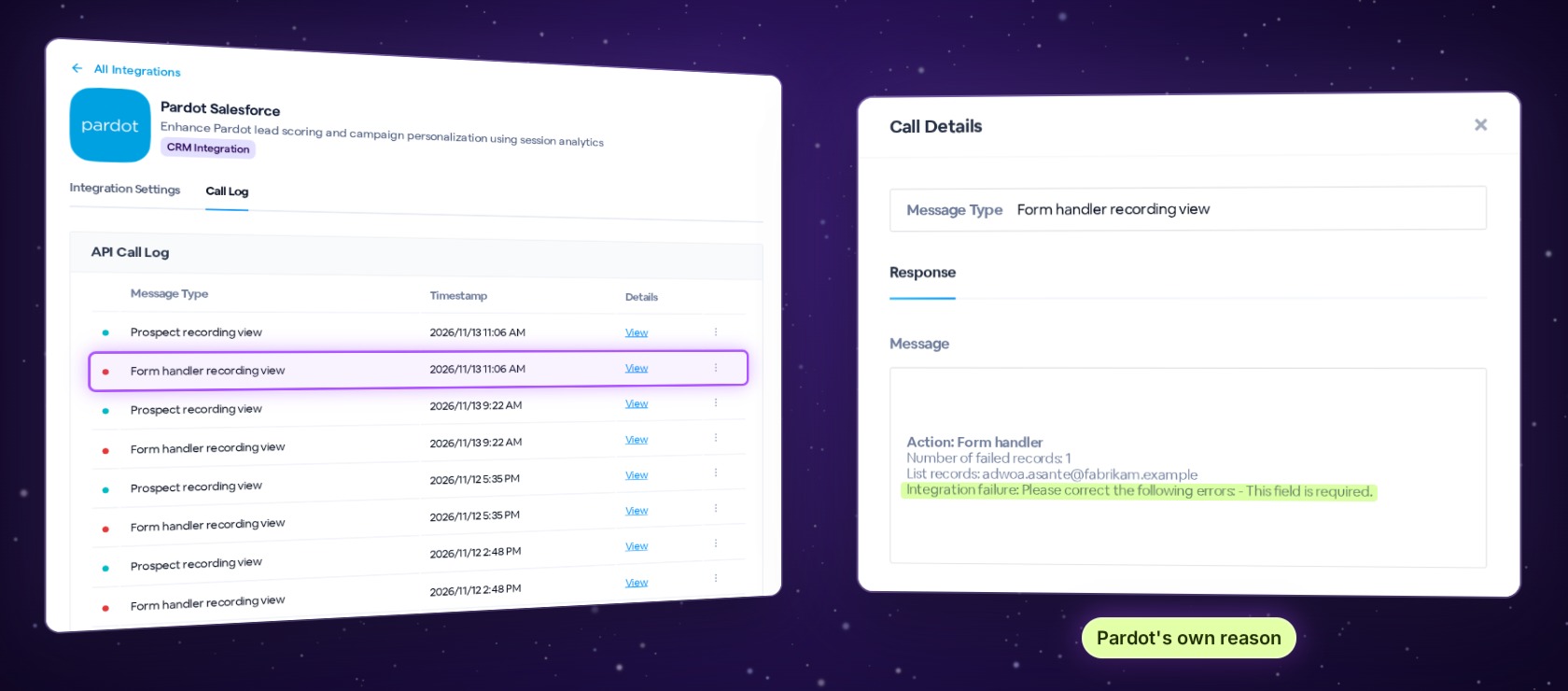
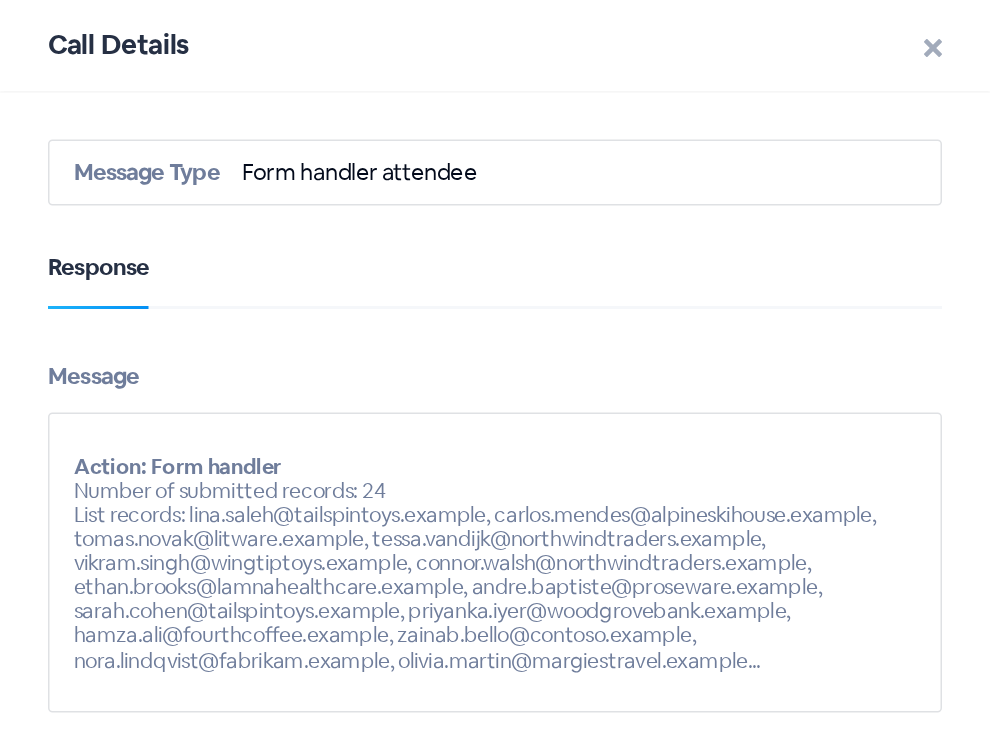
Open your webinar, then Integrations › Pardot Salesforce. Next to Integration Settings, the new Call Log tab lists every export BigMarker sends to Pardot, newest first, with its message type and time. Prospect entries come from the Prospect API, and Form handler entries from your form handler.
Read the Call Log in three steps
Open your webinar, then Integrations › Pardot Salesforce.
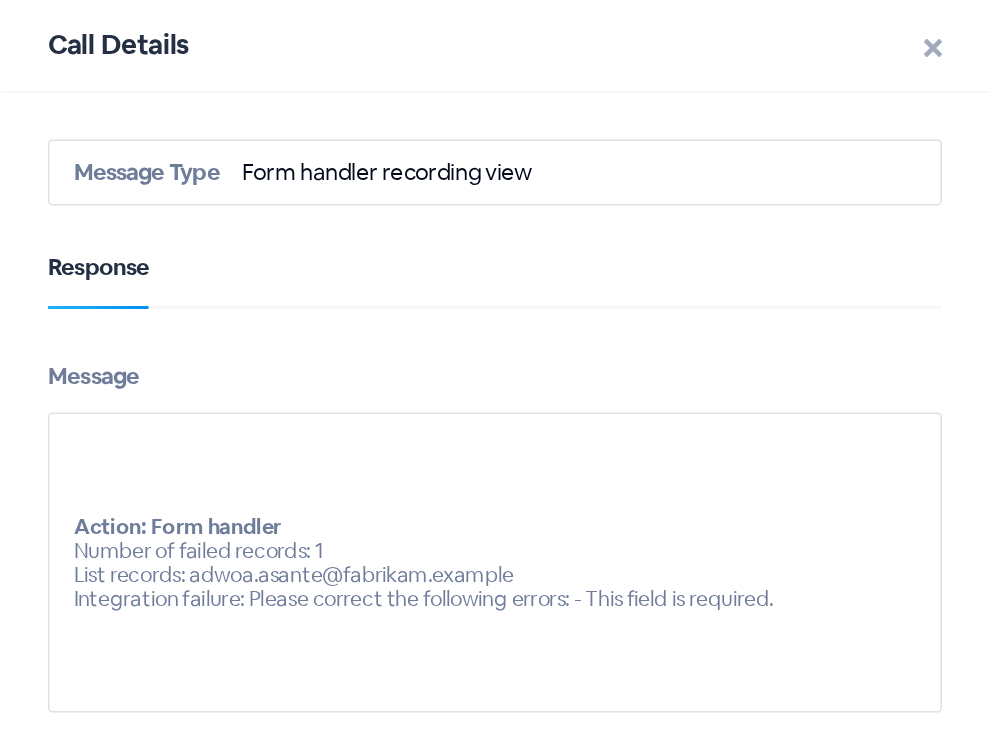
Fix it, then send everyone again
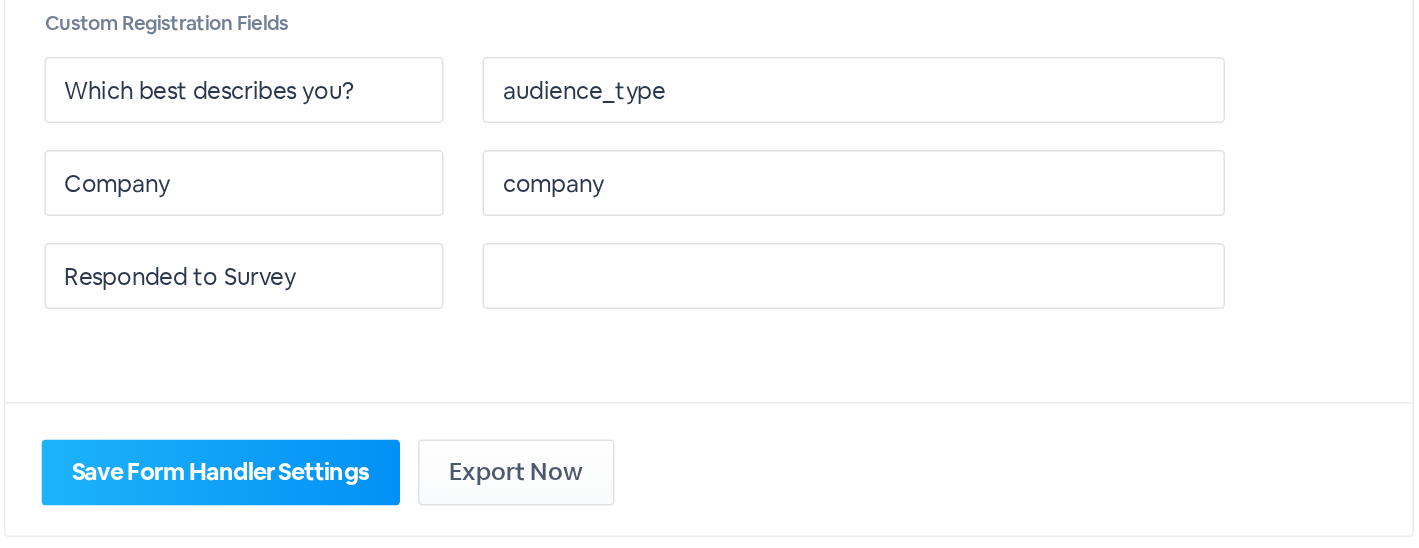
Here, Pardot's message doesn't name the field, so check which fields your form handler requires in Pardot. In this example, it requires a company. Under Integration Settings › Form Handler Settings, enter the form handler's field name next to Company and click Save Form Handler Settings. Then click the new Export Now button to send every registrant to the form handler again.
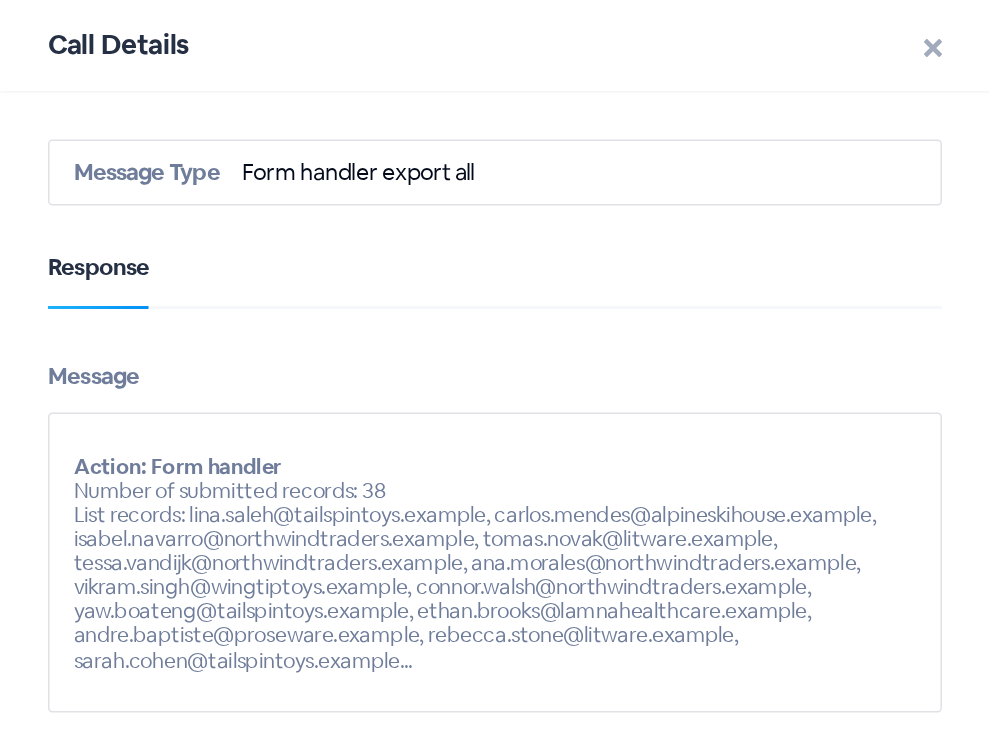
The export shows up at the top of the Call Log as Form handler export all. Open it to see what Pardot accepted: here, all 38 registrants.
Export Now sends every registrant to the form handler again, and Pardot runs the form handler's completion actions, such as autoresponder emails, for each one. BigMarker asks you to confirm first.
What each entry means
| Entry | Written when |
|---|---|
| Prospect registration Form handler registration | Someone registers |
| Prospect recording view Form handler recording view | Someone watches the recording |
| Form handler attendee | The webinar ends, for the people who attended |
| Prospect export all | The webinar ends, or you click Export Now under Export Prospect Settings |
| Form handler export all | You click Export Now under Form Handler Settings |
| Prospect segment Prospect lists | A registrant joins or leaves a segment that has its own Pardot list, or BigMarker creates lists in Pardot for you |
Good to know
| Details | |
|---|---|
| Older entries | The Call Log shows 20 entries at a time. Use Next and Prev to page through older ones |
| Red markers | Something didn't go through: Pardot turned a record away, or the export couldn't reach Pardot or stopped with an error. Open the entry to see why |
| Export Now | Needs Enable Form Handler switched on and a Form Handler Endpoint URL saved. Otherwise it says Enable Form Handler and save its settings first |
| Very busy days | After 1,000 entries of one type in 24 hours across your channel, the Call Log stops listing that type one by one and keeps a single entry in each webinar's Call Log counting the ones it hides |
| Copied webinars | Copying a webinar, or creating one from a template, keeps its Form Handler switched on |