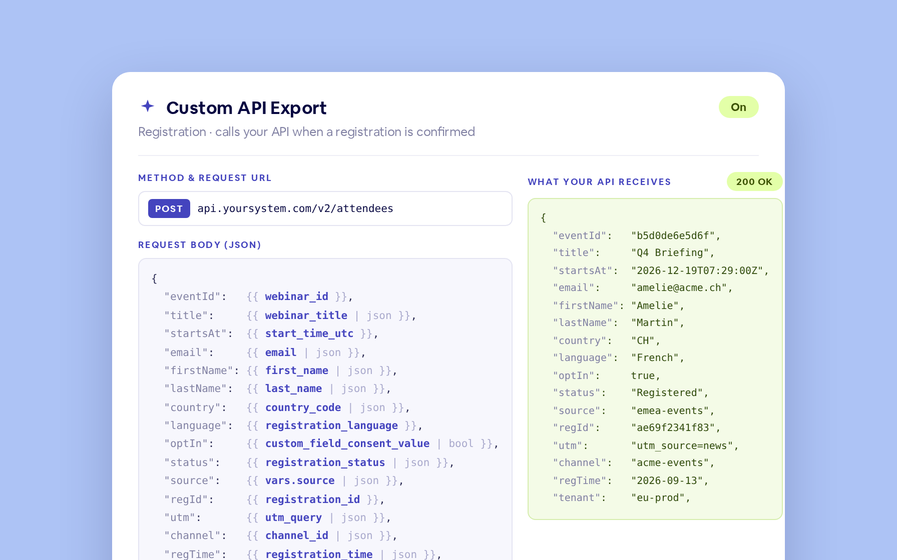
When someone watches your webinar on demand, BigMarker can send their details to your own systems with a webhook. Now that webhook also includes the answers they gave when they registered, such as company and job title, plus the webinar's tags, so each viewer arrives with the context you collected.
Each viewing, with the viewer's answers
When someone watches your recording, the webhook posts that viewing to your address: who watched, when they started and how long they watched. Now it also carries the answers they gave on your registration form, such as company, job title and country, plus the webinar's tags. Your CRM or marketing tools can file each viewer with what you already know about them.
Turn it on in three steps
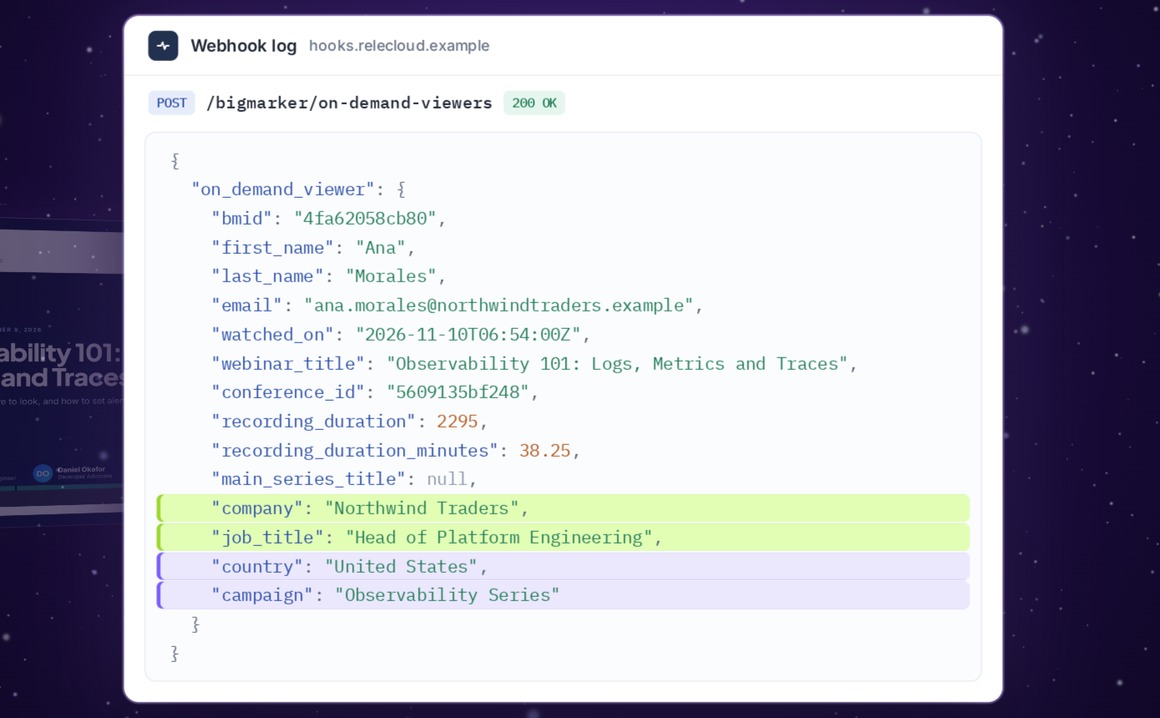
Open your webinar, then Integrations.
What arrives
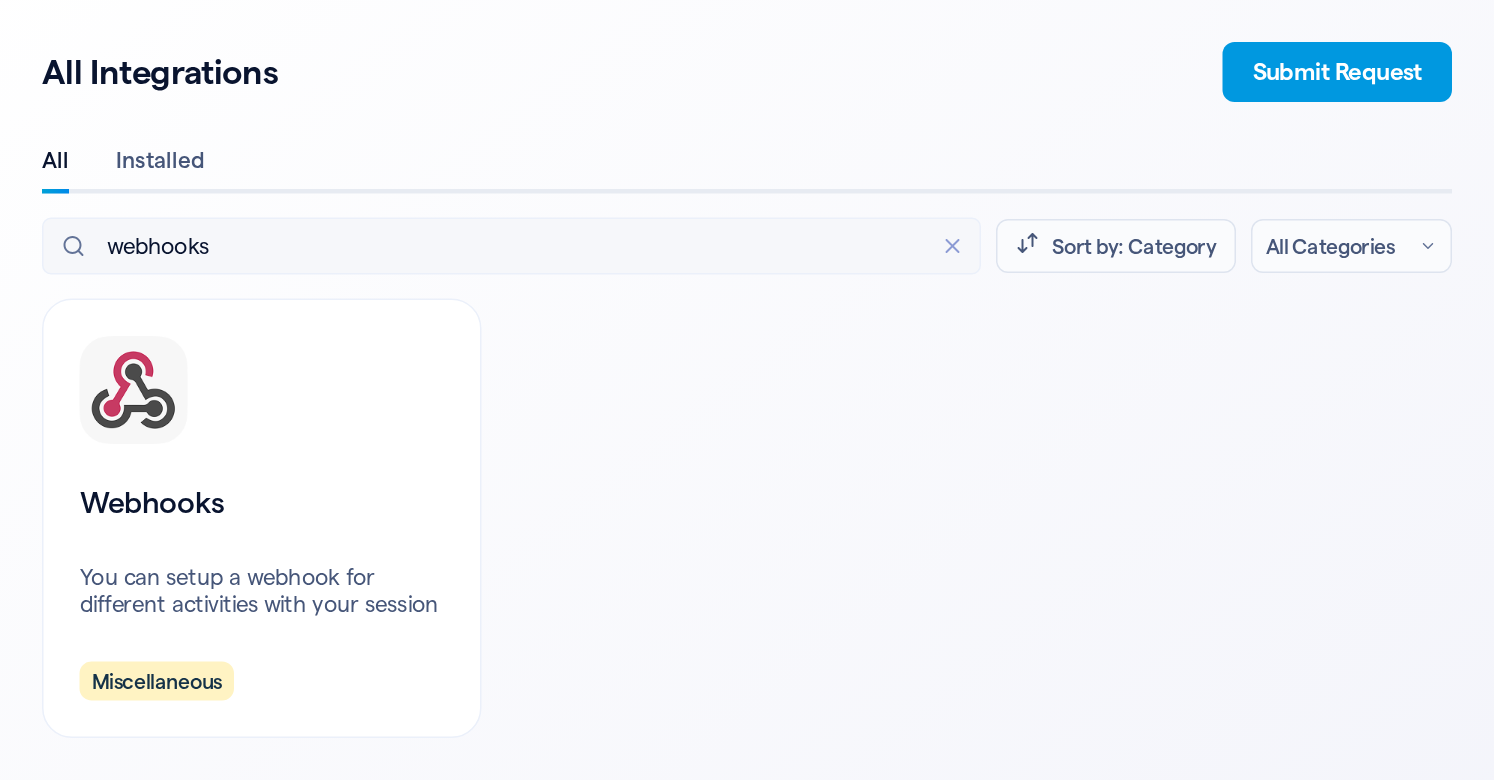
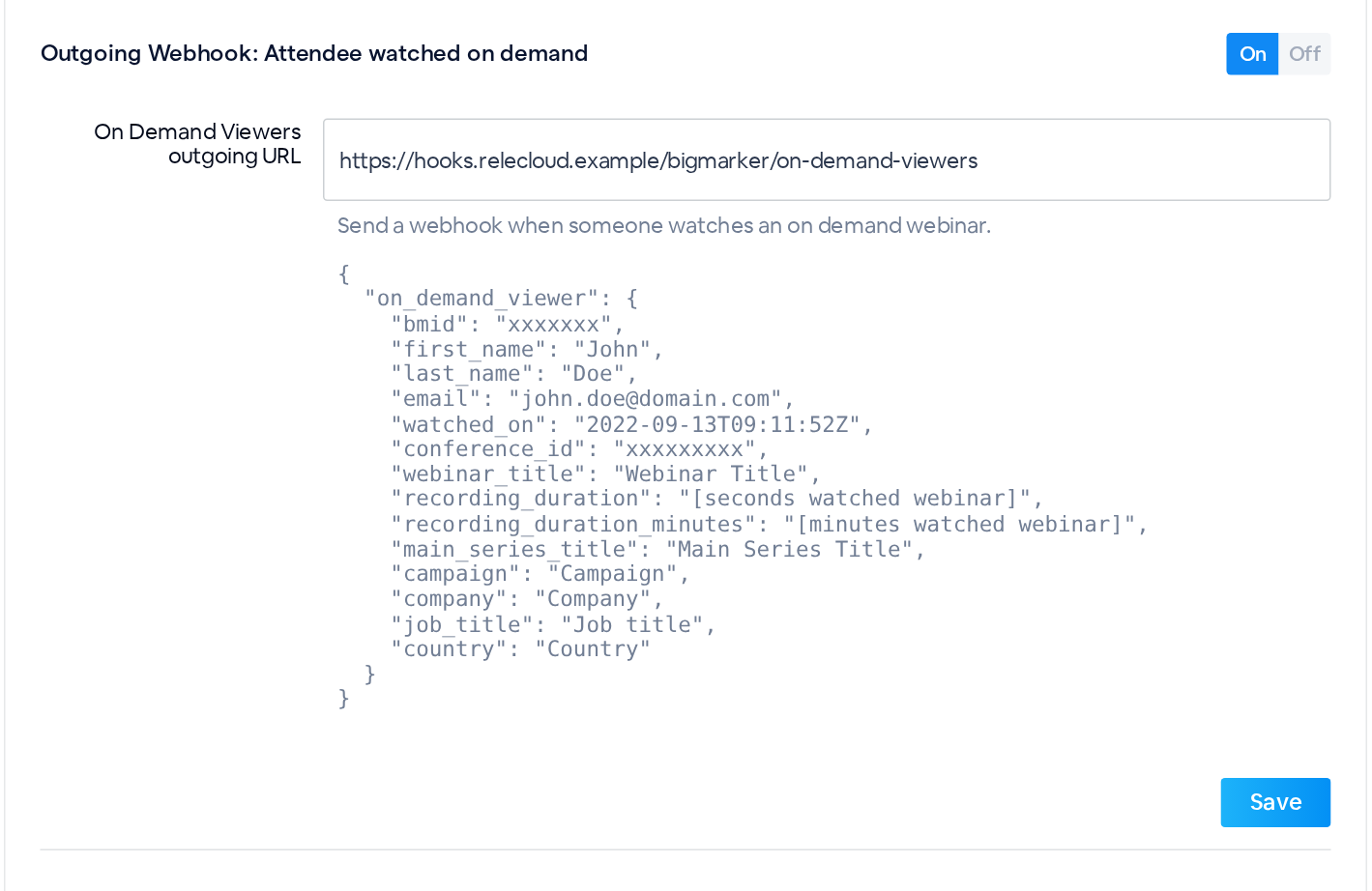
Each viewing arrives as a JSON request to your address, with these keys:
| Key | What it holds |
|---|---|
| first_name, last_name, email, bmid | Who watched |
| watched_on | When the viewing started, in UTC |
| recording_duration | Seconds watched in this viewing (recording_duration_minutes gives the same in minutes) |
| webinar_title, conference_id, main_series_title | The webinar, and its series if it has one |
| One key per answer | The viewer's registration answers and the webinar's tags |
How answers are keyed
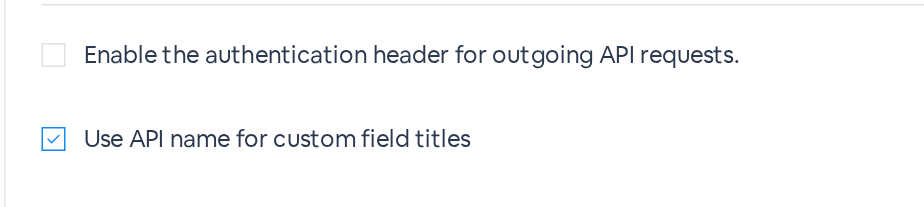
| Use API name for custom field titles | Key | Example |
|---|---|---|
| Checked | The field's API name, or the question-based key if it has none | company |
| Unchecked | custom_field_ plus the question, in lowercase, with each run of spaces or punctuation turned into one underscore | custom_field_company |
The New Webinar Registration and Webinar Registration Cancellation webhooks use the same keys. If your channel uses Use new JSON structure for outgoing webhooks (Channel Settings, Webhook Settings), answers are grouped under custom_fields and tags under webinar_tags, where a tag is keyed by its channel tag's API name when the box is checked (or webinar_tag_ plus the question if it has none), and by webinar_tag_ plus the question when it isn't. New channels start with that setting on.
Good to know
| Details | |
|---|---|
| When it's sent | Once a viewing has had no activity for 10 minutes. BigMarker checks every 15 minutes, so expect it about 10 to 25 minutes after the viewer stops watching |
| Each viewing | Opening the recording again starts a new viewing, with its own webhook. If a viewer pauses long enough for the webhook to go out and then keeps watching, another webhook follows for the same viewing, with the updated duration |
| No answers | A viewer with no answers on this webinar still arrives, with the usual keys |
| Guest viewers | People watching as guests, without a BigMarker account, aren't sent |
| Values | Text as typed, the chosen option for dropdowns, the country's name, multiple choices joined with commas, Yes or No for consent, dates as MM/DD/YYYY, and a link for file uploads |
| Existing keys | Unchanged, so current integrations keep working |