BigMarker News & Updates Get Webinar Transcripts from the Recording API

Get Webinar Transcripts from the Recording API

November 19, 2026
Add include_speech_transcript=true to the recording call and get a download link to the webinar's timestamped VTT transcript.
Categories
Share

BigMarker turns a webinar's recording into a timestamped transcript. Now the recording API hands it over, so it can go straight into your knowledge base, search index or AI tools. Add one option to the call, and the response carries the transcript's status and, once it's ready, a download link to the VTT file.

One option, one link to the transcript

Call the recording endpoint with include_speech_transcript=true and the response carries two more fields: speech_transcript_status and, once the transcript is ready, speech_transcript_url. Open that link and the transcript downloads as transcript.vtt, every line with its start and end time. It's the same transcript the webinar's Manage page downloads.
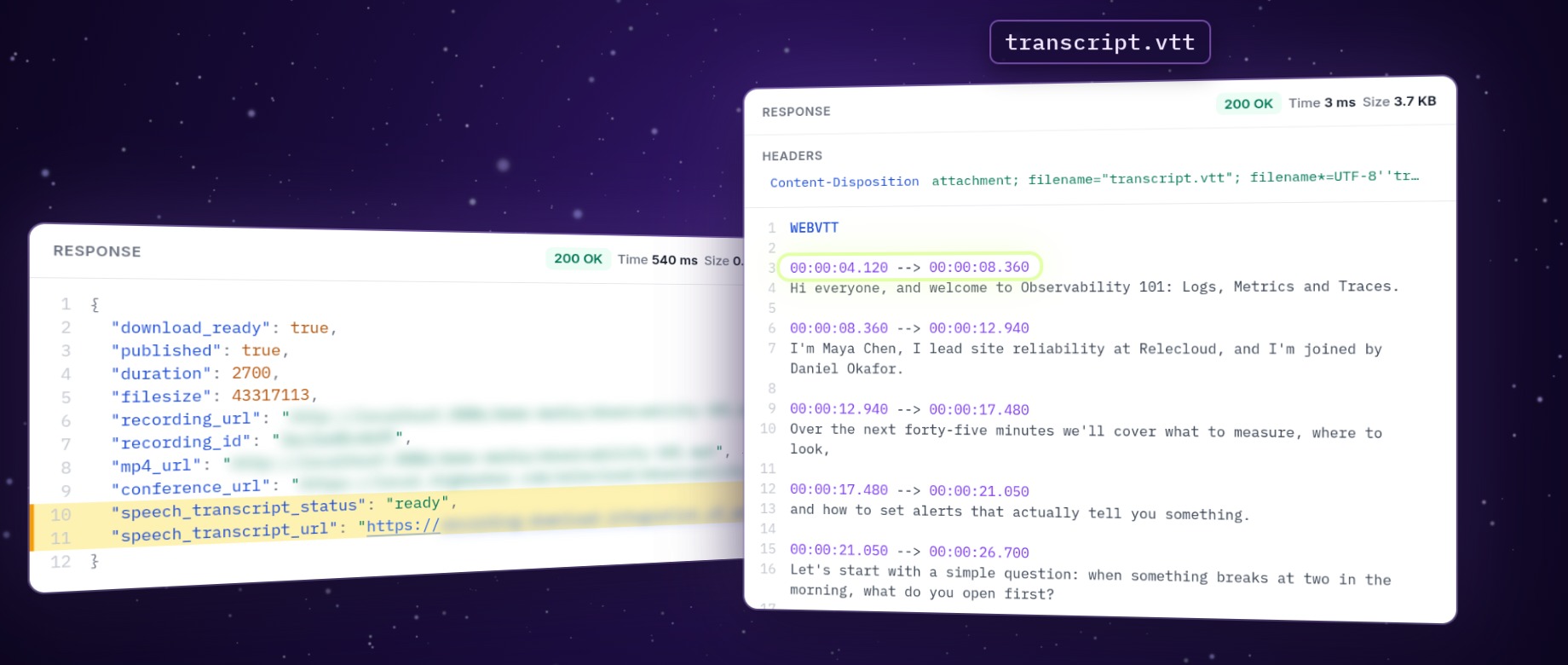
Illustration: the recording API's response with speech_transcript_status ready and speech_transcript_url highlighted, beside the transcript.vtt file the link downloads, with a start and end time on every line.
Illustration

Get a transcript in three steps

1
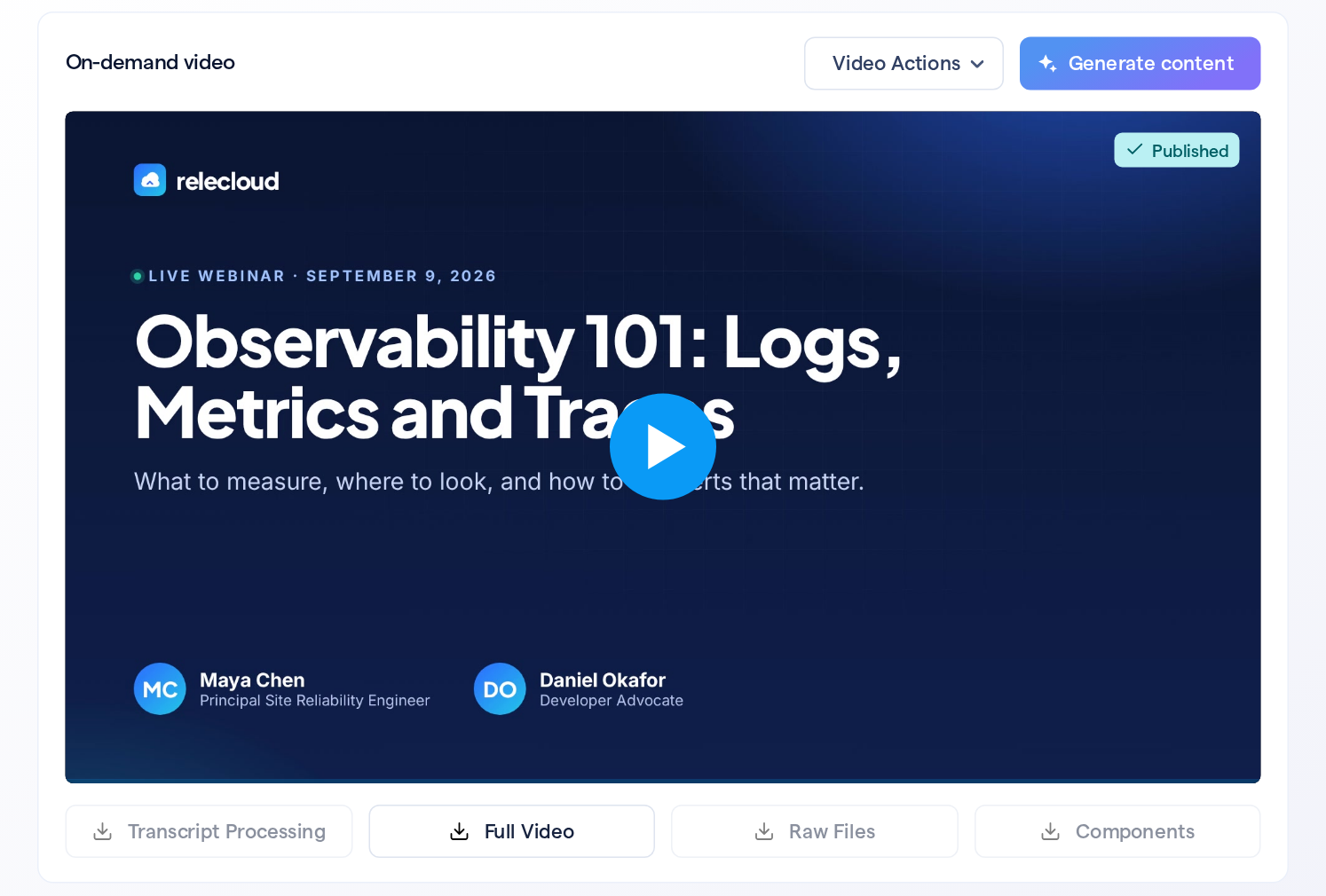
Generate the transcriptOpen the webinar's Manage page. Under the recording, click Transcript. The button shows Transcript Processing while the transcript is generated.
The On-demand video card on a webinar's Manage page, with the Transcript Processing button under the recording, next to Full Video, Raw Files and Components.
2
Ask the recording API for itCall the recording endpoint with the webinar's ID, send your API key in a header named exactly API-KEY, and add include_speech_transcript=true.
GET https://www.bigmarker.com/api/v1/conferences/8c41d2e7a9f3/recording
    ?include_speech_transcript=true

API-KEY: your API key

If the Base URL on your API & White Label page is different, use it in place of https://www.bigmarker.com.

3
Read the status, then downloadWhile the transcript is generated, speech_transcript_status says processing and speech_transcript_url is null. Send the call again once it's ready: the status says ready and the URL is a download link. Open it within 10 minutes.
{
  "download_ready": true,
  "published": true,
  "duration": 2700.0,
  "filesize": 43317113,
  "recording_url": "https://…",
  "recording_id": "5e2b7c91d0a4",
  "mp4_url": "https://…",
  "conference_url": "https://…",
  "speech_transcript_status": "ready",
  "speech_transcript_url": "https://…"
}

What the status tells you

speech_transcript_statusWhat it means
readyThe transcript is ready, and speech_transcript_url is a download link
processingThe transcript is being generated. Send the call again later
not_generatedThere's no transcript yet, or the last one didn't finish. Click Transcript on the webinar's Manage page
not_enabledTranscripts aren't turned on for this webinar's channel
not_supported_for_on_demandThe webinar was created as an on-demand webinar, which this option doesn't cover

For every status except ready, speech_transcript_url is null.

Good to know

Details
The linkWorks for 10 minutes. Every call returns a new one, so ask for it when you're ready to download
The fileA WebVTT file named transcript.vtt: each line of speech with its start and end time
Without the optionThe response stays exactly as it was, with no speech_transcript fields
Generate it from Manage first

The API returns a transcript once there is one; it doesn't start one. On a channel with transcripts turned on, a recorded live webinar's status says not_generated until someone clicks Transcript on its Manage page.
Every webinar transcript, where your team looks
Add include_speech_transcript=true to GET /api/v1/conferences/:conference_id/recording.
Related updates
Export to Any System
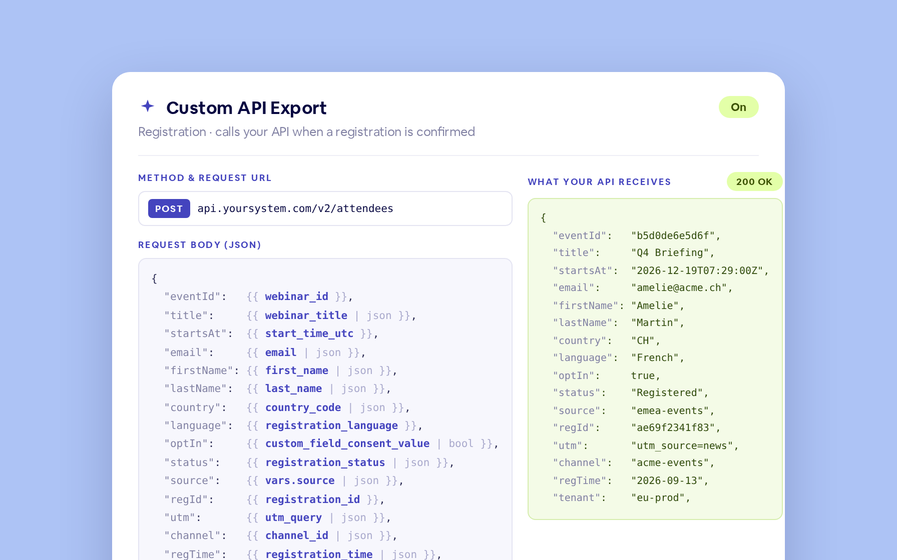
No connector needed — point a session at your endpoint, write the JSON body, and BigMarker calls it as people register, attend and watch.
Threaded chat in waiting room
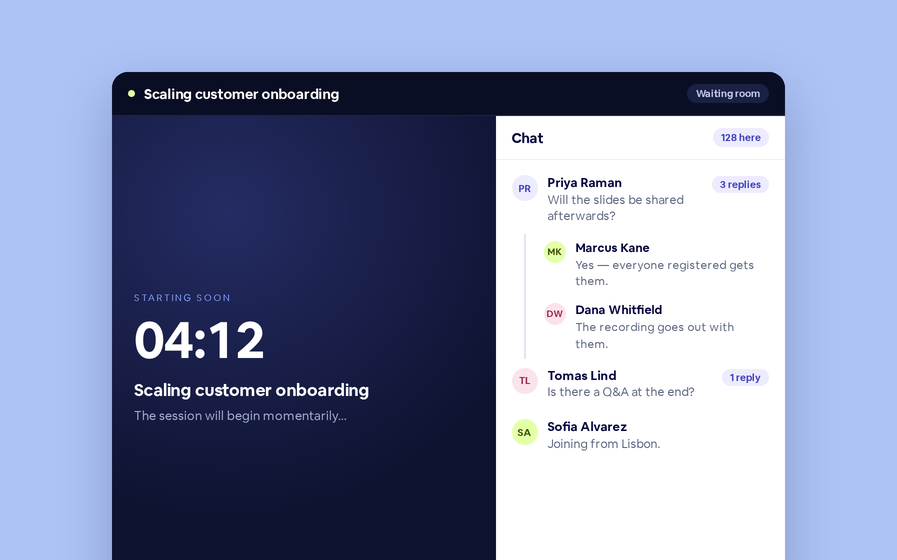
Replies now sit in a thread under the message they answer, so the pre-show conversation stays readable.
 Inline Page Editing
Inline Page Editing
Click any headline, image or block on your landing page and change it right there — no hunting through editor panels.
Quizes in On Demand Video
Ask questions inside your recordings and see who actually understood, not just who pressed play.
Preview Custom Page States
Preview any custom page as a registered viewer, an unregistered visitor or a real registrant, at any point in the event's life.
Follow Up Emails
Follow Up Emails
Keep in touch with your registrants immediately after they register.
Introducing BigMarker AI
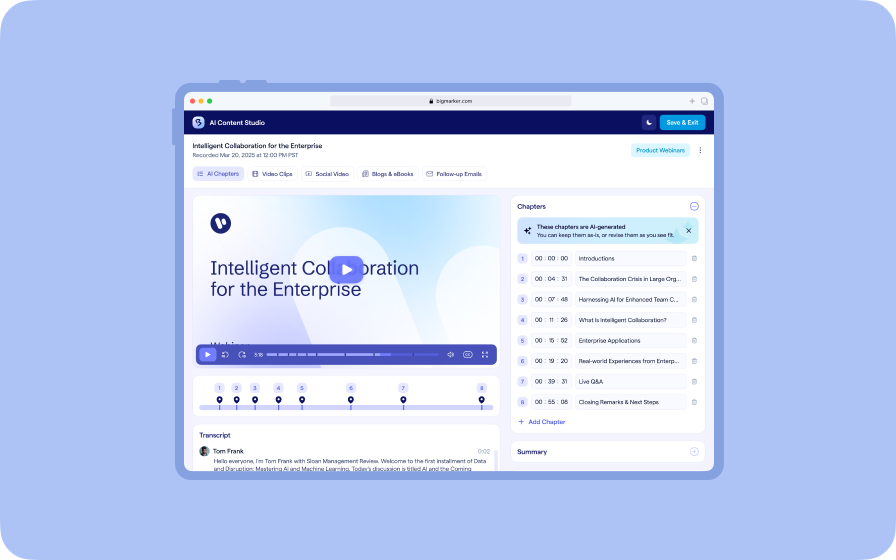
Leverage generative AI to automate chaptering, generate short-form social-ready video clips, and create derivative content such as blogs, eBooks, and more.
AI  Audio Translations
AI Audio Translations
Presenters speak in their language while attendees listen in theirs, removing barriers and opening content to participants everywhere.
Custom Audience Experiences
Get complete control over your webinar and event interfaces so every session looks, feels, and performs exactly the way you want.
AI Email Personalization
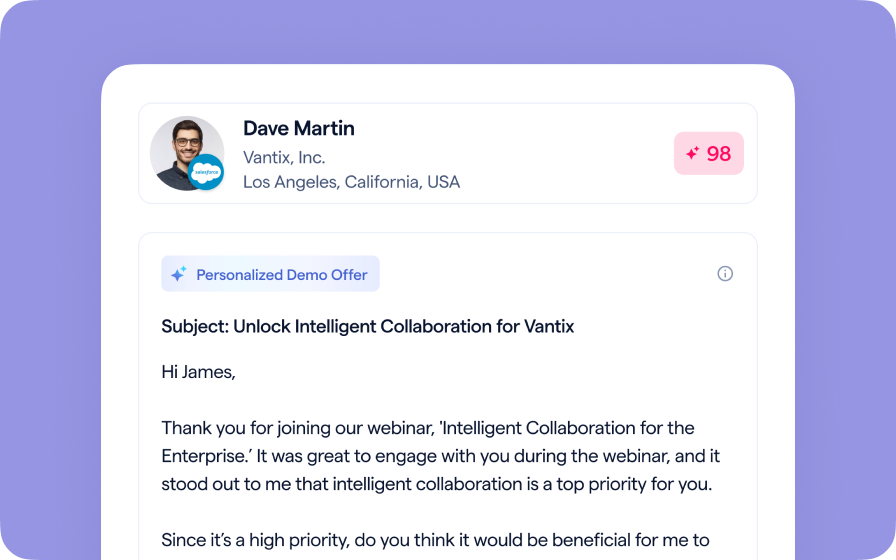
Every attendee gets a message crafted just for them based on their engagement, interests, and lead score.
Studio Scenes
Studio Scenes
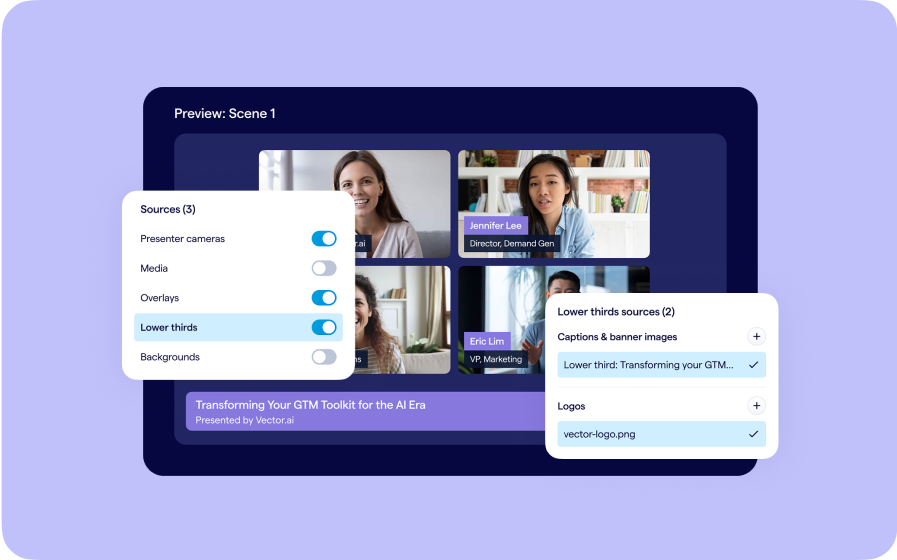
Give your events the look, feel, and professionalism of a live broadcast, without the complexity or cost of a production crew.
AI Content Studio
AI Content Studio
Leverage generative AI to automate chaptering, generate short-form video clips, and create blogs, eBooks, and other derivative content.
AI Lead Scoring
AI Lead Scoring
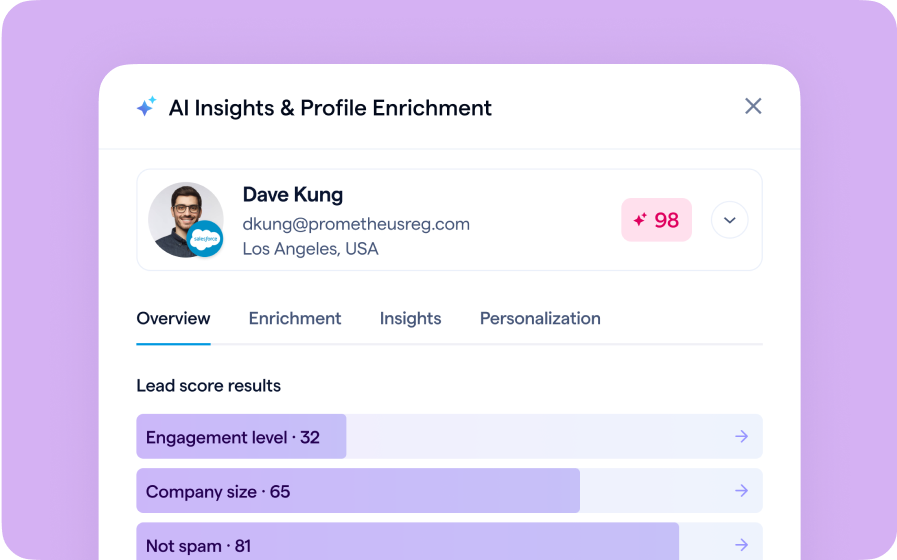
Instantly transform registration and attendee data into customized actionable sales insights.
BigMarker Webinar Series
Our weekly product update webinar series offers a closer look at what’s new in BigMarker, with live demos, practical tips, and Q&A to help you put the latest features to work. Join live or catch the recording on demand.
Join the waitlist
By clicking “Submit”, I acknowledge that BigMarker may contact me related to my participation in this Beta offering.
You’re all set!
You’ve successfully registered for the waitlist!
If you have any questions, please contact your CSM.
Webinar: Recording Transcripts in the API by Product Update Hub