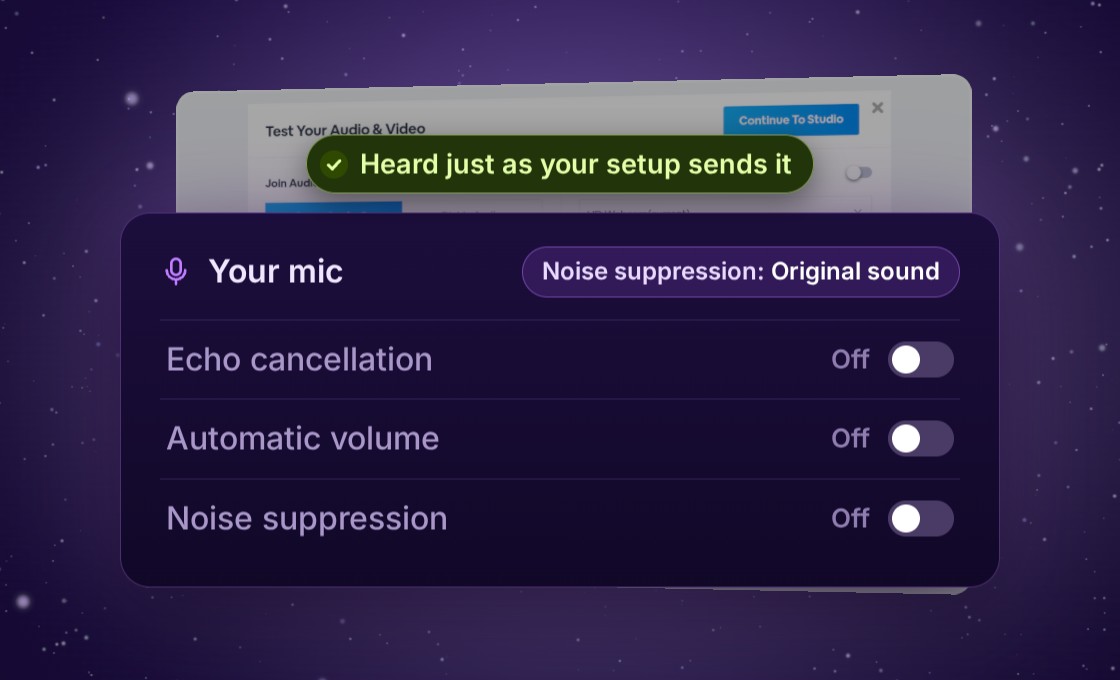
Noise suppression has a new level for studio setups, Original sound. It turns off echo cancellation, automatic volume and noise suppression, so your audience hears your mic the way your mixer or headset sends it. Hosts can set it for a presenter, too.
Your mic, just as your setup sends it
BigMarker cleans up your mic for you, with echo cancellation, automatic volume and noise suppression.
When your sound already comes from a studio mic, a mixer or a headset that shapes it, Original sound turns all three off. Your audience hears your mic the way your setup sends it.
Illustration
What each level does
Level
Echo cancellation
Automatic volume
Noise suppression
High
On
On
On, plus a noise filter on your voice
Medium (default)
On
On
On
Off
On
On
Off
Original sound
Off
Off
Off
With echo cancellation off, wear headphones so others don’t hear an echo.
Choose it for your mic
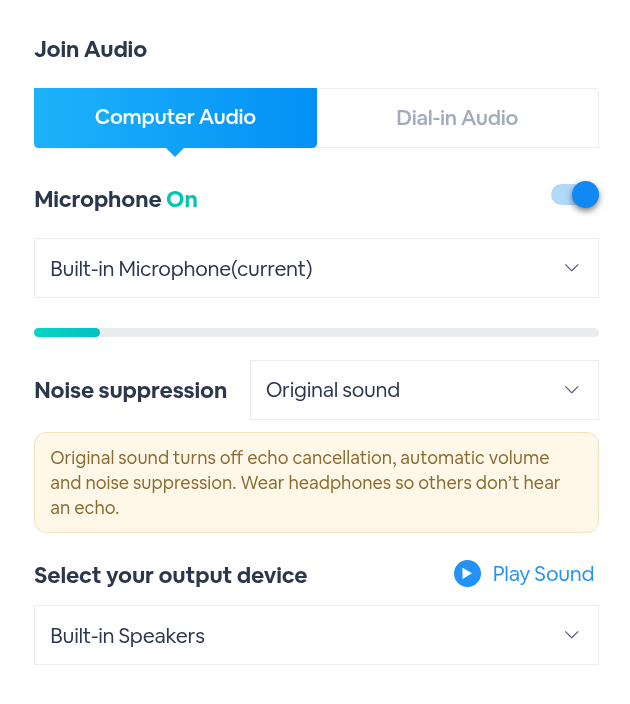
Test Your Audio & Video opens when you enter the studio.
1
Turn on MicrophoneNoise suppression is right under it. Medium is the default.
2
Set Noise suppression to Original soundA note under it reminds you to wear headphones, so others don’t hear an echo.
3
Click Continue To StudioYour choice is saved in this browser, so it’s ready the next time you present.
Set it for a presenter
As the host, you can choose Original sound for a presenter from the Host Control Panel.
1
Request control of their micOpen the presenter’s menu, choose Manage Mic, then Request Control. It can read Take Control instead.
2
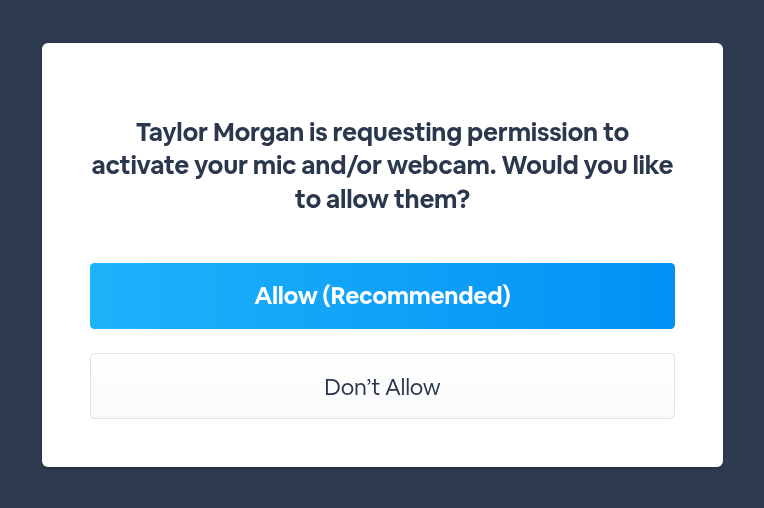
The presenter clicks AllowIf they haven’t already allowed it, they see your request and click Allow (Recommended).
3
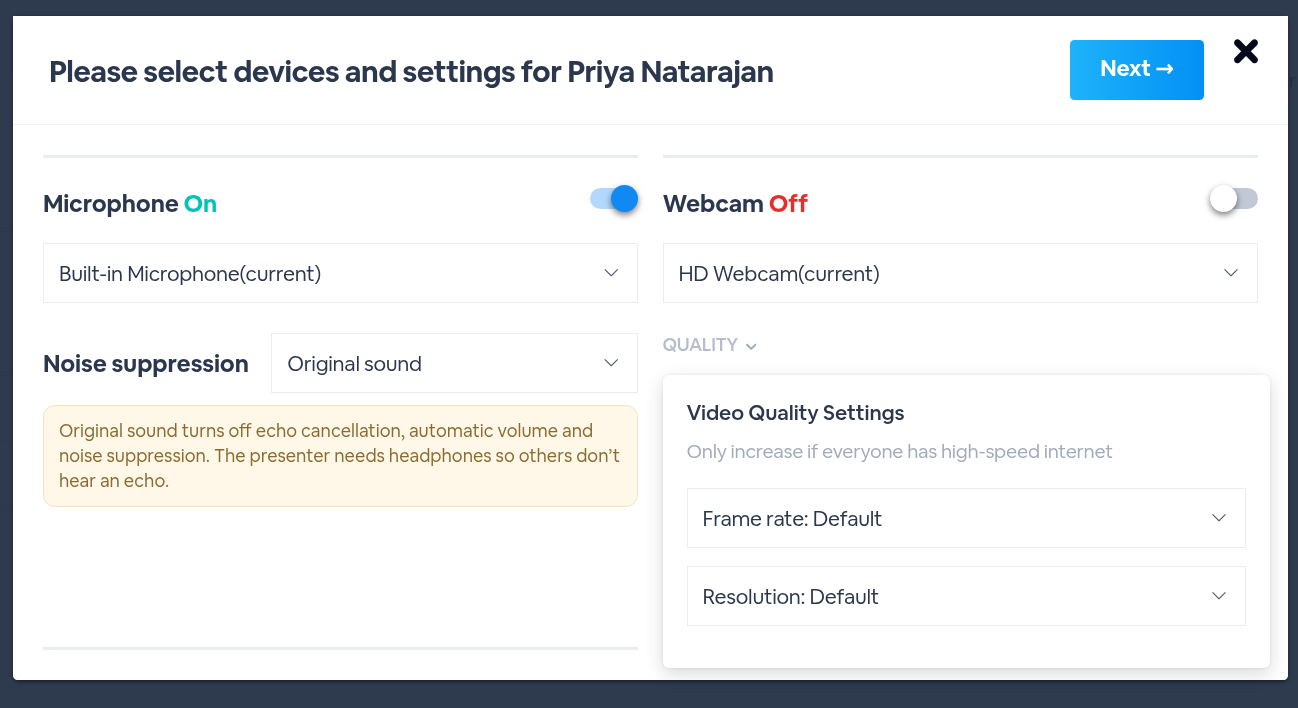
Choose their settingsTheir settings open on your screen. Make sure Microphone is on, set Noise suppression to Original sound and click Next. The note reminds you they’ll need headphones.
4
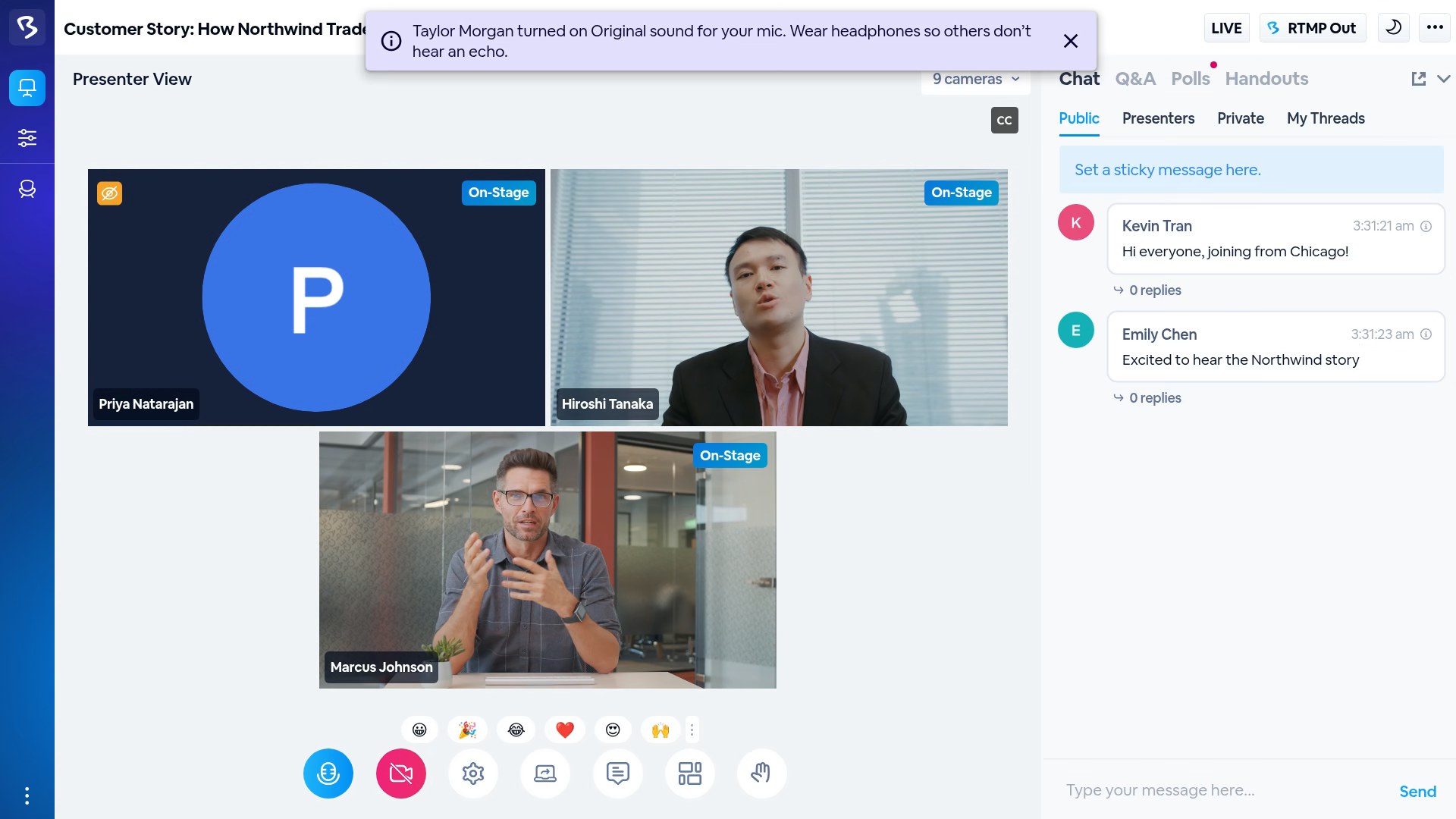
They see a messageA message across the top of their studio tells them you turned on Original sound and to wear headphones. It’s saved in their browser too, for the next time they present.
Good to know
Details
Where it lives
Test Your Audio & Video → Noise suppression
Levels
High, Medium, Off, Original sound
Default
Medium
Saved
In this browser, for the next time you present
Headphones
Wear them with Original sound, so others don’t hear an echo
For a presenter
Host Control Panel → their menu → Manage Mic → Request Control (or Take Control)
Bring your studio sound to your webinar
Find it in Test Your Audio & Video › Noise suppression › Original sound.