When people watch a replay on their own, you can’t tell whether the most important part landed. A quiz asks a question at the moment it matters: the video pauses, viewers answer and see right away whether they were right, and every answer goes into your custom reports.
A question at the moment it matters
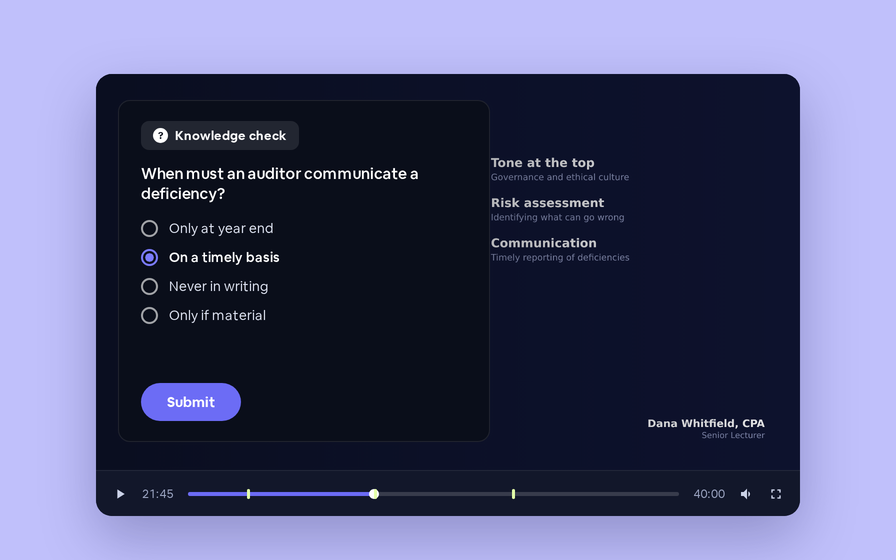
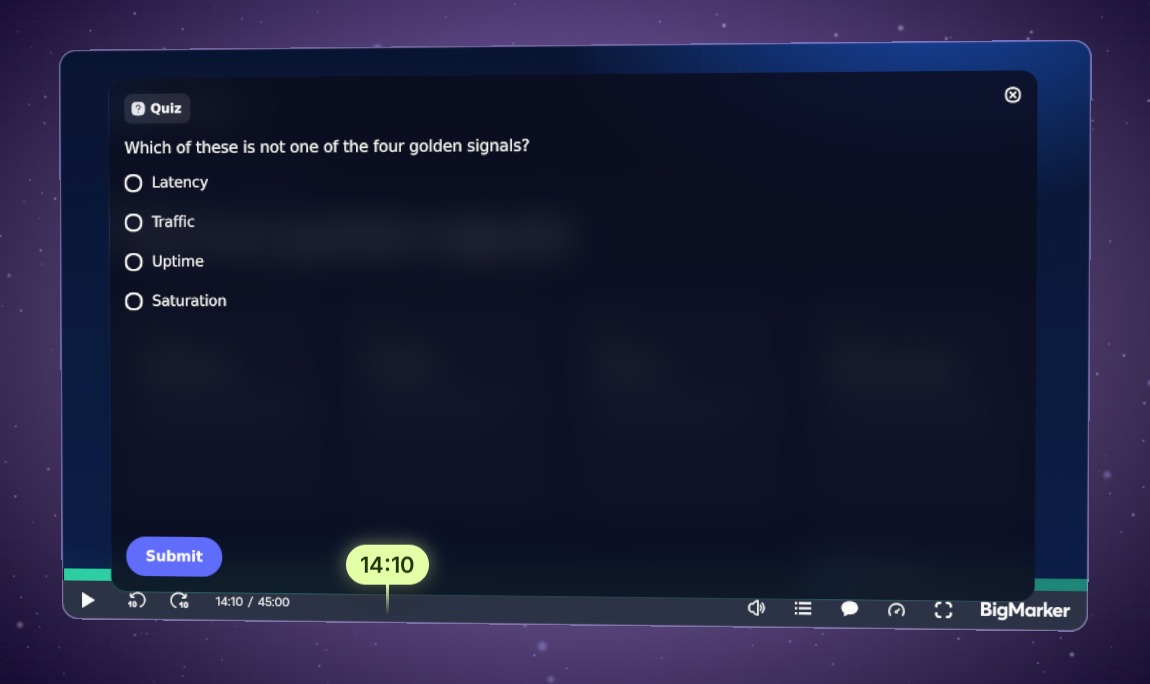
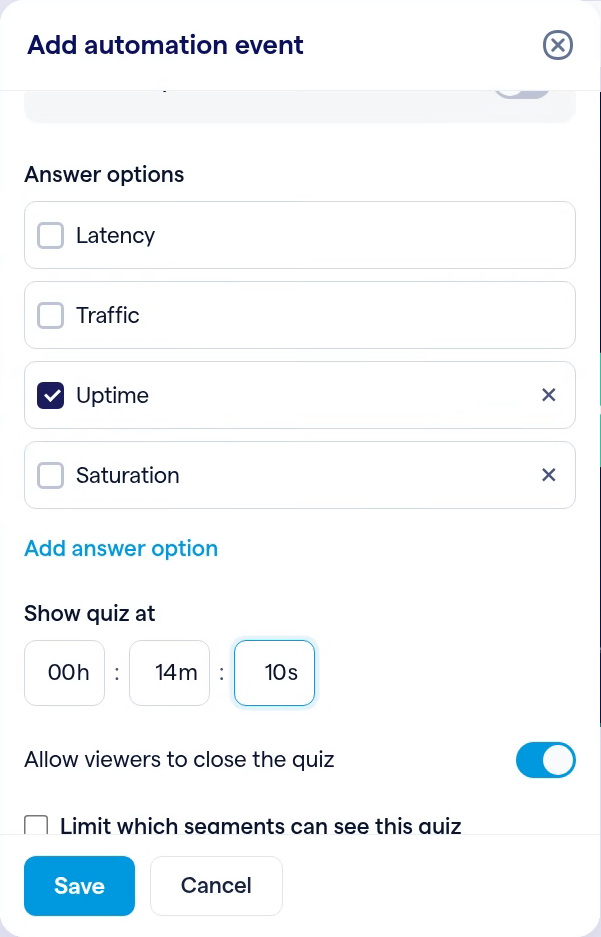
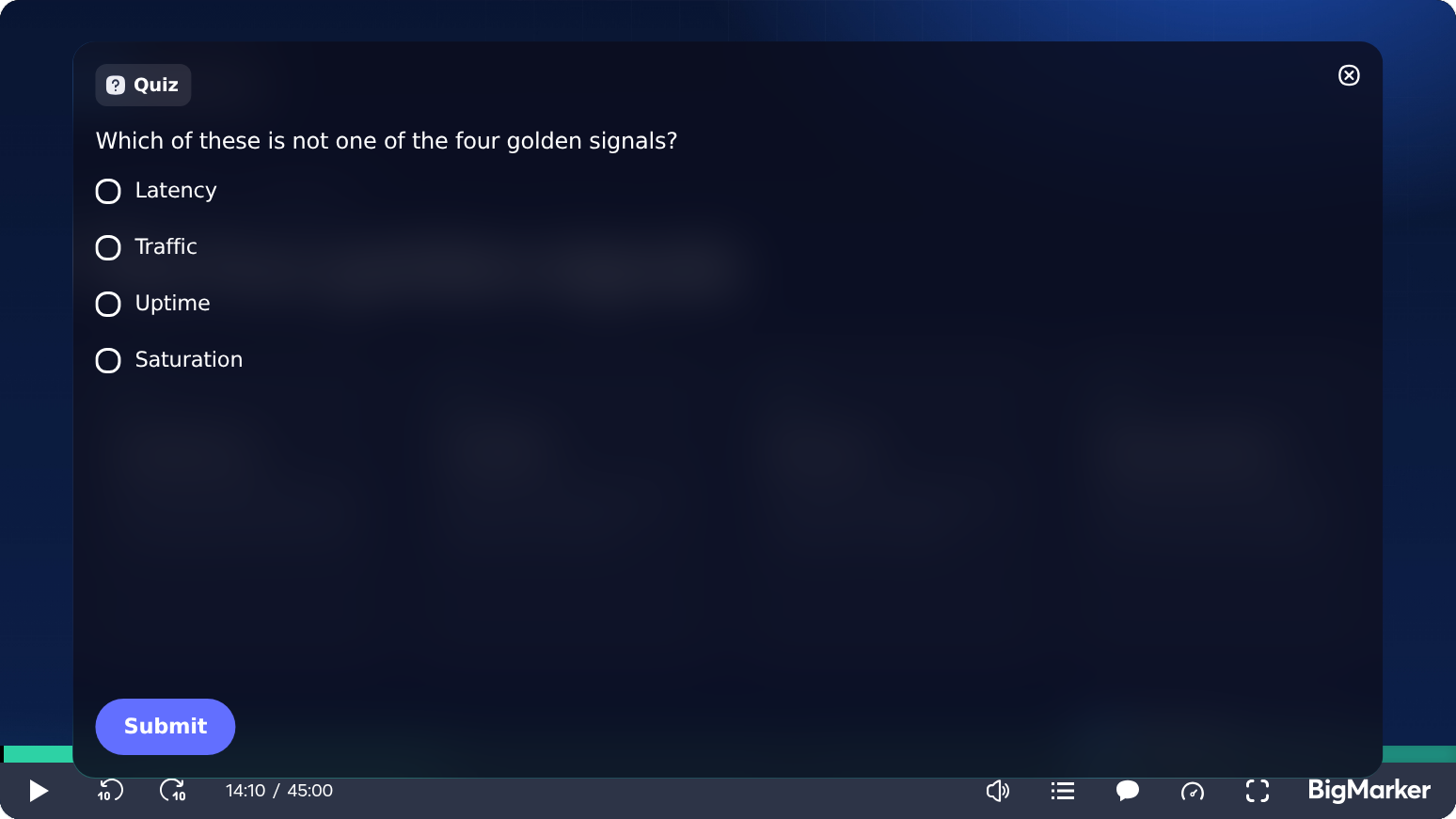
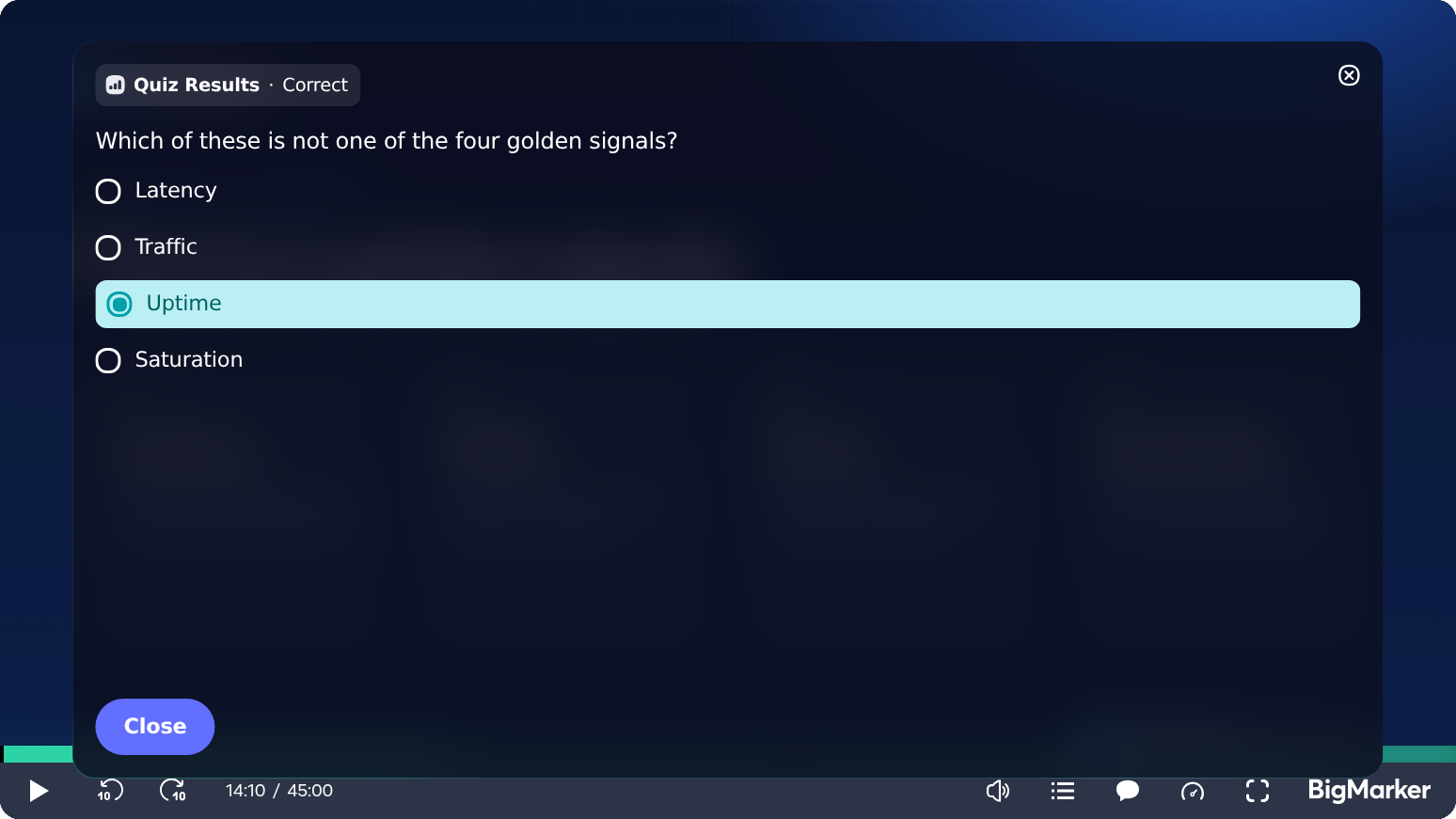
Pick the second, and the quiz appears over the slide as the video pauses. Viewers choose an answer, submit it, and see Correct or Incorrect straight away.
Each quiz is answered once, and a viewer who skips past that moment doesn’t see it.
Add a quiz in three steps
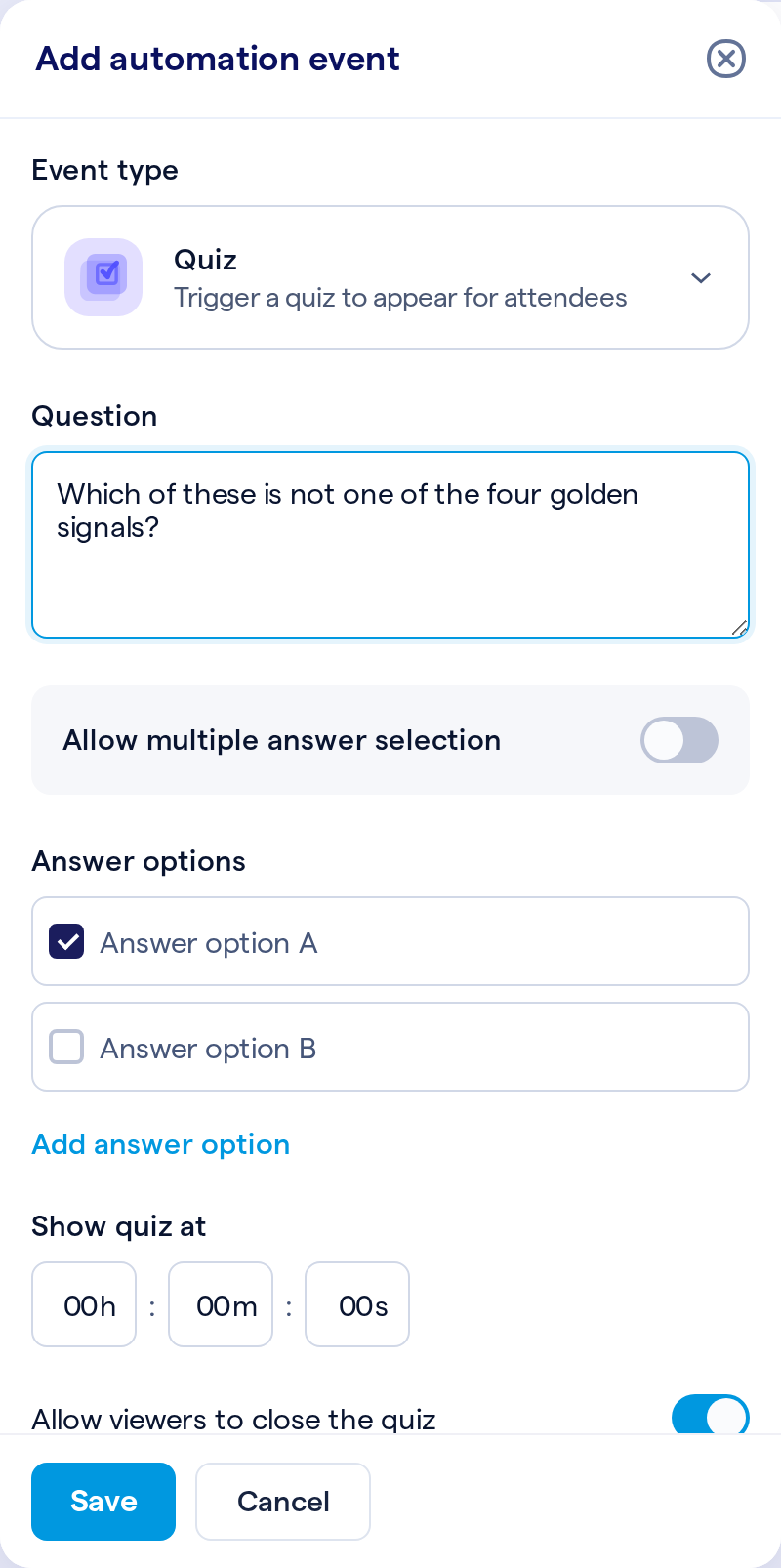
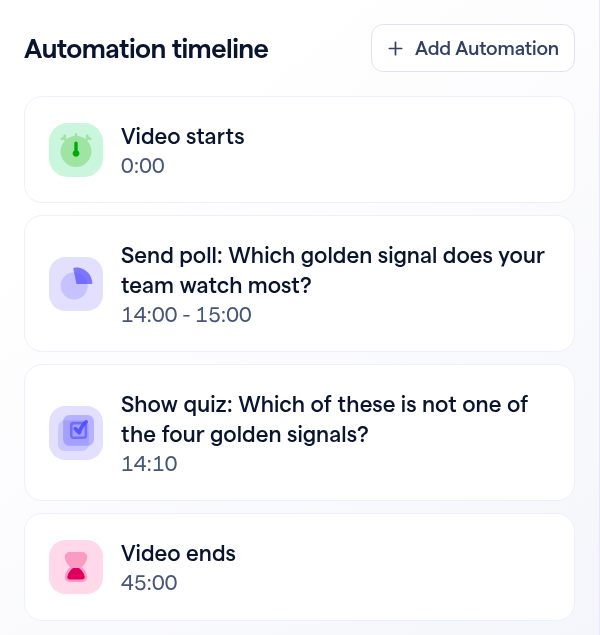
Open your webinar, then Production → On-Demand Experience, click Edit Player and choose Automate.
What viewers see
The video pauses and the question appears over the slide. After they submit, the quiz shows whether they got it right, with their choice highlighted.
Every answer in your reports
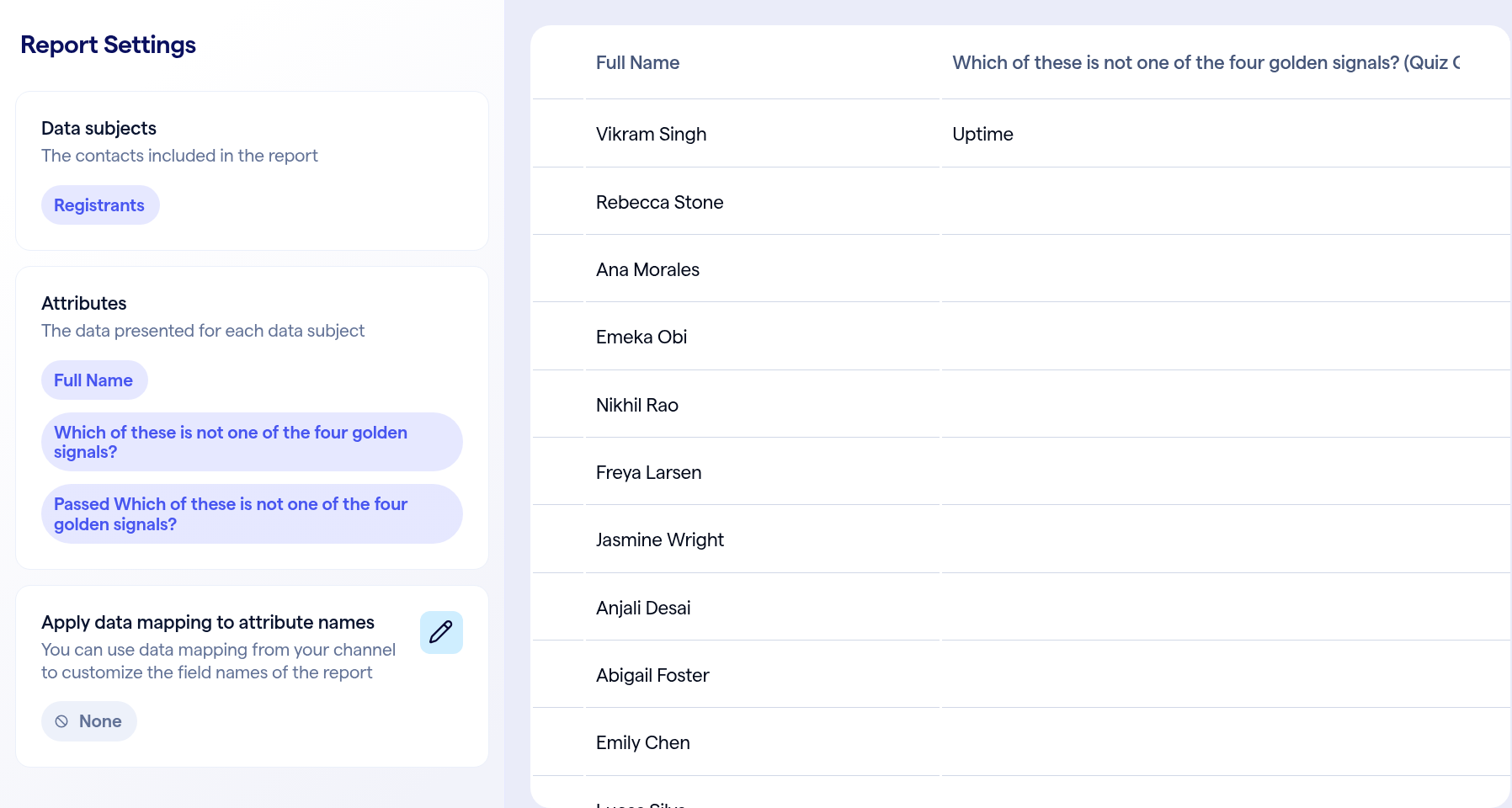
Open a custom report under Analytics → Reporting, and in Attributes add the columns under Quiz Response: the question, which shows each viewer’s answer, and Passed.
When you can manage the webinar, the quiz’s Submit button only closes it, so your test answers aren’t saved. Register with another email to try it the way viewers do.