A media hub should look like your brand, not like everyone else's, and a new episode, course or replay should go live in minutes. With BigMarker, you design the hub exactly the way you want it, then run it from the built-in CMS: add an episode, a customer story or a lesson in your event admin, and it's live on your hub, in the order you set.
Your brand, your layout
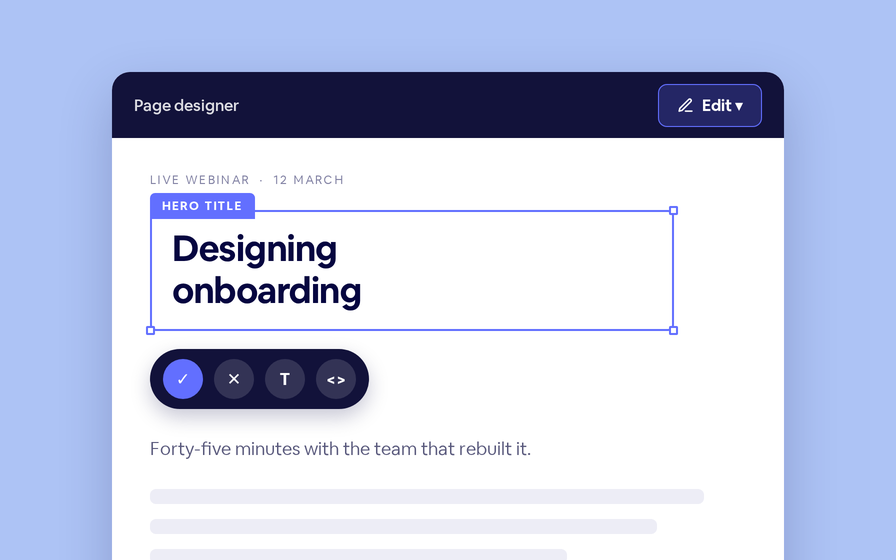
Every hub is a page you design: your colors, your type, your layout, the filters your visitors need. What fills it comes from the CMS, so the design never has to be touched again when something new goes out.
Your team publishes from one simple list, and the hub keeps up on its own.
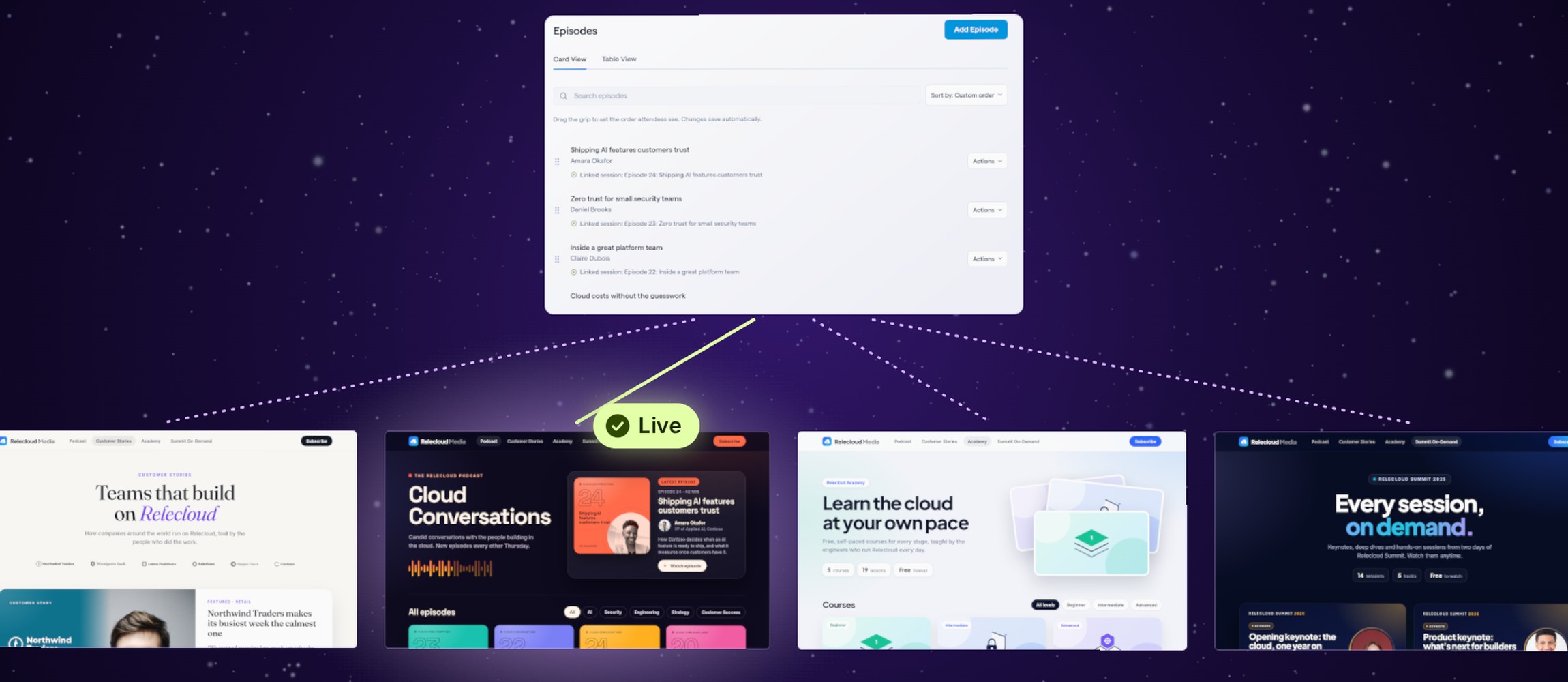
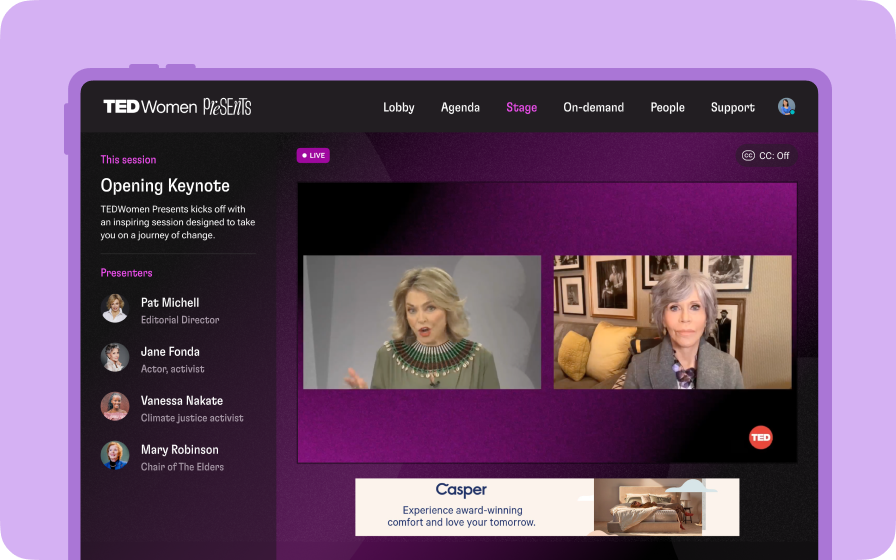
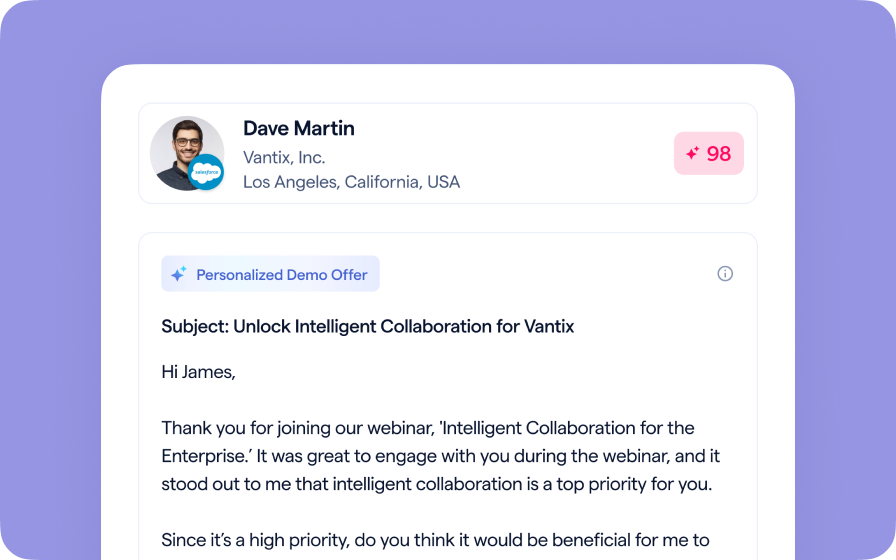
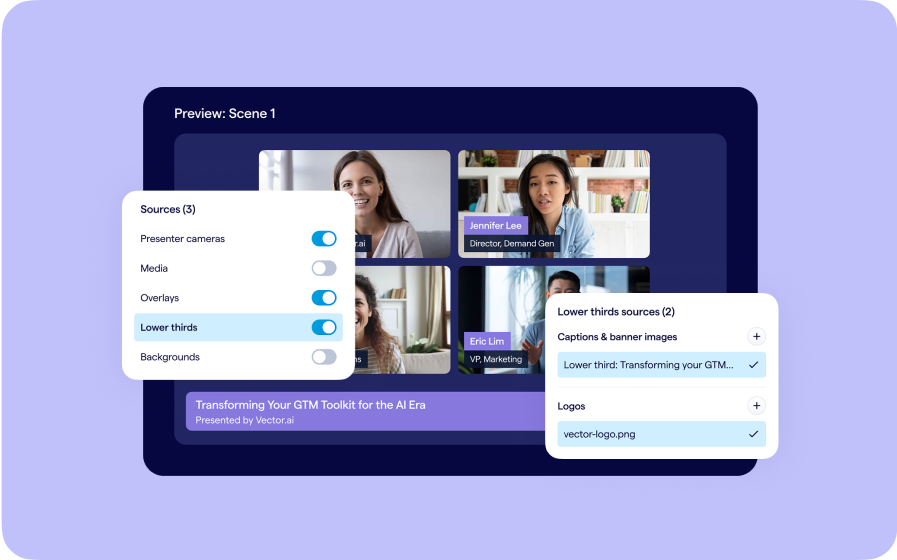
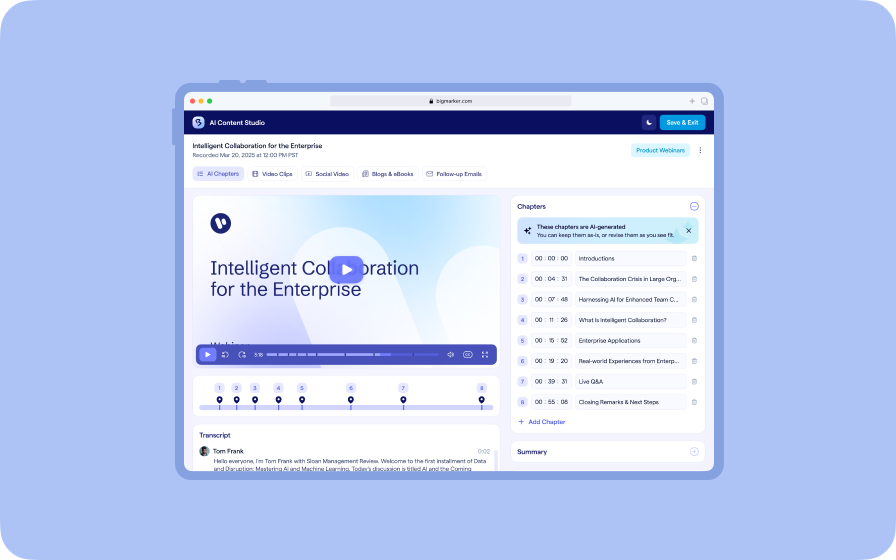
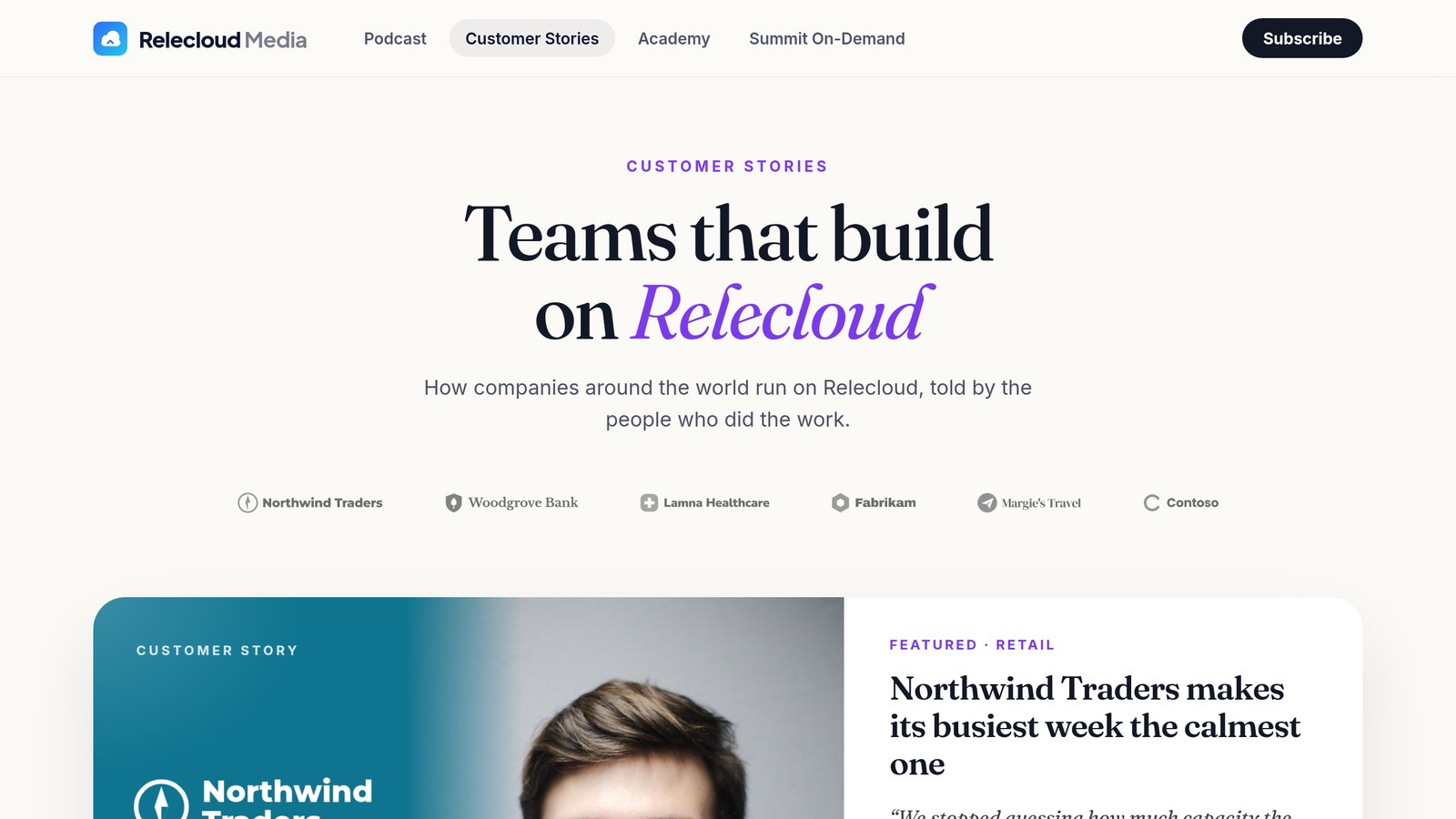
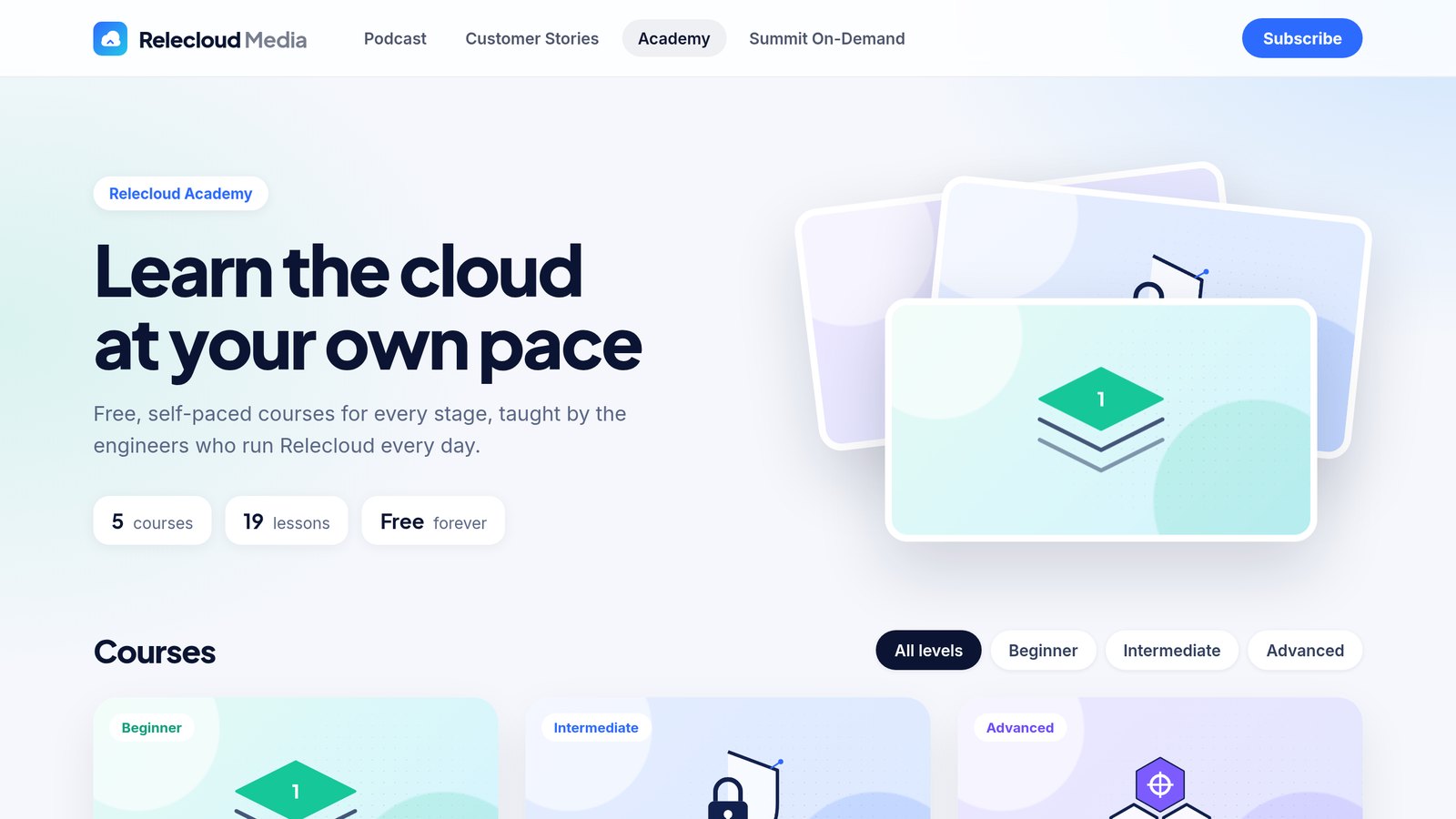
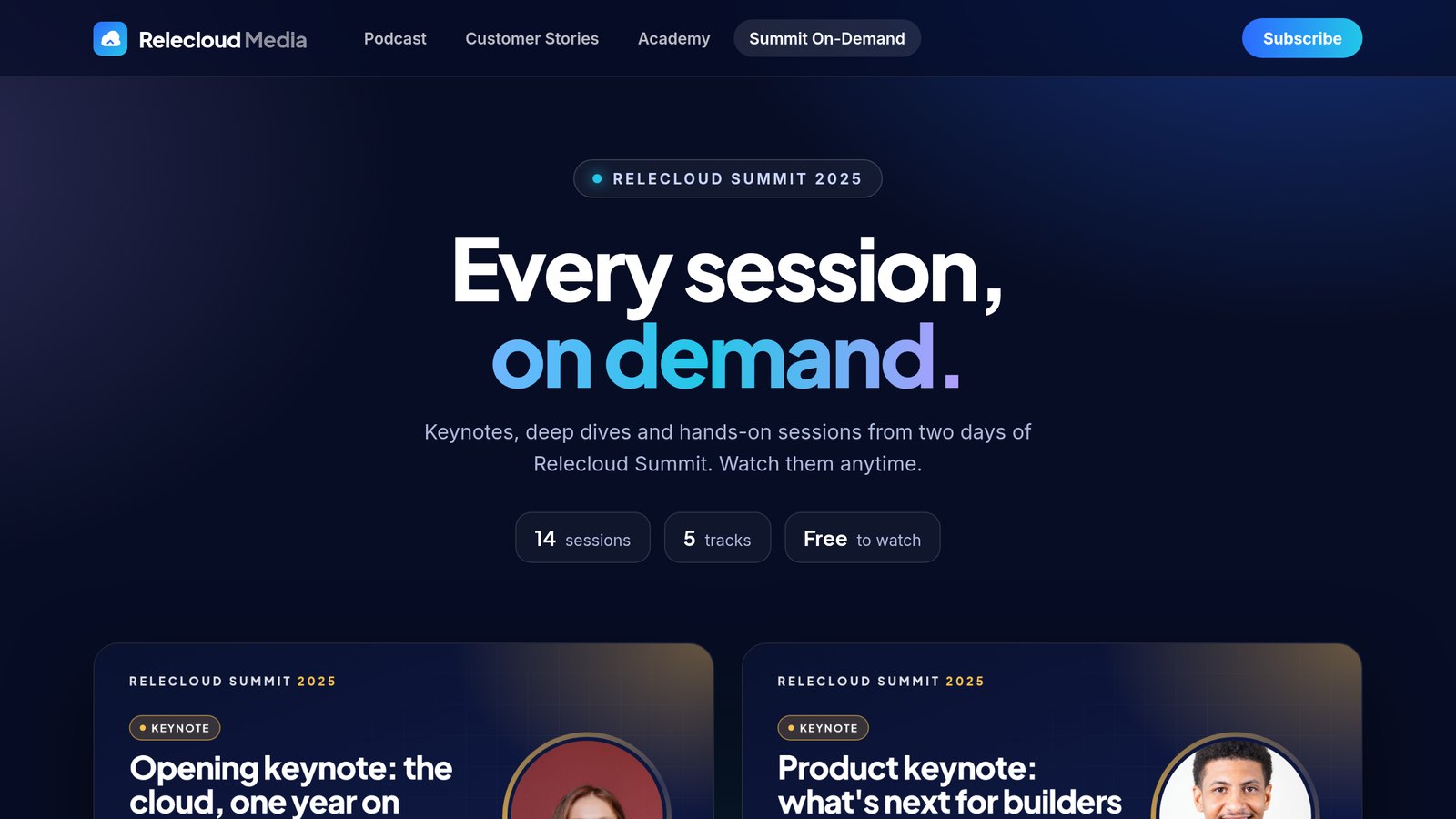
Four hubs, four designs
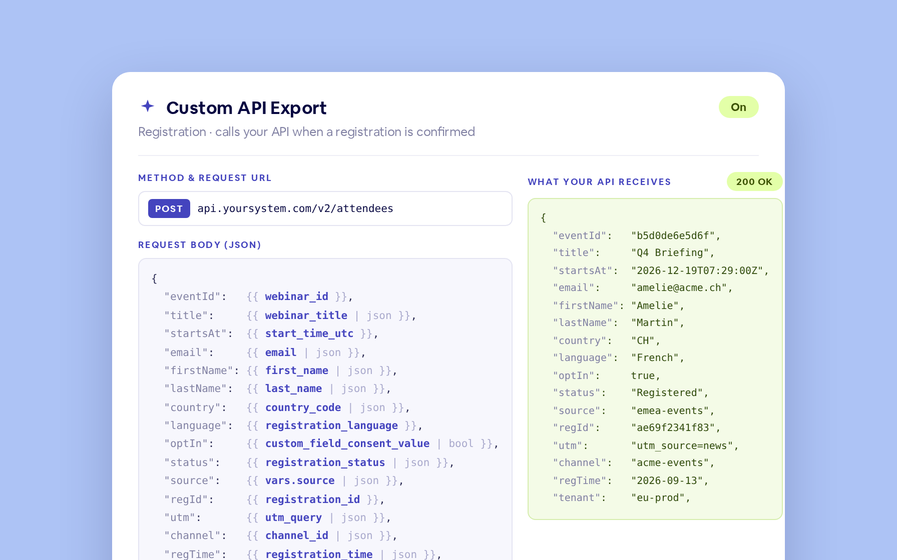
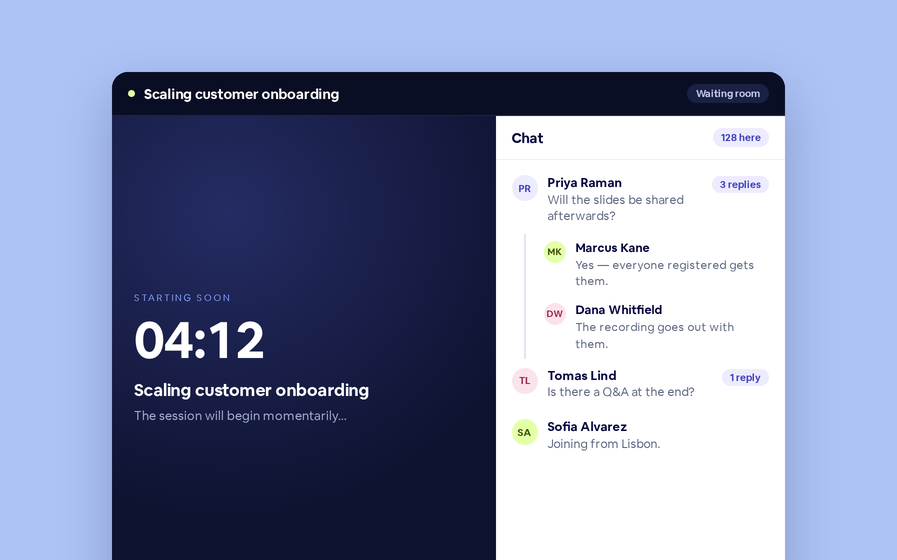
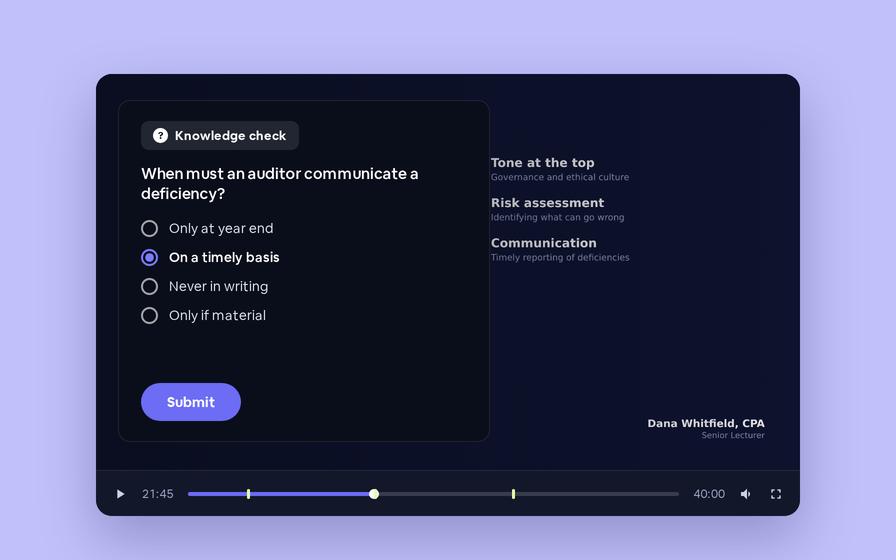
One channel, four hubs, each with a look of its own.
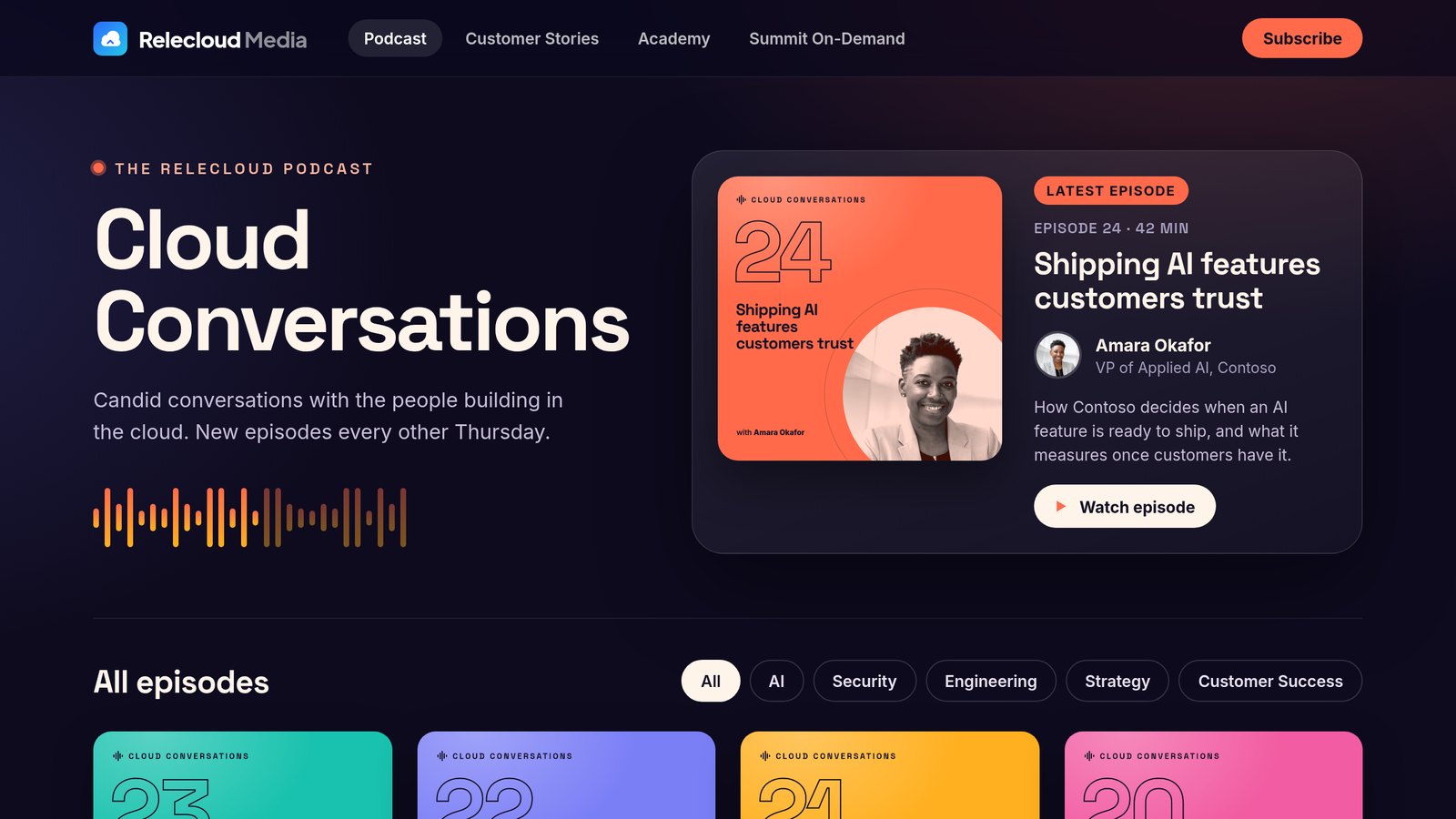
Run it from the built-in CMS
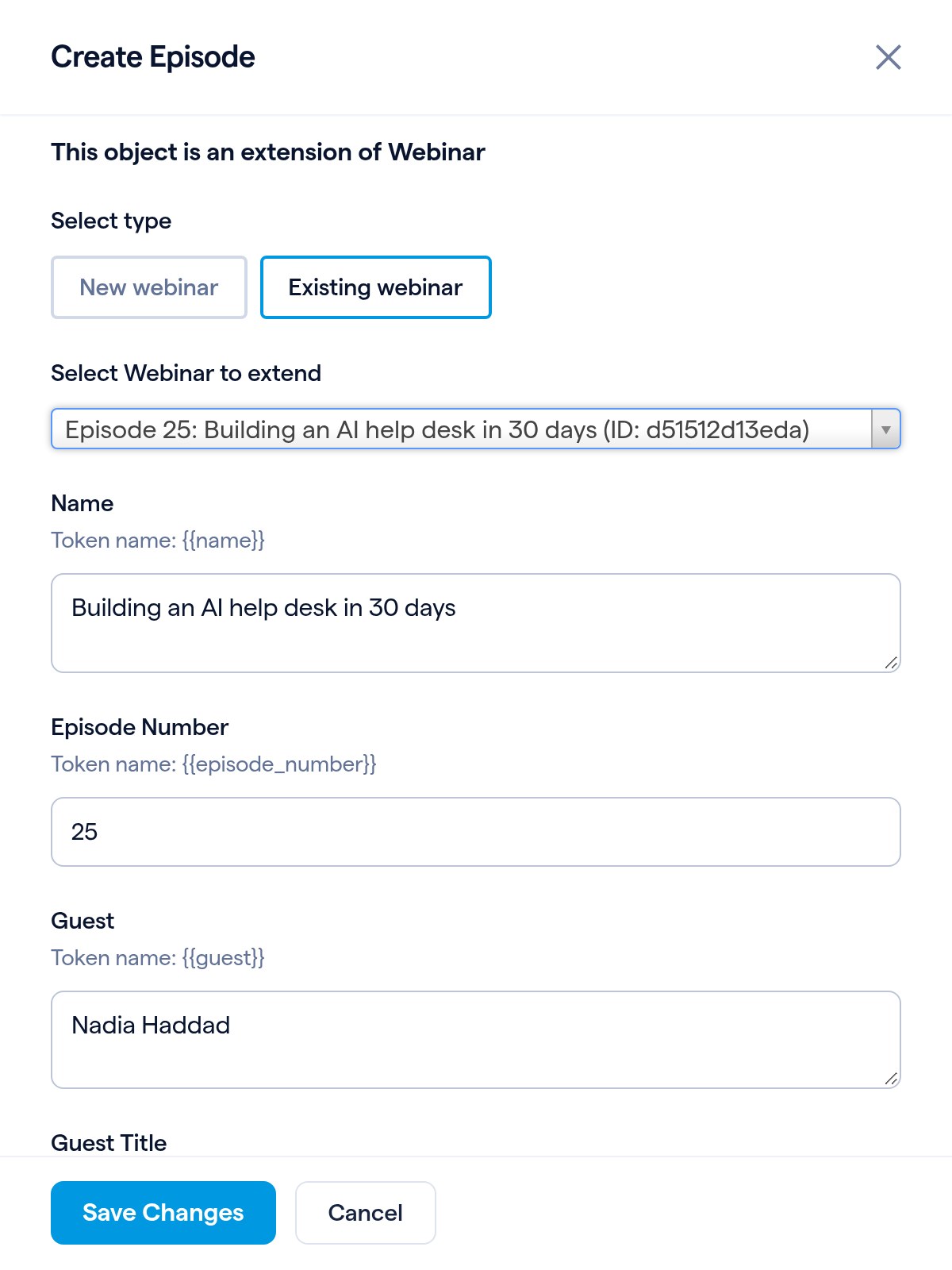
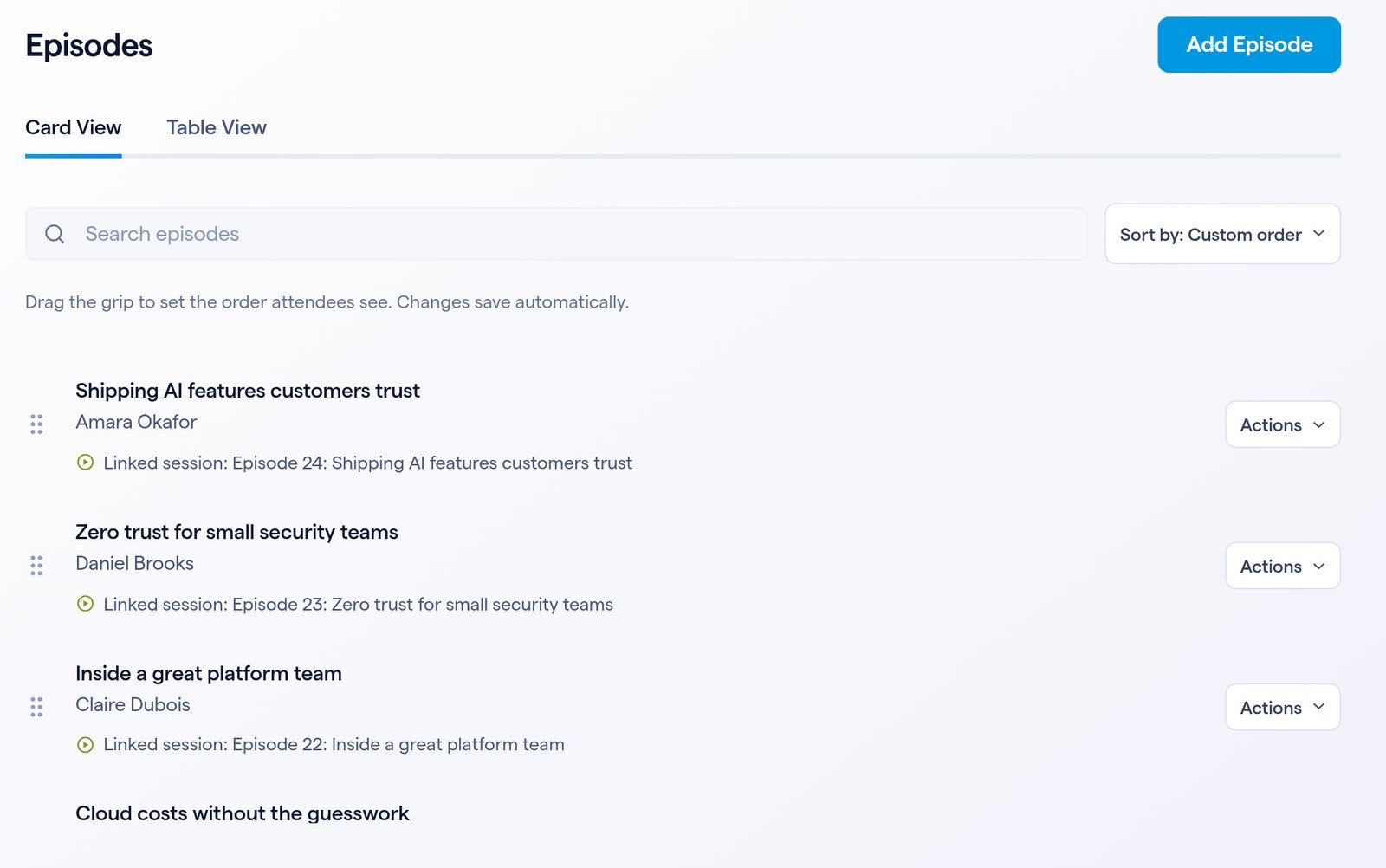
In the hub's event admin, open Content. Each kind of content has its own list, like Episodes, Customer Stories or Courses.
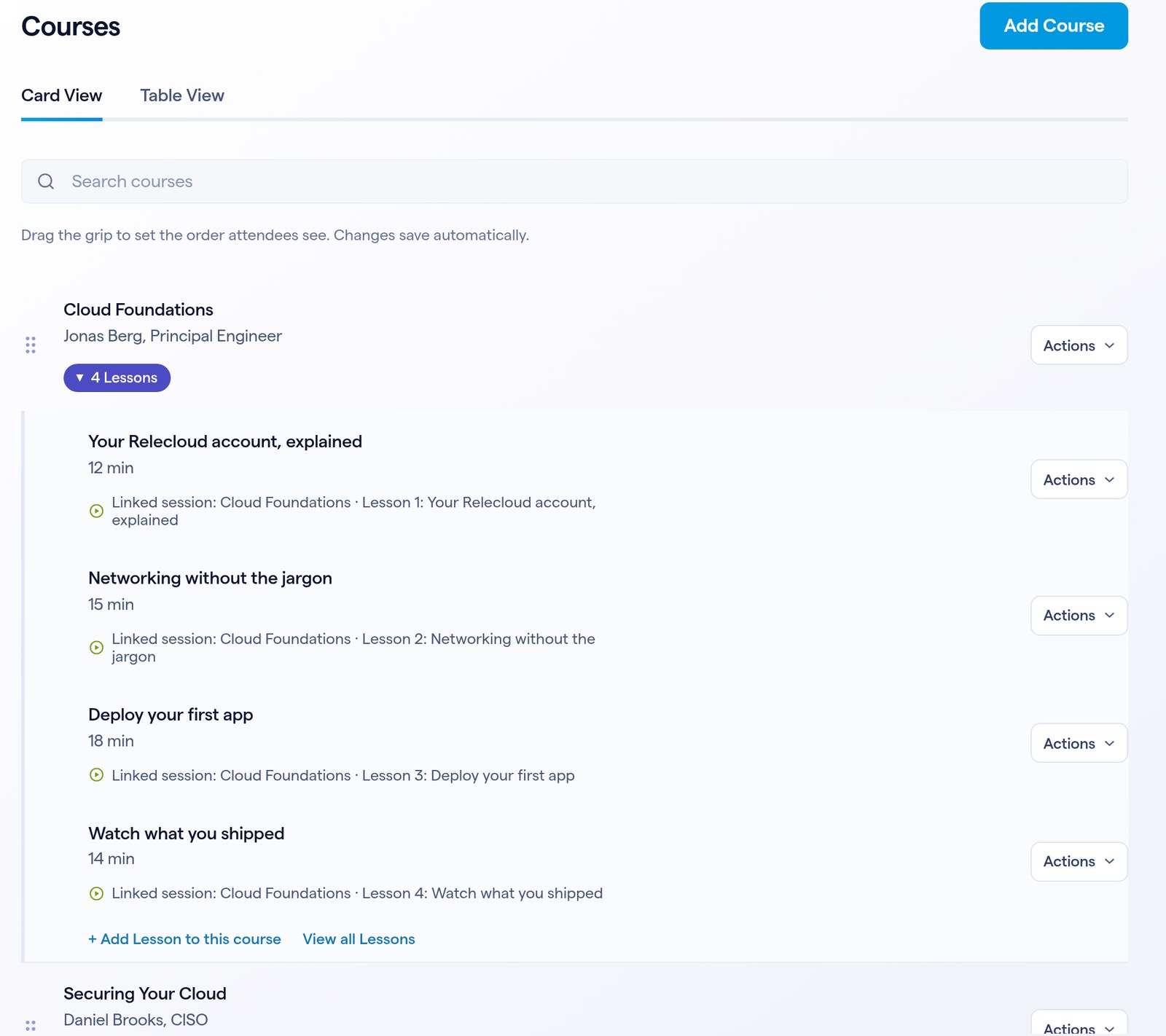
Courses and their lessons
Some content holds other content: a course holds its lessons. Expand a course to see them, and add the next one right there with + Add Lesson to this course.
Sorting a list by start time in the event admin changes only your view. The hub always shows the order you set by dragging.
The hub's design is a custom landing page, and the kinds of content it lists, with the details each one holds, are set up once in your channel settings. After that, everything happens in Content.