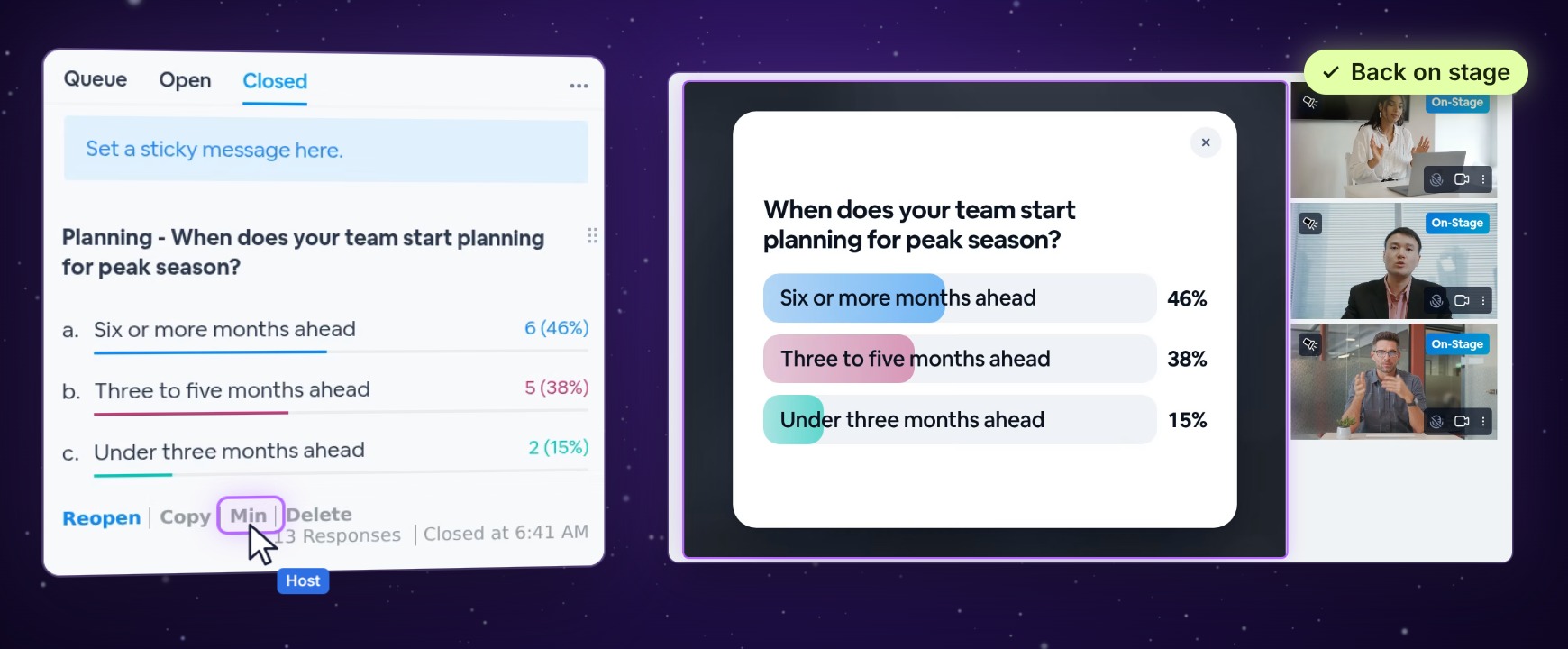
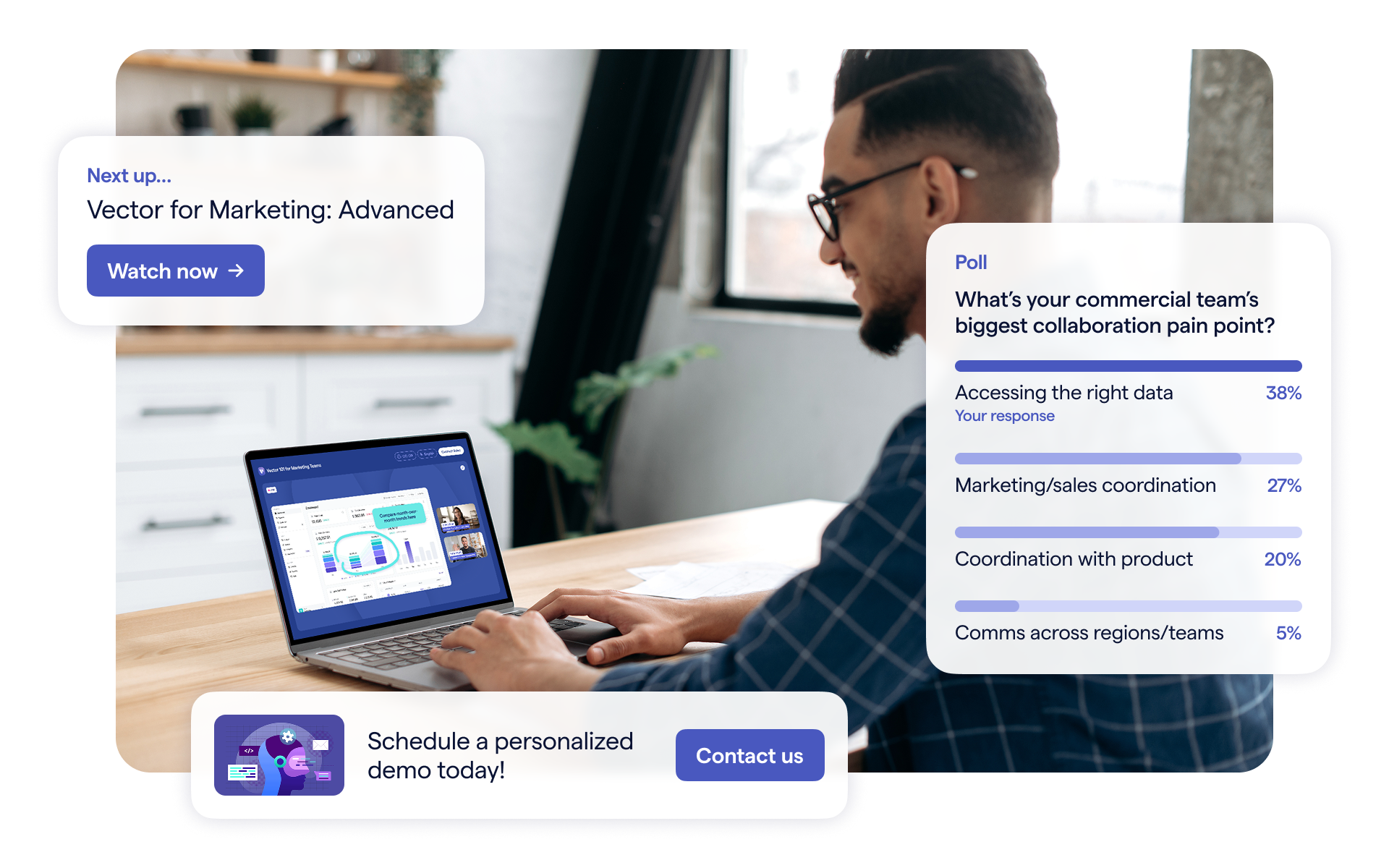
Poll results are a great way to get your audience talking, and Max puts them on stage for everyone to see. Now closed polls have a Max button too, so any result you've collected can take the stage again, right when the conversation turns to it.
Every result, ready for the stage
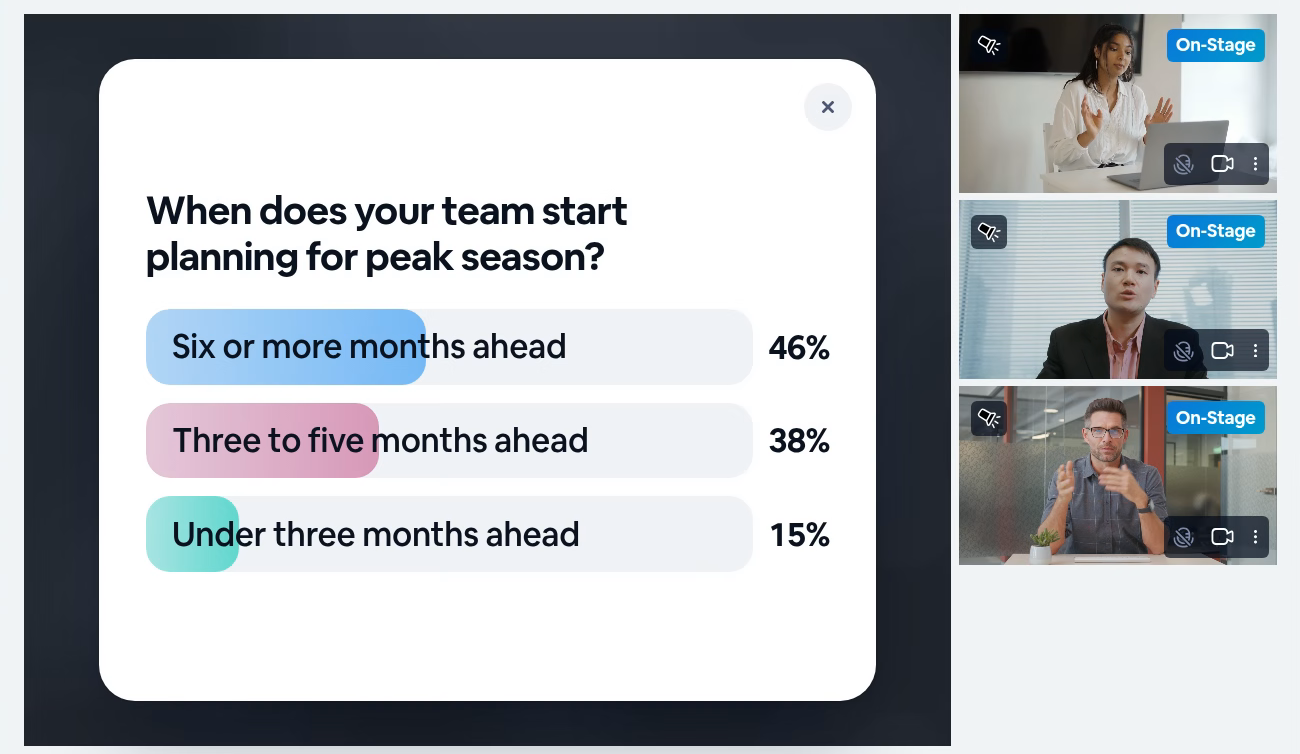
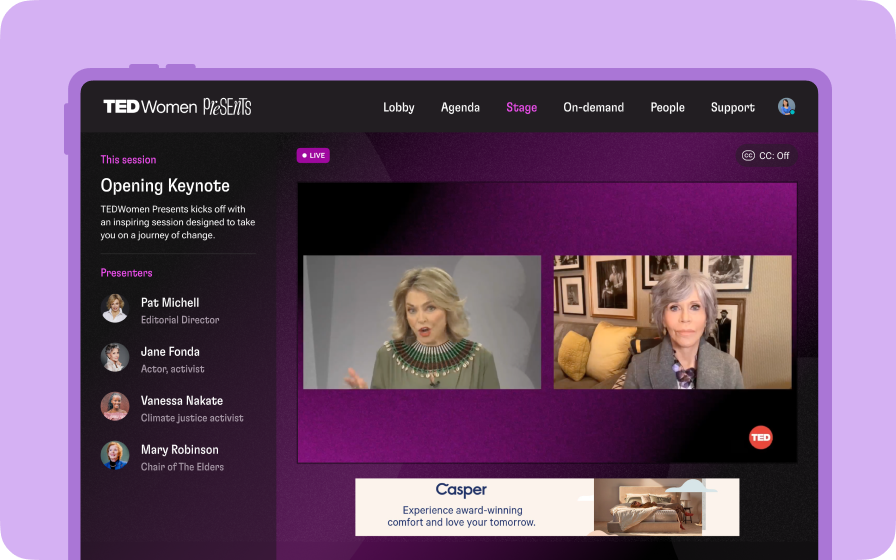
Each poll you close keeps its results under Closed in your Polls panel. Click Max on one, and its question and results fill the stage for everyone in your session, beside any presenter cameras on stage. The button then reads Min, so you can tell at a glance which poll is on stage.
Illustration
Share a closed poll in three steps
In the live room, open Polls, then Closed.
1
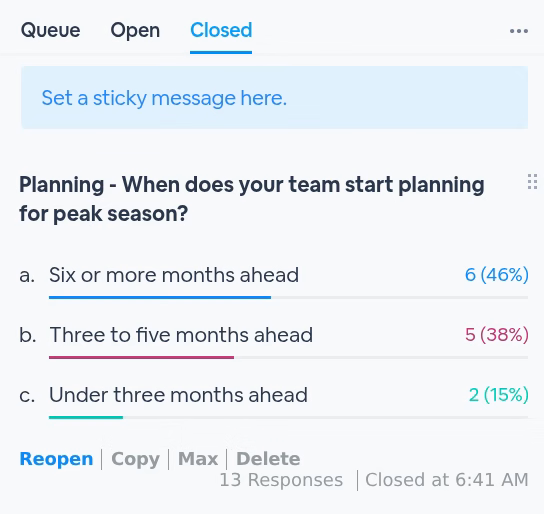
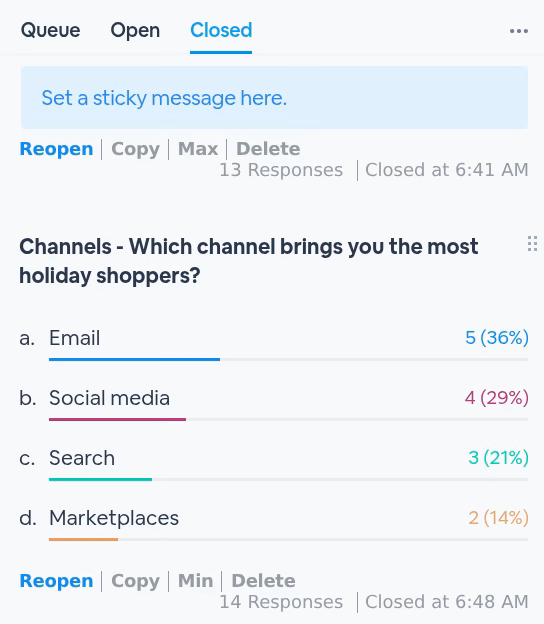
Find the pollEvery closed poll is listed with its results, how many people answered, and when it closed. Each row's buttons now include Max, just before Delete.
2
Click MaxThe poll's question and results fill the stage for everyone in your session. Its button now reads Min.
3
Switch it, or take it downClick Max on another poll, and its results take the stage instead. Click Min, or the X on the board, to take it down for everyone.
When to bring one back
Q&AA question about an earlier pollPut its results up while you answer, so everyone is looking at the same numbers.
RecapClose with what the room saidWalk through your polls at the end of the session, one result after another.
PresentersBuild on an earlier answerBring a result back when a presenter picks up the topic it was about.
Open pollsStill open? Same buttonOpen polls keep their Max, next to Close Poll and Queue.
Good to know
Details
Who sees it
Everyone in the session, including people who join while it's up
One at a time
Max on another poll takes the current one down and puts the new one up
Presenters
Presenters on stage can use Max too when Allow presenters to maximize poll is on in the webinar's presenter permissions
Deleting a poll
Deleting the poll that's on stage from your Polls panel takes it down for everyone