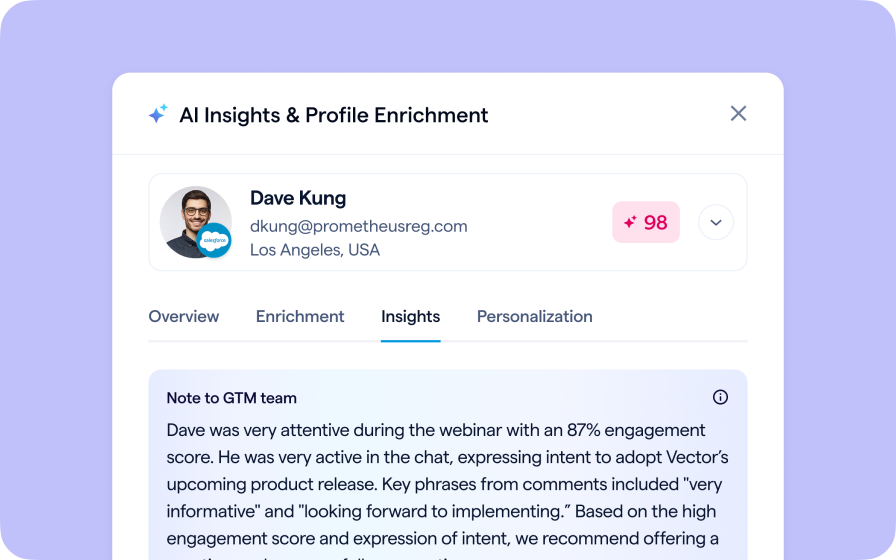
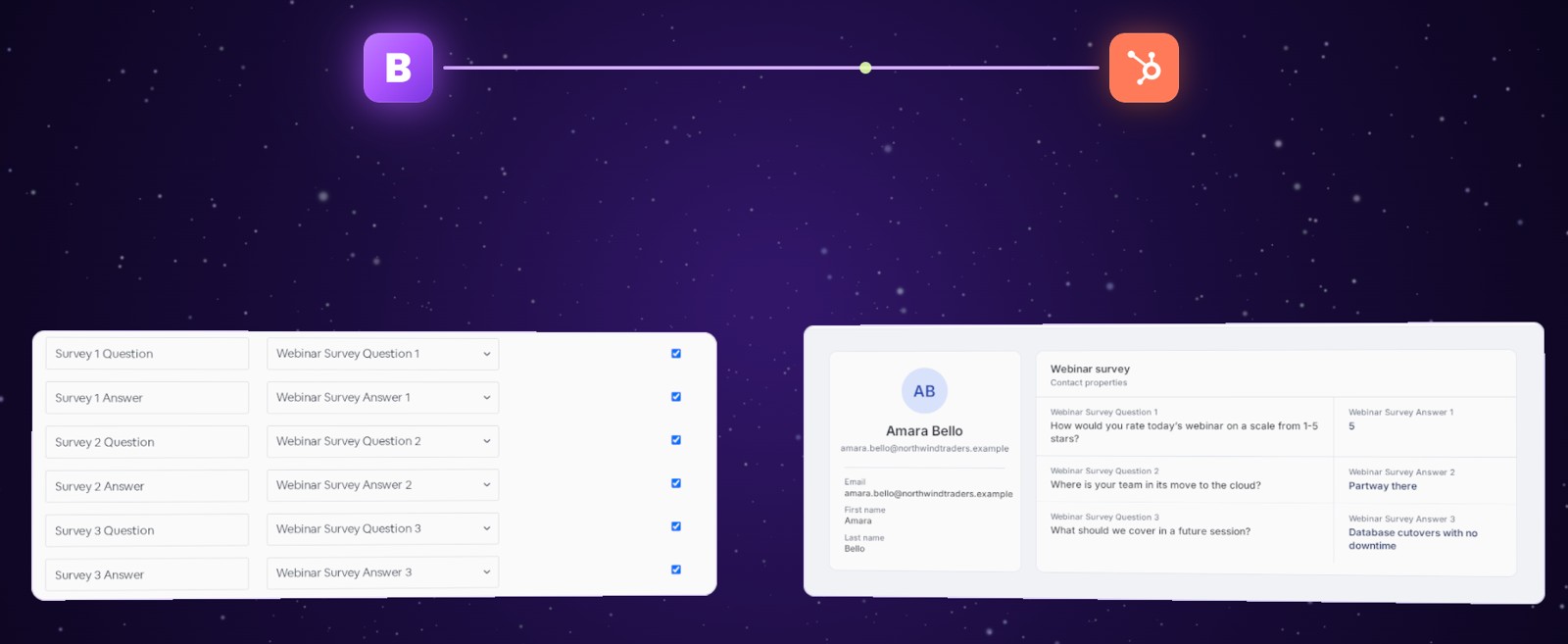
BigMarker already sends your registrants and attendees to HubSpot as contacts, and a webinar's survey answers can land right on an attendee's contact. Now a series can do it too: map its survey questions and answers once, and your attendees' answers arrive on their HubSpot contacts, ready for your team.
Where the answers land
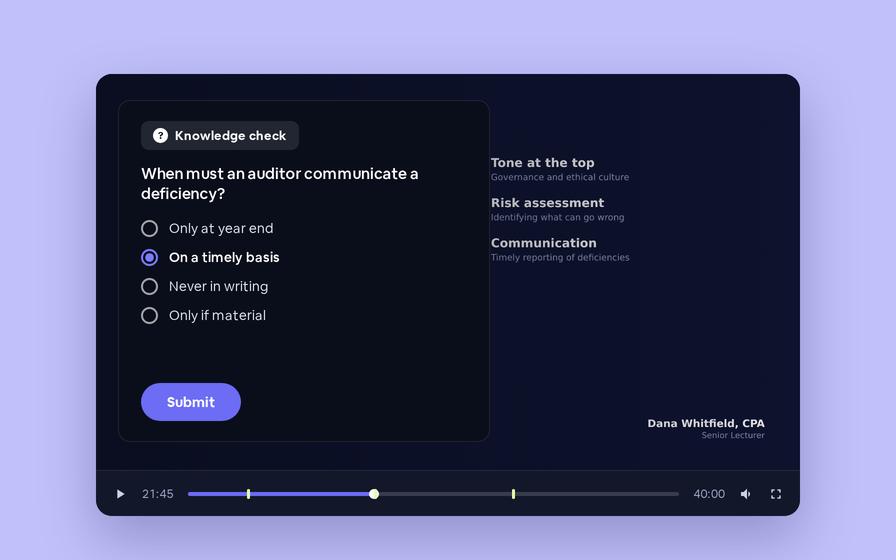
When an attendee answers your series' own survey, BigMarker sends the questions and their answers to the HubSpot contact properties you picked, on that attendee's contact. If they change an answer later, the contact is updated too. The same Survey fields you already use on a single webinar now appear on a series, for up to ten questions.
Set it up in three steps
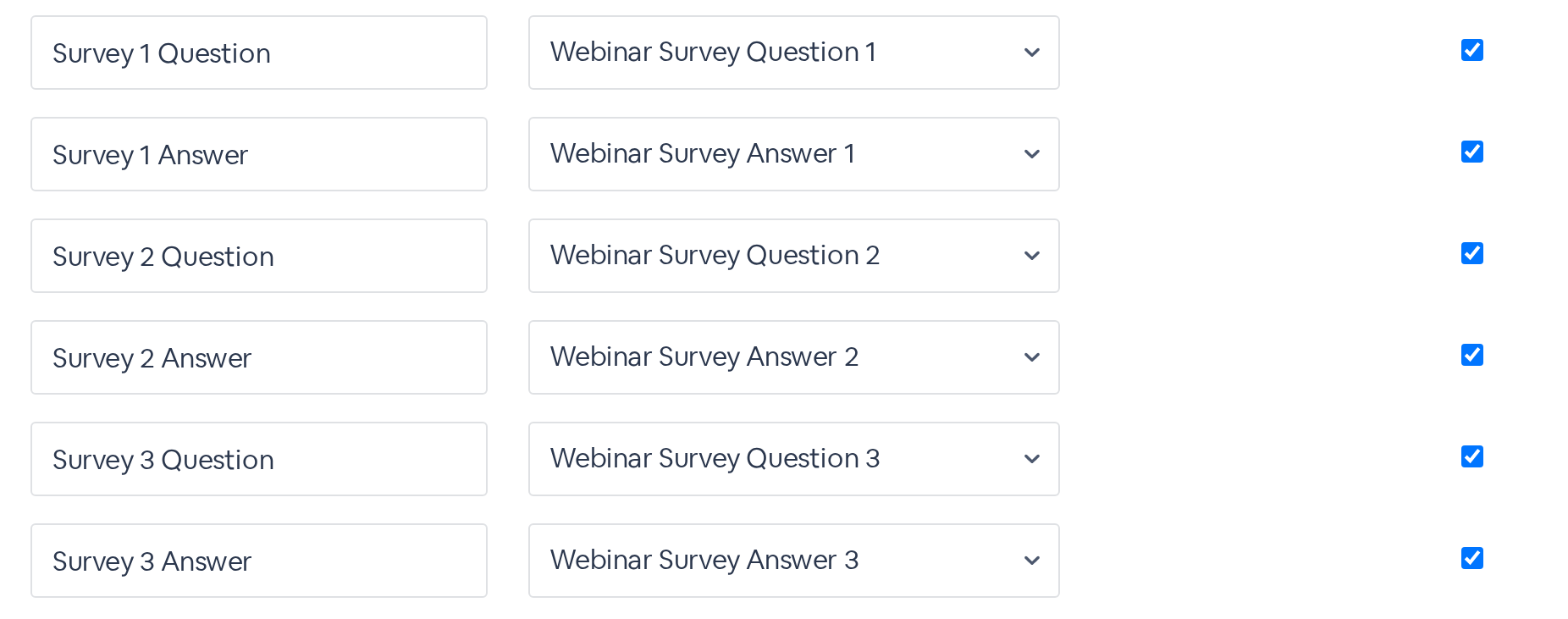
What gets sent
| Field | What lands in HubSpot |
|---|---|
| Survey 1 Question, Survey 2 Question … | The question's text from your series survey |
| Survey 1 Answer, Survey 2 Answer … | The attendee's answer to that question: a rating or score, the option or options they chose, grid choices, or what they typed. A question they skipped is sent empty |
| Which question is which | Survey 1 is the first question in your survey, Survey 2 the second, and so on, up to ten. Note and Hidden Field items are skipped |
| Changed answers | Sent again, so the contact shows the latest answer |
Before you start
| You need | Where |
|---|---|
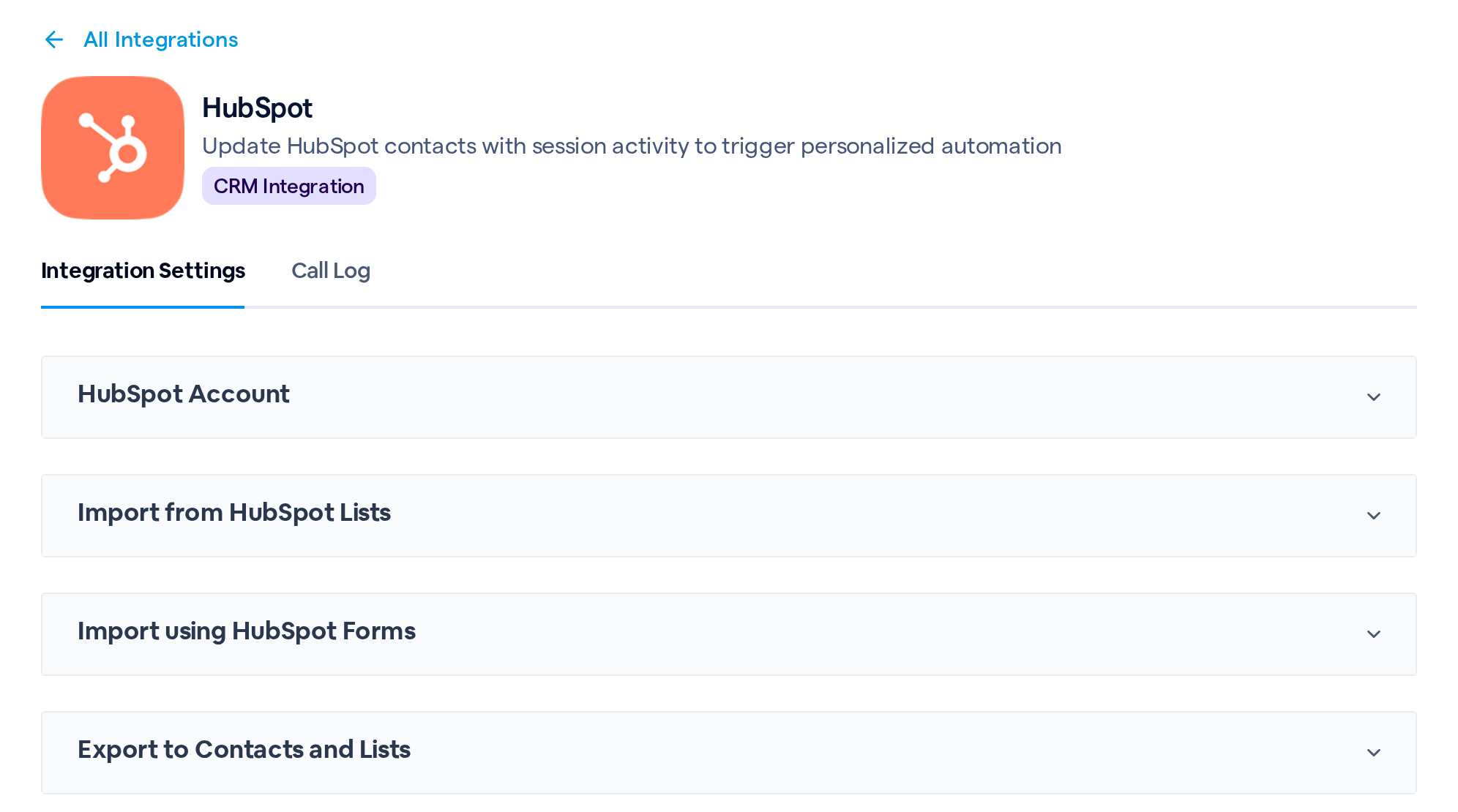
| HubSpot connected to the series | Series › Integrations › HubSpot › HubSpot Account |
| Registrants going to HubSpot | Add New Registrants Automatically? turned on, with a Registrants list chosen or Export contacts to HubSpot even when no list is selected checked, in Export to Contacts and Lists |
| A survey on the series | Questions on the series' own survey |
| An attendee | Someone registered for the series who joined at least one of its sessions, live or by watching its recording |
Check that it works
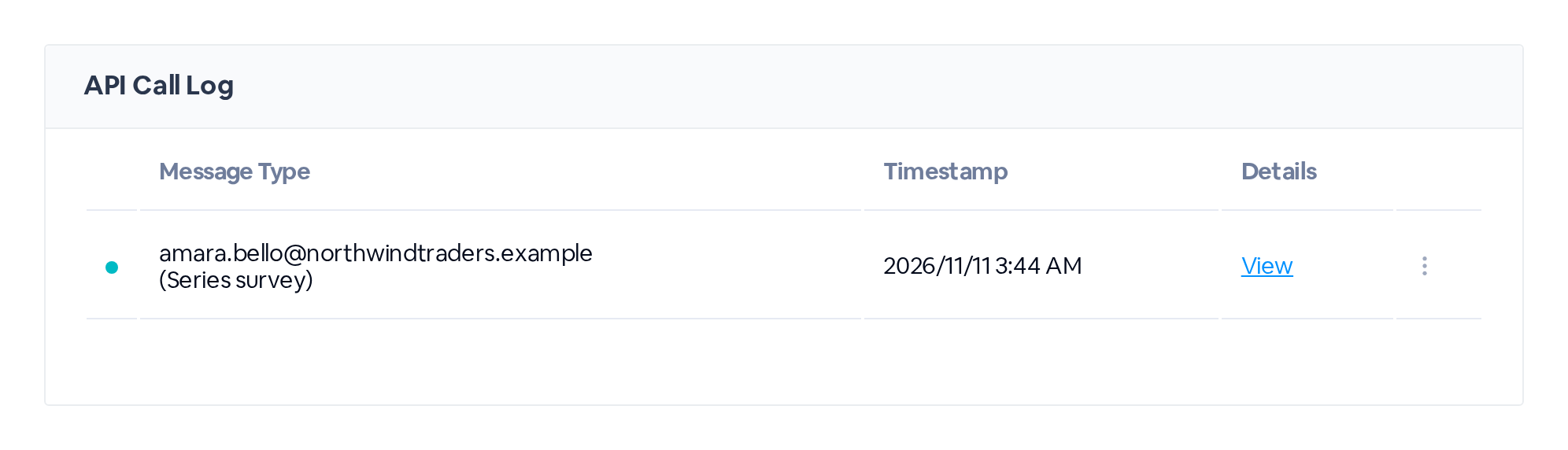
Open the Call Log tab on the same HubSpot page. A response that was sent shows up with the attendee's email, marked (Series survey). A red marker means it didn't go through: click View for details. Then open that contact in HubSpot to see the questions and answers on it.