BigMarker News & Updates LinkedIn Lead Gen Form Integration

Turn LinkedIn leads into webinar registrants, automatically

July 2, 2026
Every Lead Gen Form submission becomes a webinar registrant on its own, with their answers in place.
Categories
Share

Your LinkedIn ads reach the people who want to see your webinar, and Lead Gen Forms let them sign up without leaving LinkedIn. BigMarker connects with the tools you already use, and now that includes Lead Gen Forms: every new submission becomes a registrant on its own, with the answers your form collected, and the submissions you already have come in with one click.

Registered while they're still interested

When someone submits your Lead Gen Form, LinkedIn passes the submission to BigMarker, and they're registered for your webinar with the answers they gave.

They're on your list the moment they sign up, ready for your reminders and follow-ups.
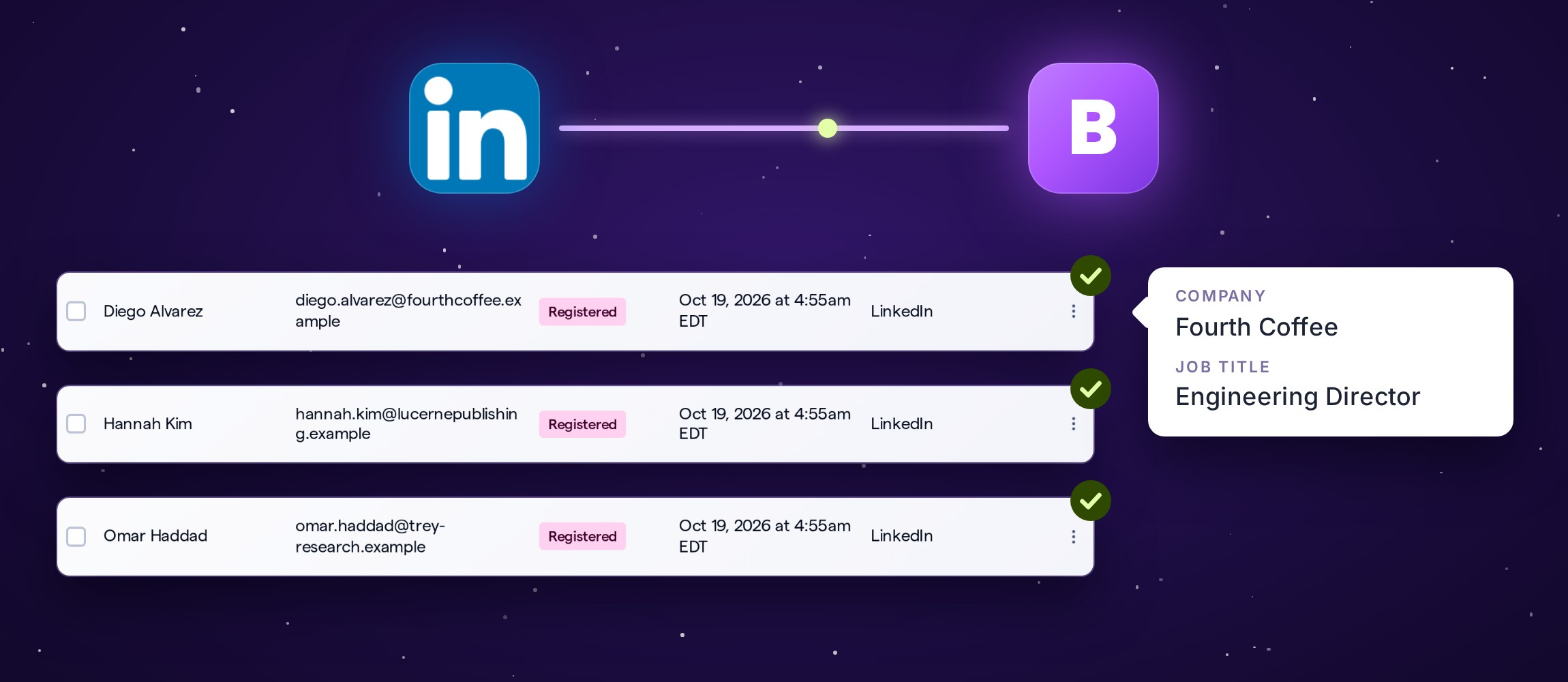
LinkedIn connected to BigMarker; three Lead Gen Form submissions arrive as webinar registrants, one showing its company and job title answers.
Illustration

Connect LinkedIn in three steps

Open your webinar, then Integrations → LinkedIn.
1
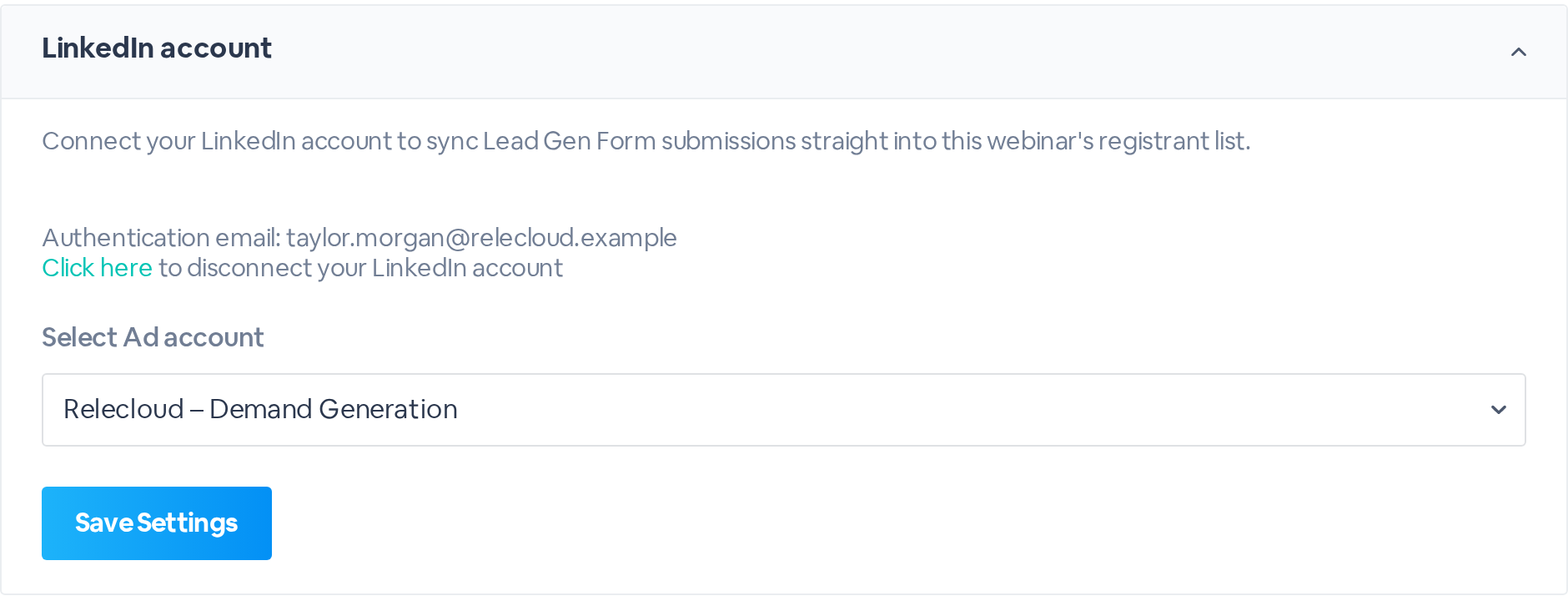
Connect to LinkedInClick Connect to LinkedIn and sign in. Under Select Ad account, choose the account that runs your campaign, and click Save Settings.
LinkedIn account connected, with the sign-in email and the Relecloud Demand Generation ad account selected.
2
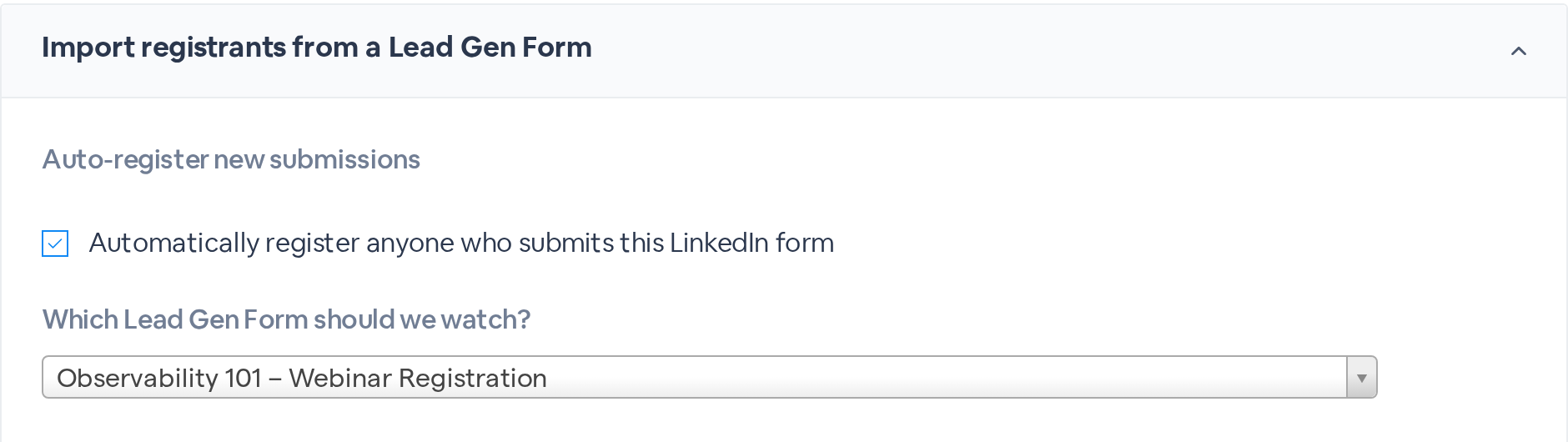
Choose the formUnder Import registrants from a Lead Gen Form, check Automatically register anyone who submits this LinkedIn form, and pick the form under Which Lead Gen Form should we watch?
Automatically register anyone who submits this LinkedIn form is checked, and the Observability 101 Webinar Registration form is selected.
3
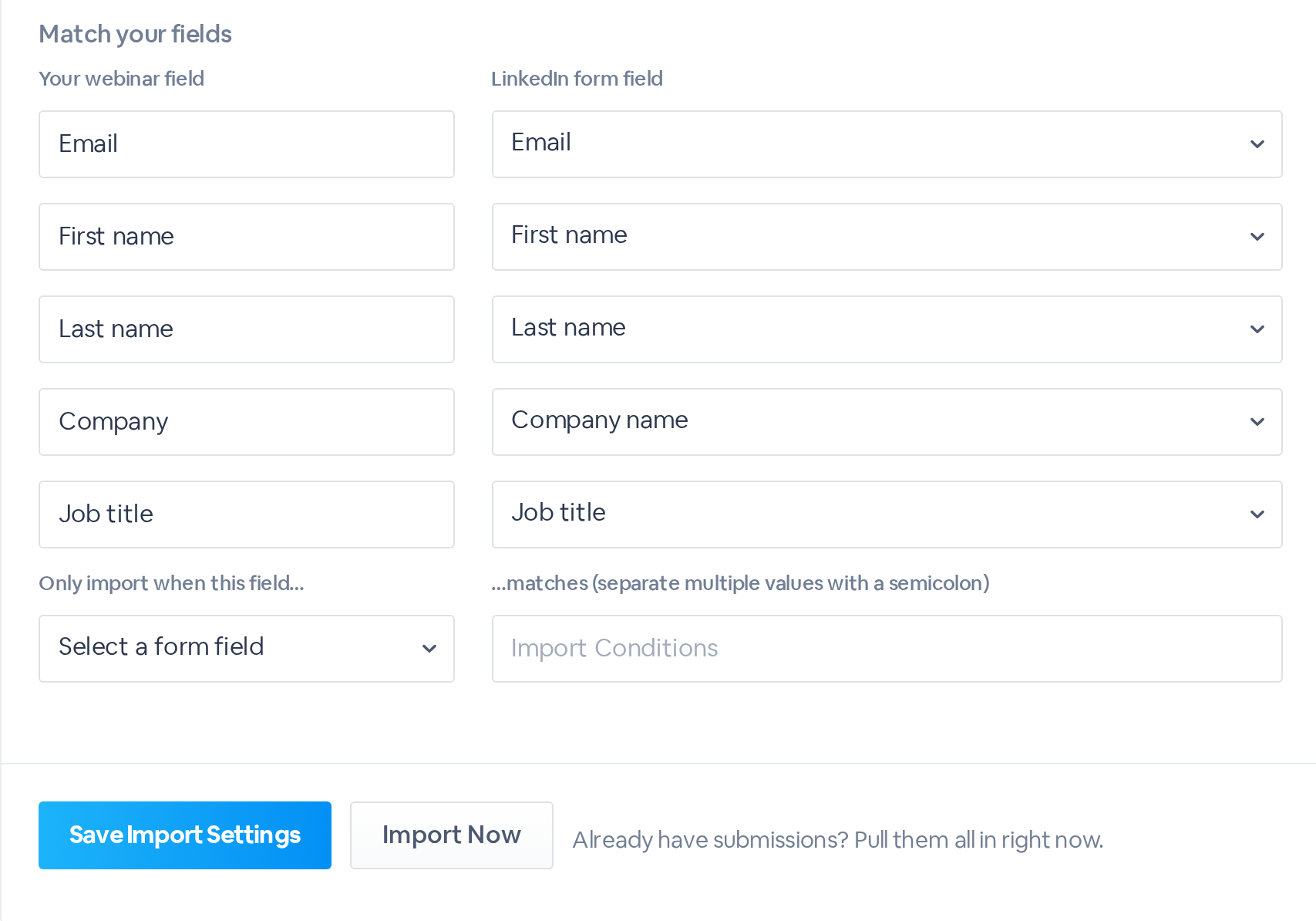
Match your fieldsPair each webinar field with a LinkedIn form field: Email, First name and Last name, plus any registration questions your webinar asks. Then click Save Import Settings.
Match your fields: Email, First name and Last name, Company to Company name and Job title to Job title, with Save Import Settings and Import Now.

Already have submissions?

Click Import Now to register everyone who has filled in the form so far. They join your registrant list with LinkedIn as the registration source.
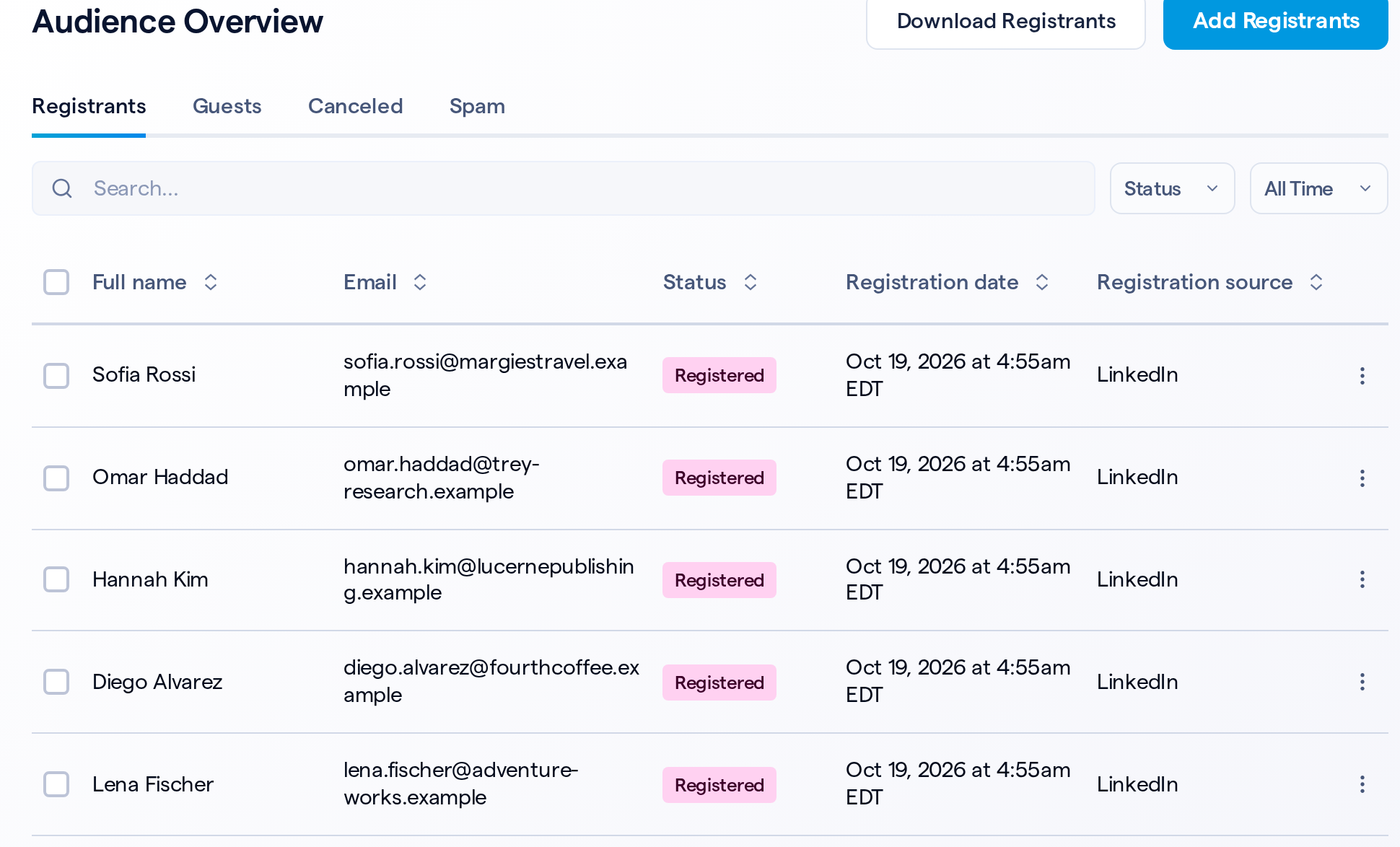
Audience Overview listing new registrants, each with LinkedIn as the registration source.

How submissions are handled

Once the form is connected, each submission is handled the same way.

WhenWhat happens
Someone submits the formThey're registered, with the answers you matched
You click Import NowEvery earlier submission is registered
A submission doesn't meet your conditionIt's skipped
A submission is deleted in LinkedInThat registration is canceled

Only the leads you want

Under Only import when this field…, pick a form field, then list the values to accept, separated by semicolons. For example, choose Country/Region and enter United States;Canada to register only leads from those two countries.

Keep auto-register on

Import Now registers earlier submissions only while Automatically register anyone who submits this LinkedIn form is checked.
Let LinkedIn fill your webinar
Find it in your webinar under Integrations, LinkedIn.
Related updates
Export to Any System
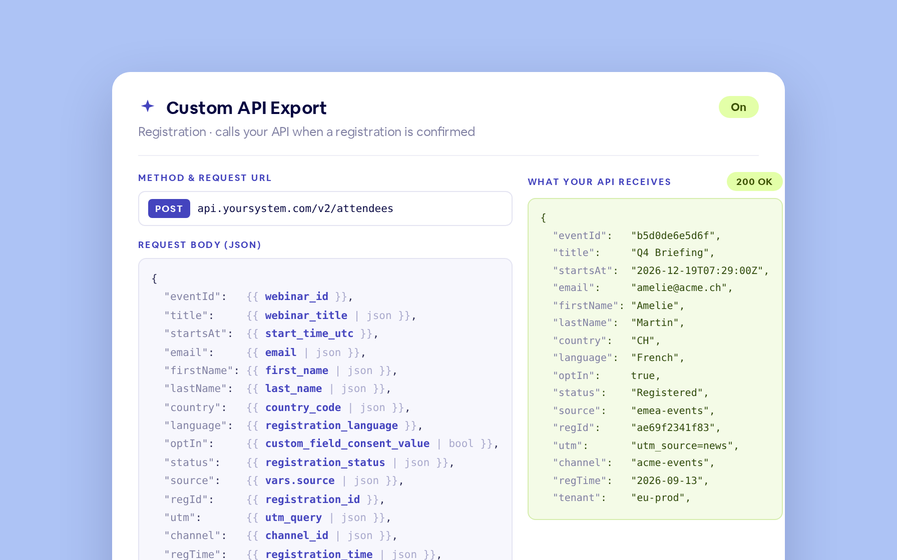
No connector needed — point a session at your endpoint, write the JSON body, and BigMarker calls it as people register, attend and watch.
Threaded chat in waiting room
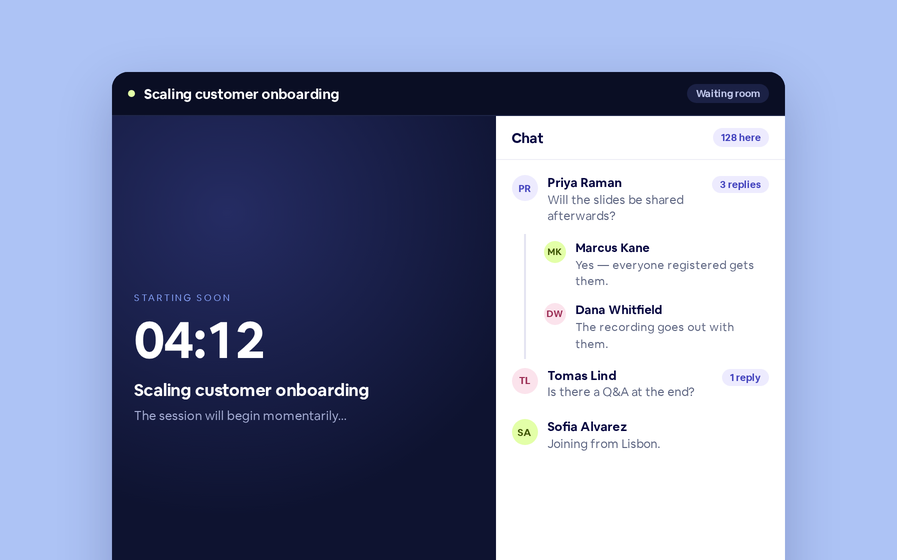
Replies now sit in a thread under the message they answer, so the pre-show conversation stays readable.
 Inline Page Editing
Inline Page Editing
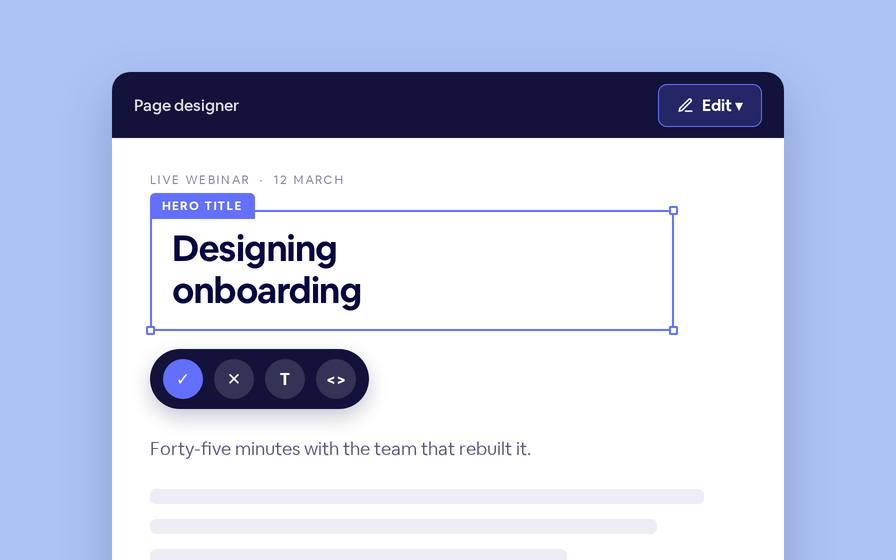
Click any headline, image or block on your landing page and change it right there — no hunting through editor panels.
Quizes in On Demand Video
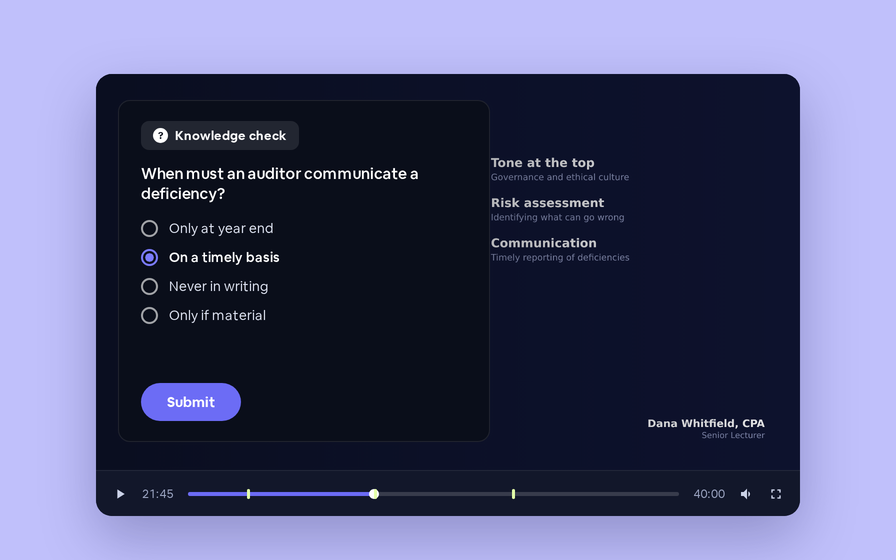
Ask questions inside your recordings and see who actually understood, not just who pressed play.
Preview Custom Page States
Preview any custom page as a registered viewer, an unregistered visitor or a real registrant, at any point in the event's life.
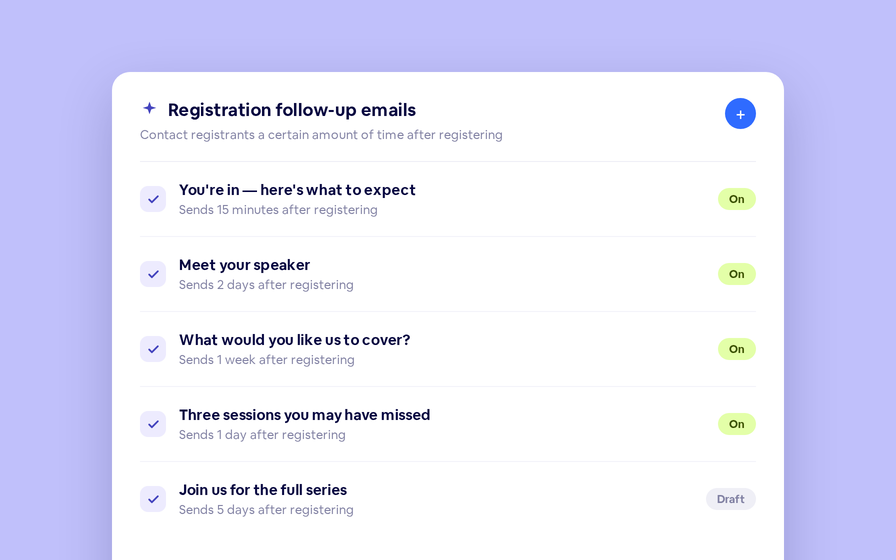
Follow Up Emails
Follow Up Emails
Keep in touch with your registrants immediately after they register.
Introducing BigMarker AI
Leverage generative AI to automate chaptering, generate short-form social-ready video clips, and create derivative content such as blogs, eBooks, and more.
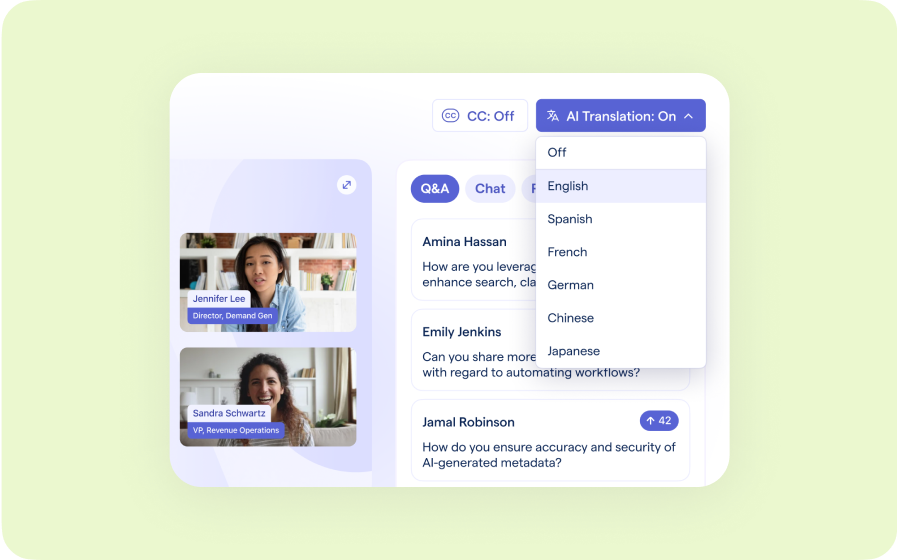
AI  Audio Translations
AI Audio Translations
Presenters speak in their language while attendees listen in theirs, removing barriers and opening content to participants everywhere.
Custom Audience Experiences
Get complete control over your webinar and event interfaces so every session looks, feels, and performs exactly the way you want.
AI Email Personalization
Every attendee gets a message crafted just for them based on their engagement, interests, and lead score.
Studio Scenes
Studio Scenes
Give your events the look, feel, and professionalism of a live broadcast, without the complexity or cost of a production crew.
AI Content Studio
AI Content Studio
Leverage generative AI to automate chaptering, generate short-form video clips, and create blogs, eBooks, and other derivative content.
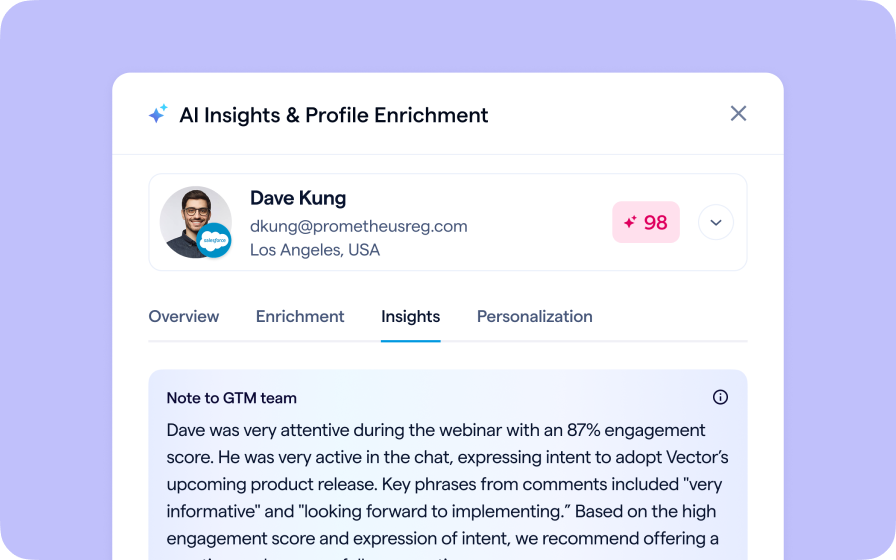
AI Lead Scoring
AI Lead Scoring
Instantly transform registration and attendee data into customized actionable sales insights.
Join the waitlist
By clicking “Submit”, I acknowledge that BigMarker may contact me related to my participation in this Beta offering.
You’re all set!
You’ve successfully registered for the waitlist!
If you have any questions, please contact your CSM.
Webinar: LinkedIn Lead Gen Form Integration by Product Update Hub