BigMarker News & Updates Landing Page A/B Testing

Stop guessing which registration page works

October 7, 2026
Split your live traffic between page designs and let the conversion rate decide which one to keep.
Categories
Share

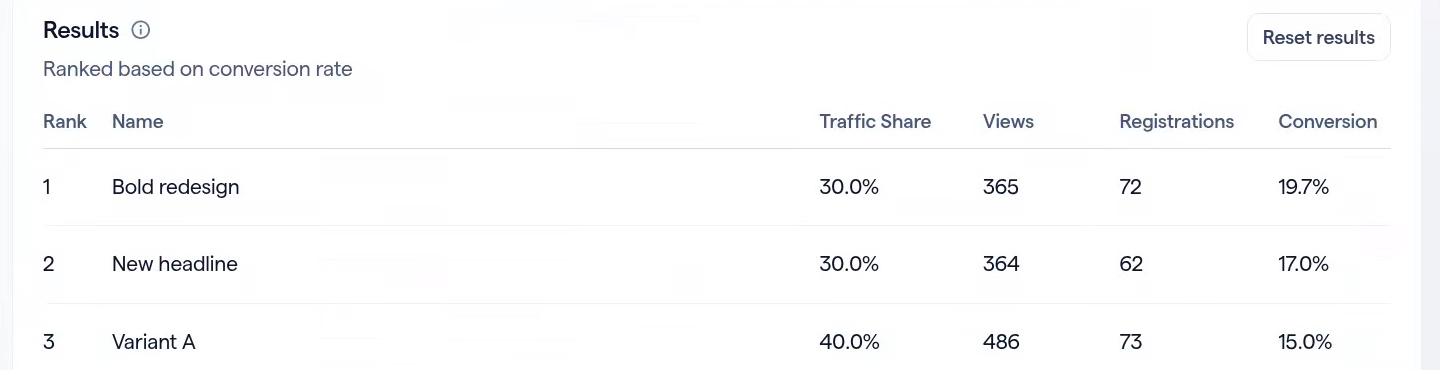
Registration page redesigns usually ship on instinct. A/B testing replaces the instinct with a number: BigMarker shows every variant’s views, registrations and conversion rate side by side, ranked so the winner is the top row.

Two kinds of test, one switch

Every variant is its own copy of a page template, which means you can run two very different experiments with the same tool.
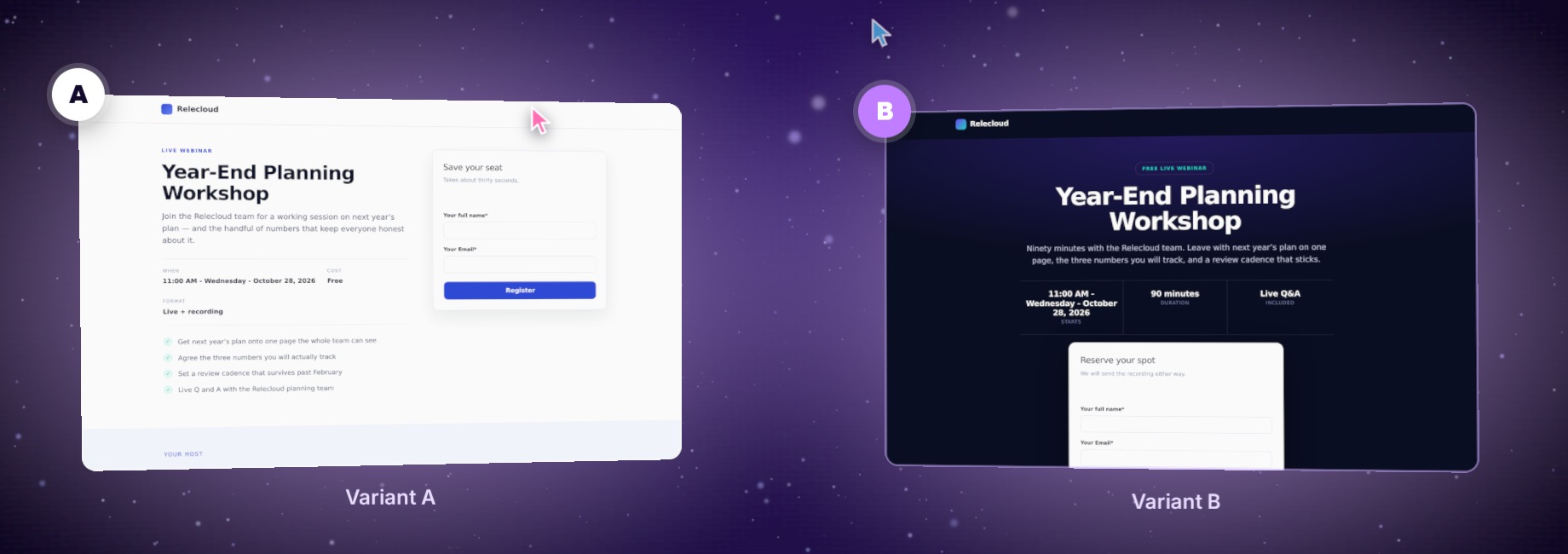
Two versions of the same registration page side by side: Variant A with a light layout and Variant B with a dark, bold design.
Illustration
Different templatesWhich design converts?Put your current page against a completely different layout — a new hero, a different form position, a different story — and see which one more visitors complete.
Same templateDoes this one line matter?Add the same template a second time and change only the headline or hero image. Everything else stays identical, so any difference in conversion comes from that one change.

Set it up in three steps

In your session, open Pages → Landing Page → A/B Testing. The tab appears once the session uses a custom landing page.
1
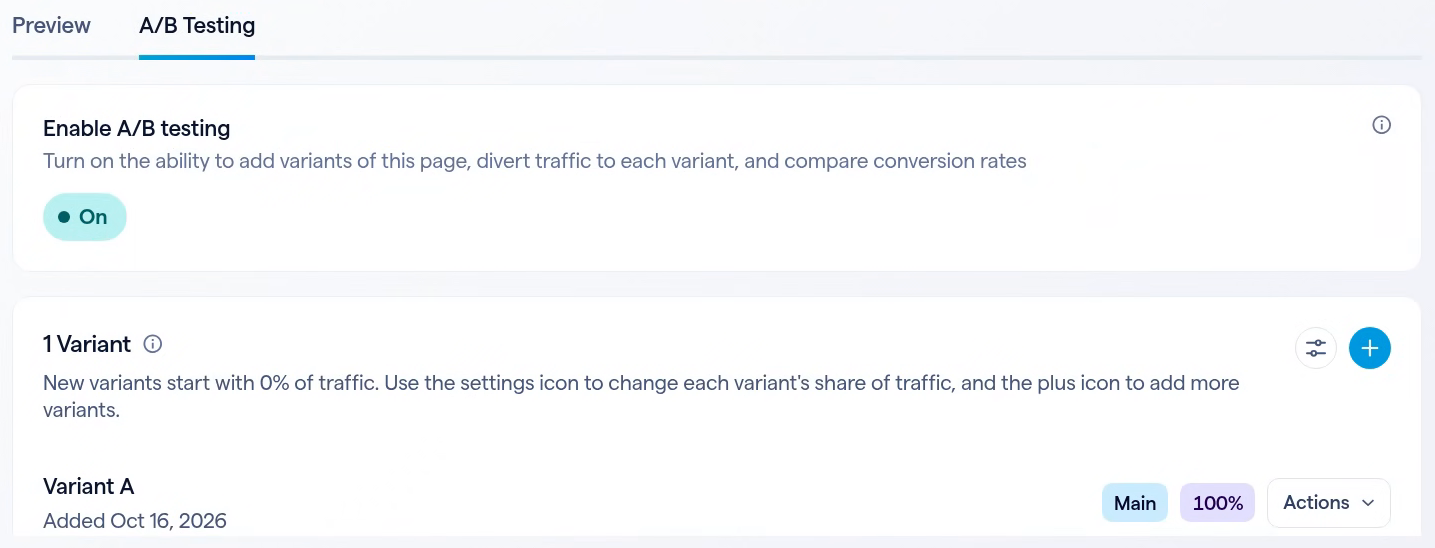
Turn on Enable A/B testingVariant A appears straight away. It is the page your session already uses, taking all of the traffic.
The A/B Testing tab with Enable A/B testing switched on and Variant A as the main page at 100% of traffic.
2
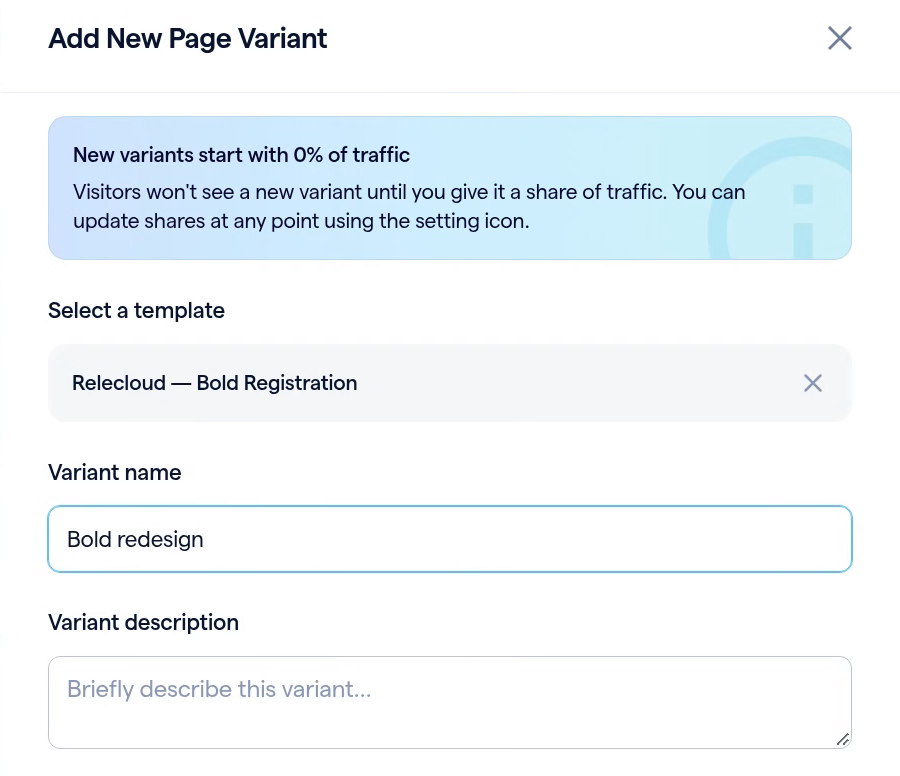
Add a page variantUse the plus icon to open Add New Page Variant and pick a template. Your session gets its own copy to edit, and a new variant starts at 0% of traffic, so visitors see nothing new until you say so.
Add New Page Variant, with the Bold Registration template selected and the variant named Bold redesign.
3
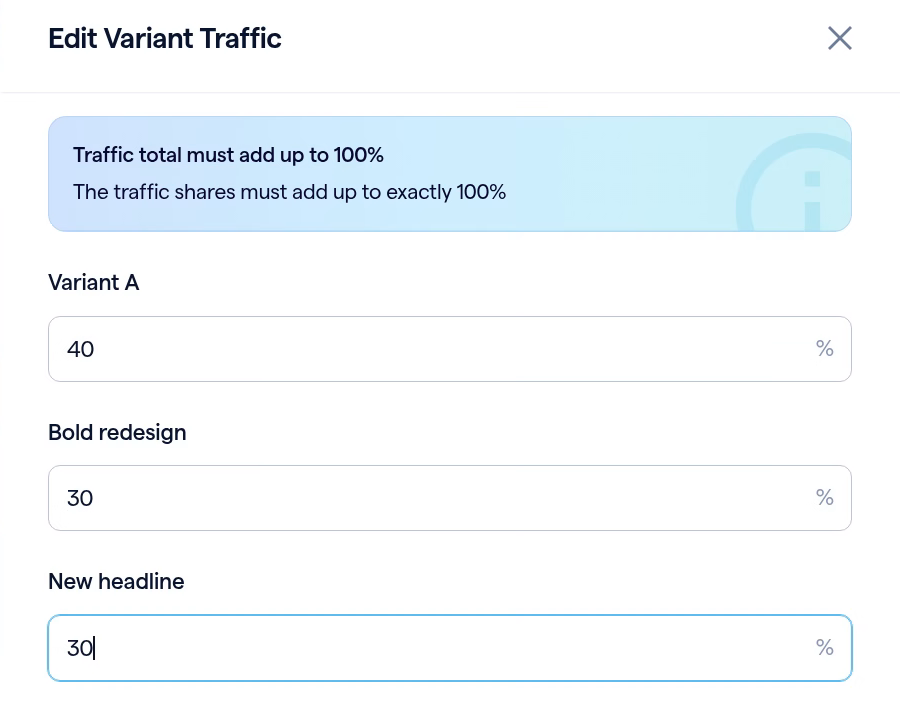
Split the trafficUse the settings icon to open Edit Variant Traffic. Shares are whole percentages and must add up to exactly 100% before you can save.
Edit Variant Traffic, splitting traffic 40, 30 and 30 percent across three variants.

Read the results at a glance

Results fills in as visitors arrive. Each variant shows its views, its registrations and its conversion rate, ranked best first, so the page worth keeping is always the top row.

ResultsRanked based on conversion rate
RankNameTraffic ShareViewsRegistrationsConversion
1Bold redesign30.0%3657219.7%
2New headline30.0%3646217.0%
3Variant A40.0%4867315.0%
Results ranked by conversion rate: Bold redesign 19.7%, New headline 17.0%, Variant A 15.0%, with traffic share, views and registrations for each.
A visitor keeps the same variant for the rest of their browser session, and every registration is credited to the variant that visitor saw.

Pause without losing anything

Switch the test off and every visitor sees your main page again. Your variants and results are kept, ready for when you turn it back on. While a test is running, the session’s page template is locked, so the page you are measuring cannot change underneath you.

Reset results starts a fresh round of counting and keeps your variants, so you can test the same designs again after a change. Each variant’s Actions menu also has Edit page to change that design and Preview to see exactly what a visitor is shown.
Let the conversion rate decide
Find it in your session under Pages, Landing Page, A/B Testing.
Related updates
Export to Any System
No connector needed — point a session at your endpoint, write the JSON body, and BigMarker calls it as people register, attend and watch.
Threaded chat in waiting room
Replies now sit in a thread under the message they answer, so the pre-show conversation stays readable.
 Inline Page Editing
Inline Page Editing
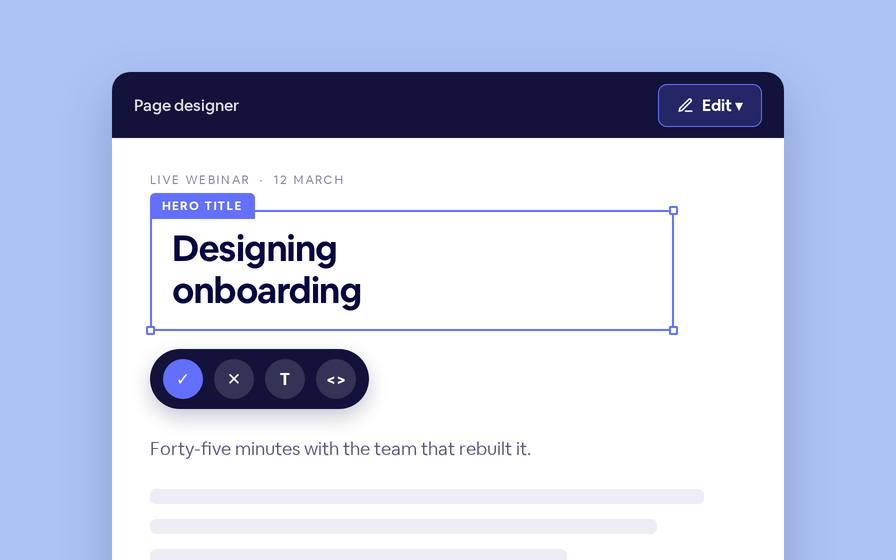
Click any headline, image or block on your landing page and change it right there — no hunting through editor panels.
Quizes in On Demand Video
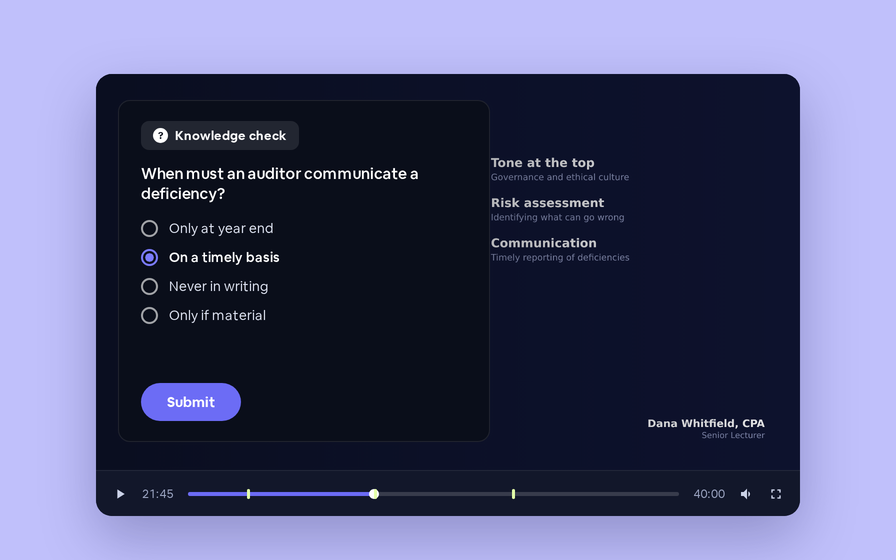
Ask questions inside your recordings and see who actually understood, not just who pressed play.
Preview Custom Page States
Preview any custom page as a registered viewer, an unregistered visitor or a real registrant, at any point in the event's life.
Follow Up Emails
Follow Up Emails
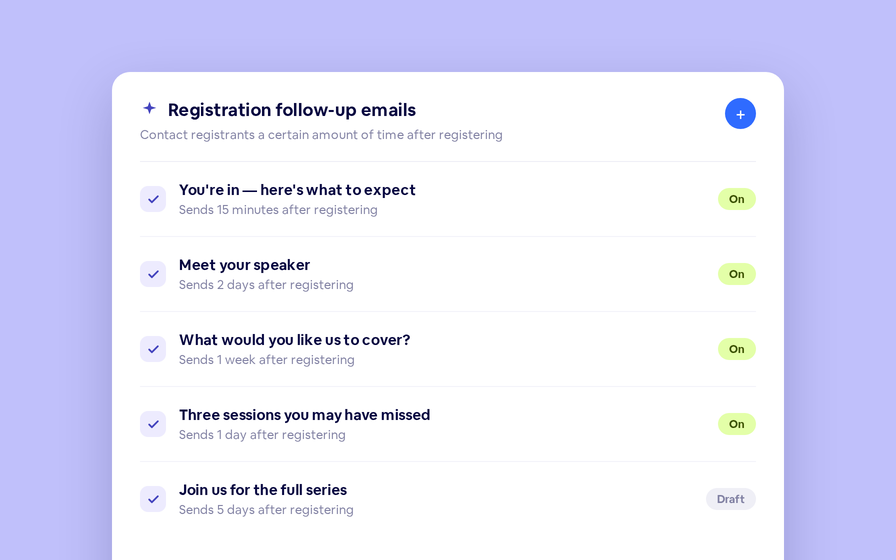
Keep in touch with your registrants immediately after they register.
Introducing BigMarker AI
Leverage generative AI to automate chaptering, generate short-form social-ready video clips, and create derivative content such as blogs, eBooks, and more.
AI  Audio Translations
AI Audio Translations
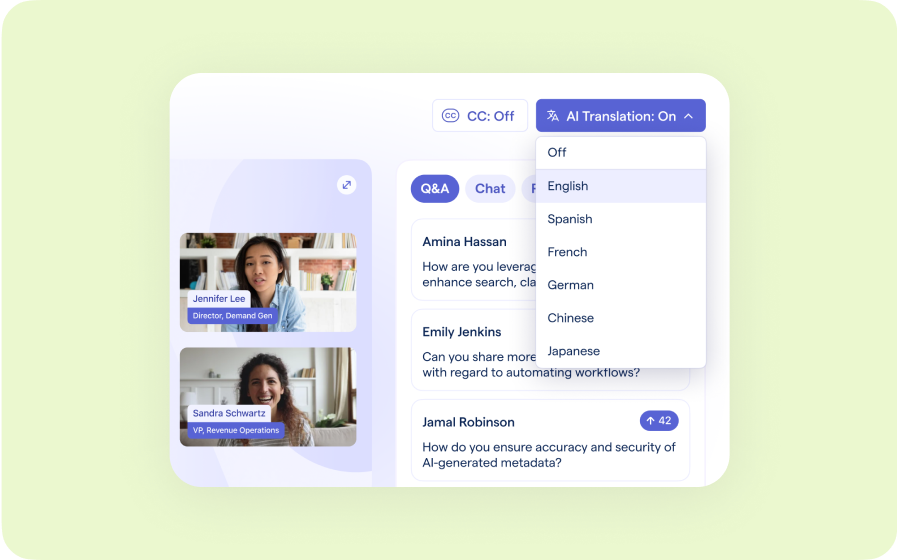
Presenters speak in their language while attendees listen in theirs, removing barriers and opening content to participants everywhere.
Custom Audience Experiences
Get complete control over your webinar and event interfaces so every session looks, feels, and performs exactly the way you want.
AI Email Personalization
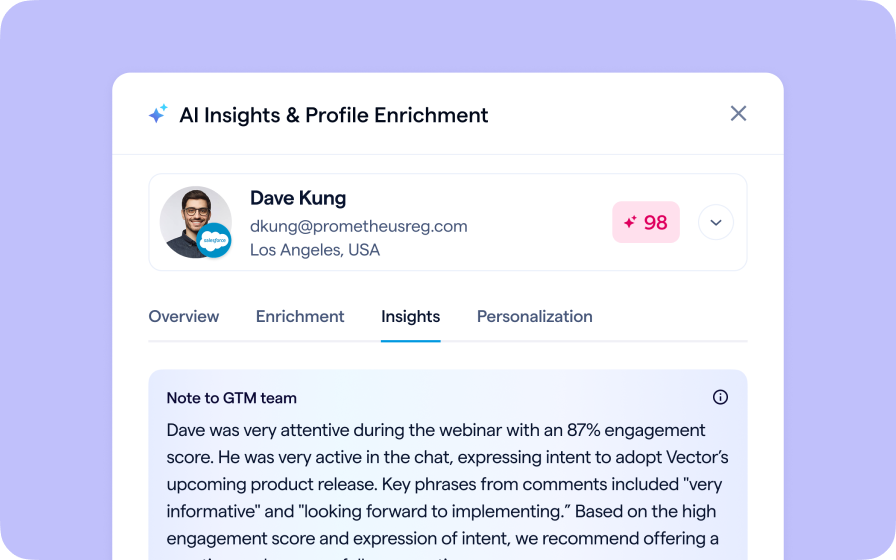
Every attendee gets a message crafted just for them based on their engagement, interests, and lead score.
Studio Scenes
Studio Scenes
Give your events the look, feel, and professionalism of a live broadcast, without the complexity or cost of a production crew.
AI Content Studio
AI Content Studio
Leverage generative AI to automate chaptering, generate short-form video clips, and create blogs, eBooks, and other derivative content.
AI Lead Scoring
AI Lead Scoring
Instantly transform registration and attendee data into customized actionable sales insights.
Join the waitlist
By clicking “Submit”, I acknowledge that BigMarker may contact me related to my participation in this Beta offering.
You’re all set!
You’ve successfully registered for the waitlist!
If you have any questions, please contact your CSM.
Webinar: Landing Page A/B Testing by Product Update Hub