BigMarker News & Updates HubSpot Marketing Events

One more way to connect your webinars to HubSpot

March 26, 2026
Alongside the contacts, forms and lists BigMarker already syncs, each webinar can now get its own HubSpot marketing event that updates itself.
Categories
Share

BigMarker already works closely with HubSpot: registrants and attendees sync as contacts, and you can register people straight from your HubSpot forms and lists. Marketing events add one more way to connect. Each webinar gets its own marketing event in HubSpot, registrations and cancellations reach it as they happen, and attendance follows once the webinar ends, all from the same HubSpot app.

One event per webinar

Turn on auto-create and BigMarker creates the marketing event in HubSpot for you, with the webinar's name, type, organizer, link and times. Already set one up? Link it instead.

From then on, the people on that event stay in step with your webinar.
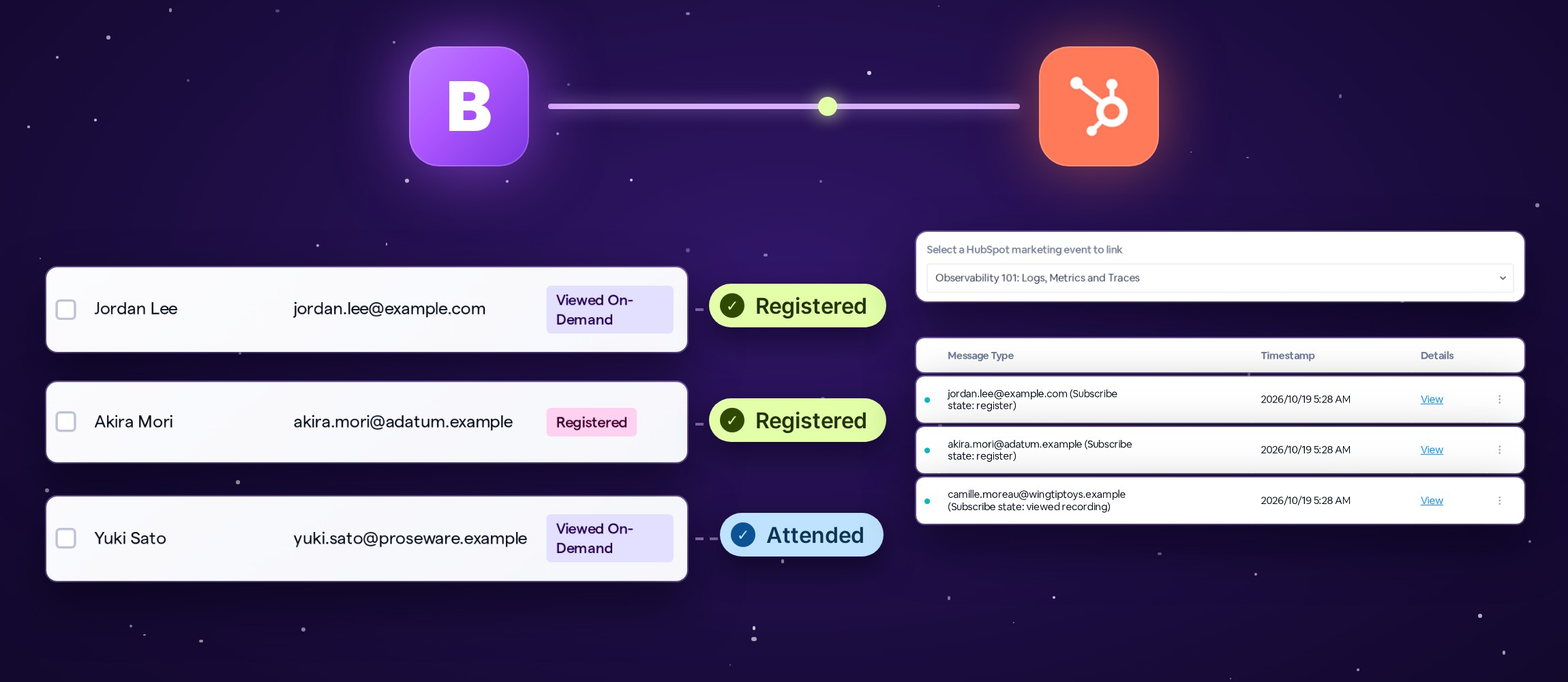
BigMarker connected to HubSpot; registrants arrive on the webinar's marketing event as Registered and Attended, each listed in the Call Log.
Illustration

Set it up in three steps

Open your webinar, then Integrations → HubSpot.
1
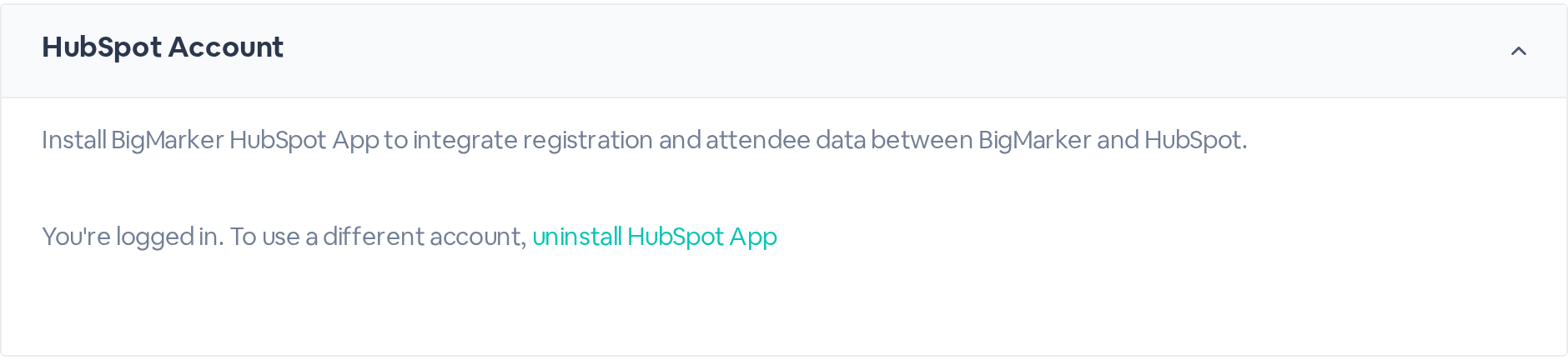
Install the appClick Install HubSpot App, sign in to HubSpot and approve it. HubSpot Account then shows that you're logged in.
HubSpot Account: You're logged in. To use a different account, uninstall HubSpot App.
2
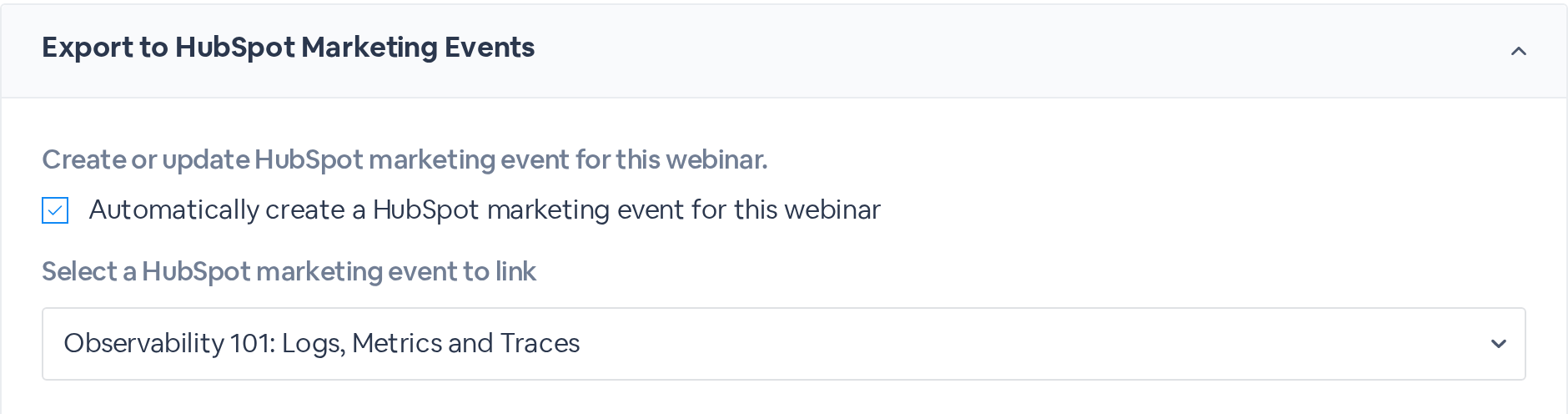
Create or link the eventOpen Export to HubSpot Marketing Events and check Automatically create a HubSpot marketing event for this webinar, or pick an event under Select a HubSpot marketing event to link.
Automatically create a HubSpot marketing event for this webinar is checked, and the Observability 101 event is selected.
3
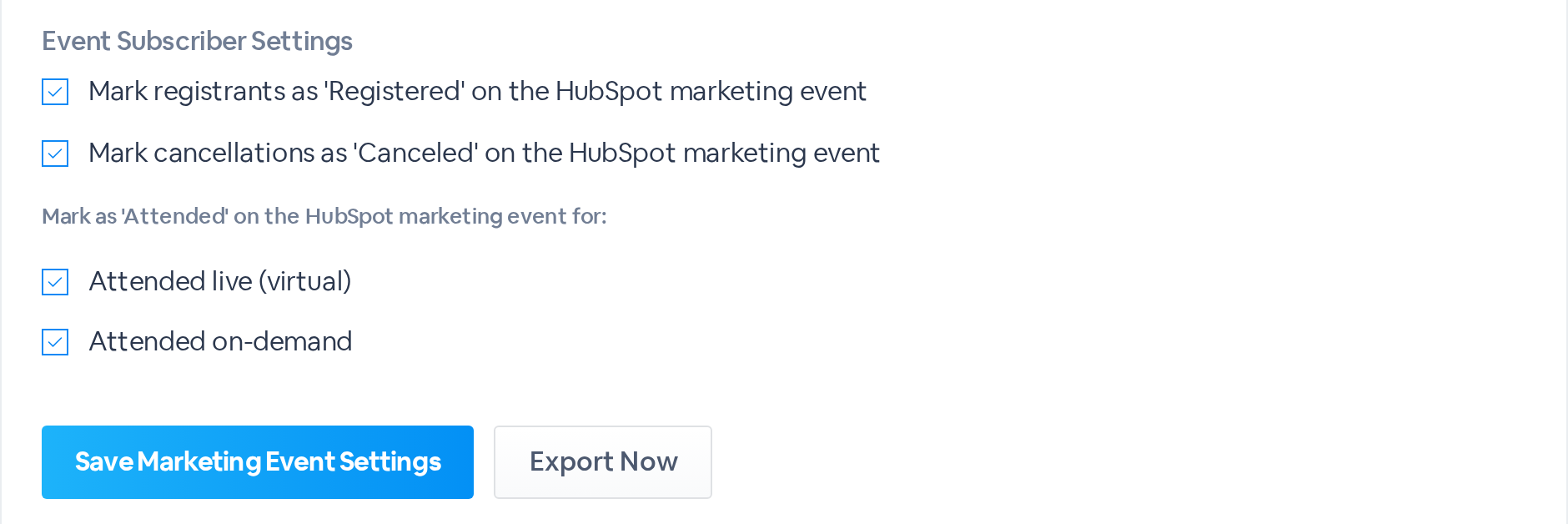
Choose what to syncUnder Event Subscriber Settings, check the states to send, and click Save Marketing Event Settings. Export Now brings the event up to date with everyone so far.
Event Subscriber Settings with Registered, Canceled, Attended live and Attended on-demand checked, above Save Marketing Event Settings and Export Now.

What each person becomes

With all four states checked, the marketing event follows what people do in BigMarker.

In BigMarkerOn the HubSpot eventWhen
RegistersRegisteredAs they register
CancelsCanceledAs they cancel
Attends liveAttendedWhen the webinar ends
Watches the recordingAttendedAfter they watch

For in-person sessions in a virtual event, Attended in person adds on-site check-ins too.

Event details, too

Two settings in the same section fill in the event's own properties.

SettingSends
Map custom properties from BigMarker to HubSpotEach webinar tag's value, to the event property you name
Export Static properties from BigMarker to HubSpotA fixed value every event carries, such as a campaign name

Every update in the Call Log

Open the Call Log tab to see what was sent: each person has a row with the state they were given. Click View for the details.
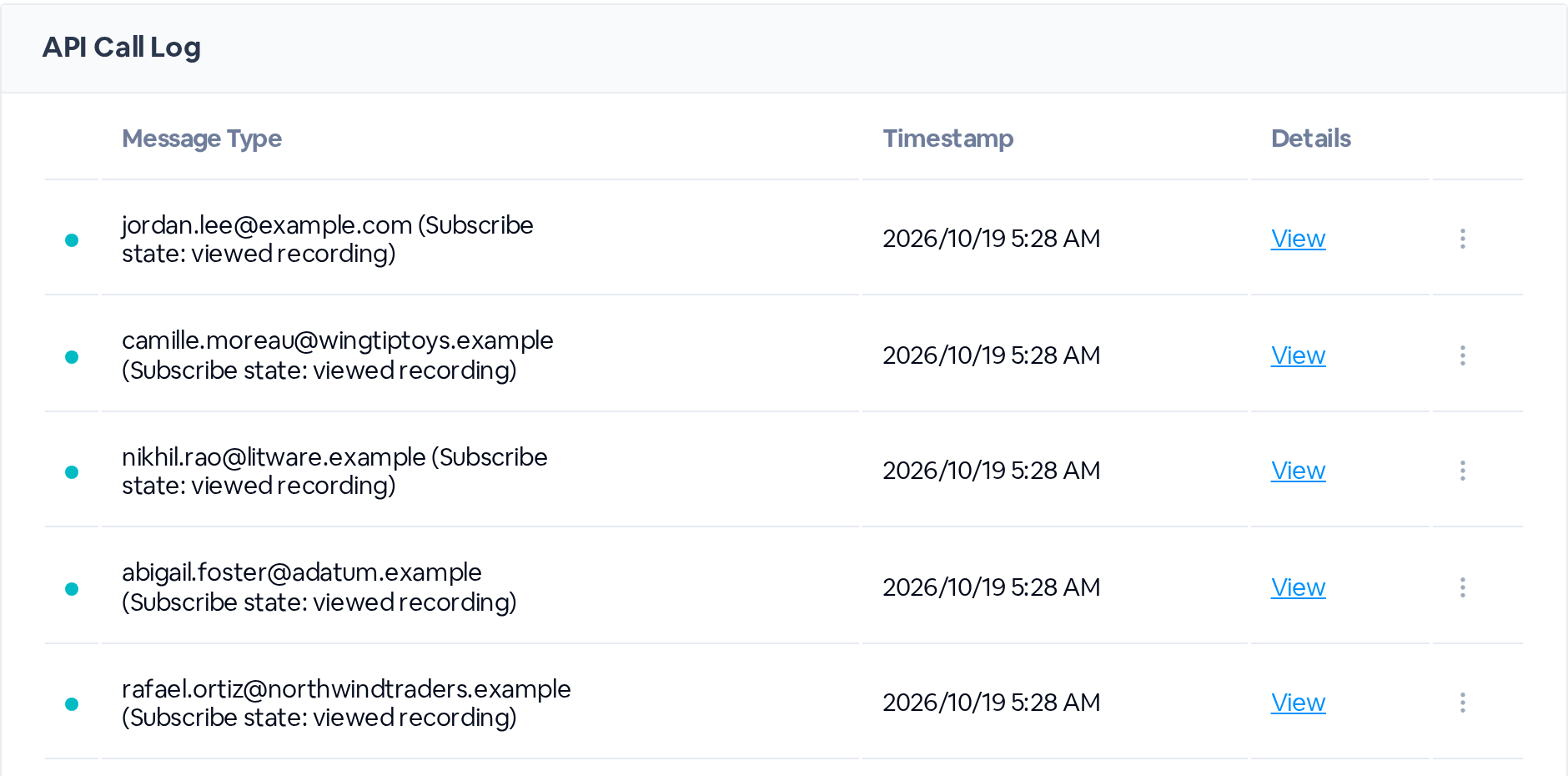
API Call Log rows, one per person, each showing the subscribe state sent to the marketing event.

Part of everything else

Marketing events sit alongside the rest of the HubSpot integration, under the same Integrations → HubSpot settings: contacts exported as people register and attend, engagement data after the webinar, Meeting Logs, custom objects, and registrations imported from HubSpot forms and lists. Turn on the pieces your team uses.

Attendance follows the live session

People who attend live are marked Attended when the webinar ends, not while it's running.
See every webinar's audience in HubSpot
Find it in your webinar under Integrations, HubSpot.
Related updates
Export to Any System
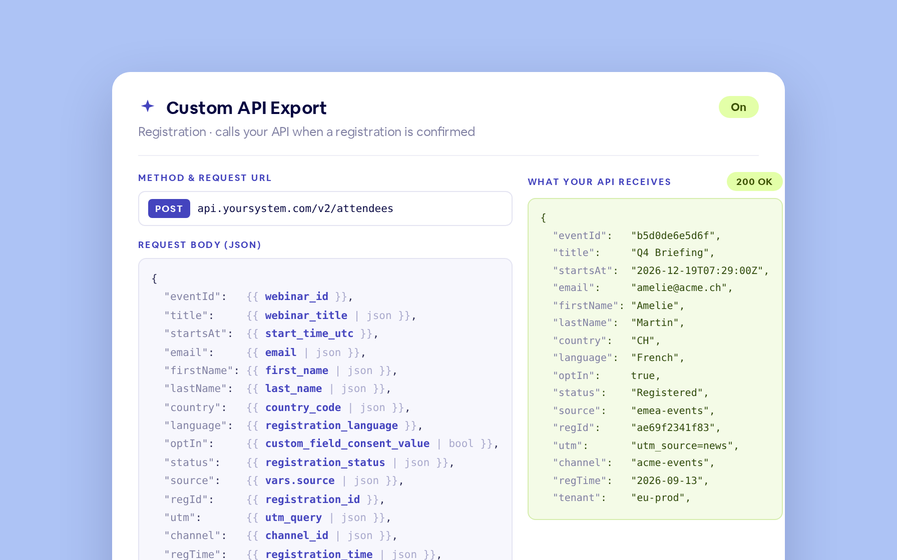
No connector needed — point a session at your endpoint, write the JSON body, and BigMarker calls it as people register, attend and watch.
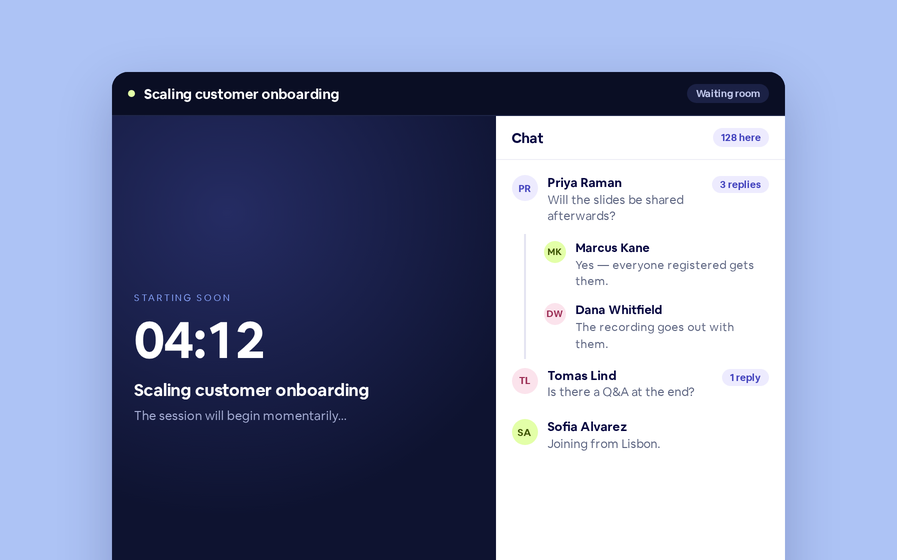
Threaded chat in waiting room
Replies now sit in a thread under the message they answer, so the pre-show conversation stays readable.
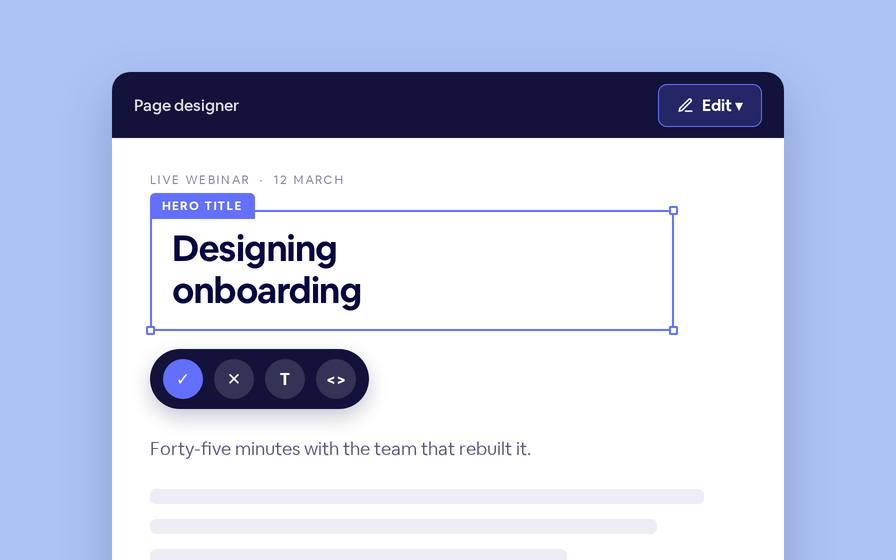
 Inline Page Editing
Inline Page Editing
Click any headline, image or block on your landing page and change it right there — no hunting through editor panels.
Quizes in On Demand Video
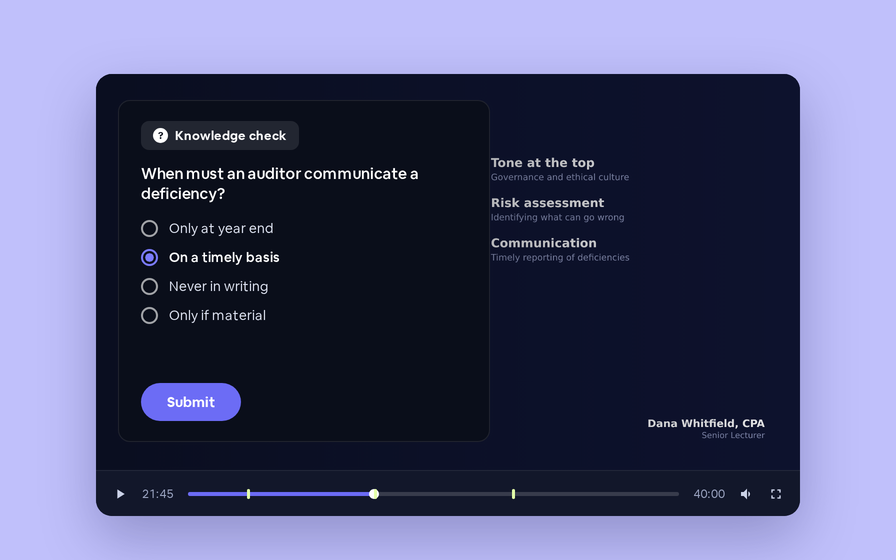
Ask questions inside your recordings and see who actually understood, not just who pressed play.
Preview Custom Page States
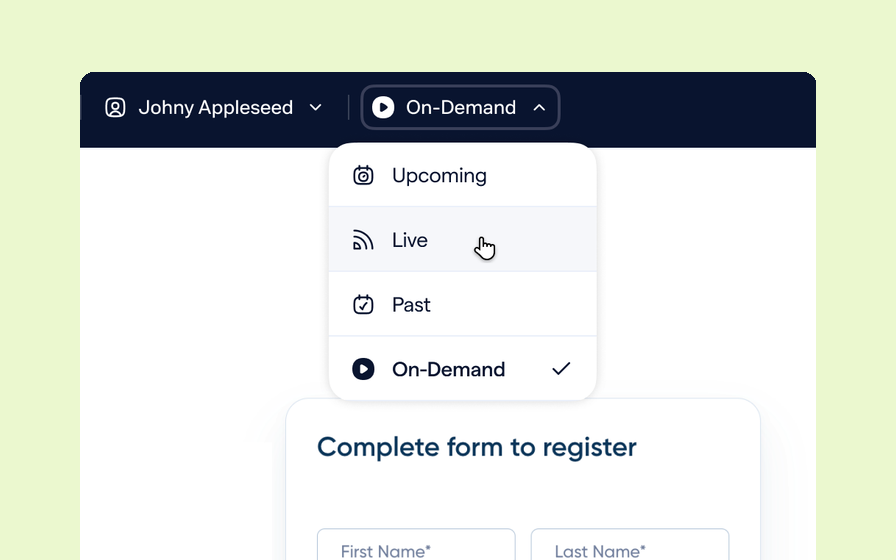
Preview any custom page as a registered viewer, an unregistered visitor or a real registrant, at any point in the event's life.
Follow Up Emails
Follow Up Emails
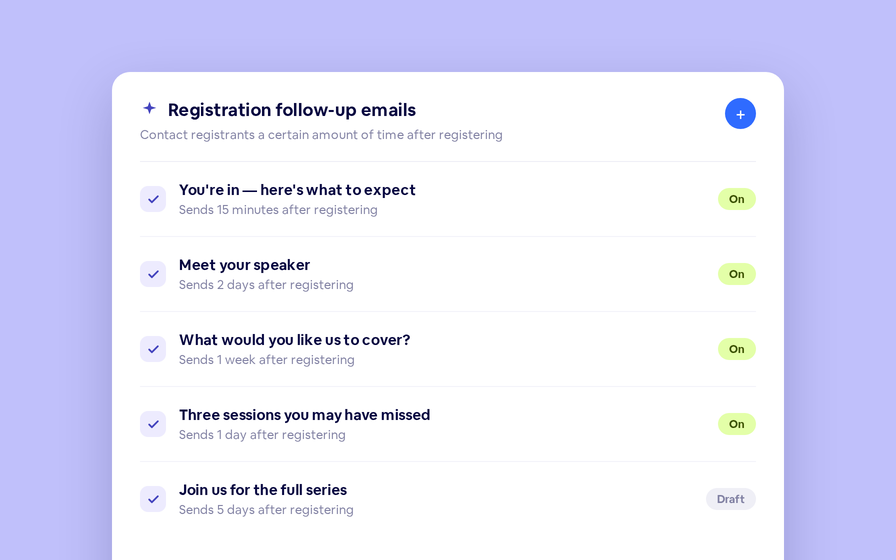
Keep in touch with your registrants immediately after they register.
Introducing BigMarker AI
Leverage generative AI to automate chaptering, generate short-form social-ready video clips, and create derivative content such as blogs, eBooks, and more.
AI  Audio Translations
AI Audio Translations
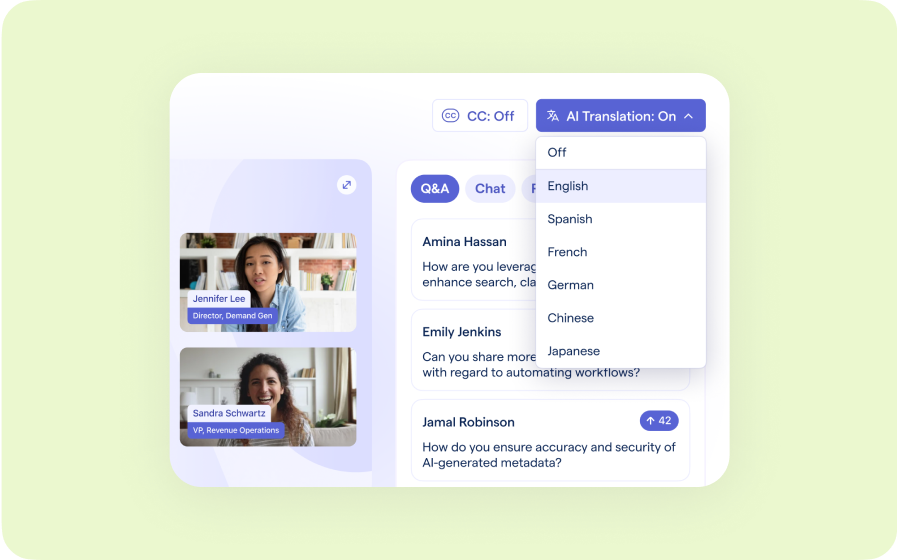
Presenters speak in their language while attendees listen in theirs, removing barriers and opening content to participants everywhere.
Custom Audience Experiences
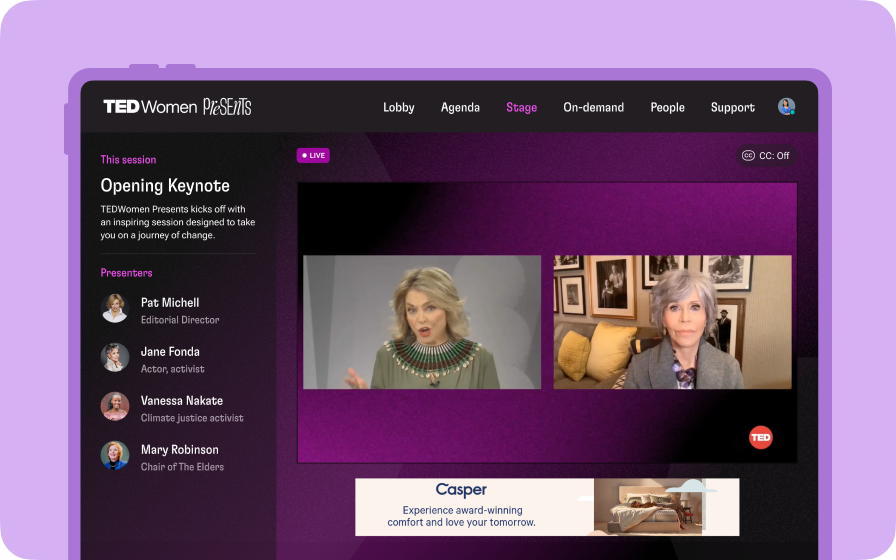
Get complete control over your webinar and event interfaces so every session looks, feels, and performs exactly the way you want.
AI Email Personalization
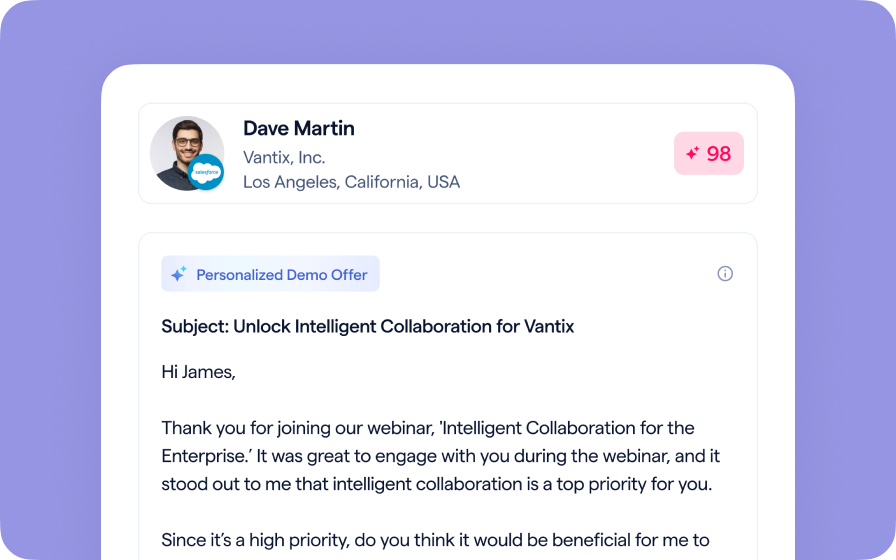
Every attendee gets a message crafted just for them based on their engagement, interests, and lead score.
Studio Scenes
Studio Scenes
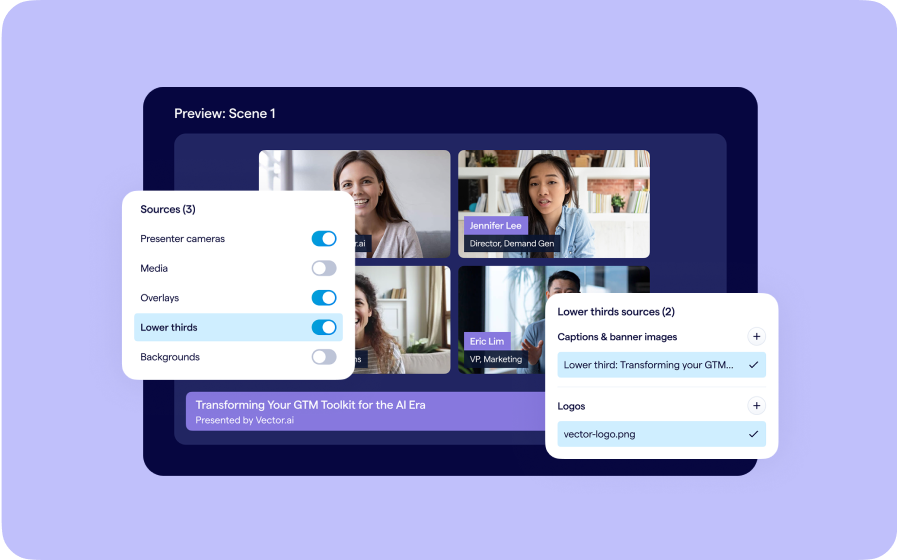
Give your events the look, feel, and professionalism of a live broadcast, without the complexity or cost of a production crew.
AI Content Studio
AI Content Studio
Leverage generative AI to automate chaptering, generate short-form video clips, and create blogs, eBooks, and other derivative content.
AI Lead Scoring
AI Lead Scoring
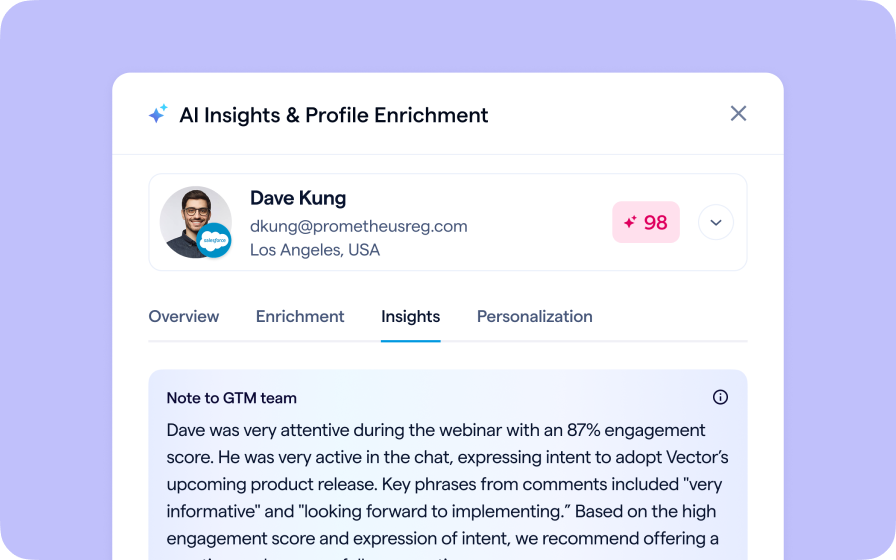
Instantly transform registration and attendee data into customized actionable sales insights.
Join the waitlist
By clicking “Submit”, I acknowledge that BigMarker may contact me related to my participation in this Beta offering.
You’re all set!
You’ve successfully registered for the waitlist!
If you have any questions, please contact your CSM.
Webinar: HubSpot Marketing Events by Product Update Hub