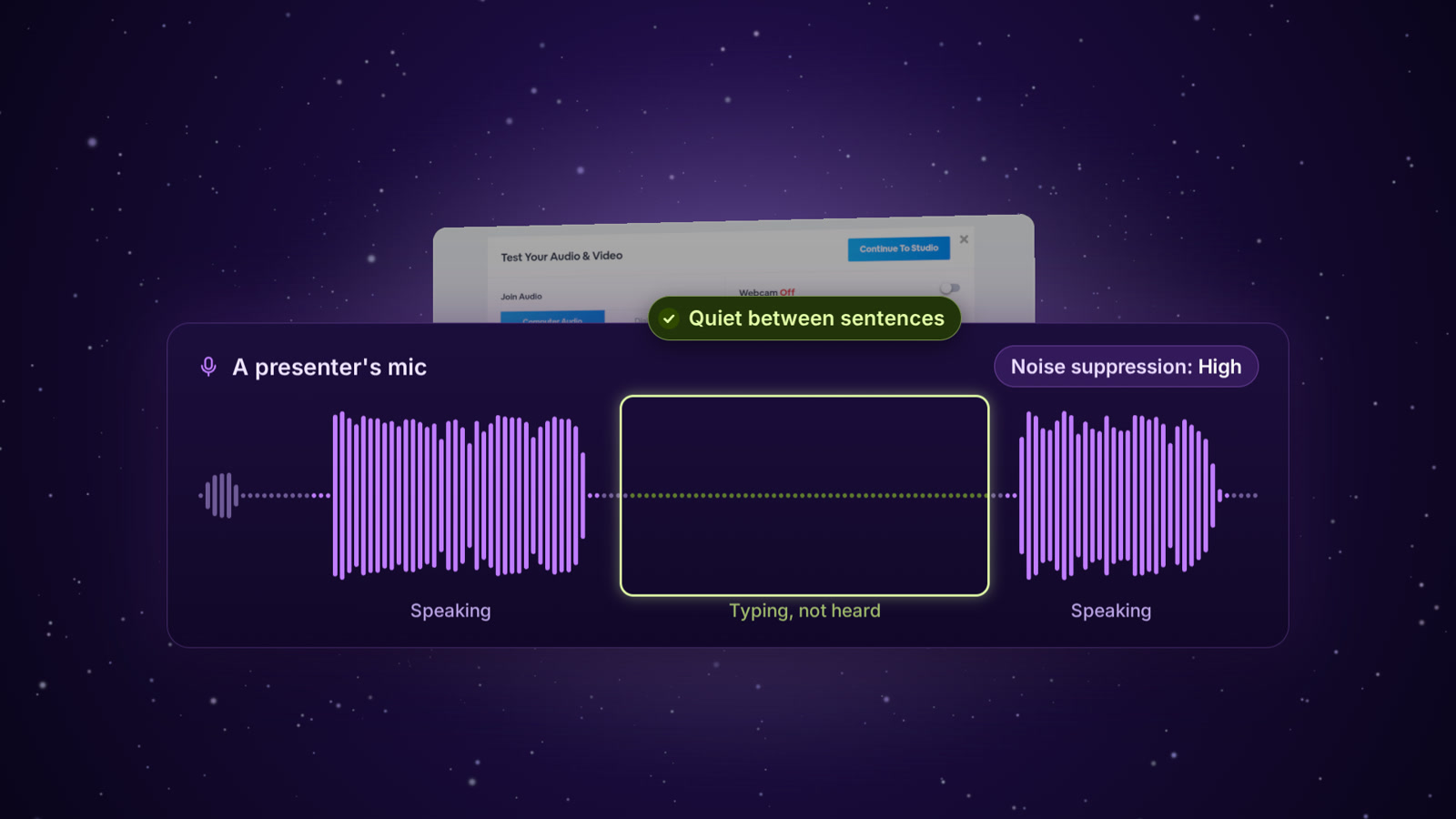
You can choose how much background noise to filter from your mic. High now goes further: a new noise filter cleans up your voice, and your mic goes quiet whenever you stop talking, so the typing between your sentences stays out of your webinar.
Quiet between sentences
Noise suppression has three choices. Medium, the default, uses your browser's own noise suppression. High adds a new noise filter that runs on your voice, right in your browser.
And when you stop talking, High lets your mic go silent until you speak again. Typing or a fan between your sentences doesn't reach your audience.
Illustration
Turn it on
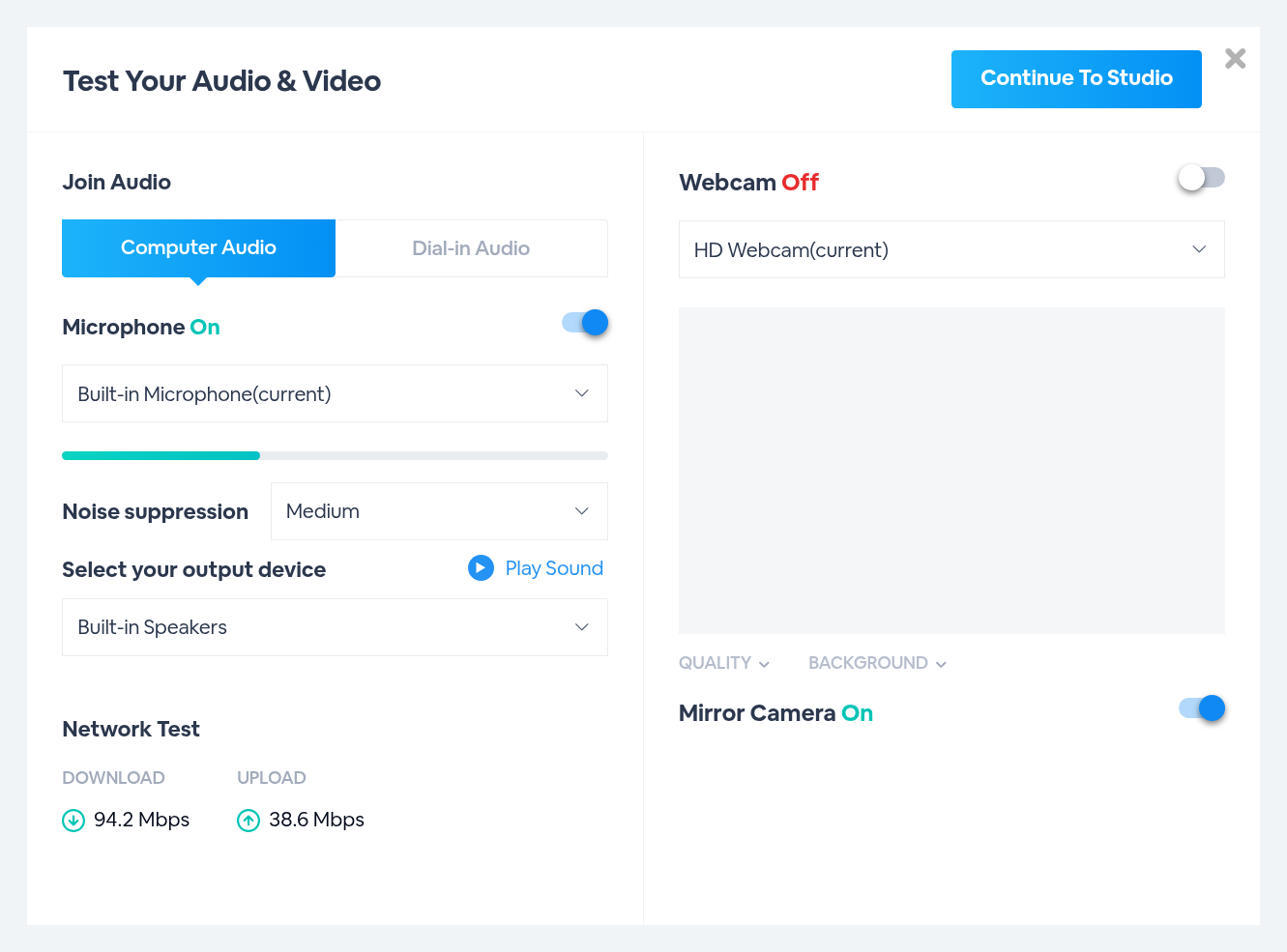
Test Your Audio & Video opens when you enter the studio.
1
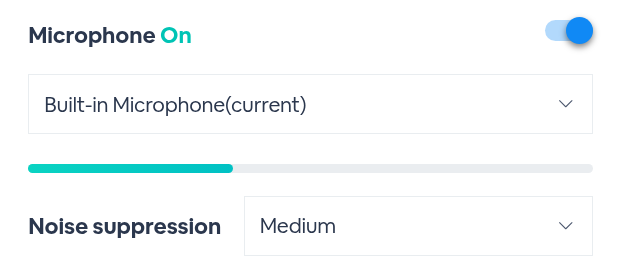
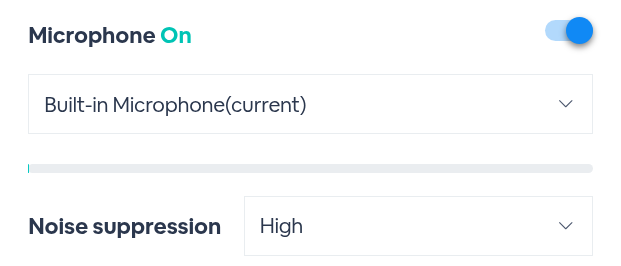
Turn on MicrophoneThe level bar moves as your mic picks up sound. Noise suppression sits right under it, set to Medium.
2
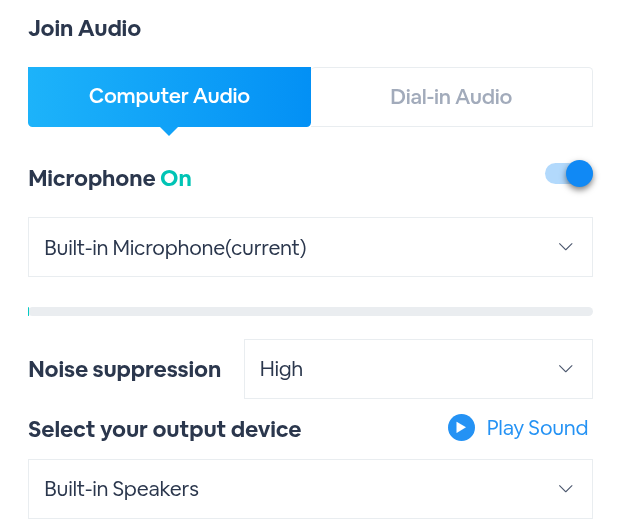
Set Noise suppression to HighChoose High. Your choice is saved in this browser, so it's ready the next time you present.
3
Check it on the level barType for a few seconds without talking. On High, the bar settles to zero while you type and rises again when you speak.
Medium, while typingHigh, while typing
Medium and High
Medium (default)
High
Noise filtering
Your browser's own noise suppression
Your browser's noise suppression, plus a new noise filter on your voice
Between sentences
Typing and background noise come through
Your mic goes silent until you speak again
The level bar while you type
Keeps moving
Settles to zero
None turns noise suppression off.
Good to know
Details
Where it lives
Test Your Audio & Video → Noise suppression
Choices
High, Medium, None
Default
Medium
Saved
In this browser, for the next time you present
If High can't start
The room switches to Medium and shows a note above Noise suppression
Mic warning
On High, the room’s “We can’t hear you” microphone warning is turned off
Keep the typing out of your webinar
Find it in Test Your Audio & Video › Noise suppression › High.