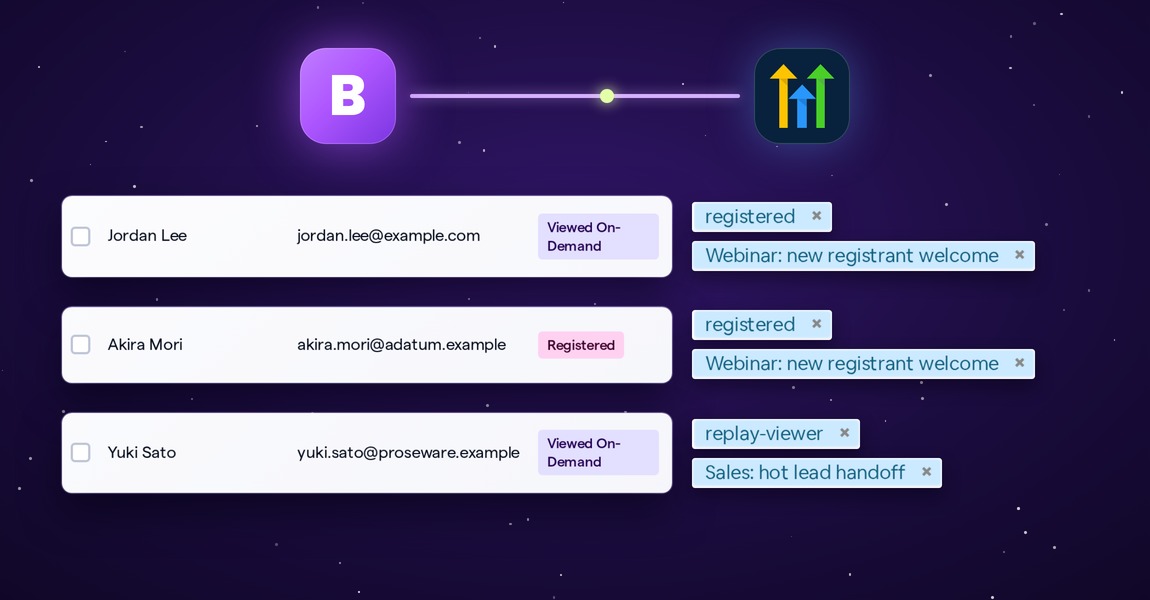
If your team runs on HighLevel, that's where you follow up, nurture and close, and it's where your webinar audience belongs too. BigMarker works with many CRMs, and now HighLevel is one of them: registrants, attendees and replay viewers arrive as HighLevel contacts on their own, already tagged and enrolled in the workflows you picked.
Contacts that arrive ready for follow-up
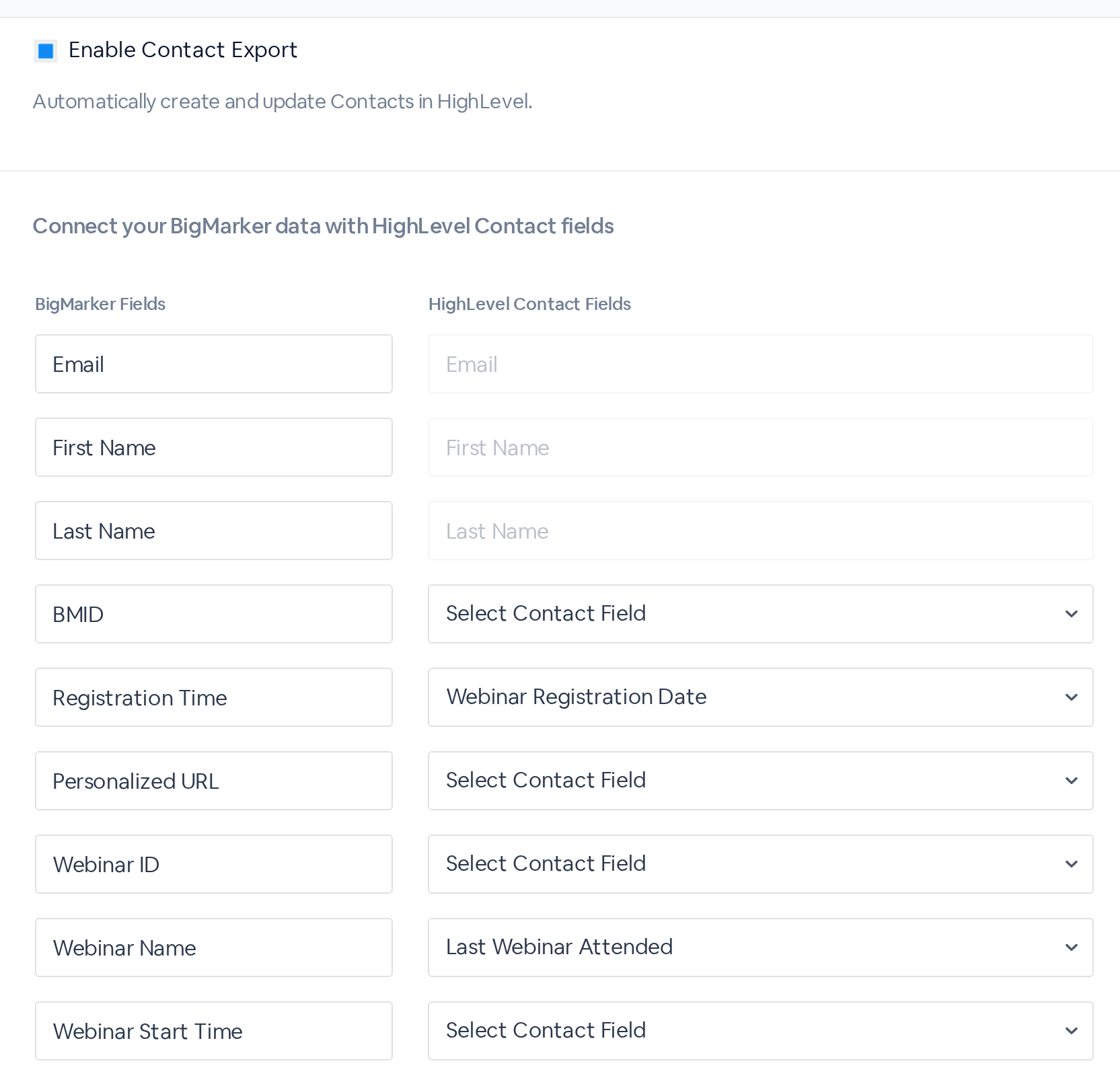
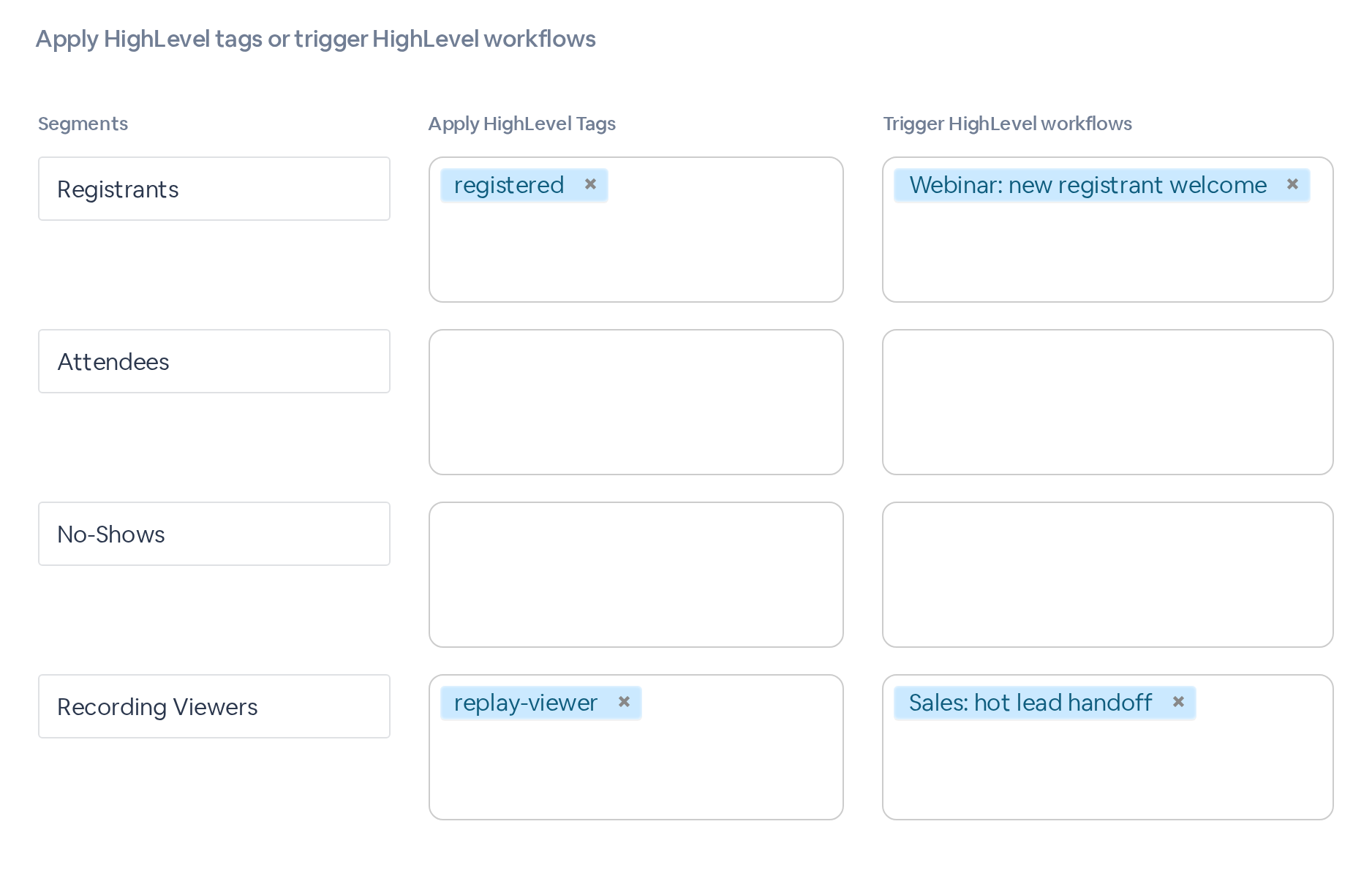
Each registrant becomes a HighLevel contact that carries the BigMarker fields you mapped. Tags and workflows follow from what they did: register, attend, miss the session or watch the recording.
Your HighLevel automations start on their own, with nobody exporting or importing a list.
Connect HighLevel in three steps
Open your webinar, then Integrations → HighLevel.
When contacts sync
Once you save, each group goes to HighLevel at its own moment.
| Group | Goes to HighLevel | Good for |
|---|---|---|
| Registrants | As they register | A welcome or reminder workflow |
| Attendees | When the live webinar ends, with their attendance | Follow-up for the people who came |
| No-Shows | When the live webinar ends | A replay invitation |
| Recording Viewers | After they watch the recording | Passing warm leads to sales |
Audience segments you've built for the webinar get a row of their own. For people who registered before you connected, click Export Now to send them all at once.
What you can send
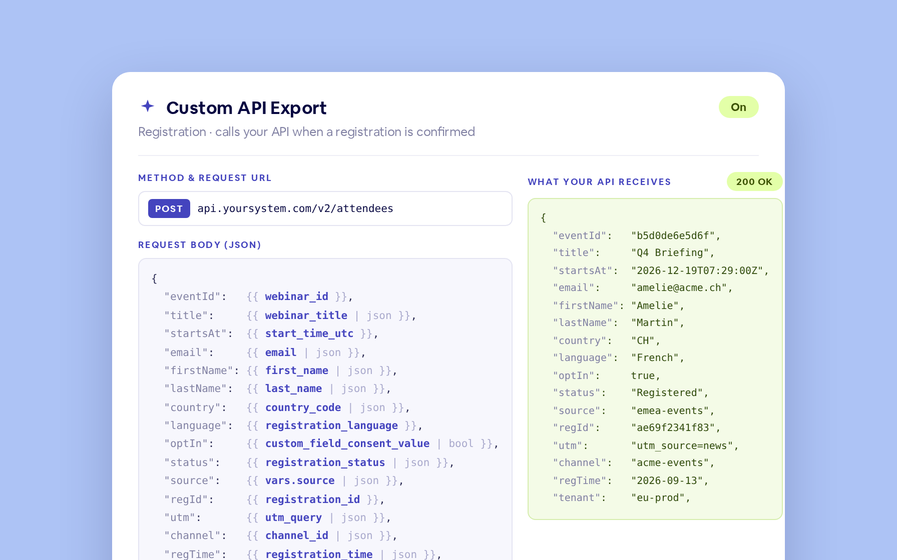
Map any of these to a HighLevel custom field, or to a standard one such as Phone, Company Name or Website.
| From BigMarker | Fields |
|---|---|
| Registration | BMID, Registration Time, Personalized URL, Webinar ID, Webinar Name, Webinar Start Time |
| Registration form | Answers to your custom registration questions, including the ones you use as tags |
| Attendance | Browser, Browser Version, Device, Entered Time, Exited Time, Total Duration and Engaged Duration in minutes |
| Recording views | Start Watching Time, and Duration in minutes |
A time mapped to a HighLevel text field goes across in full; a date field keeps the day.
Every sync in the Call Log
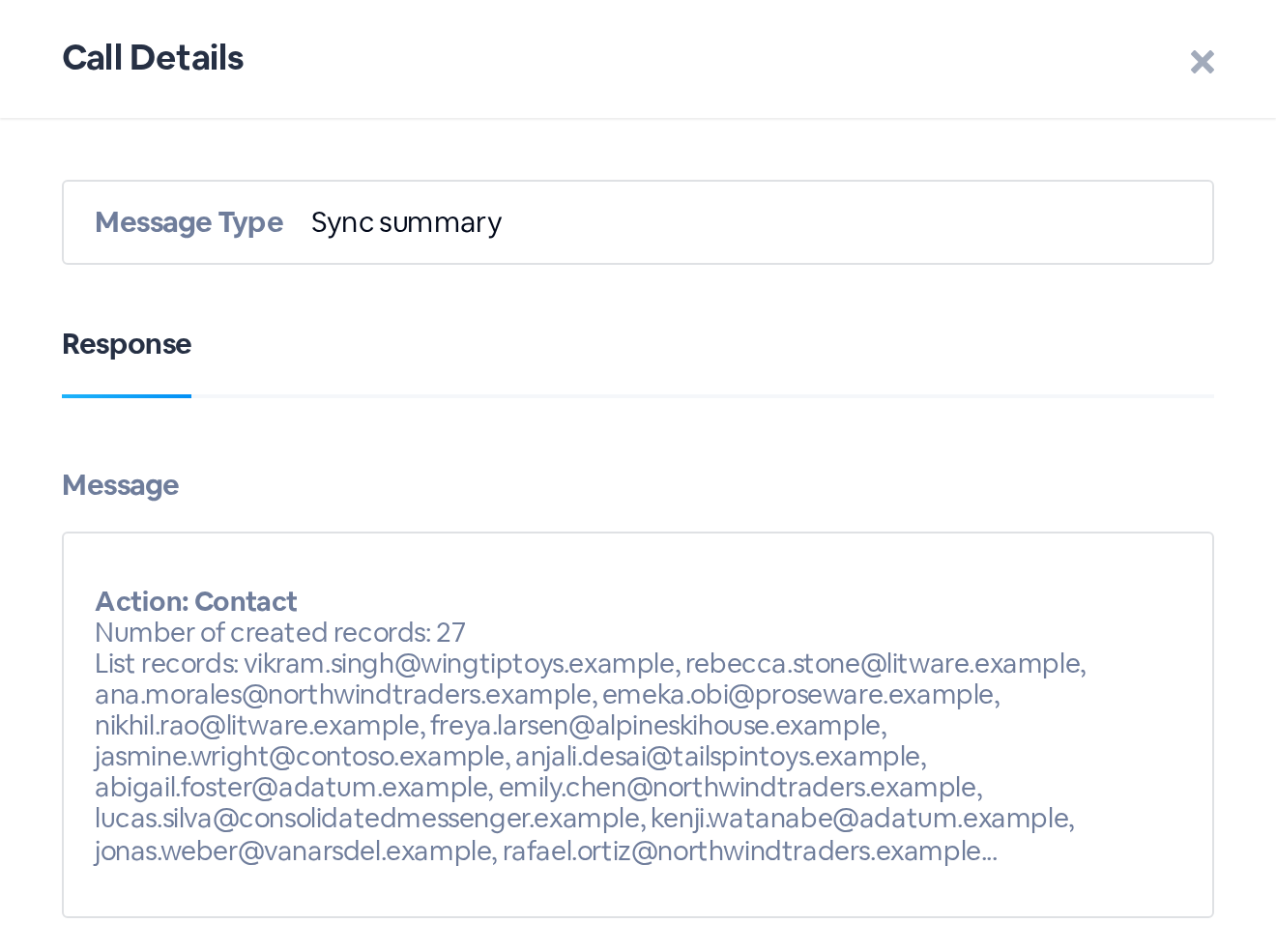
Open the Call Log tab to see what was sent. Each export leaves a Sync summary: the contacts it created or updated, and any that failed, with HighLevel's reason.
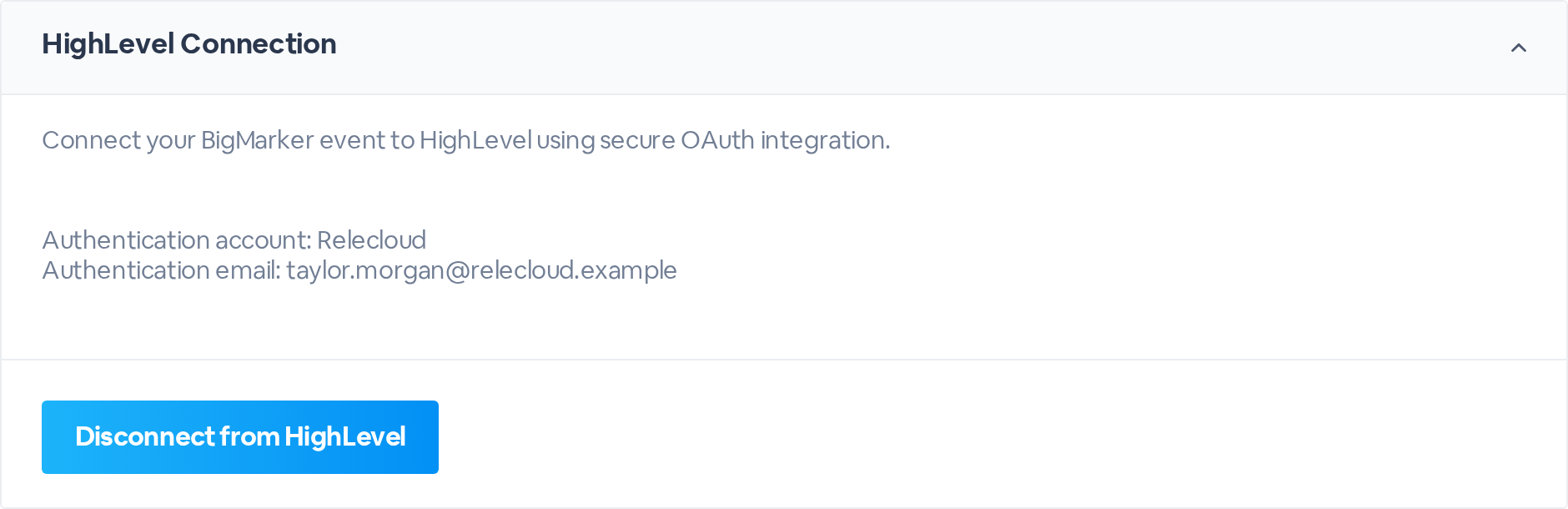
When you sign in, HighLevel asks which account to connect. Choose the sub-account whose contacts you want to fill: an agency-level connection isn't accepted.