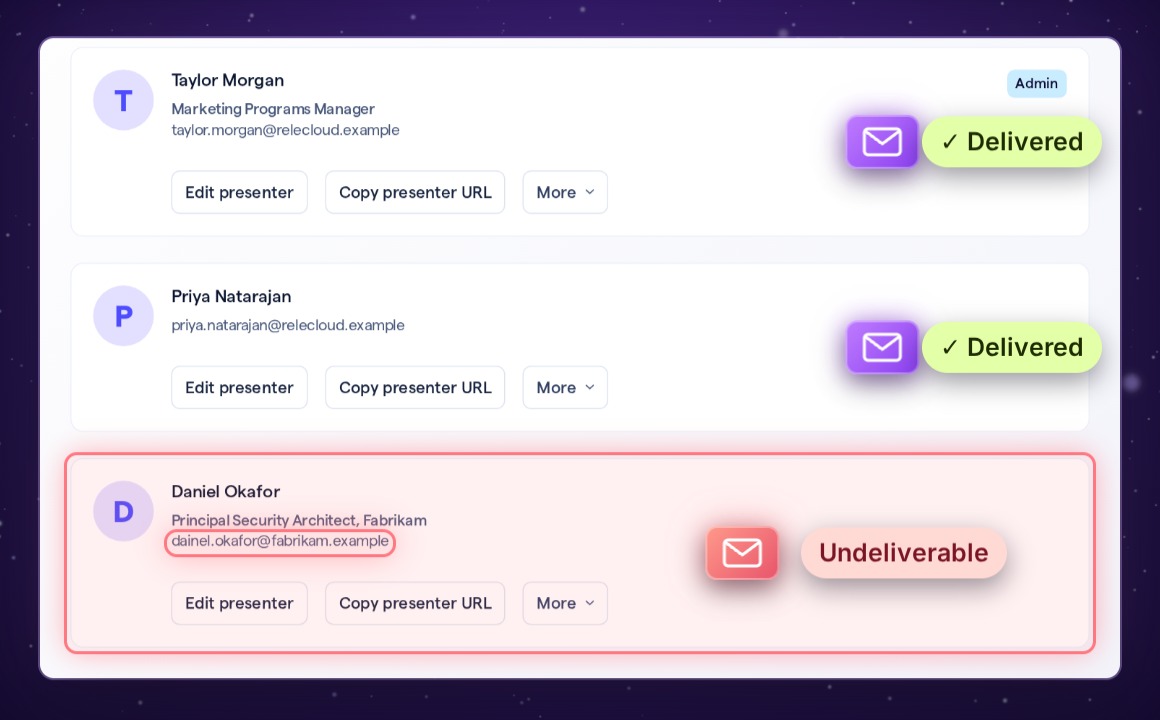
Presenters you add get an invitation from BigMarker, and reminders before the session. Now, if one of those emails can't be delivered, BigMarker emails the session's creator and its Admin presenters with the address it tried and the reason it failed, plus a button that opens the session so you can fix it.
When an invitation doesn't arrive
Presenters you add get an invitation from BigMarker, and reminders before the session. If one of those emails bounces, because the address has a typo or the mailbox doesn't exist, BigMarker now emails you about it. It names the presenter and the session, and gives the address it tried and the reason the delivery failed.
What the email tells you
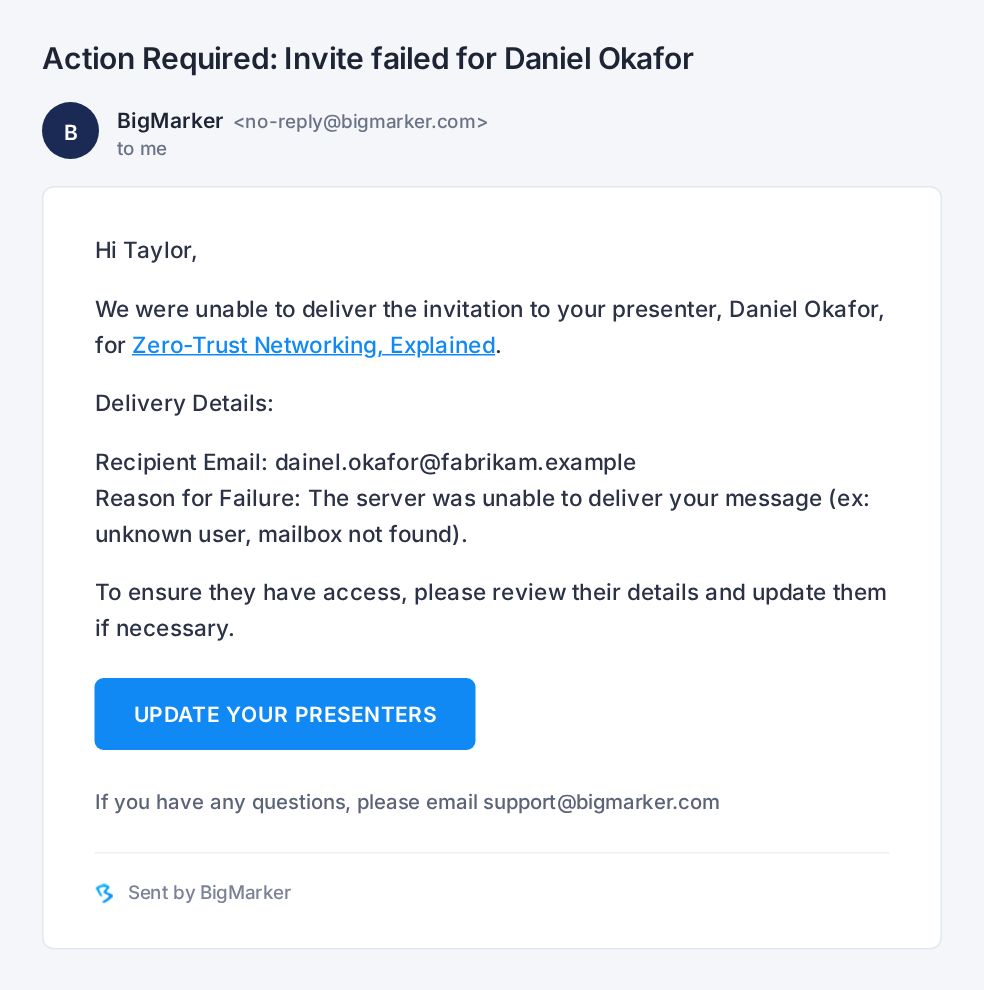
The subject reads Action Required: Invite failed for and the presenter's name. Under Delivery Details:
| Line | What it shows |
|---|---|
| Recipient Email | The address the invitation went to |
| Reason for Failure | Why it couldn't be delivered, as the email service reported it, for example "The server was unable to deliver your message (ex: unknown user, mailbox not found)." |
| UPDATE YOUR PRESENTERS | A button that opens the session, so you can fix the address |
Fix it in three steps
In the email, click UPDATE YOUR PRESENTERS. Your session opens in the admin (sign in if asked).
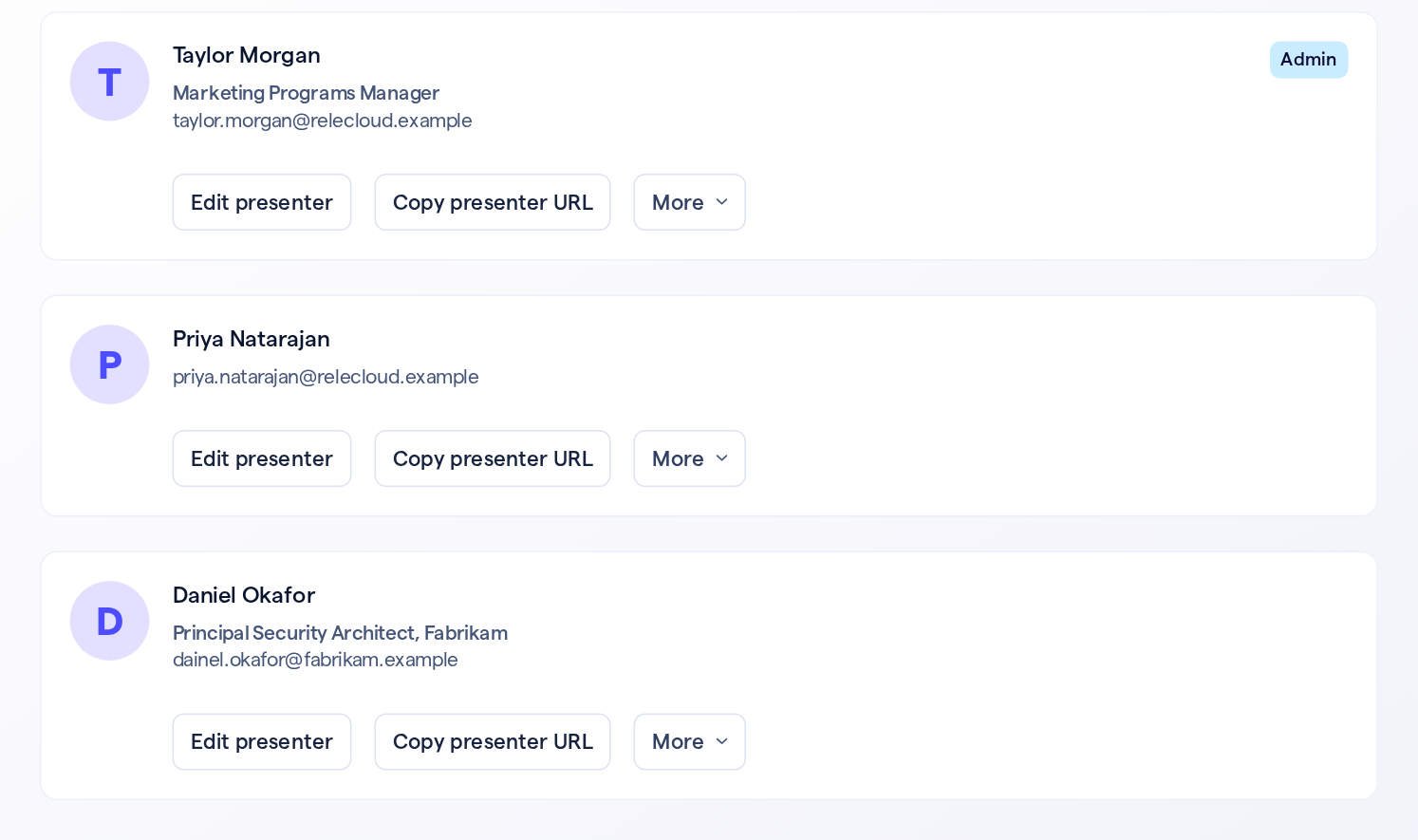
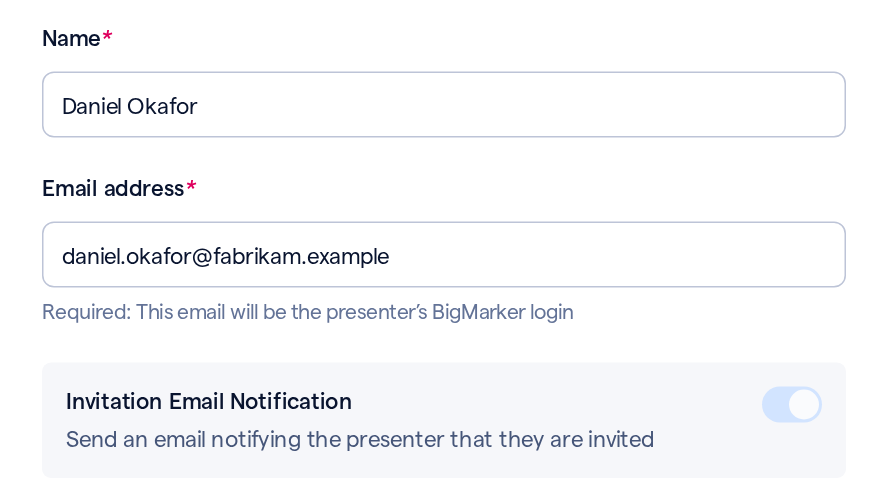
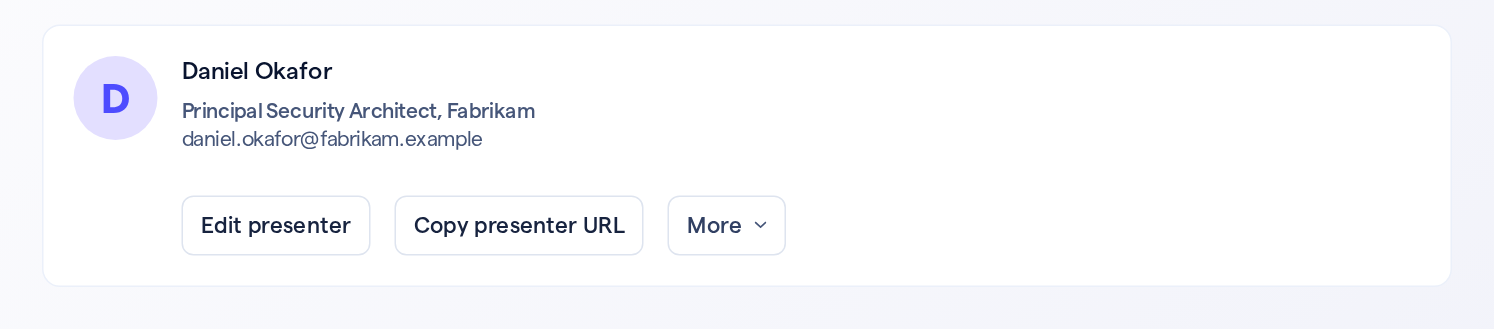
Saving a new address sends the invitation again only when that presenter's Invitation Email Notification is on. If it's off, save, then use the card's More › Resend presenter invite.
Who gets it
| Who | Gets the email |
|---|---|
| Whoever created the session | Yes |
| Presenters with the Admin role | Yes |
| Other presenters | No |
| The presenter whose email bounced | No |
Good to know
| Details | |
|---|---|
| Which emails | The presenter invitation and presenter reminders. The email reads the same for both |
| Which failures | Any bounce the email service reports, permanent or temporary. The reason says what happened |
| Setting it up | Nothing to turn on |
| Other emails | Not included: only the presenter invitation and presenter reminders send this notice |