Two new points rules give you more ways to reward people at your event: a custom point value turns the number in a registration field into points, and a completion bonus rewards everyone who completes every rule you pick.
Two new ways to award points
Your event's points rules already reward actions like joining a session, asking a question or adding a LinkedIn profile. Two new rule types join them in the Rule type list: Custom point value, where each person's points come from a number in a registration field, and Completion bonus, a one-time reward for completing a set of your other rules.
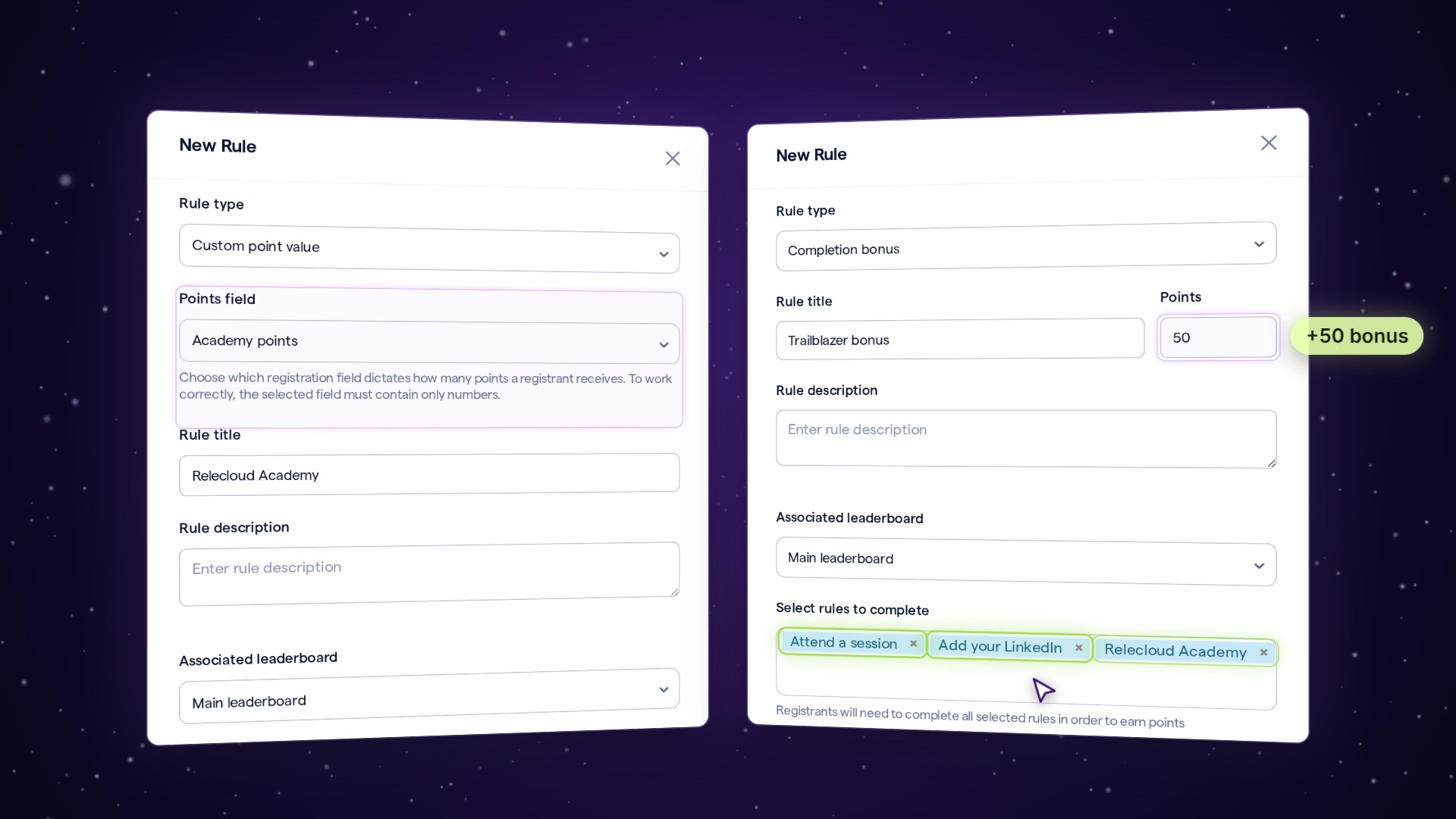
Set up a custom point value
Open your event, then Engagement › Gamification › Points Rules.
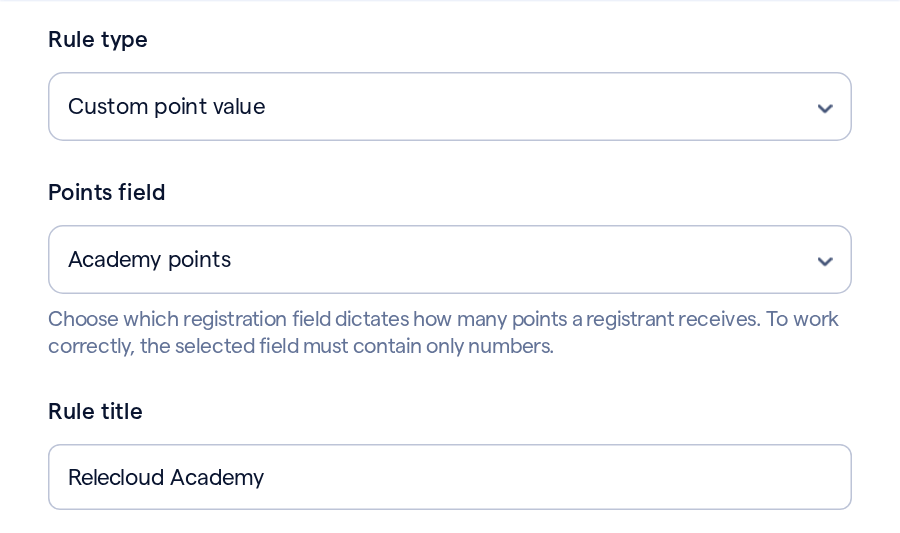
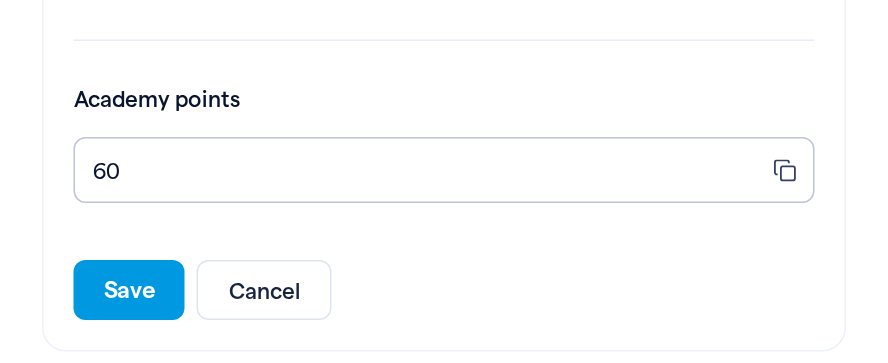
From then on, each number saved in that field counts as that registrant's points for the rule. To enter or change one by hand, open the person in Participants, and in their Contact Details, click Edit on the card that holds the field, such as Hidden fields.
Add a completion bonus
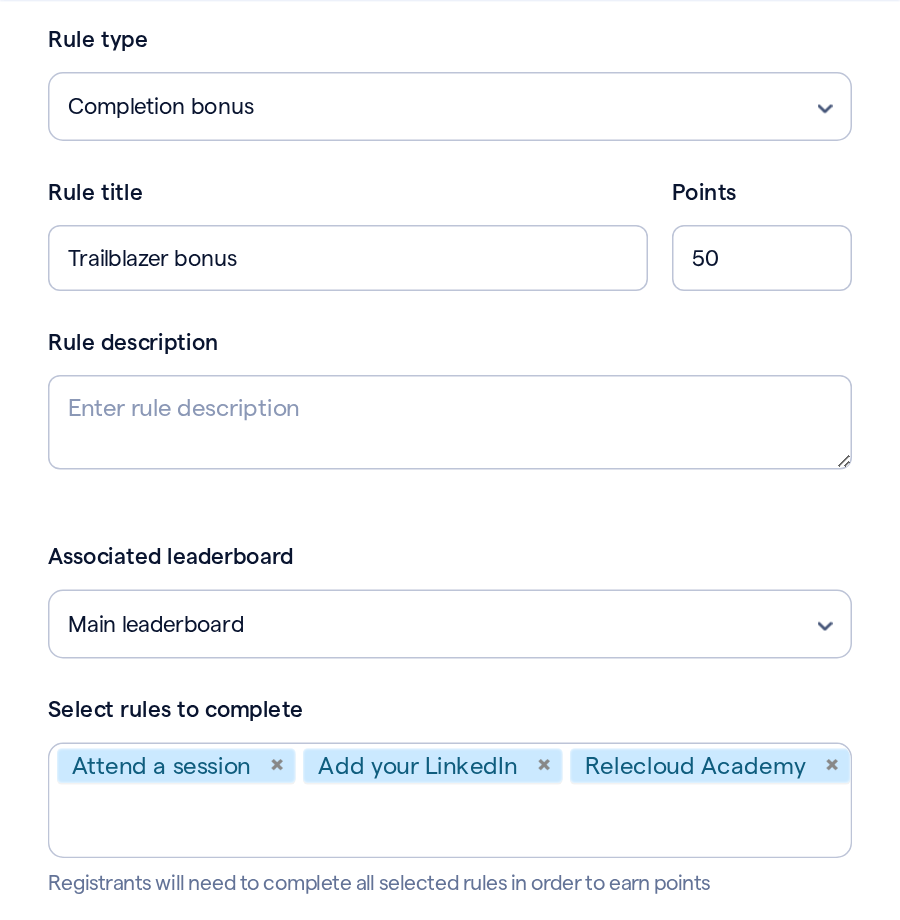
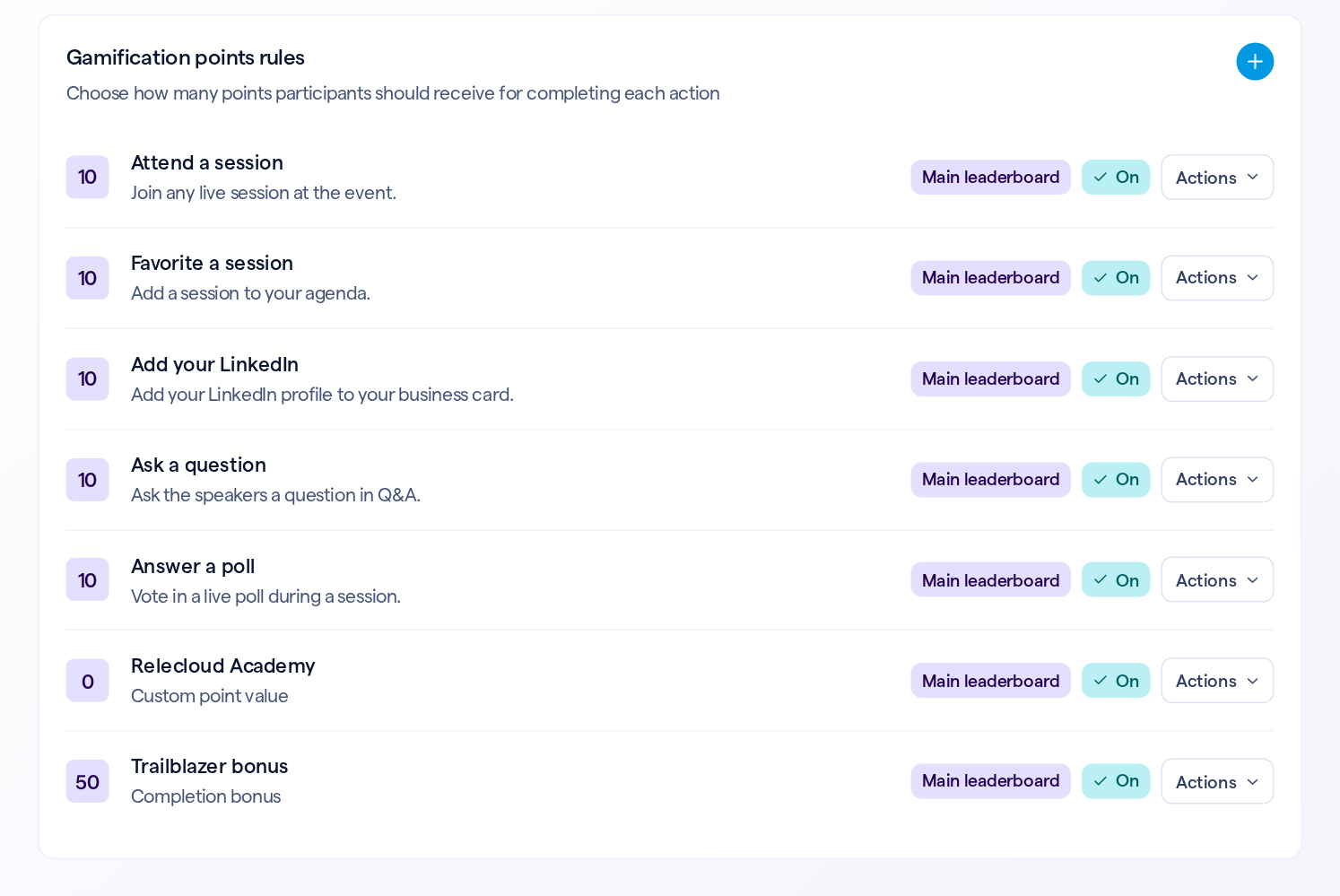
Both new rules join the list with the rest. A custom point value rule shows 0 there, because each person's points come from their own field.
What registrants see
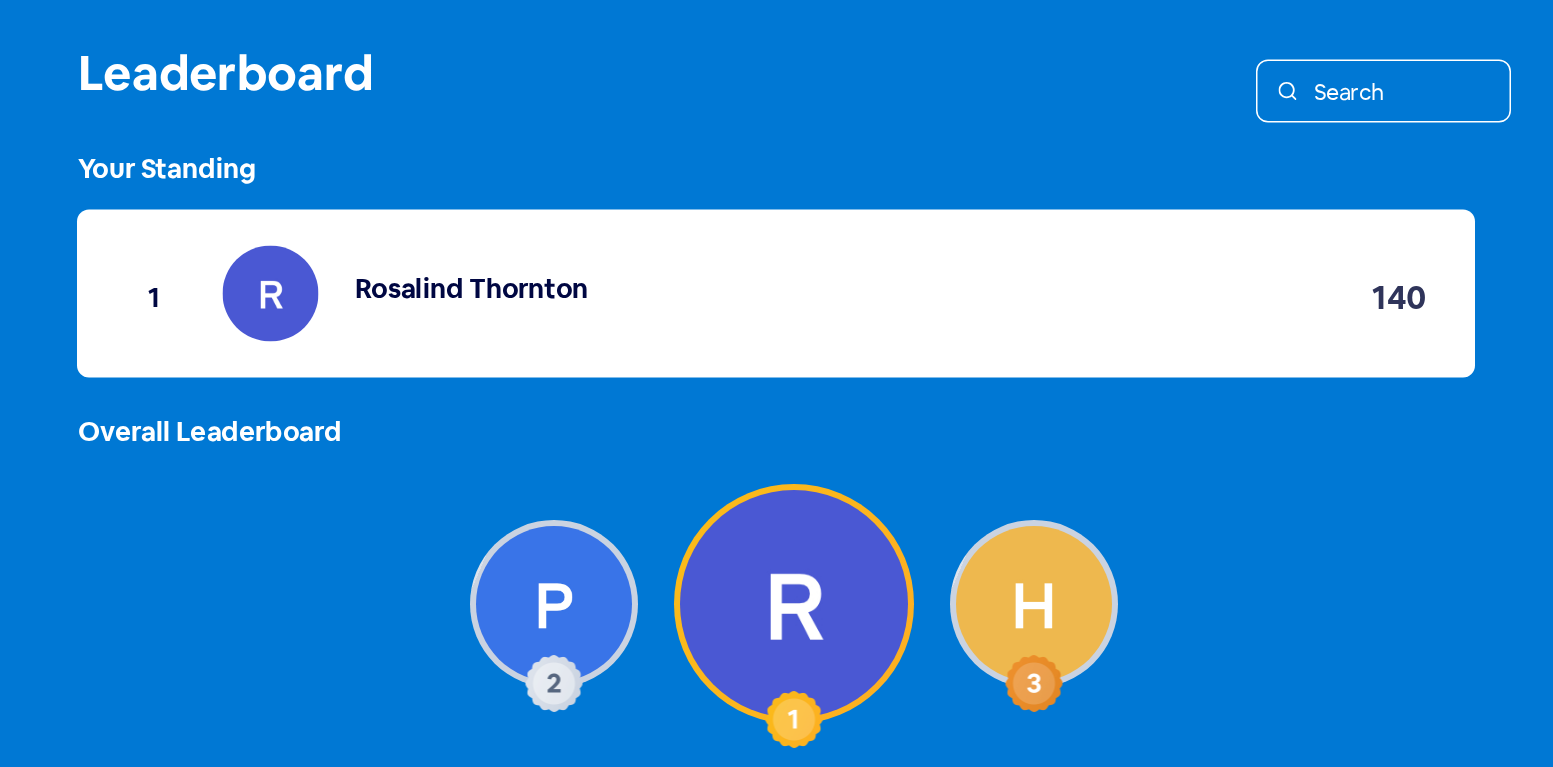
With Associated leaderboard left on Main leaderboard, points from both rules count on your event's leaderboard along with the rest. In the video, Rosalind starts with 30 points. Her 60 Academy points and the 50-point bonus take her to 140, and first place.
Good to know
| Details | |
|---|---|
| Numbers only | The Points field should hold a whole number. For a field registrants fill in themselves, switch on Restrict to numeric values in that field's settings, so it takes digits only |
| When the number changes | Change it to another number and the points change with it. Clear it and the points are removed. A negative number is ignored, and any earlier points stay |
| Numbers saved earlier | A number saved before you add the rule starts counting the next time that number changes, or when you save that person's card in Contact Details |
| One bonus per person | A completion bonus is awarded once. A bonus with no rules selected never awards points |
| When the bonus arrives | The bonus is checked each time a registrant completes another rule. Someone who had already completed every selected rule before you added the bonus gets it when they next complete a rule |