Tick New public chat message (Attendees) under Play a sound for new chat messages, and attendees hear a short sound in the live room when someone posts in the public chat. A sound button at the top of their chat lets each attendee turn it off.
A sound for attendees
BigMarker can already play a sound for presenters when a new chat message comes in.
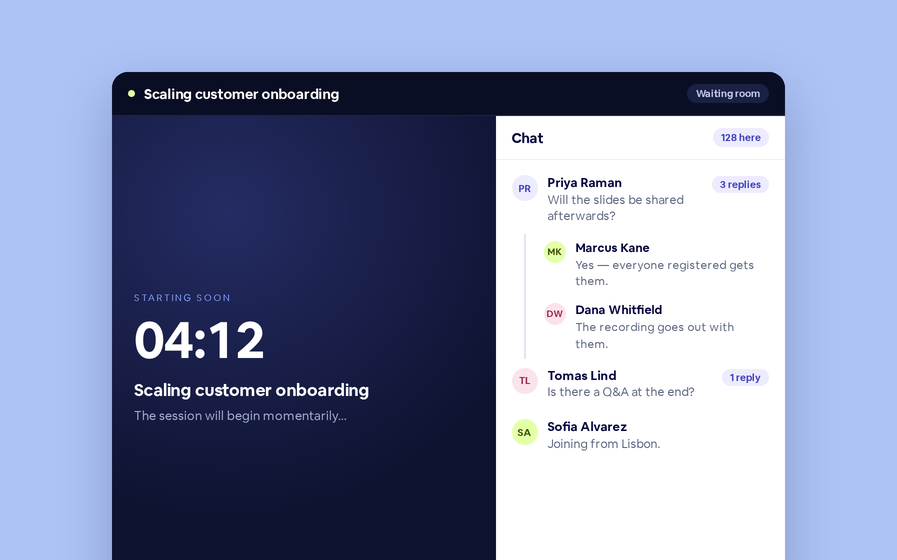
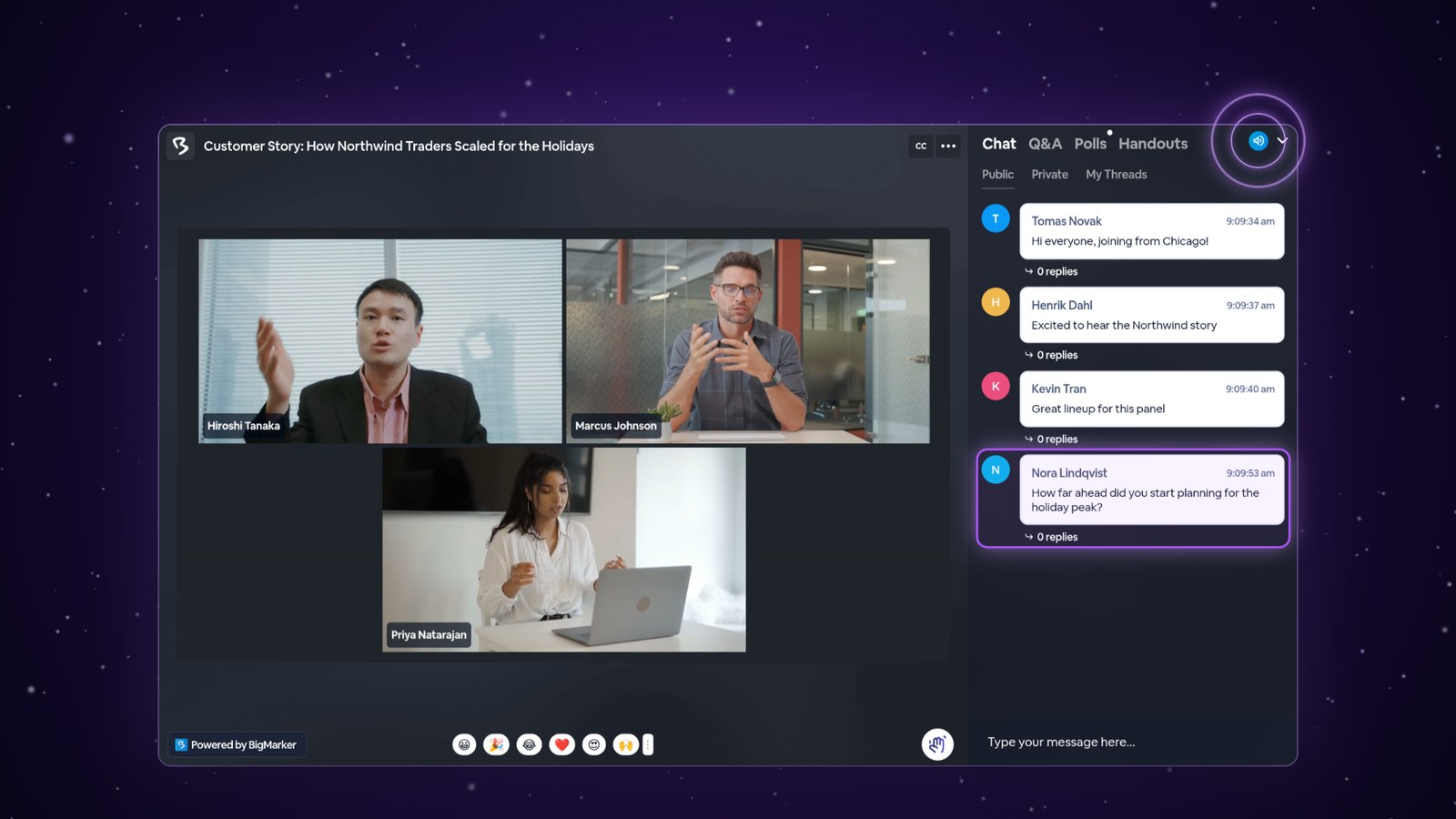
Now attendees can hear it too. New messages in the public chat play a short sound in their live room, so they know when the conversation picks up, even while they watch the speakers. And every attendee can turn it off with one click.
Turn it on
Open your session's Engagement → Interactive Tools page. The Chat tab opens first.


What attendees hear and see
In the live room, attendees hear a short sound when someone else posts in the public chat. Their own messages and replies inside a thread don't make a sound.
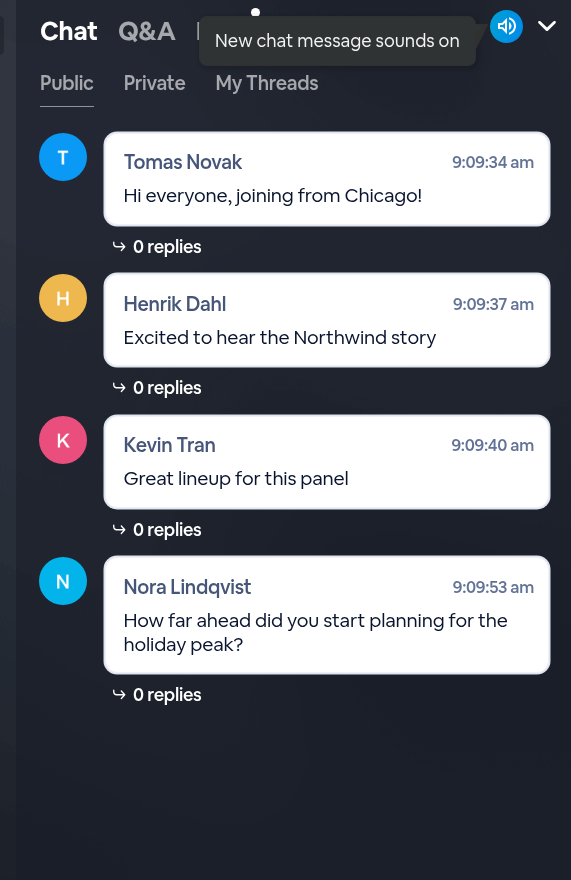
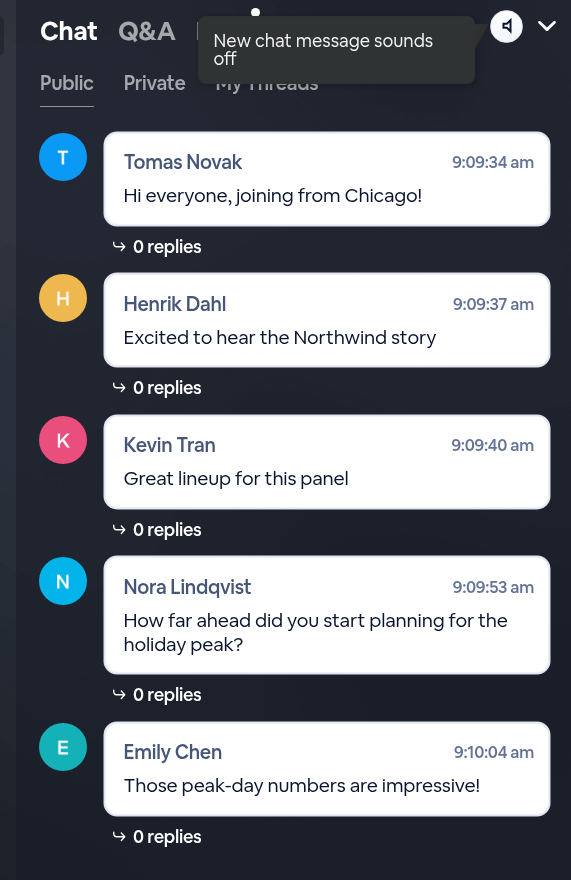
They also get a sound button at the top of the chat. Pointing at it shows New chat message sounds on. One click turns the sounds off, just for that attendee, and the tooltip changes to New chat message sounds off. New messages keep arriving, quietly. Another click turns the sounds back on, and BigMarker remembers their choice, so it's the same the next time they join a live room.
Good to know
| Details | |
|---|---|
| Where it lives | Engagement → Interactive Tools → Chat → Play a sound for new chat messages |
| Default | All three boxes off |
| New public chat message (Presenters) | Hosts and presenters hear a sound for new chat messages |
| New public chat message (Attendees) | Attendees hear a sound for new public chat messages |
| New direct message | Whoever receives a direct message hears a sound |
| Messages you send | No sound for the person who sent them |
| Thread replies | No sound |
| The sound button | At the top of the chat for anyone who can hear a chat sound; one click turns their chat sounds off, another turns them back on |
| When to set it | Before the session starts; attendees already in the live room get the change when they reload |