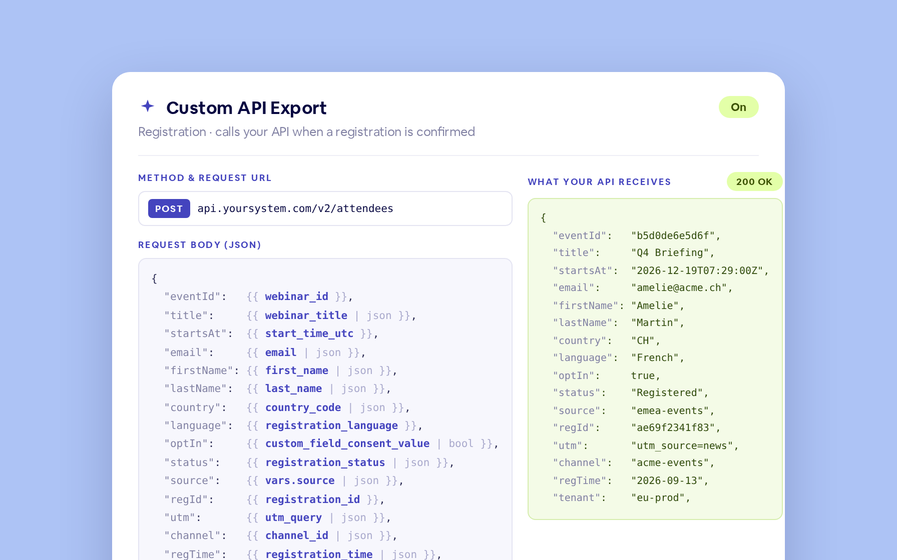
When your team tracks training in its own systems, every assessment score and every reaction is worth keeping. Two new API calls return each webinar's assessment results, attendee by attendee, and every audience reaction. Survey questions now carry their own IDs, and the event summary tells you who created the webinar and when.
Every attendee, one result each
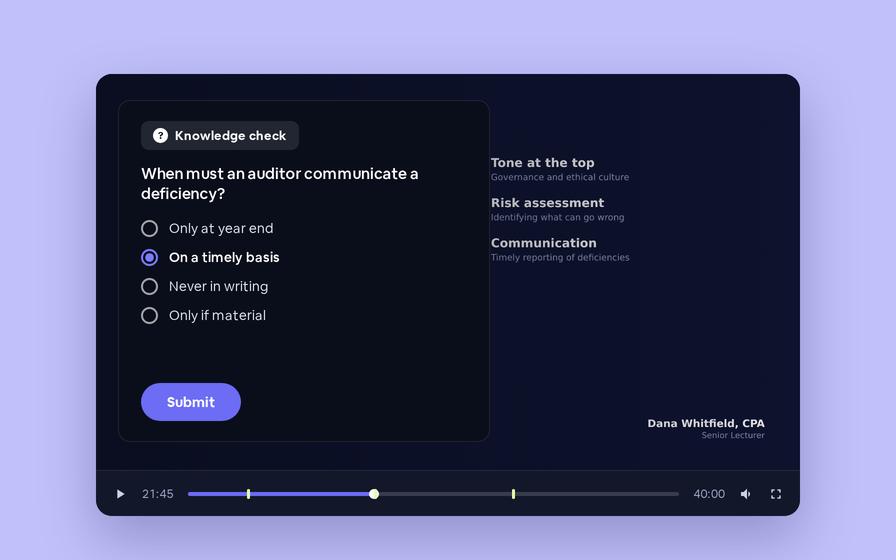
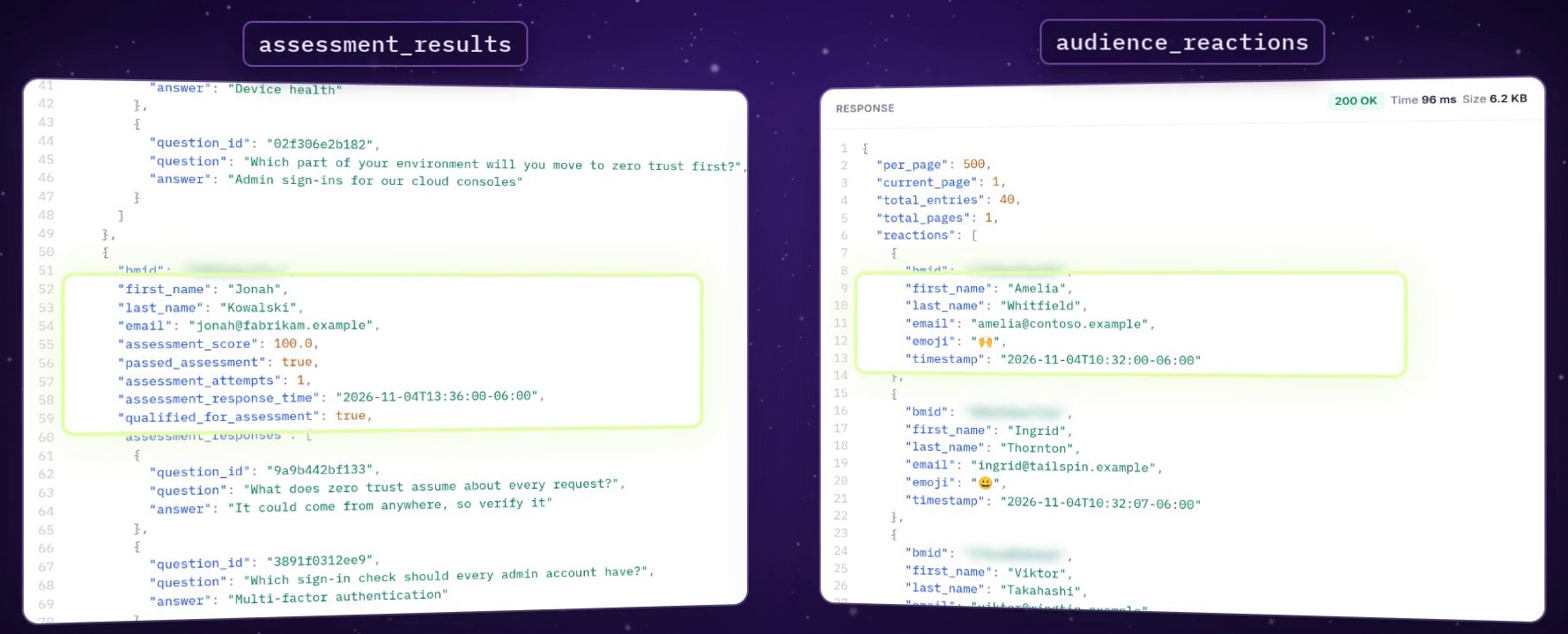
Call assessment_results with a webinar's ID and you get one result for each person who took its assessment: their score, whether they passed, how many attempts they took, and every question with its ID and their answer. Call audience_reactions and you get one row for every emoji reaction sent in the session, with who sent it and when.
Get your first results in three steps
GET https://www.bigmarker.com/api/v1/reporting/conferences/assessment_results/:conference_id

API-KEY: your API key
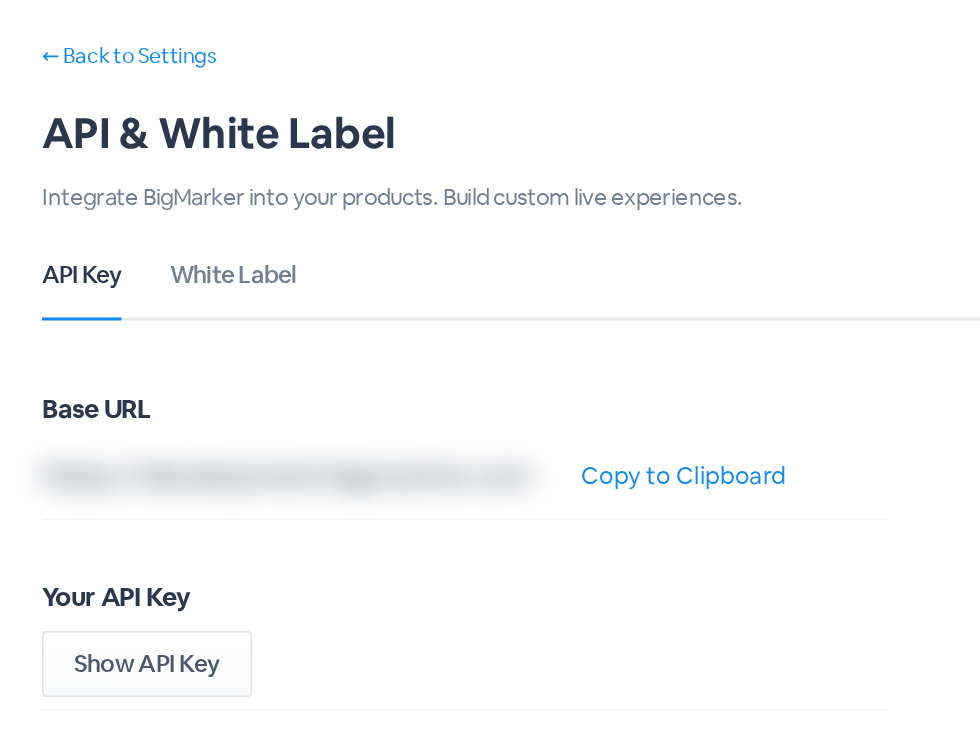
If the Base URL on your API & White Label page is different, use it in place of https://www.bigmarker.com.
{
  "per_page": 500,
  "current_page": 1,
  "total_entries": 12,
  "total_pages": 1,
  "results": [
    {
      "bmid": "…",
      "first_name": "Amelia",
      "last_name": "Whitfield",
      "email": "amelia@contoso.example",
      "assessment_score": 100.0,
      "passed_assessment": true,
      "assessment_attempts": 2,
      "assessment_response_time": "2026-11-04T13:49:00-06:00",
      "qualified_for_assessment": true,
      "assessment_responses": [
        {
          "question_id": "9a9b442bf133",
          "question": "What does zero trust assume about every request?",
          "answer": "It could come from anywhere, so verify it"
        },
        …
      ]
    },
    …
  ]
}
Reactions, one row each
Call audience_reactions the same way, with the webinar's ID in the path and your key in the API-KEY header. Every reaction from the session comes back as its own row, oldest first.
GET https://www.bigmarker.com/api/v1/reporting/conferences/audience_reactions/:conference_id

{
  "per_page": 500,
  "current_page": 1,
  "total_entries": 40,
  "total_pages": 1,
  "reactions": [
    {
      "bmid": "…",
      "first_name": "Amelia",
      "last_name": "Whitfield",
      "email": "amelia@contoso.example",
      "emoji": "🙌",
      "timestamp": "2026-11-04T10:32:00-06:00"
    },
    …
  ]
}
Also new in two calls you know
| Call | What's new |
|---|---|
Survey dataGET /api/v1/ | Every question now has a question_id, so your system can key each question, and the answers under it, by ID instead of by its wording |
Event summaryGET /api/v1/ | creator_name and creator_email say who created the webinar, and webinar_created_at says when. The creator fields are null when no creator is on record |
Read the results right
| Details | |
|---|---|
| Score and passed | Come from each person's latest attempt, not their best, the same way the webinar's downloadable report counts them. Someone who passed and then failed a retake shows passed_assessment false |
| Attempts | assessment_attempts counts every attempt the person made |
| Qualified | qualified_for_assessment says whether the person met the assessment's minimum time requirement, live or on demand. It's true for everyone when there isn't one |
| Answers | assessment_responses lists every question in the assessment with the answer from the latest attempt. A question with several answers chosen lists them separated by commas. A free-text answer left blank comes back as an empty string, and a question with no answer on record (one added after they took it, say) comes back as null |
| One attendee | Add bmid to assessment_results to get one person's result. Each result, and each reaction from a signed-in attendee, carries the person's bmid |
| Guests | A reaction from a guest who wasn't signed in comes back with bmid, first_name, last_name and email all null |
| Emoji | On older webinars that used the earlier set of reaction buttons, emoji can come back null |
| Recurring webinars | assessment_results covers every occurrence, whichever occurrence's ID you send. audience_reactions returns the reactions of the occurrence whose ID you send |
| Times | assessment_response_time and timestamp are in the webinar's time zone. webinar_created_at follows the time_zone you pass, or your account's time zone |
| Paging | 500 results or reactions to a page. Use page for the next page, and per_page (1 to 500) to change the size |