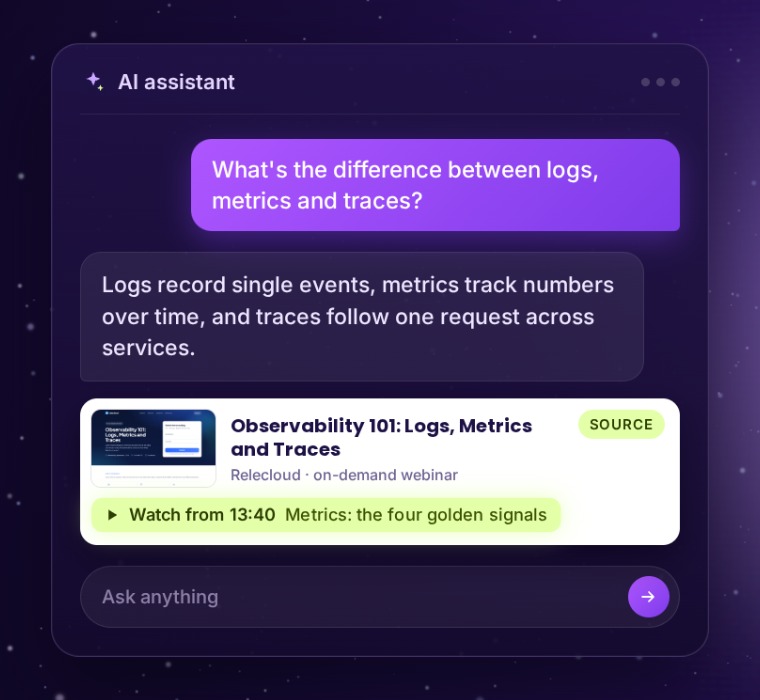
More and more of the people who need your recording now ask an AI assistant instead of searching. Answer Engine Optimization gives that assistant the facts it needs to quote your webinar, and a link to the moment worth watching, so the recording keeps working long after the live event.
What AI assistants receive
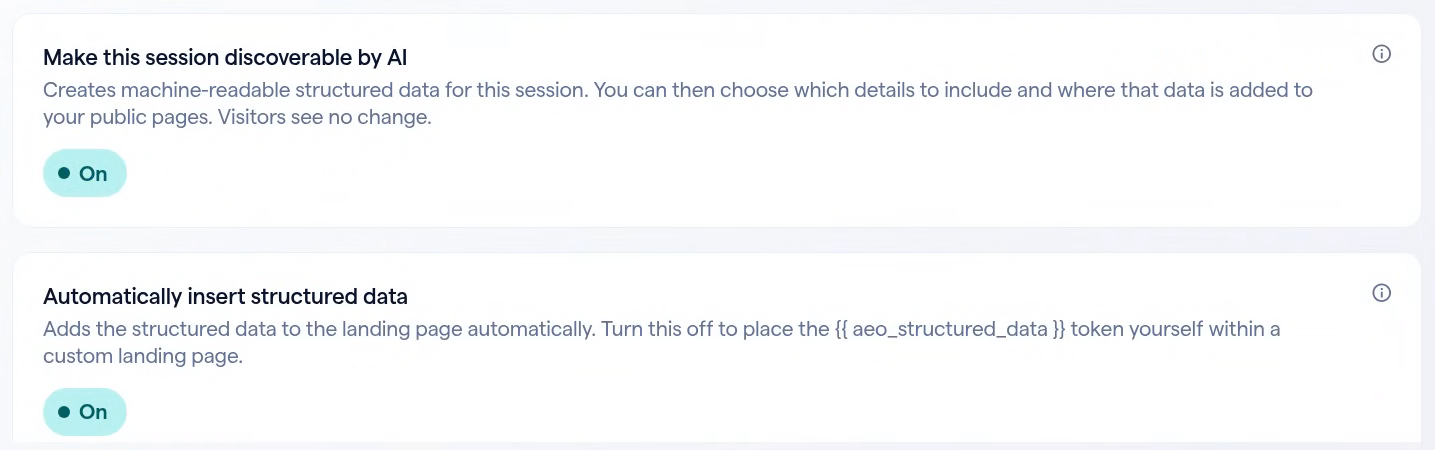
AEO publishes a schema.org description on the webinar’s public page. It’s written for machines, so visitors see no change, but every part of it comes from your webinar and its recording.
When someone asks about a topic you covered, those facts give an assistant something clear to quote and a recording to point to, down to the chapter that answers the question.
| Part | What it says | Comes from |
|---|---|---|
Event | Title, description, date, presenters and channel | Your webinar’s details |
VideoObject | The recording, with its summary, duration and thumbnail | The published recording |
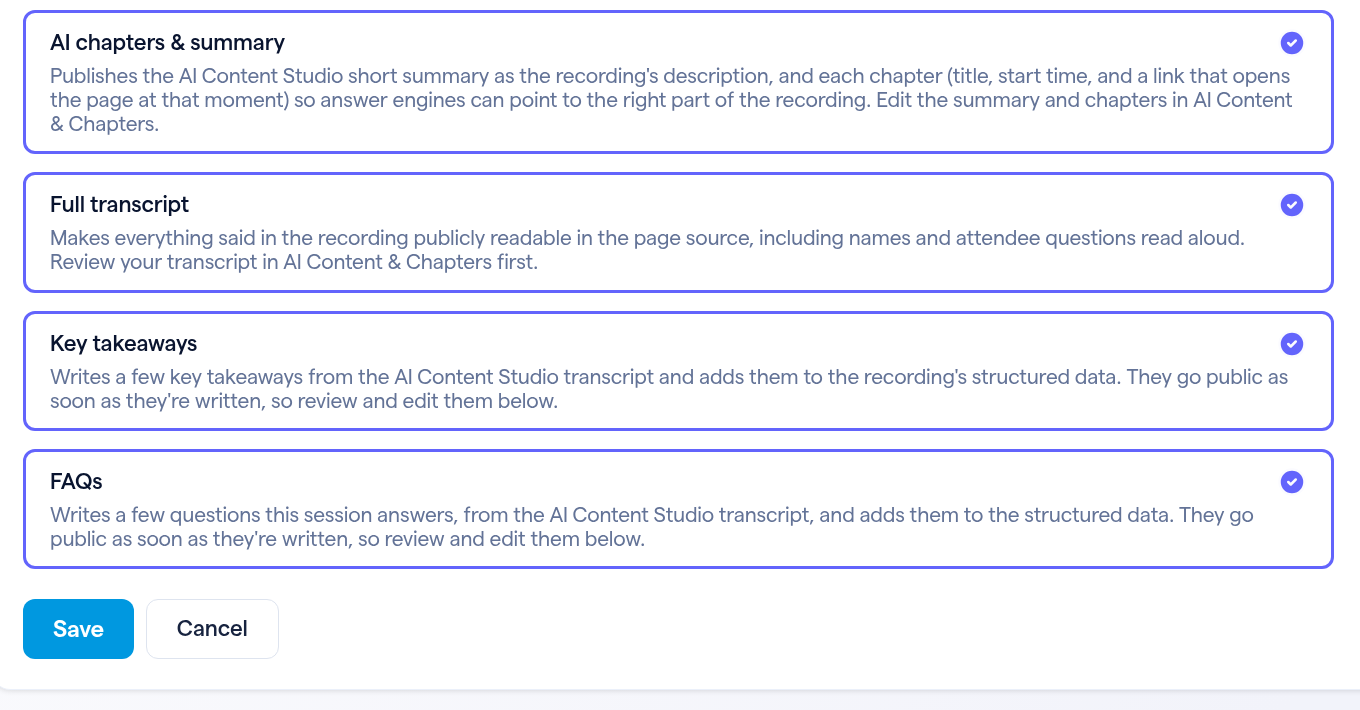
Clip | Every chapter, with a link that opens the recording at that moment | AI Content Studio chapters |
transcript | Everything said in the recording, if you include it | AI Content Studio |
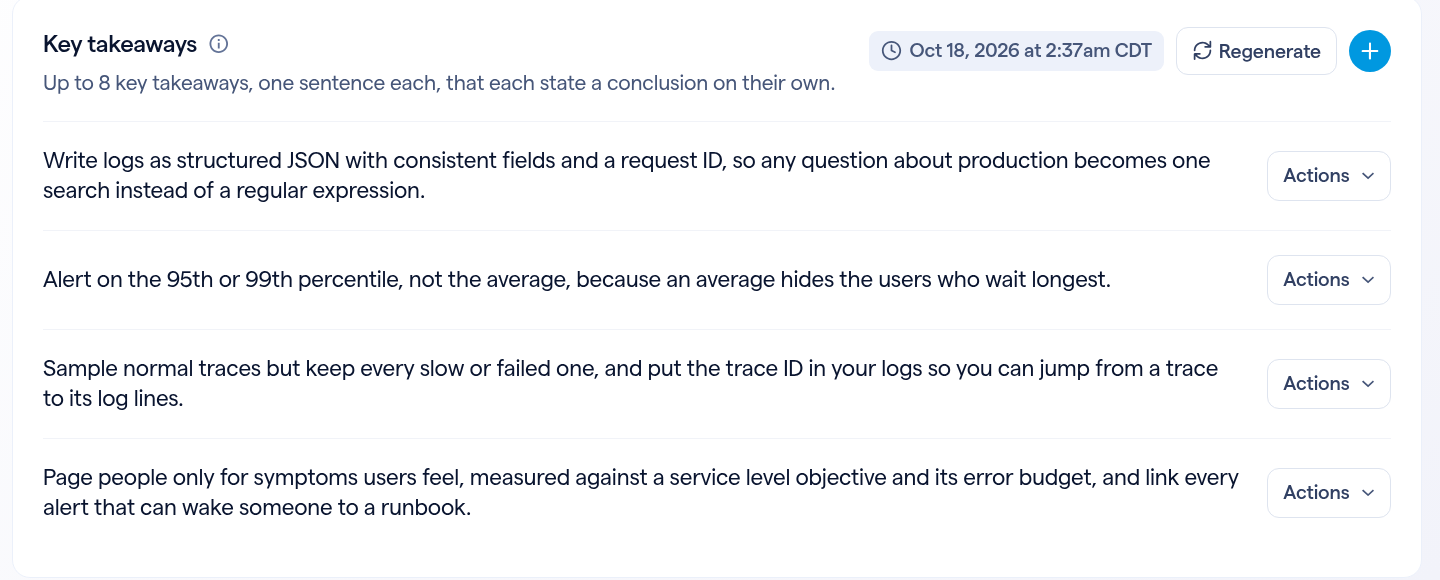
abstract | Key takeaways, one sentence each | Written from the transcript |
FAQPage | Questions the recording answers, with short answers | Written from the transcript |
Turn it on in three steps
Open your on-demand webinar, then Marketing → AEO.
Chapters that point to the right moment
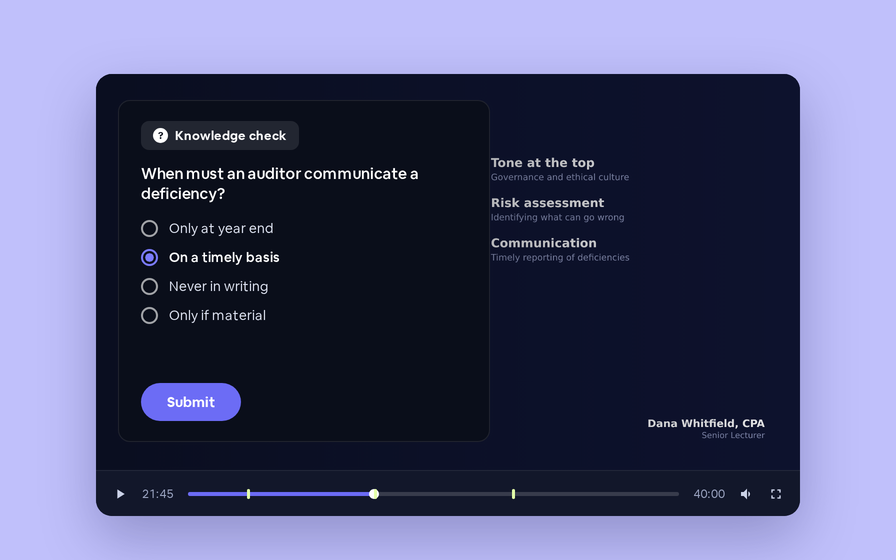
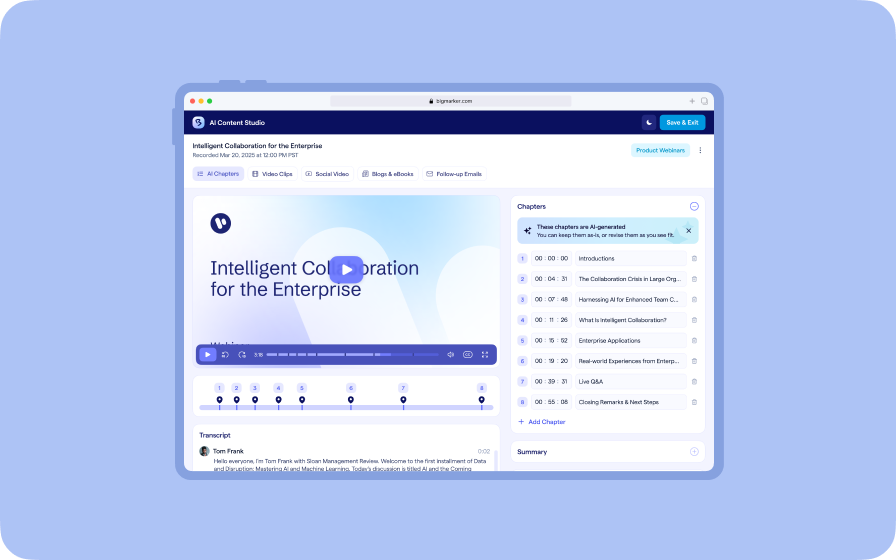
Each chapter is published with its title, its start time and a link that opens the recording at that moment. When someone asks a question the recording answers, an assistant can send them to the part that answers it, not to the start of a 45-minute replay.
Check it before you rely on it
The Preview tab shows exactly what AI tools receive. Use Copy to paste it into Google’s Rich Results Test or the Schema.org validator. After you edit takeaways or FAQs, click Refresh to see the latest version.
Where it is published
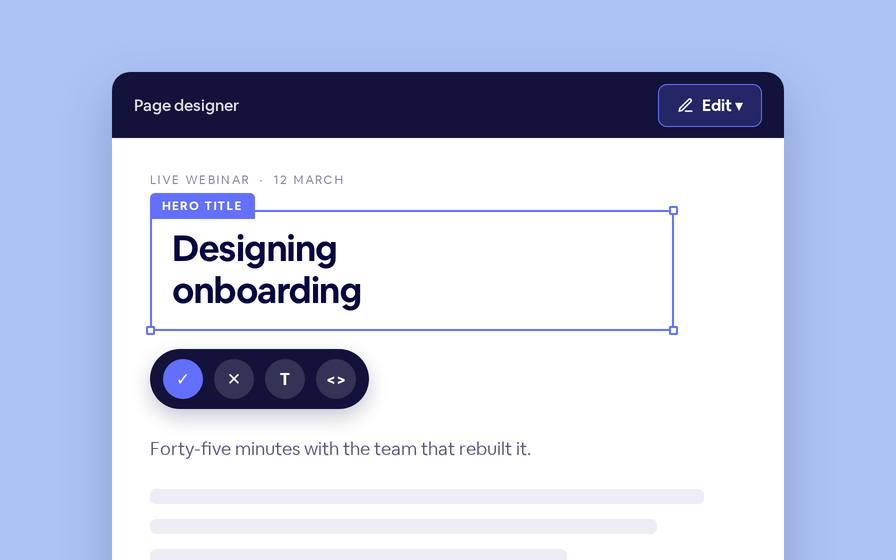
Automatically insert structured data is on by default, so the description is added to the webinar’s landing page for you. On a custom landing page you can turn it off and place the {{ aeo_structured_data }} token yourself, and show the takeaways and FAQs to visitors with {{ aeo_key_takeaways }} and {{ aeo_faqs }}. Nothing is published while the webinar is private or hidden from search.
The full transcript makes everything said in the recording publicly readable, including names and attendee questions read aloud. Review it in AI Content & Chapters first.