
About this training
Do you want to read more consistently but struggle to stay on track? Most of us don’t lack resources—we lack a clear plan for working through them.
In this webinar, you’ll learn how to turn the books in your Logos library into a structured reading plan that helps you make steady progress. We’ll walk through how to create a reading plan from a Logos resource and customize a schedule that fits your routine.
You’ll also see how Logos allows you to add books from your print library so they can appear in your searches. Finally, we’ll explore how tools like Smart Search can help you investigate ideas that arise during your reading.
By the end of this session, you’ll have practical steps for organizing your reading and making more consistent progress through the resources you own.
After this training you'll know how to:
-
Add a book to your print library so it appears in your Logos searches
-
Use Search to find content related to books in your print library
-
Create a reading plan from resources in your Logos library
Presenters
-
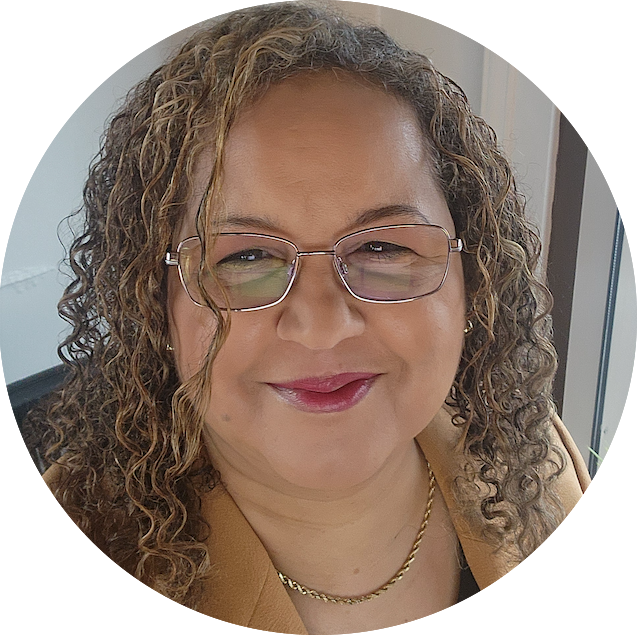
Kim Harris
Learning Specialist
Kim Harris is a Logos software expert with a Master’s degree in Education and a background as a Stephen Minister. She leads Bible study at her community church, combining her love for Scripture with her gift for teaching. Kim lives in Western Washington with her devoted husband and is the proud mother of three adult children. Her lifelong passion for learning drives her to continually grow in knowledge and share it with others. Through her webinars, Kim equips Logos users to make the most of the software’s powerful features to deepen their knowledge of God’s Word.