
About this training
Do you dream of having all your Bible study or academic notes in one place?
In this webinar we'll guide you through the seamless process of creating and managing Notes, Notebooks, and Highlights. This session is designed for beginners, providing a Notes tool tour and step-by-step instructions on creating and applying these tools. Streamline your insights, recall important information efficiently, and enhance your Bible study and academic journey with Logos.
After this training you'll know how to:
-
Create personalized Notes and Notebooks.
-
Efficiently use Highlights to mark and retrieve key information.
-
Apply these tools seamlessly within the Bible and Journaling layout.
Presenters
-
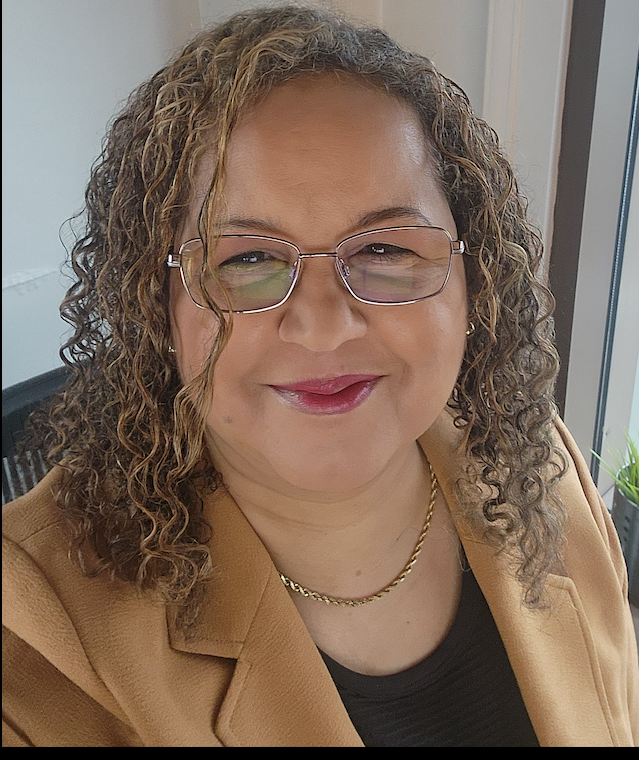
Kim Harris
Learning Specialist
Kim Harris is a Logos software expert with a Master’s degree in Education and a background as a Stephen Minister. She leads Bible study at her community church, combining her love for Scripture with her gift for teaching. Kim lives in Western Washington with her devoted husband and is the proud mother of three adult children. Her lifelong passion for learning drives her to continually grow in knowledge and share it with others. Through her webinars, Kim equips Logos users to make the most of the software’s powerful features to deepen their knowledge of God’s Word.